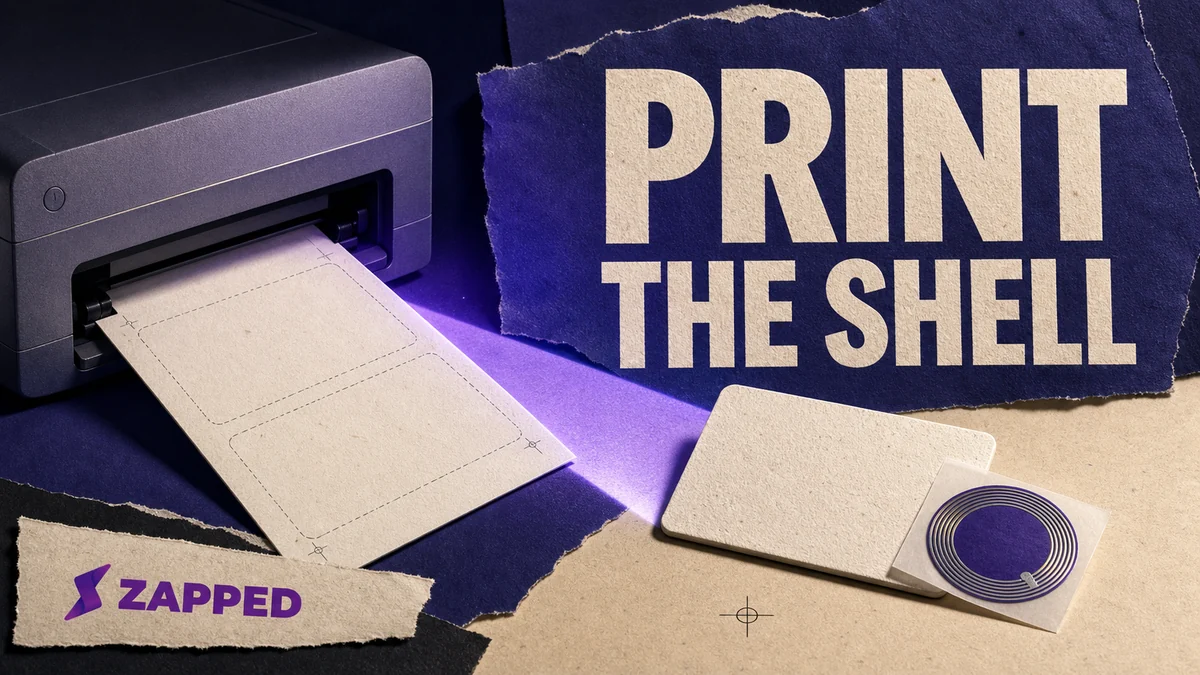
Yes, you can make a usable NFC business card at home. The reliable version separates the job in two: print the design on supported blank cardstock, then attach the NFC sticker or tag afterward. Don't feed an integrated plastic NFC card into an ordinary inkjet or laser printer unless both the card maker and your printer say it's supported.
An embedded NFC card is not ordinary paper with a chip in it. That's the decision hiding inside “print an NFC business card.” A home printer can handle the paper shell. An embedded NFC card is a plastic production job with a chip inside it.
First, decide what is going through the tray
Look at the blank card in your hand before choosing a paper setting. What material are you actually feeding?
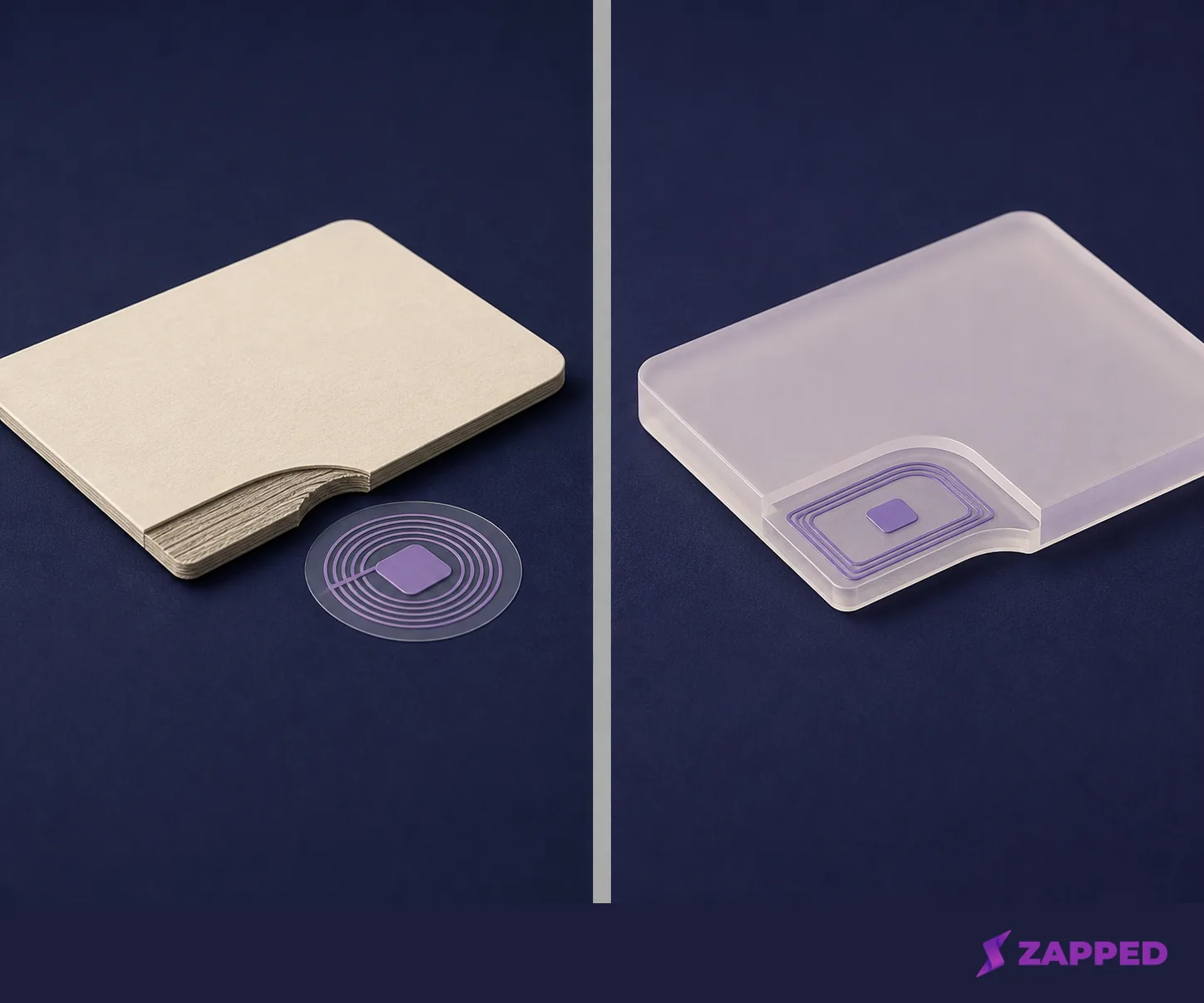
The home-friendly route is printable business card cardstock plus a separate NFC component. The other route is a PVC card with an embedded chip. That belongs to a direct-to-card or retransfer printing service, not an assumed desktop paper tray. An NFC user discussion distinguishes direct card printing from ordinary paper printers and points small runs toward a print bureau when a paper printer is the wrong tool.
| What you have | Sensible path | Why |
|---|---|---|
| Blank cardstock | Print the design, then add a separate NFC sticker or tag | The printer handles the paper and the NFC component stays out of the feed path |
| Plastic card with an embedded NFC chip | Follow the maker's print specification or outsource | The card is a plastic production material, not automatically printer stock |
| Ordinary printed card | Use a QR code and short link while the NFC route waits | The digital destination can still be reached without forcing the wrong material through a printer |
For a small event batch, the first row is the practical experiment. If the chip is already inside PVC, stop treating the card like a blank sheet.
Check the exact printer and stock combination
Avery's blank business card range is made for do-it-yourself printing and includes cardstock options for standard laser and inkjet printers. Treat that category as a starting point, then check the exact product and model. Avery's 5376 stock, for example, is recommended for laser printers and not for inkjet printers. (5376 laser-only guidance)
The printer manual matters just as much. One 1.3 mm card stock limit appears in the Epson Stylus Photo 900 manual for rear manual feed, using white card stock or matte board. That's a model example, not a limit you can safely apply to your own printer. Read the manual for the exact product and model, then check three things before loading anything: supported thickness, supported coating, and the feed path the printer expects.
If the manual doesn't support the stock, don't make the NFC card your test sheet. Use an ordinary supported card service or postpone the physical NFC piece.
Proof the layout before cardstock
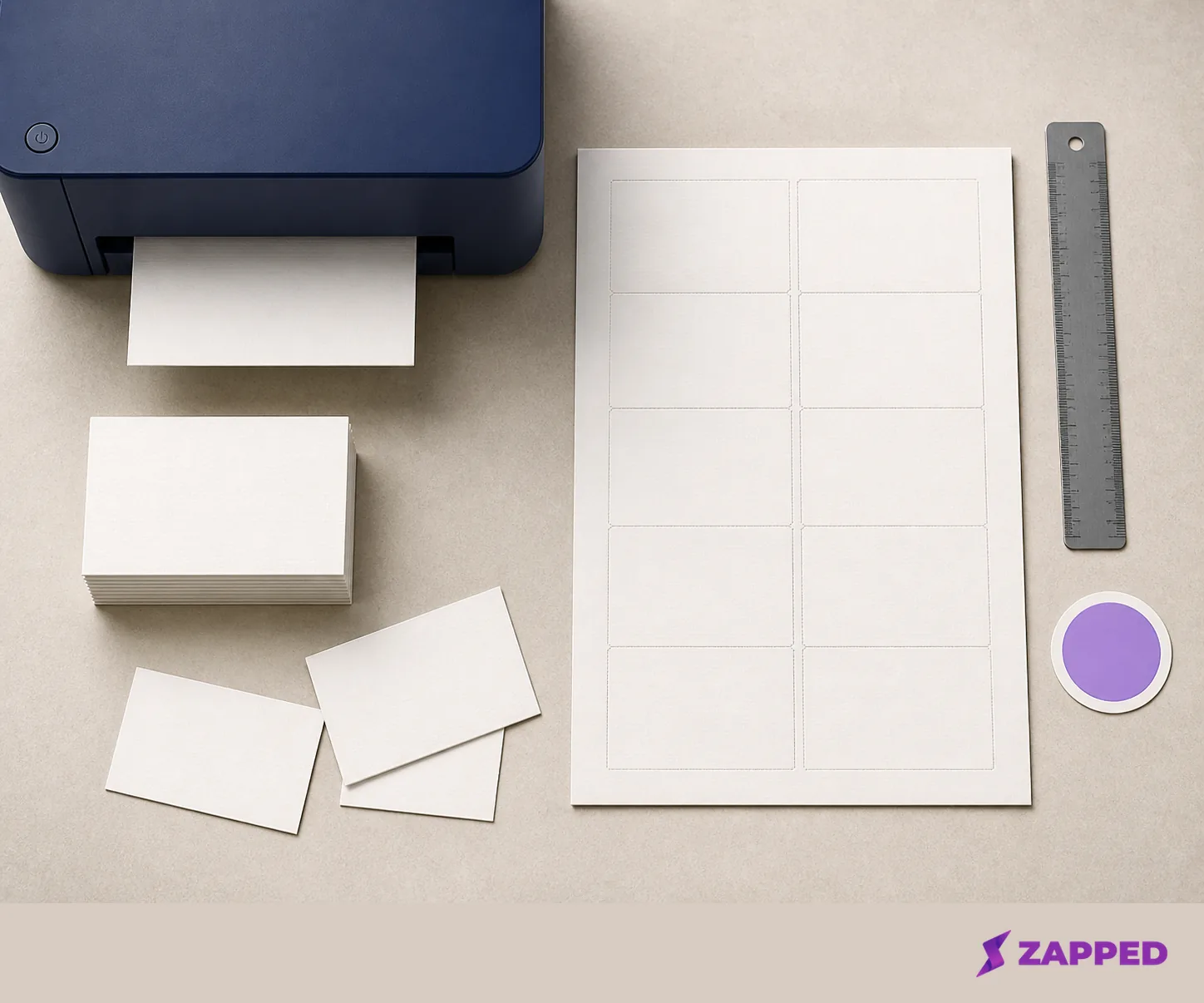
Once the printer and stock agree, set up the artwork for the actual sheet. Avery's applicable format puts ten business cards on a sheet at 2 by 3.5 inches and uses template 8371. If your chosen stock is that product family, use the matching 8371 business card template.
Print one plain paper proof. Select 100% or Actual Size, choose Cardstock or Heavyweight, keep the guides snug, and use the manual feed tray when the printer instructs you to. These settings are less glamorous than the design, which is exactly why they save it. A proof catches an orientation, margin, or template mismatch before the real stock gets involved. (Avery's printing steps)
Check the proof against the physical card size and the direction the sheet enters the printer. If the back prints upside down or the colors differ from the uploaded file, a commercial order still needs proof review. VistaPrint buyer observations include both problems, so outsourcing removes the feed problem, not the need to inspect what arrives.
Only after the proof looks right should you print the chosen cardstock. Let the printed surface finish as the stock instructions require. Then attach the NFC sticker or tag where the design allows.
Tagstand's water-resistant PET sticker is one example of a separate NFC component, and the seller warns that its unshielded sticker works best away from direct contact with metal.
For a small run, this is a reasonable home build. One NFC discussion participant estimated that a sticker and clear vinyl version would look poor after about three months. That's one person's warning, not a tested shelf life, so treat home finishing as a prototype or small run unless your materials carry their own durability specification. (NFC user discussion)
If you want to explore finishes after settling the print and material choice, how to decorate your NFC cards is the next question, not a substitute for checking the feed path.
Know when a service wins
Home printing wins when you need a few cards quickly, already have supported stock, and can live with attaching the NFC component yourself. Once you want an embedded chip, a plastic finish, or a quantity that makes hand assembly irritating, compare production options instead of forcing the job through a paper printer.
| Route | What the listing says | Best fit |
|---|---|---|
| Home printed cardstock plus separate tag | You choose the supported paper, print it yourself, and attach the NFC component | A small run where flexibility matters more than a plastic finish |
| VistaPrint standard card | Standard cards are 3.5 by 2 inches, 14 pt, support uploaded designs, and the US listing showed quantities from 50 to 10,000 or more, including 50 for $10 in August 2026 | A normal printed card with a QR code and link fallback |
| Blinq essential NFC card | The US accessory listing showed $19.99 in August 2026; its metal card was listed at $34.99 | A ready-made NFC accessory without custom printed PVC production |
| Blinq custom NFC card | The US store showed a $60 custom card in August 2026, with NFC and QR, no recipient app, and two free Blinq profiles | A finished custom card when the service's profile system fits |
| Print Peppermint NFC card | The material is described as PVC, 30 mil, embedded NFC chip and matte lamination | An integrated plastic card produced as a card product |
| My Plastic Business Card | Its quick plastic NFC cards include front and back full color printing and NFC encoding, with a ready-to-ship option of five business days or less | An integrated card when encoding and production belong together |
The price gap is not the only gap. A $10 paper order solves a different physical problem from an embedded PVC card. For a handful of cards, start with cardstock and a separate tag. Move to a service when the finish, quantity, or durability requirement calls for it.
Keep the destination separate from the finish
Printing the card and deciding what the tap opens are related jobs, not the same job. The NFC component needs to be encoded and tested through its maker's process. The printed card needs a destination that can survive a design change.
Zapped can be the digital destination behind the physical card. Its profile opens from a link, QR code, or NFC tap in a normal browser, and the shared QR code, NFC card, or link can keep pointing to the latest profile after edits. Its Free plan is $0 with no credit card, with one business card, five content blocks, and a 60 day analytics snapshot. At Zapped, we supply the editable digital profile and sharing channels, not the cardstock, PVC printing, or chip encoding.
That gives the physical decision a fallback. Print an ordinary card with a QR code and short link if the printer doesn't support the stock or the NFC card is not ready. Use a separate sticker on printable cardstock for a small do-it-yourself run. Outsource the integrated PVC card when the material and finish are the point. In every case, confirm the final link, scan the QR code, encode the tag through the tag maker's process, and tap it with a phone before handing the card to someone else.
The short answer
Use this order of operations: confirm the exact printer and stock, proof on plain paper at Actual Size, print the cardstock, attach the tag, then scan the QR code and tap the tag. If a printer check fails, use a normal printed card with a QR code or short link. If the finish or chip must be integrated into PVC, choose a service that produces that card as a card product.
The home route is a small-run paper build with a separate NFC component. The service route is for the embedded card, finish, quantity, or durability requirement that makes hand assembly the wrong trade.