At a job fair, the tap is the easy part. The real handoff starts when a candidate needs current role links, the right contact, and one obvious next step before the next twenty conversations blur together. Choose that destination first. A solo recruiter may need only a free browser-first profile with a QR fallback; a team may need contact capture, notes or tags, analytics, CRM sync, and bulk controls. A tap that leaves no useful trace is a polished hello, not a recruiting workflow.
Make the destination do the handoff
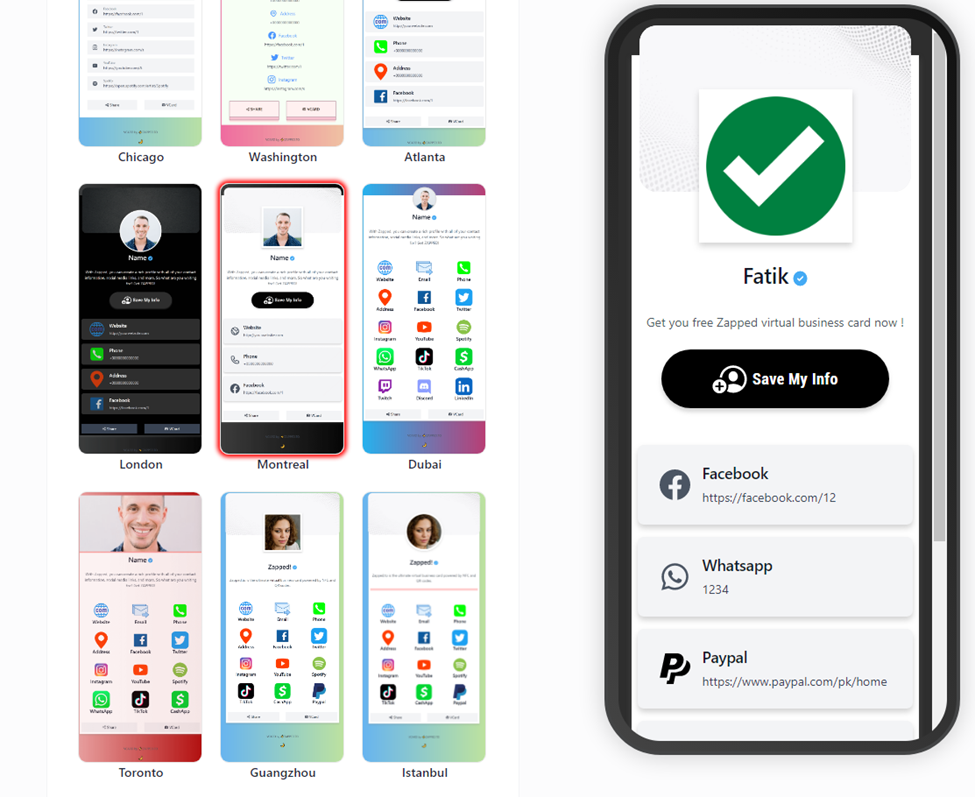
The useful card opens somewhere the candidate can use immediately. A Zapped card can open from QR, NFC, or a link in a normal browser and keep pointing at the latest profile after edits. That matters when a role closes, a hiring page moves, or the next event needs a different call to action. You don't want the card to become a tiny archive of last month's hiring plan.
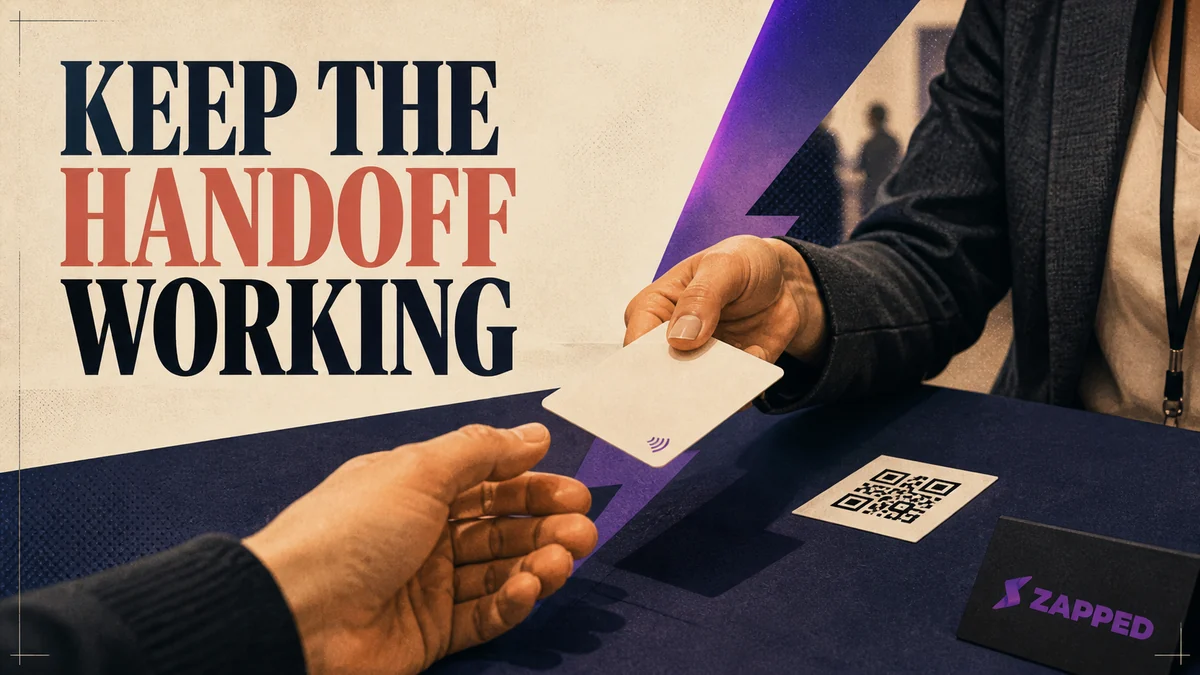
Keep the QR code visible beside the tap, and keep the plain link ready for a message or email. A public NFC discussion includes a report that NFC was disabled on some Android phones or blocked by a phone case, with QR offered as the practical fallback. That's a community report, but it's enough reason to plan the second door before the first one sticks.
The profile itself should make one candidate action obvious. Put current role links near the top, then one clear way to contact or save the recruiter. If the destination asks someone to install an app before they can see the job, you've added a second task to a conversation that already has enough of them.
Once the handoff is clear, the broader NFC guide can help with the category choice beyond recruiting.
Four free paths for a solo recruiter
Free plans aren't interchangeable. Ask what survives the event: can the destination help you collect the candidate context you'll need later, and are its analytics actually named on the plan page?
Prices and plan details below were checked in August 2026.
| Option | Price and billing | Capture or follow-up | Analytics | Team or bulk controls | Physical versus digital trade-off |
|---|---|---|---|---|---|
| Zapped Free | $0 with no credit card, one card, five blocks | A digital profile shared by QR, NFC, or link; the destination can be updated after sharing | 60-day analytics snapshot | No team workspace on Free | Digital destination; choose physical NFC separately |
| Blinq Free | $0 forever, two cards, unlimited sharing | Unlimited contact creation | Analytics aren't listed for this tier | Team controls aren't listed for this tier | Digital destination; choose physical NFC separately |
| Wave Free | $0, unlimited contacts and sharing | Lead capture form | Advanced analytics | Team controls aren't listed for this tier | Digital destination; choose physical NFC separately |
| KADO Networker Lite | Free for one user, one interactive card with a contact capture tool | Contact capture | Analytics aren't listed for this tier | One user | Digital destination; choose physical NFC separately |
Zapped Free is the cleanest browser-first starting point when you need a current profile, a few useful blocks, and QR, link, or NFC sharing. Its limit is concrete: one card, five blocks, and 60 days of analytics, with the Free card carrying Zapped branding. We build Zapped, so weigh that accordingly. The free tier is a starting place, not a claim that every recruiting workflow fits inside it.
Blinq Free is more interesting when unlimited contact creation is the deciding feature. Wave Free puts a lead capture form and advanced analytics in the free plan. KADO Networker Lite keeps the offer narrower, with one user and a contact capture tool. None of those facts proves better recruiter conversion. They tell you what each service lets you try before paying.
If the event is tomorrow and a subscription isn't justified, start with any one of these digital paths, put the current role links on the profile, and print the QR code. A working link beats a premium object that leads nowhere useful.
Pay for the context you'll use later
After an event, a list of names isn't enough. The small detail that made a candidate a fit is usually the thing that disappears first. If you need notes, tags, contact scanning, enrichment, or CRM sync, choose for that workflow instead of assuming the NFC card captures it for you.
| Follow-up route | Listed price and billing | What the source names |
|---|---|---|
| Blinq Premium | $9.99 per month, billed monthly | Up to five cards, a universal contact scanner, AI notetaker, contact enrichment, branding, and contact export |
| Blinq Business | $6.99 per card per month, billed monthly, five card minimum | Team provisioning, lead capture and enrichment, CRM integrations, and team analytics |
| KADO Business Developer | $4 per user per month | Notes, tasks, Outlook and Google Contacts sync, CRM integration, tags, and contact grouping |
| Wave Pro | $7 per month, billed yearly | CRM sync, branded profile and email signature controls, and advanced card features |
Blinq Premium is the individual upgrade when you need to scan and organize contacts. Blinq Business makes more sense when your team needs provisioning, enrichment, CRM integrations, and shared measurement. KADO Business Developer is the explicit notes and tasks route, while Wave Pro is the CRM path among the listed individual plans. Those are different jobs wearing similar digital card language.
The Blinq recruiter guide presents featured job links, contact organization, notes, tags, CRM syncing, and analytics as workflow capabilities. Treat those as vendor claims about what the product offers, not measurements of placements or hiring outcomes. A useful system preserves context; it doesn't manufacture a good match.
Teams need control when profiles go live
Team buying changes the question. You're no longer choosing the nicest card for one recruiter. You're deciding who can publish profiles, how quickly an event list can be organized, and whether every recruiter can keep the same current role links.
| Team route | Listed price and billing | Team or bulk controls | Follow-up or measurement |
|---|---|---|---|
| Wave Teams | $5 per user per month, three seat minimum | Admin management, bulk profile editing, templates, locked content | Shared lead dashboard and automatic event lead tagging |
| Blinq Business | $6.99 per card per month, five card minimum | Team provisioning | Lead capture and enrichment, CRM integrations, team analytics |
| KADO Networker | $2.50 per user per month | Team management, branded cards, multiple cards per user | Contact capture |
| KADO Enterprise | Custom | Personalized features, dedicated account management, premium onboarding, partner NFC cards | Custom path, with no recruiter outcome claim supplied |
| Zapped Starter | $14 per month in the monthly billing view | 15 cards, two team workspaces, five members per workspace | 185-day analytics history |
| Zapped Professional | $49 per month in the monthly billing view | 100 cards, five team workspaces, ten members per workspace | 365-day analytics history |
| Zapped large rollout | Custom quote for 100 or more cards | Bulk uploads, dedicated domains, custom integrations | Choose the measurement path with the rollout |
Wave Teams is the clearest event-operations package in this set because its listed controls connect admin work, bulk editing, and an event lead dashboard. Blinq Business is the stronger fit when lead enrichment and CRM integrations are central. KADO's tiers separate basic team management from a custom enterprise path. The right choice depends on where the candidate record should live after the tap.
Zapped gives a team a browser-first card system with QR, NFC, and link sharing, then scales from Starter to Professional and a custom path for 100 or more cards. At Zapped, we offer workspaces, member seats, roles, and analytics, but we don't name ATS integration or a recruiter-specific workflow. That's a useful boundary, not a reason to pretend the card is a recruiting system.
Measure the event without inventing an outcome
Analytics are useful when they answer a real comparison: which event source produced activity, which profile got visits, whether people saved the contact, or which campaign signal deserves a follow-up message. They aren't a placement report, and they won't make a weak follow-up process stronger.
Zapped reports analytics signals, including scans, visits, saves, clicks, sources, and campaign signals. That gives you a way to compare networking moments and profile activity, with the history window set by plan. Wave pricing lists advanced analytics on Free and team reporting on Teams. Blinq pricing lists team analytics on Business. Those are available measurement features, not evidence that one platform produces more hires.
Use the shortest useful window for the decision. A solo recruiter may only need to see whether this week's QR was opened and saved. A team planning several fairs may need source or campaign signals and a shared lead view. If nobody will review the numbers after the event, an analytics badge is decoration with a dashboard.
Hardware should earn its place
Physical NFC cards are worthwhile when the tap is genuinely the fastest first touch and you'll keep the destination current. They're a poor substitute for a follow-up path. The chip can start the conversation; it can't decide which role the candidate should see.
For a concrete dated hardware route, UPrinting lists 100 cards for $244.21 total, or $2.44 each, with an eight business day turnaround. The listed configuration is 30 pt white PVC with matte laminate. UPrinting says the card can be self encoded or assigned a permanent URL, and that the chip can be rewritten with NFC Tools. Keep the same URL and the destination page can change without replacing the cards.
V1CE's materials include original, metal, bamboo, and gold smart card materials, along with NFC, QR, wallet, profile update, contact capture, CRM sync, and follow-up capabilities. That's a capability example, not a USD price comparison or an independent durability test. Material is a choice about the object in your hand. It isn't proof of what happens after the candidate leaves.
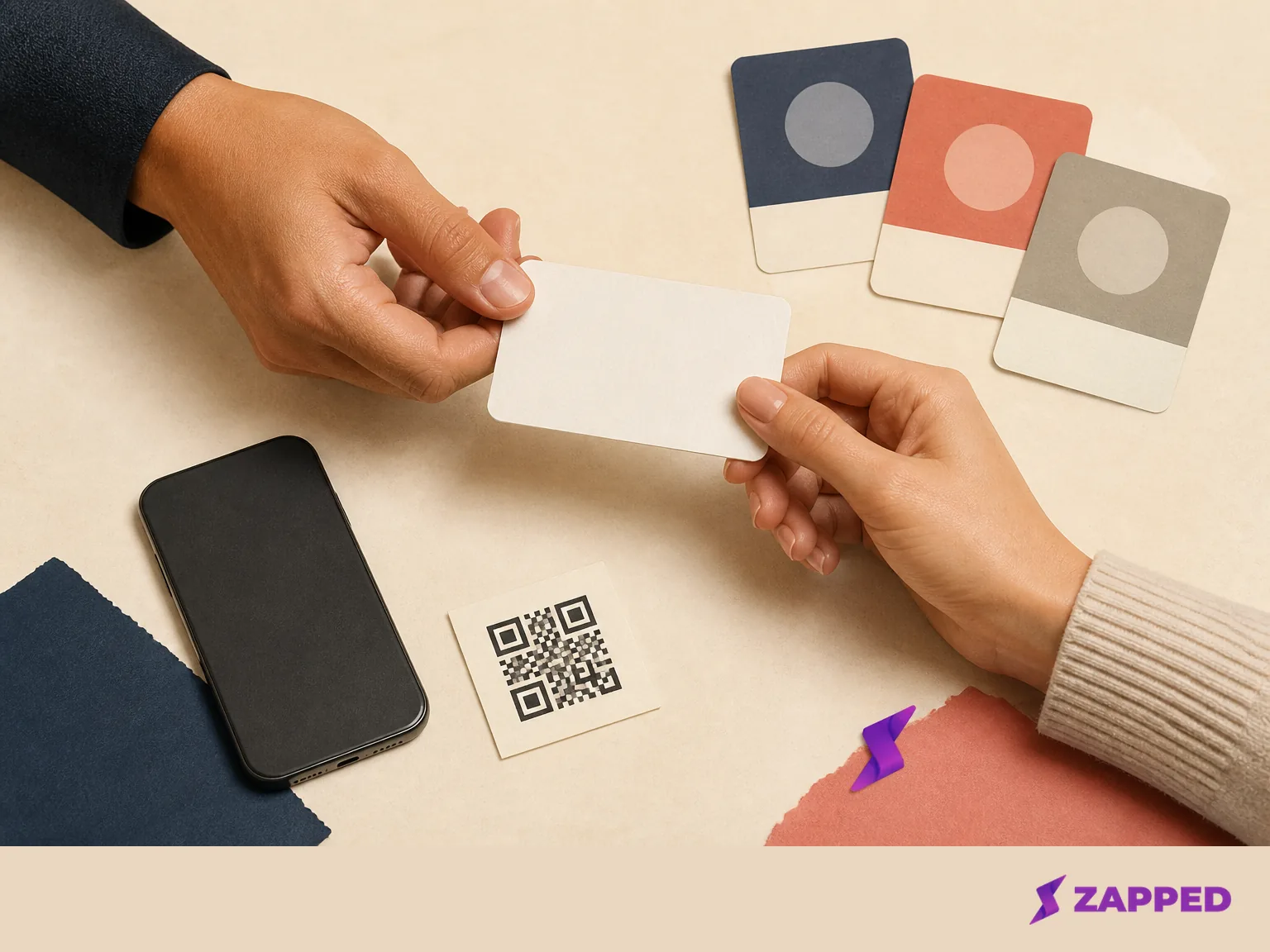
If the printed card is going to sit in a drawer after one event, keep the digital profile and QR fallback instead. If you'll hand the card over repeatedly, encode a destination you control, show the QR beside it, and make the candidate action obvious before the event starts.
Keep the evidence honest
The sources support a decision about handoffs, capture features, analytics, team controls, and physical configurations. They don't establish an ATS integration, a recruiter conversion rate, a placement rate, or a durability result. Our Zapped product page covers browser sharing, profile updates, analytics, and team profiles; it doesn't name an ATS integration or a recruiter-specific workflow.
That distinction matters because the card is easy to judge in the moment. A clean tap feels like progress. The better test is whether the candidate can see current roles, save the right person, and leave a usable trace for later. Vendor feature pages can tell you what's offered. They can't turn a feature list into recruiter outcome evidence.
The practical verdict
Start with the destination you can keep current. If the event is tomorrow, use a free digital profile, put current roles and one contact action at the top, and print the QR. Add paid capture, notes, CRM sync, or team controls when someone will use them after the event; buy physical NFC when the tap is a repeat habit. Whatever you hand over, keep the QR and link ready. A premium object cannot repair an unstructured candidate handoff.