NFC business cards give a sales rep a way to hand over a live profile, but the tap is only the start. The useful workflow is to share a live profile, keep a QR code or direct link fallback, ask the prospect to save the contact, record the account context, send what you promised, and set the next useful touch.
A tap can open the door. Your follow up gets you back through it.
If you are choosing hardware first, the broad guide to the best NFC business cards covers that buying question. This page is about the part generic card lists skip: what an individual rep should prepare before a route and do in the hour after the handoff.
What the card actually does
The NFC Forum defines NDEF as a common data format for NFC devices and tags. A URI record can carry a web destination, which is why an NFC card can hand a phone a link instead of storing your entire sales record on the card. Read the NFC Forum NDEF specification for the underlying format.
In practice, the tag is the handoff layer and the public profile is the destination. The account, conversation, owner, and next date still belong in the record you use to manage the opportunity.
If NFC itself is new to you, what NFC business cards are is the short primer.
The important setup detail is the address you write to the tag. In the Zapped programming guide, the public card URL is separate from an editor address. Zapped recommends testing with another phone and keeping a QR fallback visible, and each card holds one saved destination at a time.
That last point is useful for a rep on the move. One card should lead to one current, useful destination. It should not try to be a different landing page for every account you might visit that week.
Prepare one card for a territory
Before you leave for a route, make the profile answer four questions quickly: who are you, what area or customers do you serve, how can the prospect reach you, and what should they do next? Put the direct action in front of the reader instead of making them hunt through a general profile.
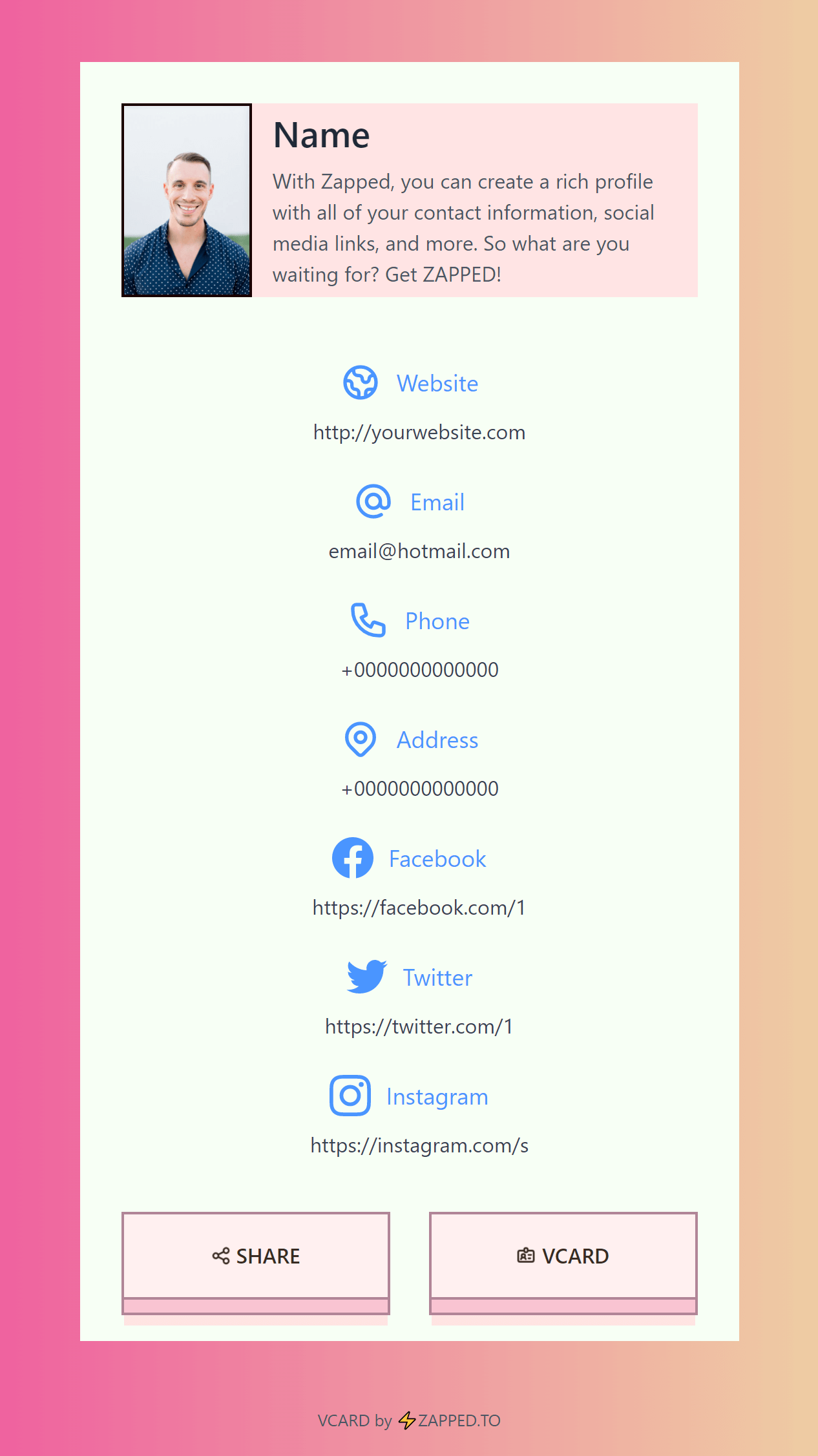
Zapped gives you phone, email, website, and booking link blocks. See the Zapped first vCard guide for those options.
Choose one primary action, but treat that as a workflow recommendation, not a promise that the recipient will use it. A rep who wants a meeting should make booking obvious. A rep who promised a specification sheet should make the relevant website or resource easy to reach.
Keep the destination live and narrow. If your service area, availability, or next action changes, updating the public profile can keep the shared link useful without changing the link itself. If two locations or campaigns truly need different destinations, separate cards are easier to reason about than one card that changes context between conversations.
The best NFC business cards guide can help with the broader buying decision. Once you have a card, the field question is simpler: does the profile still match today's route, and can a prospect reach the next action in one or two steps?
Before the first appointment, preview the public profile on a phone and test the written destination with another phone, as the Zapped programming guide suggests.
Keep the QR code or direct link ready on the card, a badge, or your normal message template. That backup is part of the handoff, not an admission that the tap failed.
Run the tap without losing the prospect
NFC is a close range handoff. The NFC Forum describes it as an ultra short range technology, commonly under 2 cm, so present the card close to the phone and make the fallback visible. The NFC Forum's overview explains the short range context.
The phone's response is not one universal script. Apple's documentation describes background tag reading on supported iPhone XS and later devices, with a notification and a follow on user action.
Reading can also be affected by device states such as a locked phone, camera or Wallet use, airplane mode, or a phone that has never been unlocked. Apple's documentation lists those conditions.
Android's documentation also qualifies the web link flow by version: Android 16 uses ACTION_VIEW for tags storing web links, while Android 17 surfaces an “open link” notification that needs an explicit tap. Do not promise the same prompt on every Android phone. Android's NFC documentation has the platform details.
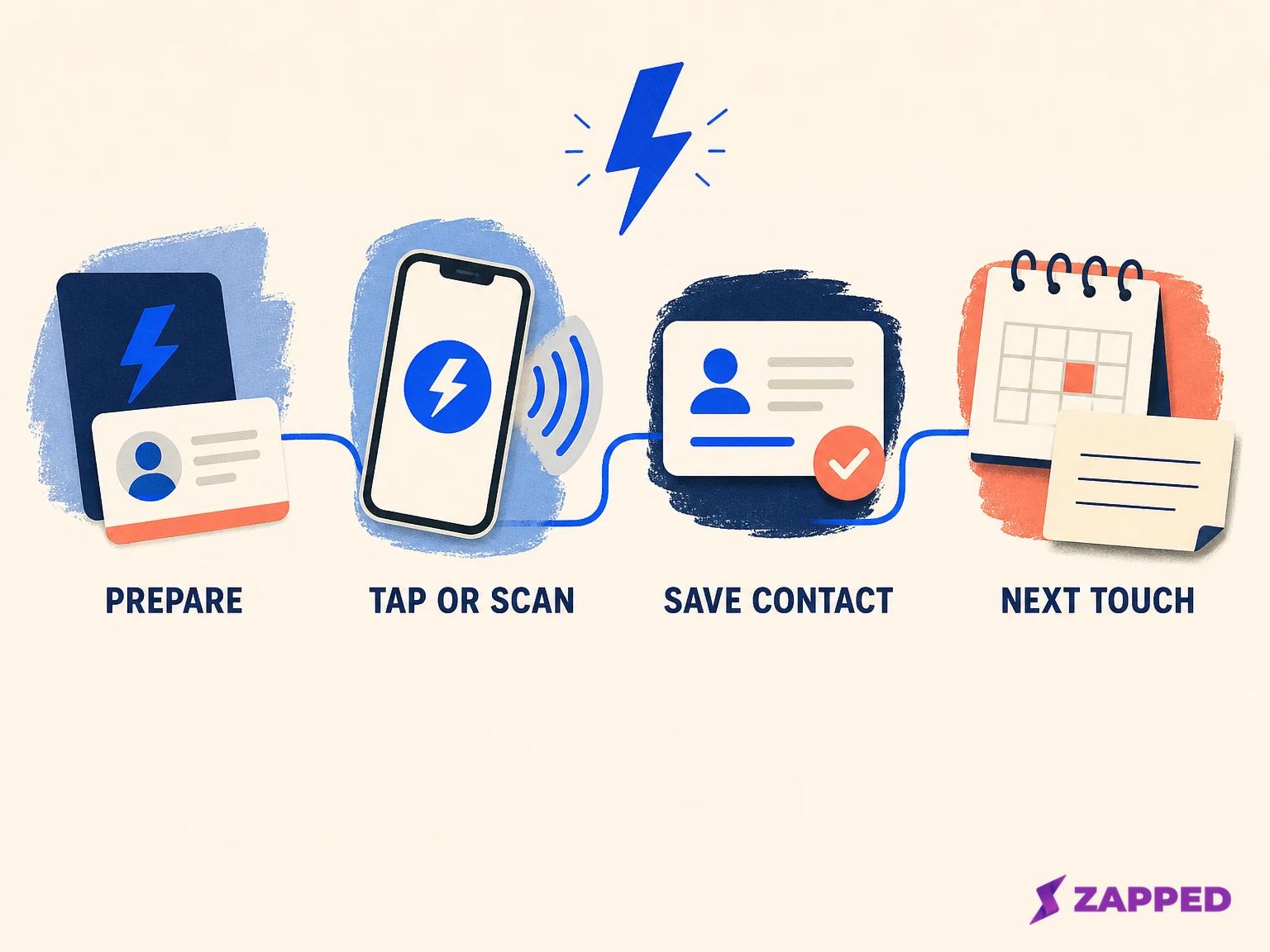
Conceptual workflow created for Zapped. It separates the tap from saving a contact and setting the next touch.
Give the prospect an easy second move: scan the QR code or open the same direct link. For general channel choices beyond a tap, how to share a digital business card covers the wider handoff problem.
Then ask for the save. A profile view is not the same event as a saved contact. Popl's recipient instructions show the profile in the phone browser, say the recipient does not need the Popl app, and document a separate Save Contact step.
The exact button depends on the profile, but the sales habit is portable: ask while the profile is open.
The hour after the tap
The handoff becomes useful when you preserve the context that a link cannot know. Use this five field note immediately after the conversation:
- Account and location: customer, site, branch, or territory.
- Need: problem, project, timing, or question.
- Promised resource: document, answer, introduction, or example.
- Next useful touch: reason to reconnect and date.
- Record owner: the normal CRM or calendar record.
This is the difference between remembering that someone tapped and remembering why the conversation mattered. The card handles contact delivery. Your note handles account context.
Send the promised material while the conversation is still recognizable. Harvard Business Review's guidance on following up after a conference recommends useful, specific follow up rather than a vague check in.
Inc.'s guidance on following up with clients likewise emphasizes sending relevant material and recapping the conversation.
Include the same public profile link in the message when it helps the recipient find your contact again. Add the promised resource, state the next step, and put the date on your own calendar or CRM. The profile can stay current while the conversation record preserves what was true at the time.
A tap is a handoff, not proof of buying intent. Treat qualification as a separate sales decision based on the account, need, timing, and conversation you recorded. That keeps a convenient interaction from becoming an inflated pipeline signal.
Repeat prospect touches need a reason
Territory work starts with account selection and visit sequencing, not with a count of card interactions. Research on field sales customer selection and tour planning treats the route as a planning problem. The NFC handoff can sit inside that plan, but it cannot supply the plan by itself.
For a repeat touch, choose a reason that gives the prospect something useful: an answer to the question they asked, a relevant resource, a change in availability, or a clear next conversation. Write that reason beside the account note. “Follow up later” is not a next step. “Send the implementation sheet Tuesday, then ask about the site review” is one.
Some products document optional capture paths after a tap. Popl's lead management guide describes a product specific contact capture flow, while Mobilo's NFC card page describes a Lead Gen mode.
Treat these as named vendor workflows with their own account conditions, not as a category wide promise that an NFC tap creates a qualified lead or a complete CRM record.
If your normal system already owns account notes and reminders, keep using it. A new card should remove friction from the introduction, not create a second place where a rep has to reconstruct the conversation later.
What analytics can and cannot tell you
Aggregate statistics are useful when you read them as signals about the profile and the route. Zapped gives you views, visitors, interactions, devices, and referrers. One visitor can also open a card more than once. For details, see the Zapped statistics guide.
That means a repeated open can tell you that the public page received activity. Those aggregate metrics do not, by themselves, identify a named prospect, prove that the same person returned, or replace the account note you made after the meeting. For the wider event workflow, see NFC business cards for corporate events.
Use this boundary table when you decide what to write down:
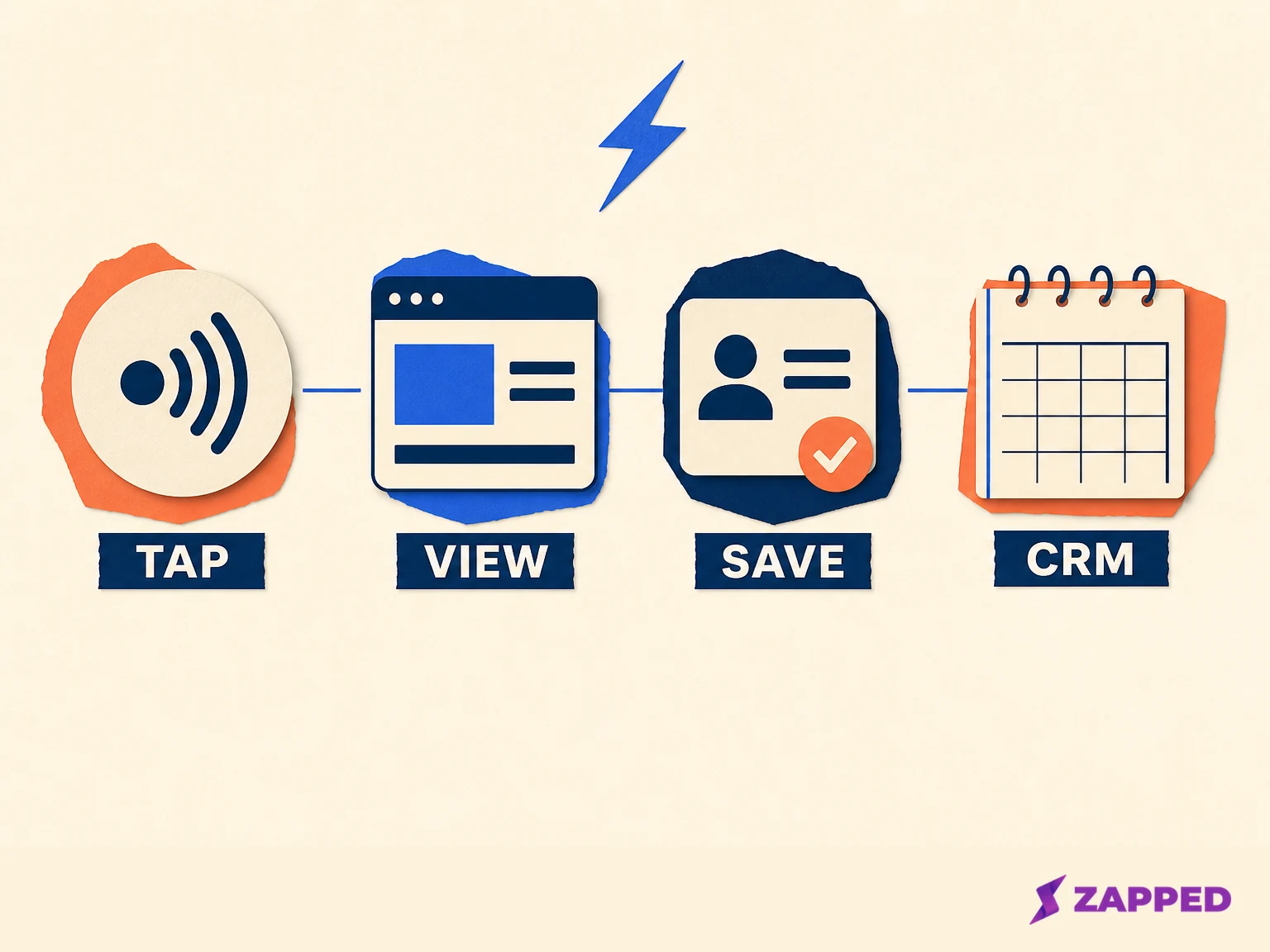
Conceptual evidence map created for Zapped. The four events are separate signals, not conversion results.
| Signal | What it can support | What it does not prove |
|---|---|---|
| Tag handoff | A phone read a stored destination when the device recognized the tag | A profile view, saved contact, buying intent, or CRM entry |
| Profile view | Aggregate activity on the public page | Which prospect opened it or why |
| Save Contact action | A separate step for keeping contact details | That the account is qualified or that a meeting is agreed |
| CRM or calendar record | The account, owner, note, and next date you chose to manage | That the prospect saw the message or accepted the next step |
The table is deliberately plain. A tag, a page view, a saved contact, and a sales record are four different events. Keeping them separate makes your follow up more honest and more useful.
Where Zapped fits
Zapped is built to handle the handoff for a rep who wants one public profile that can stay current. Zapped gives you a public card URL, QR or link fallback, profile action blocks, updates to the shared profile, and aggregate statistics.
See the Zapped setup guide for the profile actions and the boundary between updating one shared profile and using separate cards for different locations or campaigns.
That gives the rep a practical sequence: keep the card pointed at the public profile, put one clear action on the page, show the QR or link fallback, and update the destination when the route changes.
Use the programming help page when you need to confirm the public URL and test the saved destination.
Keep the account context, contact ownership, qualification, reminders, and next touch in the normal CRM or calendar record. Use the profile and its aggregate statistics to support the handoff and review the page, then use your sales system to decide what happens next.
Field checklist
Before you leave the conversation, confirm that your note contains:
- The account and location.
- The prospect's need or question.
- The resource you promised.
- The next useful touch and date.
- The CRM or calendar record that owns the follow up.
NFC business cards are useful for sales reps when the card handles contact delivery without pretending to be the sales process. Prepare one focused destination, make the QR or link fallback obvious, ask for the save, and turn the hour after the tap into a real account note with a real next reason to reconnect.
Sources
Sources reviewed in August 2026.
- NFC Forum NDEF specification
- NFC Forum overview of NFC
- Apple background tag reading documentation
- Android NFC documentation
- Zapped programming guide
- Zapped first vCard guide
- Zapped statistics guide
- Popl recipient save instructions
- Popl lead management guide
- Mobilo NFC business card page
- Harvard Business Review follow up guidance
- Inc. follow up guidance
- Field sales territory research