There is no honest universal NFC business card template. Start with the blank file supplied for the exact printer, card material, and finishing method. Even the card size and bleed can change between suppliers.
A generic 3.5 in by 2 in business card file is useful for planning, not safe for production. It earns that trust only when its dimensions, bleed, safe area, and physical card construction belong to the same print route.
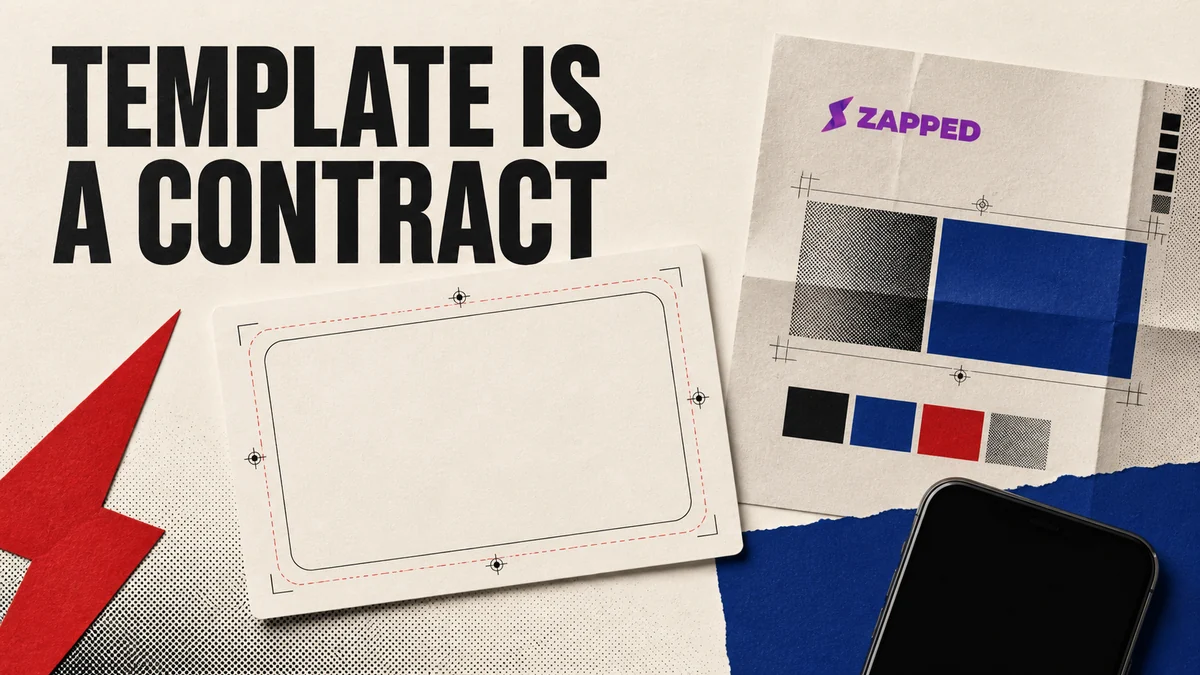
A template is a contract with the printer
Search for an NFC business card template and you will find several different things wearing the same label: a general business card rectangle, a supplier file, an online customizer, or a three dimensional mockup. They are not interchangeable.
The printer's own blank artwork file is the useful starting point. UPrinting tells customers to download its blank print template, with trim and folding lines, and lists its NFC business card at 3.37 in by 2.12 in. RockDesign's named NFC metal card is 3.5 in by 2 in, and its templates are intended for RockDesign print customers. Blinq describes another route tied to one supplier, where buyers receive SVG template files after purchasing its custom NFC card. Compare UPrinting's blank template, RockDesign's NFC card template, and Blinq's SVG handoff as examples of ownership, not as a universal standard.
If your printer has a downloadable file, use it before opening Canva, Illustrator, Photoshop, or another design tool. If it does not, ask for the blank artwork file or the exact finished size, bleed, safe area, material, corner treatment, and export requirements. A rectangle with the right general proportions is not enough.
Want the card to feel more like yours? Do that after the production file is settled. See our guide to decorating NFC cards. Style comes after the printer's constraints, not before them.
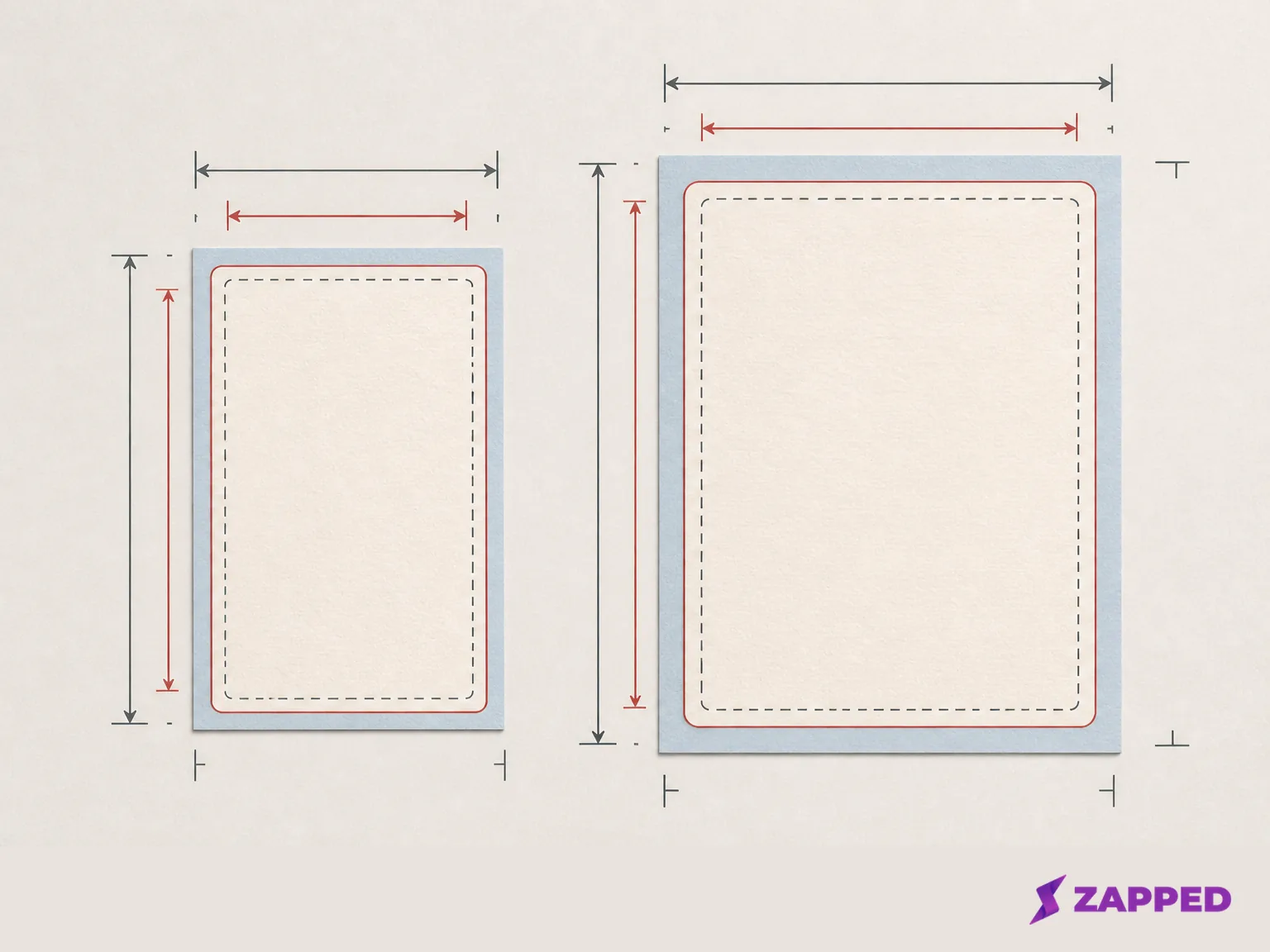
The size comparison that breaks the “standard” file
Borrowing another printer's canvas can waste the entire design session. Put the checked examples next to each other and the problem is plain:
| Template route | Listed card size | Bleed guidance | Template ownership | Proof or release detail |
|---|---|---|---|---|
| UPrinting NFC card | 3.37 in by 2.12 in | 0.125 in on each side | UPrinting blank print template | PDF proof or hard copy proof, with approval before the files enter the print queue |
| RockDesign NFC metal card | 3.5 in by 2 in | Not stated on the checked page | RockDesign template for its print customers | Not stated on the checked page |
| AlphaGraphics standard card | 3.5 in by 2 in | 0.063 in on each side | AlphaGraphics standard template | Not stated on the checked template |
The UPrinting card page and RockDesign template page show why “standard business card size” is too blunt for an NFC order. The AlphaGraphics template uses the familiar 3.5 in by 2 in size but asks for a different bleed, a margin safe area, CMYK, at least 300 ppi, a press quality PDF, and no crop marks.
Bleed is artwork that continues past the trim line. Keep the printer's bleed number beside the printer's size. UPrinting's 0.125 in and AlphaGraphics' 0.063 in are both real instructions, but they are not the same instruction.
So do not type a generic size into a blank document and call it the NFC template. Download the target printer's file, or get its numbers in writing before you place anything important.
What the blank file can tell you, and what it cannot
A proper blank file can control the printed parts of the job: trim, bleed, safe area, corners, and any print layers the supplier supplies. It can also tell you how the printer wants the file handed back. That is useful. It is not the whole card.
The NFC component is the awkward missing piece. UPrinting's checked NFC card page does not state where the embedded component sits in the artwork or provide a universal keep clear measurement. A blank rectangle cannot reveal a construction detail the supplier has not documented.
Ask where the NFC inlay or tag sits, whether any area must stay clear, and how that detail appears in the proof or sample. If the answer is unavailable, do not draw a fictional tap zone into the design. Request the printer's proof or a sample card and use the physical object to settle the question.
This matters when a logo, tap prompt, or other content sits close to an edge. Once the printer's template is in hand, the next useful choice is logo placement guidance. The logo can be attractive and the card can still fail as a physical handoff if the construction details were guessed.
Build the handoff around the named file
Your export should answer the printer's questions, not merely produce a file that opens on your laptop.
For UPrinting's NFC card, the supplied guidance calls for CMYK, 300 dpi resolution, and 0.125 in bleed on each side. For AlphaGraphics' standard template, the handoff is CMYK at least 300 ppi, a press quality PDF, and no crop marks. RockDesign's preset templates do not allow changes such as font and text placement; custom design services are a separate route. The RockDesign template instructions therefore change the design decision before export, not after a rejected file.
Ask one direct question before you finish: “Do you want a PDF, SVG, or another file from this template?” Then confirm the color space, resolution, safe area, crop mark rule, and whether the printer expects the trim and bleed layers to remain visible. If the answer changes by card material or finishing method, save the response with the project file.
An online customizer may require a different handoff. Blinq describes a customizer with logo upload, color and font choices, and a preview, while its purchased custom NFC route supplies SVG files. In that case, the supplier's route determines whether you are designing a local file or filling in a controlled system. That is why template ownership matters before export.
Keep the printed card fixed and the destination changeable
The artwork and the NFC destination are separate decisions. The card carries the visible prompt, contact cues, and QR fallback. The tag carries a destination that should be tested before the run and changed later without redesigning the card when your setup allows it.
A public Zapped card is one option for that live destination. Zapped cards can open from a QR code, NFC tap, or link in a normal browser, and the public destination can reflect later profile edits. The Zapped Free plan includes one business card, five content blocks, and QR, link, and NFC sharing. Zapped is the live profile behind the physical card. The printer still owns the physical template and print handoff. The Zapped NFC guide tells you to write the public card URL, test it with another compatible phone, and keep a QR code fallback.
That separation gives the printed card a longer useful life. You can revise the public profile while the card stays put, but only if the tag points to a live destination you control. Write the URL, tap it with another phone, open the page in a normal browser, and scan the visible QR code as a second path. If either route lands on the wrong page, the proof is not ready.
The proof is the last reversible moment
Do not approve a print run from the artboard alone. Approve the file or physical proof after checking the parts a screen cannot settle:
- The trim line leaves the intended edge and the corners look right on the physical card.
- Important text, contact details, the logo, and the tap prompt sit inside the supplied safe area.
- The NFC component has a documented position or has been checked on a sample card.
- The public destination opens from the written tag and from the printed QR fallback.
- The card still makes sense when the other person does not know where to tap.
UPrinting's proof process makes the release gate explicit: it offers a PDF proof or hard copy proof, and the files are not queued to print until the proof is approved. Use that discipline with any supplier. If your printer has no downloadable NFC template, ask for its blank file and proof route. If it cannot explain the component position or keep clear rule, use a sample or small test before approving the batch.
The useful answer is printer specific
Use a generic 3.5 in by 2 in file to sketch an idea or compare a layout. Do not send it to production until the target printer has supplied the dimensions, bleed, safe area, material guidance, and export rules that make it real.
When you are ready to order, use the printer's template. Ask for the missing NFC construction detail before placing a logo or tap prompt near it. Keep the destination live and changeable when that suits the job, then retain a QR fallback. Approve the proof with both the visible card and the tap path in view.
The pretty rectangle is the easy part. The contract is what gets printed.