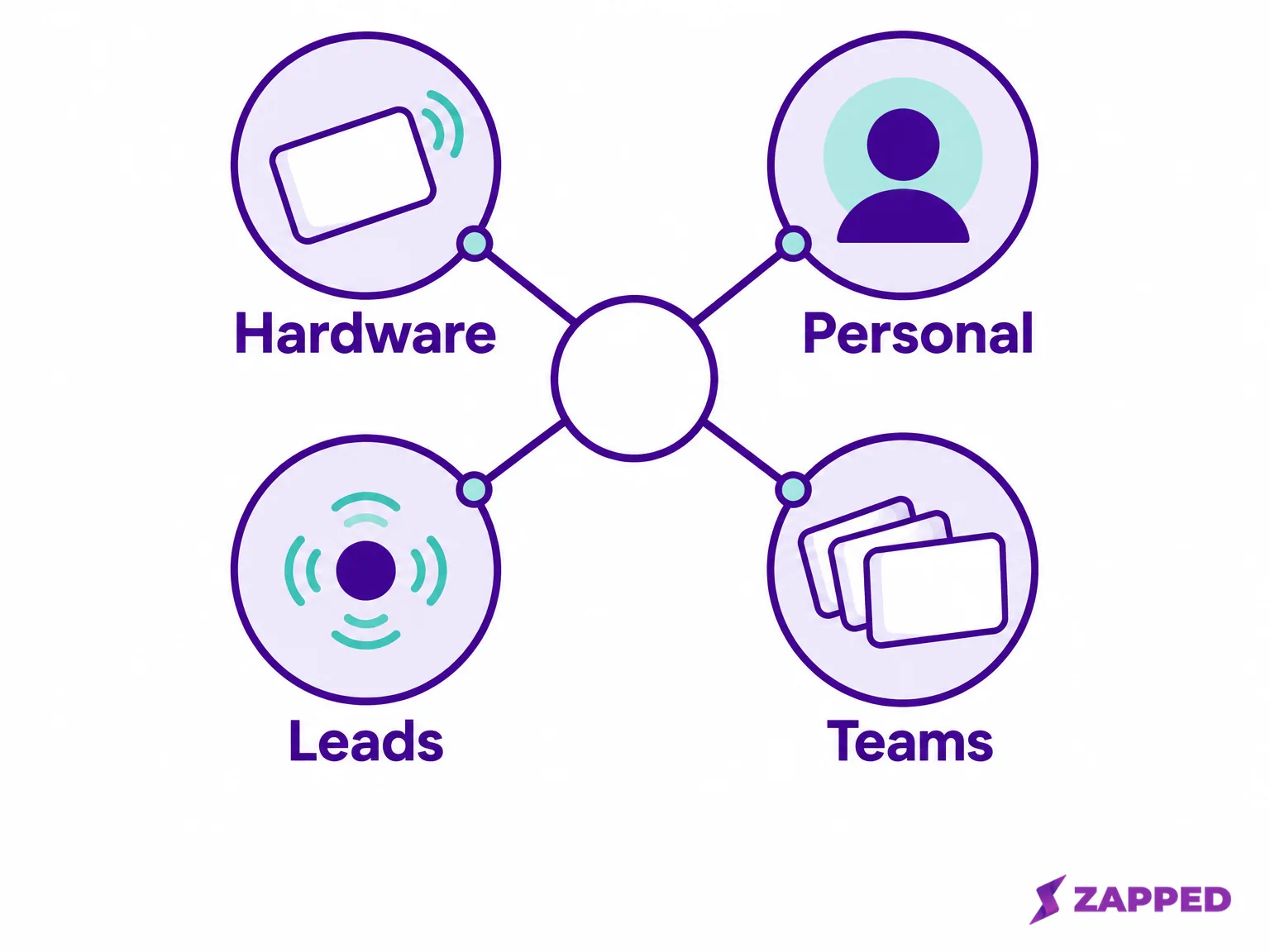
You're holding a Linq card and wondering what has to keep working once you leave. The tap, the profile behind it, the contacts people leave you, or the team controls your manager relies on? Pick the one you'd miss most and the shortlist mostly picks itself. There isn't one best replacement, only the one that preserves your must-keep thing at a price you can read in one pass.
One Reddit commenter put the mood plainly: "I'm now on the hunt for a new NFC contact business card." If that's you, this is the order we'd work in.
Linq isn't gone, but cards are no longer its headline
Before you panic-switch, check the premise. Linq's homepage now leads with messaging APIs, yet a Digital Card still sits among its shop products. Its help center still says the digital business card needs a paid subscription and that its card products link to a Linq Page. So the public picture is mixed, not a shutdown.
That's a reason to have a second option ready, not proof you must leave today. For the deeper read on where the product is heading and what the subscription involves, we cover it in our Linq review. If you'd rather widen the field first, the broader digital business card guide compares the whole category.
Six routes, and what each one actually costs
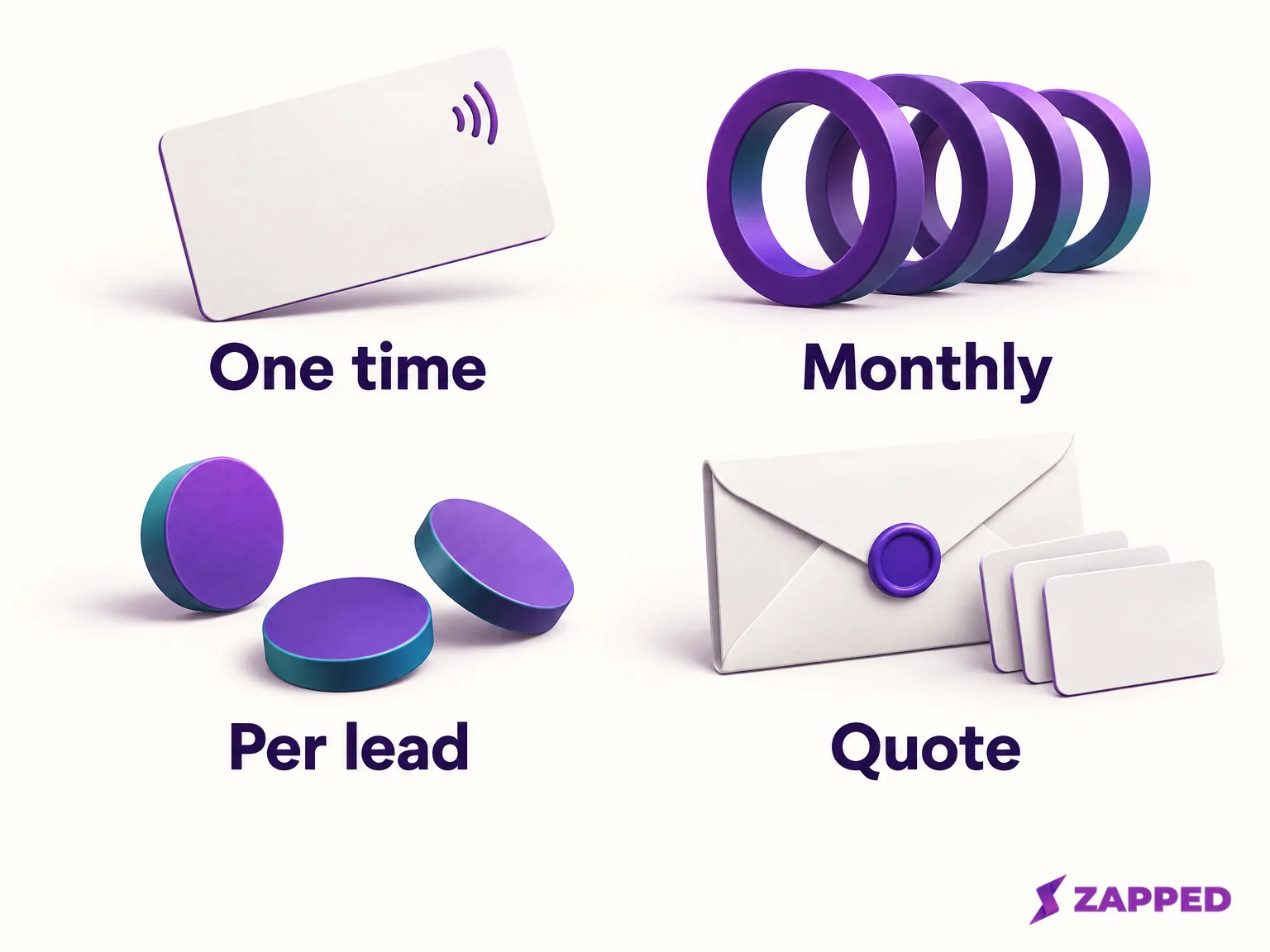
Price shapes differ more than price levels. A one-time card fee, a monthly software plan and a per-lead charge are three different bills, so the table keeps them in separate columns, with billing cadence beside every software amount.
| Option | Software | Card hardware | Best when you want to keep |
|---|---|---|---|
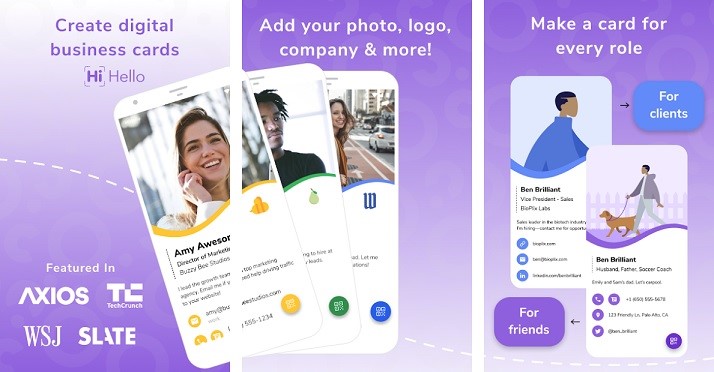
| Blinq | Free $0; Premium $9.99/month billed monthly; Business $6.99 per user/month billed monthly; $9.99 per lead captured or enriched | NFC cards from $59.99, two profiles included | A free start with a path to team use |
| Wave Connect | Free $0; Pro $7/month billed yearly ($84 a year) | $23.00 NFC card | The cheapest physical card plus free sharing |
| HiHello | Personal $0; Professional $6/month billed yearly ($72 a year); Business $5 per user/month billed yearly ($60 per user a year) for 5 to 100 users; Enterprise custom | Check at purchase | Personal cards with scanning |
| Popl | No published team price, quote requested through a meeting | Ask in the quote | Team and event workflows |
| V1CE | Free Forever software; paid ClientCapture OS for capture (confirm the amount at checkout) | One time: Original $81, Bamboo $113, Metal $149 | A physical card first |
| Zapped | Solo $19/month or $180/year for one person; Team from $79/month for 5 people; Team 10 $99/month or $948/year | No hardware price listed. You program your own writable NFC cards, and your Plan page shows how many your plan includes | A software-first profile workspace |
Which route fits which kind of Linq user
Blinq, if free-to-start matters
Blinq's free tier costs nothing, and its NFC card is a separate purchase: from $59.99, with two profiles included and no subscription needed for the card. The card pairs to any Blinq card: open the Main menu, choose Pair NFC Device, tap the card to your phone, pick which card it opens and confirm. The catch is lead capture, which Blinq lists at $9.99 per lead captured or enriched, so a busy event can cost more than the plan itself. Our Blinq versus Linq comparison goes deeper on that matchup.
Wave Connect, if you mostly need a cheap card
Wave pairs a free individual tier with a $23.00 card, the lowest published card price among the options with a listed price in this table. Its individuals page describes QR, NFC and Apple Wallet sharing, unlimited sharing and contact saving, and says the recipient doesn't need Wave's app. Pro is $7 a month billed yearly, $84 up front.
HiHello, if scans and personal cards belong together
HiHello's Personal tier is free, Professional is $6 a month billed yearly ($72 a year), and Business is $5 per user a month billed yearly ($60 per user a year) for teams of 5 to 100. Before paying, compare the scan allowances shown for Personal and Professional on the pricing page, and verify the NFC programming terms for the exact tier you plan to use.
Popl, if you run a team or events
Popl publishes no numeric team price and directs teams to request a quote through a meeting. Its digital business card team page describes team administration, CRM and HR integrations, subteams and team analytics. So come to that meeting with questions: how many seats, whether events and CRM sync are included, any lead limits, and what renewal looks like. If this is your situation, our Popl versus Linq comparison lays out the workflow differences.
V1CE, if the card comes first
V1CE sells cards at one-time prices: Original $81, Bamboo $113, Metal $149. Its plan guidance describes the Free Forever plan as including NFC and QR, a digital page, a vCard, wallet support and basic insights, with contact capture, CRM and booking on the paid ClientCapture OS plan. Its UK pricing page tells a different story in pounds: a card from £59.99 once, then £0 a month, with two-way lead capture, CRM and booking listed as included, and ClientCapture OS at £49.99 a month for AI features. Those two descriptions don't agree, so get written confirmation of which features cost extra before you rely on capture, and don't budget from a figure you saw once at checkout.
If you do go paid and later cancel, V1CE says the account returns to Free Forever after the billing period, the page stays live and contacts aren't deleted. It also warns to cancel the subscription before deleting a page or link, or the charge can continue silently. Our V1CE versus Linq comparison covers one-time card cost against ongoing software. And if Dot is on your list, we compare it on its own in Linq versus Dot.
Zapped, if you'd rather manage profiles in software
Zapped is the option here that starts from the software side. Solo is $19 a month ($180 a year) for one person with up to 3 live cards, Team plans start at $79 a month for 5 people, and Team 10 is $99 a month ($948 a year), with one live card per person plus shared spares, as listed on our plan page. Team and Business plans can bring spreadsheet rows in through CSV profile import, but that makes private draft profiles, not Linq contacts, and Zapped isn't a deep CRM follow-up tool.
Save the profile and the contacts as two separate jobs
Here's the boundary people miss. Your profile is what visitors see: name, photo, links, how the card is presented. Your contacts are the people who shared details with you. They live in different places, they export differently, and one doesn't carry the other.
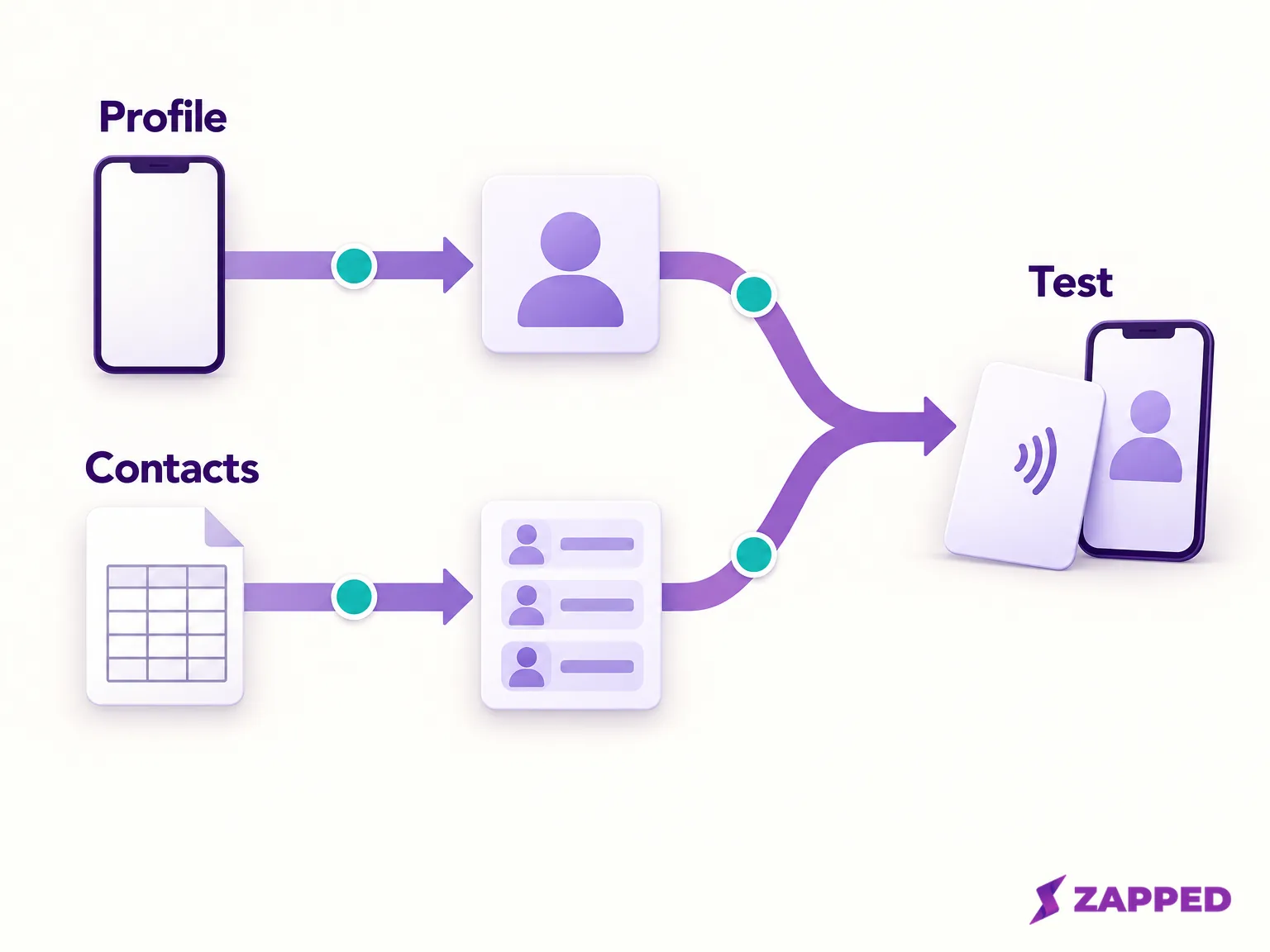
Start with the profile track. Copy your text, links and photo into a document you control, and screenshot how the card looks. Then build the new profile in the replacement before touching Linq. V1CE's own setup guide is a fair model: sign up with the order email, add your name, title, contact details, links and photo, tap the physical card to activate it, then test sharing by tap, QR and link.
Then the contacts track, as its own CSV:
- Personal contacts. Per Linq's personal contacts CSV instructions, in the Linq app, open the Contacts tab in the bottom navigation, select contacts individually or tap Select All Contacts, tap Choose an Action, click Export, then Send Email. Linq emails you a CSV.
- Team contacts. Per the Admin Dashboard contacts instructions, in the Linq Admin Dashboard, click Contacts in the left menu, click Select, choose the contacts and use Export (.CSV). Linq warns that some actions aren't available when personal and team contacts are combined, so export the two sets separately.
- Check the file. Linq's instructions don't promise every field comes through. Count the rows against what the app shows, look at the columns, and keep the original untouched. Test-import a handful of rows into the new tool before moving everything.
If you're moving to Zapped, remember that profile CSV import needs a UTF-8 comma-separated file with a heading row, plus a name and a unique Person ID on every row. You preview the rows, choose which to apply, and Zapped saves them as unpublished private drafts, so nothing goes live until you publish each card. A file with semicolons is rejected; resave it as CSV UTF-8 (Comma delimited) in Excel and upload again.
Cancelling is where the unknowns sit. Linq's cancellation instructions say management depends on where you bought: for an Apple-billed Linq One subscription, go to Settings, tap your Apple ID, then Subscriptions, find Linq and choose Cancel Subscription, since Linq can't cancel Apple billing for you. For direct billing, use Menu, then Manage Subscription in the app, or sign in at linqapp.com/welcome. Cancelling Linq One ends Linq One-only features, including Linq Phone, when the billing period ends. What Linq's instructions don't say is whether your Linq Page, the destination behind a printed QR or NFC card, or every contact field survives. Treat that as unknown. If it matters to you, ask Linq support to confirm in writing, and keep the plan active until the replacement works.
Can the old NFC card be reused?
Don't assume so. In our Zapped NFC programming guide, cards from other digital card companies are usually locked, and a locked card can't be rewritten, so a Linq card may not be reusable. Test your specific card before you count on it. In Zapped you add an NFC card and pick the published card it should open, with no link to type. Android's Chrome writes the card itself, while iPhone browsers can't write NFC, so you need a free helper app there. Our guide has the button-level steps.
If it says the card is locked, try a different card. If a tap isn't registering, unlock the phone and keep the screen on, hold the card flat near the top back of the phone, and take off a thick case. Whatever you choose, keep a QR code ready as a fallback. Every Zapped NFC card has its own QR code that opens the same link, and scans are counted separately from taps.
Choose by what you'd miss most, then test before you cancel
If you want a cheap physical card and free sharing, start with Wave or Blinq. If scans and personal cards matter, look at HiHello's tiers. If a team needs lead capture and administration, put Blinq Business next to a Popl quote and ask for the total. If you want a card in your hand first, V1CE, once its capture terms are confirmed in writing. If you'd rather work in software, Zapped.
Then do the dull part that saves you. Keep Linq active, build the replacement, try it on a few real phones, and check the recipient's view as well as your own. Export the contacts, check the file and test a small import. Before you cancel, confirm current prices with the new vendor and the cancellation terms with Linq, since every figure above can change. Cancel the old plan only once a stranger can tap your new card and save you.