Linq remains listed in the US App Store and Google Play, and its current storefront still publishes digital business card products. The important catch is that Linq says an active subscription is required before a product can be activated, so the card price is not the whole buying decision.
The public pages document a broad profile and lead capture feature set. A February 2026 company pivot and unanswered questions about export, deletion, and what remains after cancellation make verification part of the purchase.
Linq is still visible, but the company direction changed
Linq began as a digital business card and sales lead capture company. On February 2, 2026, TechCrunch reported that the company had pivoted toward business messaging through iMessage and RCS.
That is a meaningful current status signal, but it does not prove that Linq cards were discontinued. On August 7, 2026, Apple still listed the Linq app, and Google Play still listed the Android app.
Read those facts together. Linq's store and help pages show what the company currently advertises, while TechCrunch shows that the company's direction changed. Neither source answers how a profile behaves after a subscription ends.
If you are comparing Linq with several other platforms, start with the best digital business card guide for category context. This review stays with the current Linq buying and lifecycle questions.
For sharing route context, see how to share a digital business card and digital business card QR codes. This review keeps the focus on Linq's pricing, activation, and exit questions.
The subscription changes what Linq costs
The current Linq storefront lists physical products separately from account access. On August 7, 2026, its US collection displayed these prices:
| Product | USD price shown | What the figure represents |
|---|---|---|
| Standard Linq Card | $14.99 | Standard physical product price |
| Custom Linq Card | $34.99 | Custom physical product price |
| Linq Metal Card | $39.99 | Metal physical product price |
| Laser Engraved Metal Card | $59.99 | Laser engraved physical product price |
| MiniCard | $12.99 | Standard MiniCard product price |
| MiniCard Custom | $24.99 | Custom MiniCard product price |
These are dated USD storefront prices, not a final checkout total. Tax, shipping, and the exact offer shown to an account can change the amount a buyer pays.
The separate Linq One page lists $29 per user each month or $249 per user each year. The US App Store also exposes Linq One monthly and annual entries among several product lines, but its multiple SKU labels do not prove which offer every account receives.
Linq's current store says an active subscription is required before activation, and that buying a product does not include account access. That distinction is easy to miss when a physical card is the first price a buyer sees.
As a simple planning example, a standard card at $14.99 plus one annual Linq One subscription at $249 comes to $263.99 before tax and shipping. That is arithmetic from two displayed figures, not a checkout promise.
The cost question to answer is therefore not “How much is the card?” It is “Which product, which Linq One offer, and which final checkout terms apply to the account I am about to use?”
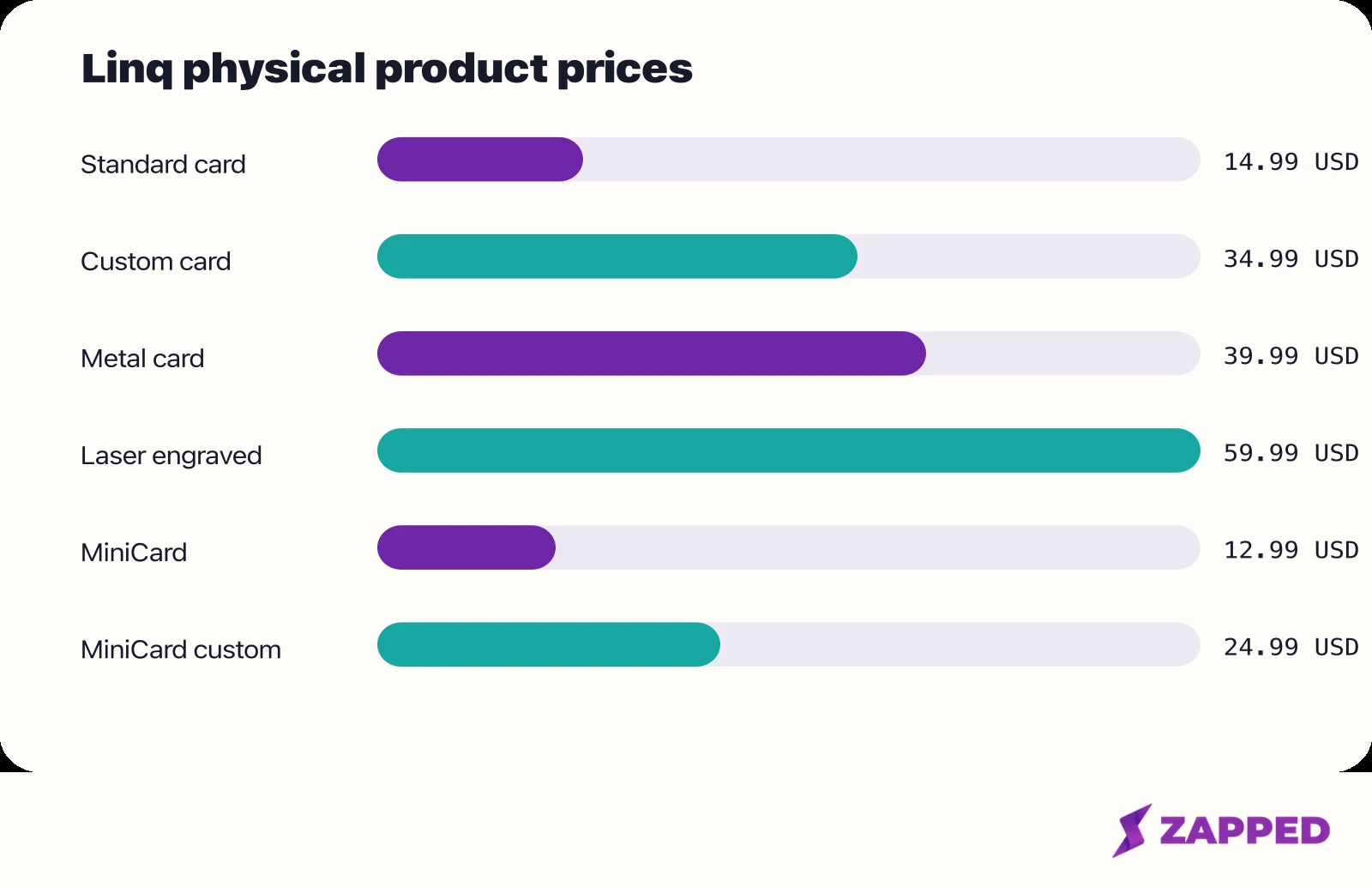
US storefront hardware prices captured in August 2026. Linq One is separate, and this chart is not a checkout quote.
What Linq's public pages document about profiles
Linq says a profile can include links, photos, contact information, and more. Its product pages also describe multiple profiles, views and clicks, reminders to follow up, and scanning paper cards into the system.
The current Linq storefront places those features in its Individuals material, while the Linq One page lists two Linq pages per user. The wording documents the advertised model. It does not establish that every feature appears in every account or that the current interface has the same layout.
The recipient path is straightforward in Linq's own description. Standard products use NFC and QR sharing, and Linq says the recipient does not need the app to save contact details.
That sentence should be read as Linq's product claim, not as a universal rule about every phone or every tap. It tells a buyer what the intended exchange is: the other person should be able to open the profile without first installing Linq.
The distinction matters at a networking event. A profile that opens is only the first step; the recipient still has to understand how to save the contact. Historical user evidence later in this review suggests that this save step deserves a quick real world check before a rollout.
Leads Forms turns the profile into a capture workflow
Linq's Leads Forms help page documents forms that can ask for a name, phone number, email address, and custom questions. It says submissions are stored in Contacts, where a user can add notes.
The same page lists push, email, and text notifications. That gives Linq a documented route from sharing a profile to collecting a response, which is a different job from simply handing someone contact details.
For a buyer, the useful question is whether this capture workflow belongs in the plan and account path being considered. The help article explains the fields and notifications, but it does not replace checking the current offer before paying.
Standard cards and Hyper have different sharing details
Linq's help material separates its standard products from Hyper. Standard products are described around NFC and QR sharing. Hyper has a separate iPhone App Clip flow in which the recipient taps or scans, opens the page, saves the contact, and finishes the flow.
The Hyper FAQ also documents two limits. Optional follow up notifications stop after 48 hours, and App Clip caching can delay page changes. The same help material says standard products can be switched instantly.
Those are product rules described by Linq, not measurements of current hardware or network performance. They should shape the questions you ask about a live rollout, especially if you plan to update a profile after cards are already in circulation.
The hardware distinction is another reason not to treat every Linq product as interchangeable. A standard product, MiniCard, metal card, and Hyper may share the broader profile idea while presenting different recipient steps and support questions.
Historical reports explain friction, not current performance
A September 2025 Google Play reviewer reported that recipients needed guidance to save a contact and that one contact was missed. That is one user's account, not a current reliability rate.
That report identifies the practical moment worth checking: does the person on the other side of the exchange save the contact without coaching, and does the result match what you intended to share?
They do not settle current hardware quality, cross device reliability, or the effect of the company's 2026 direction. Historical reports are best used to choose what to verify, not to turn an old observation into a universal product verdict.
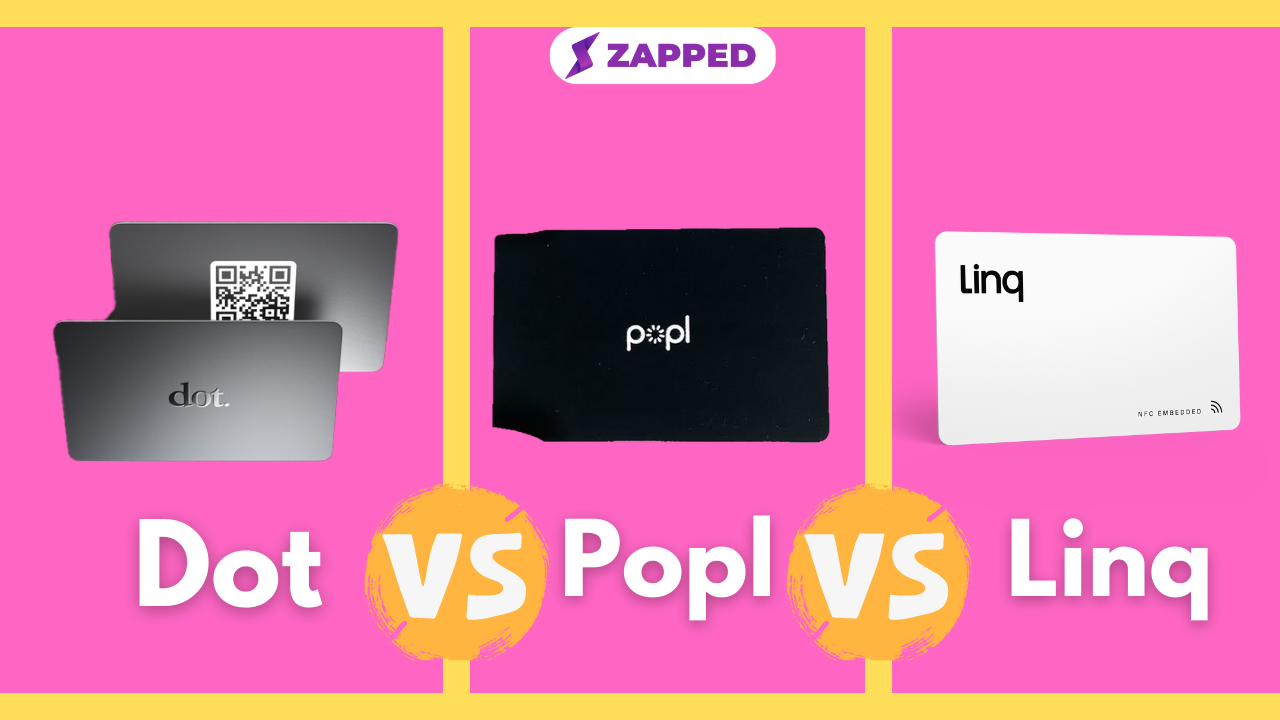
For a direct comparison, use the existing Popl versus Linq versus Dot comparison rather than asking this review to answer a three way matchup. The article's job here is to establish what Linq's current public record supports.
The exit path is the least documented part
Linq's privacy policy provides email request routes for deletion or a copy of personal information. It states a 30 day response period and includes caveats for organization accounts.
That is a policy request route. It is not proof of an in product export screen, a particular file format, immediate deletion, or what happens to a public profile after cancellation.
Linq's public pages do not establish whether profile data, contact records, or Leads Forms submissions can be downloaded together. They also do not establish whether a canceled account leaves a profile reachable, whether a card can be reassigned, or how quickly a deletion request changes a public URL.
Those gaps are material if the card will represent a professional identity for years. A low hardware price matters less if moving away later requires reconstructing contacts, chasing support, or explaining a broken profile link.
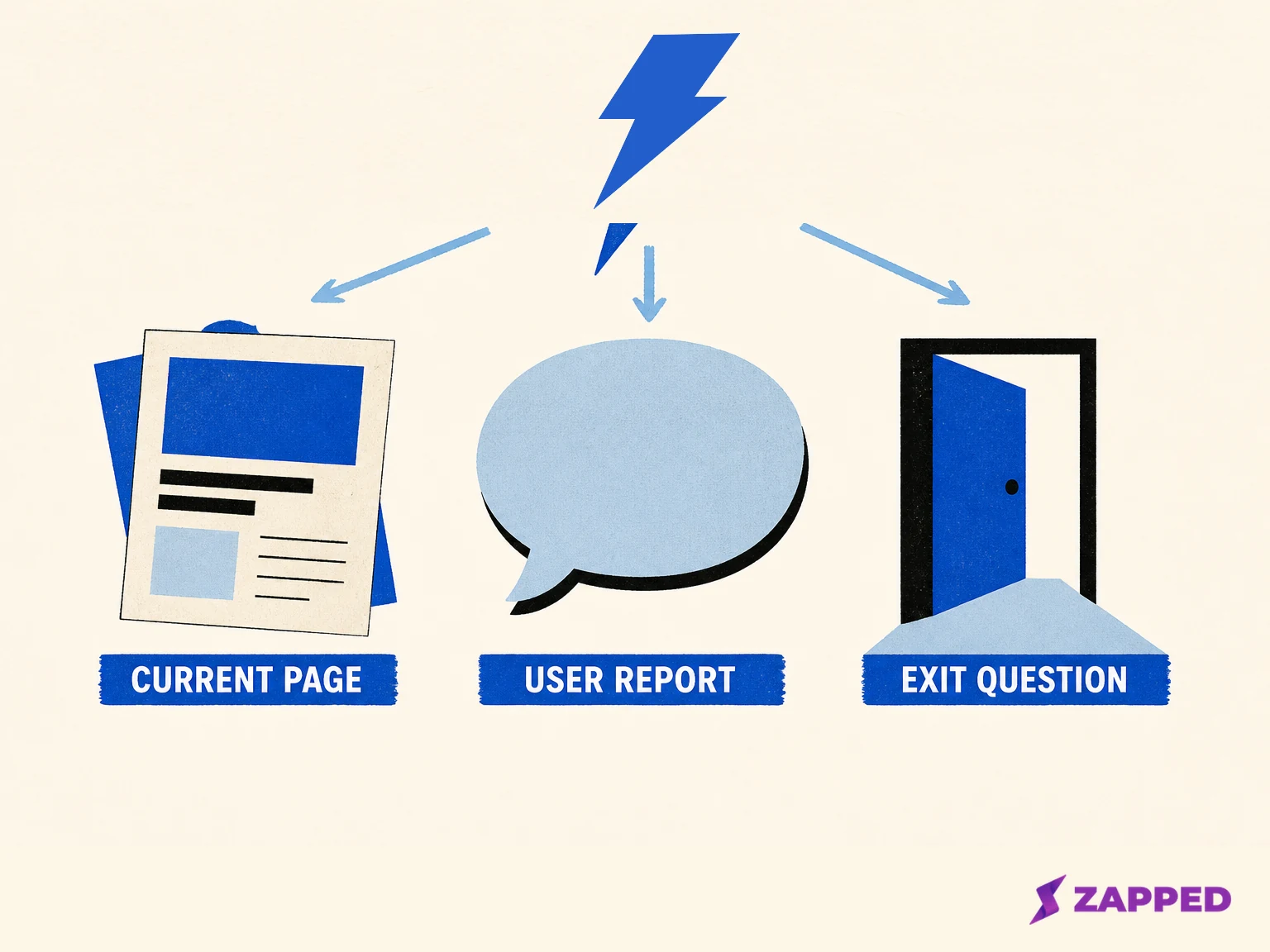
Conceptual lifecycle matrix created for Zapped. It separates current documentation from reported experience and unresolved exit questions.
Questions to answer before buying
- Which Linq One plan and offer will activate the exact product being purchased?
- What is the final US checkout total after tax and shipping?
- What happens to the profile and card resolution after cancellation?
- Can profile, Contacts, and Leads Forms data be copied, and in what format?
- How does the deletion request handle an organization account and its public page?
- Who owns support and account recovery if the product direction changes again?
The first two questions protect the budget. The rest protect the identity and data attached to the card.
Who Linq fits, and who should pause
Linq fits a buyer who wants a physical NFC or QR touchpoint, accepts that activation is tied to an active subscription, and values the profile and lead capture capabilities described in its current pages.
It can also fit someone willing to verify the exact recipient flow before an event or team rollout. Linq's no app claim may be attractive, but the historical save friction is enough reason to check the result on the devices your audience actually carries.
Pause before buying hardware if you expect a one time purchase to stand on its own, need a clearly documented path after cancellation, or require current proof of hardware reliability. The public record here does not answer those questions.
Team buyers should ask for account ownership, billing control, data access, and support commitments directly. A standalone product review can identify those decision points, but it cannot establish team governance from public feature pages.
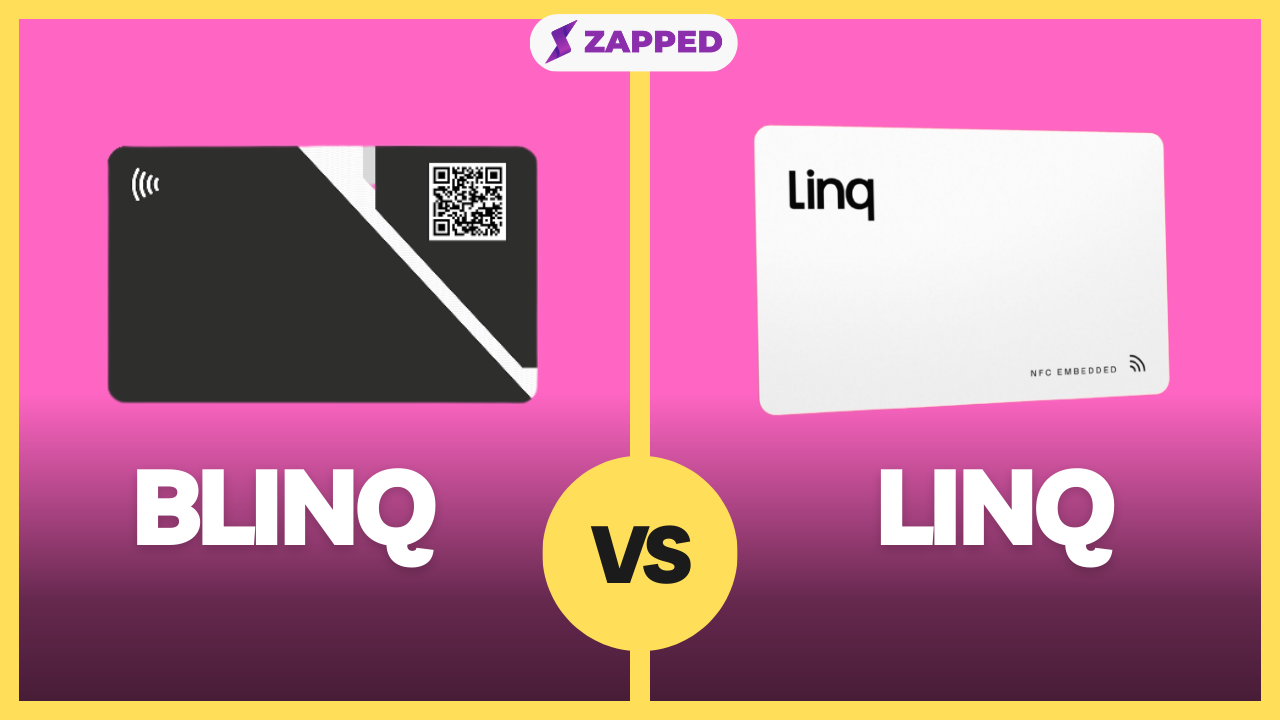
If you are weighing Linq against Blinq, the existing Blinq versus Linq comparison covers that narrower choice. For a Dot focused question, use the Linq versus Dot card comparison.
A browser first alternative
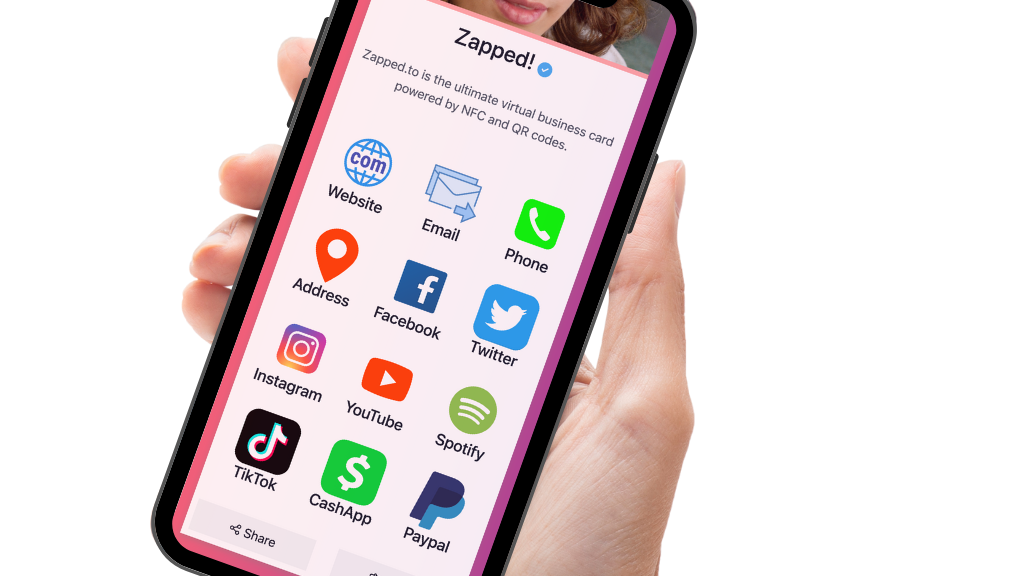
If the priority is an editable professional profile that can be created and shared in a browser, Zapped is a different buying path. It starts with the profile and sharing link, so the physical card does not have to be the first decision.
At Zapped, that approach is relevant when the buyer wants to establish the digital identity first and choose a physical sharing method later. It is a fit distinction, not a promise that the two products have identical features or pricing.
Verdict
Linq is not an automatic no, but it is not a $14.99 decision. The current public record supports a digital business card product with profiles, sharing, and documented lead capture, while the active subscription requirement and 2026 company pivot raise the cost and continuity questions.
For a buyer comfortable with the Linq One commitment, the next step is to confirm the exact offer, run the intended recipient flow, and get clear answers about data and profile behavior after cancellation. Do that before buying cards for a team or event.
If you need a one time card purchase with a clearly documented exit path, Linq's public pages do not provide enough certainty to skip those checks. If you can verify the account lifecycle and the subscription fits the job, Linq remains a plausible option.
Sources
Reviewed in August 2026. Prices below are US or USD storefront observations.