Digital business cards are worth it when they make follow up easier than paper alone. They are less compelling when the profile is thin, outdated, or hard to save.
Quick answer
Digital business cards are worth it when you network often, want editable contact details, need more links than paper can hold, or manage cards for a team. Paper still helps when the audience expects a physical handoff.
Key takeaways
- Use a live profile as the source of truth.
- Add QR sharing because it works across more devices.
- Add NFC when in person sharing is part of your workflow.
- Keep the main action clear so people know what to do next.
- Use Zapped where an editable profile, QR, NFC, and team controls belong in one place.

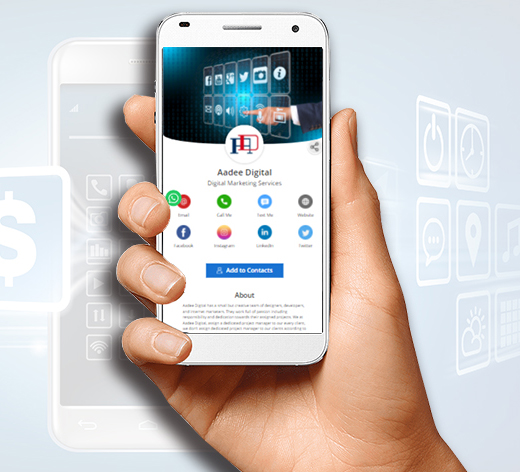
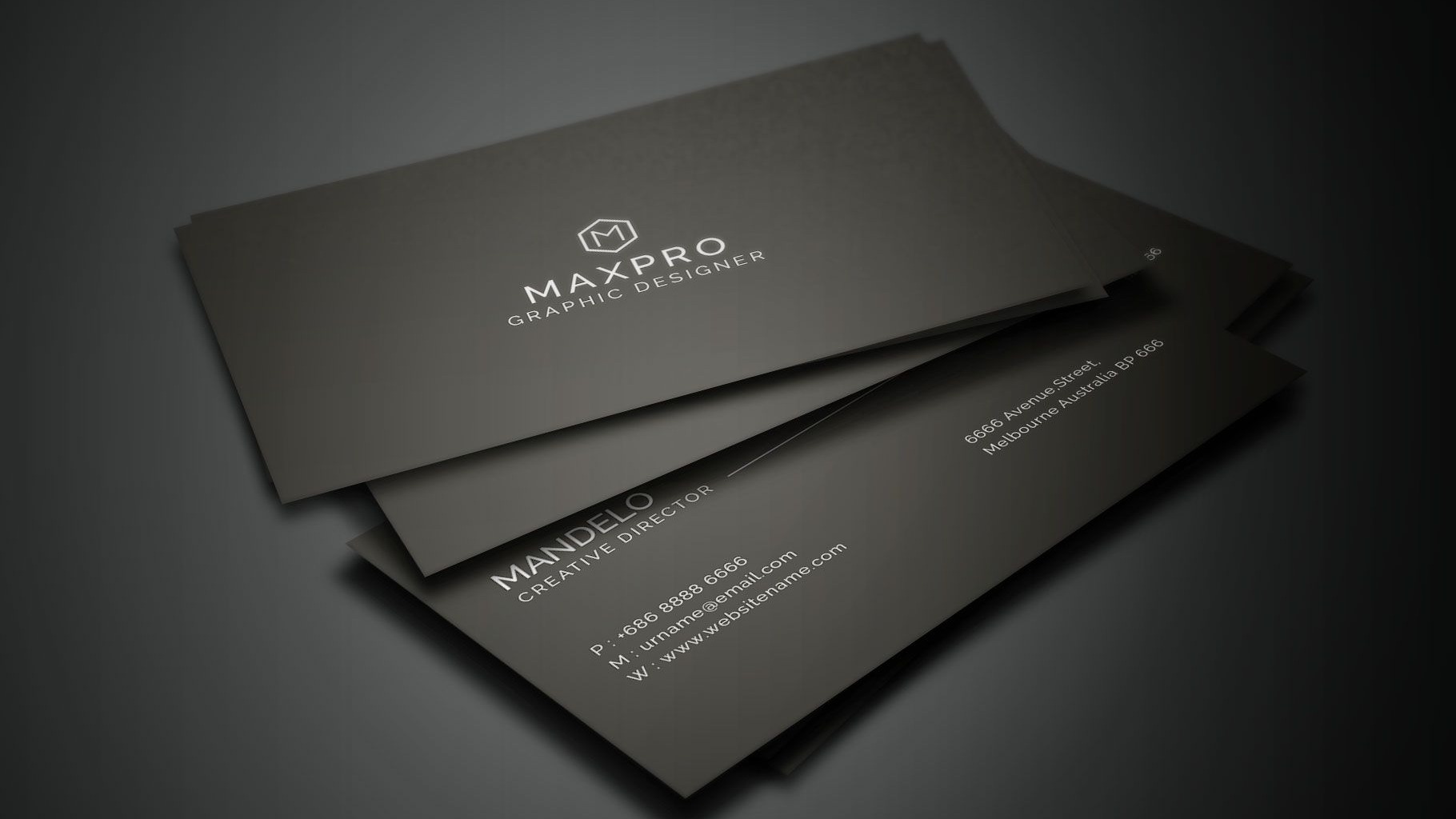
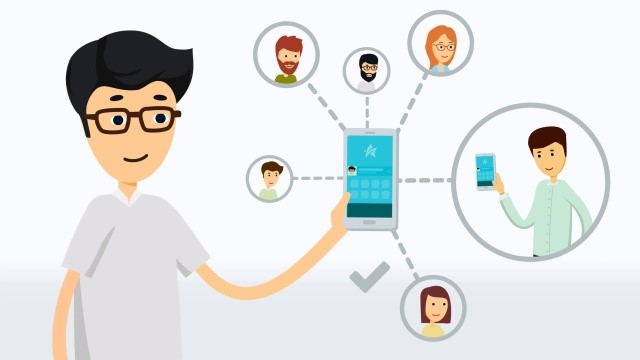
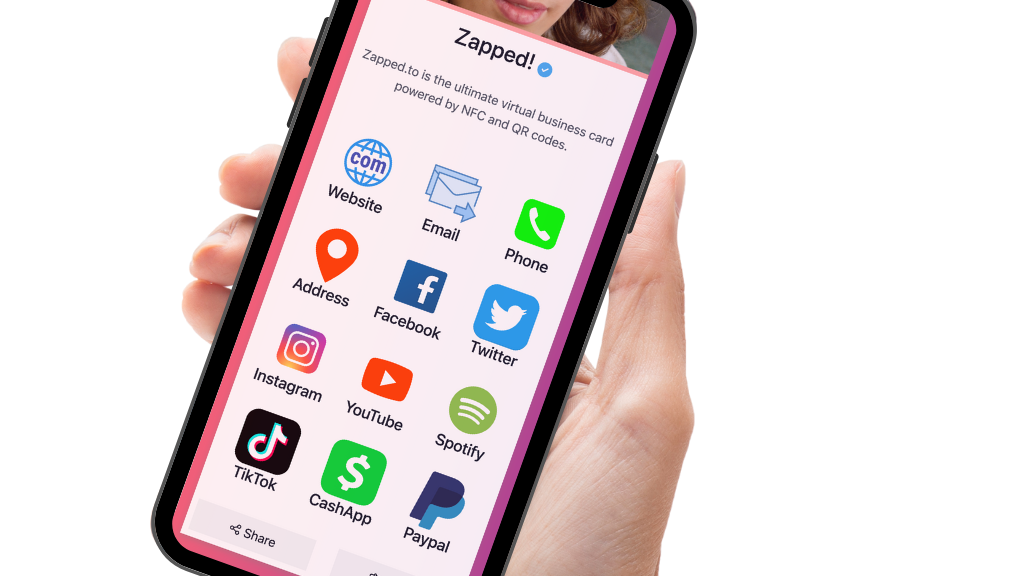
Use this image as a reference point while you compare the options below. The important idea is that the card, code, or NFC tap should lead to a profile that is easy to save and act on.
Best options by use case
| Situation | Worth it? | Why |
|---|---|---|
| You meet people weekly | Yes | Faster follow up and editable details |
| You manage a sales team | Yes | Templates and analytics help |
| You only network once a year | Maybe | A simple QR link may be enough |
| Your audience expects print | Use both | Paper can carry the QR code |
| You need many links | Yes | A profile can hold more than print |
When digital cards are not worth it
They are not worth much if the profile only repeats your printed card and gives no useful action. They also disappoint when the QR code is hard to scan, the profile loads slowly, or the contact details are stale.
How to make the value obvious
Add one clear primary action. For a consultant, that may be booking a call. For a realtor, it may be viewing listings. For a sales team, it may be sending a lead form.
What to include
A strong digital business card usually includes:
- Name, role, and company.
- Phone, email, and website.
- A save contact action.
- One primary call to action.
- QR code or direct sharing link.
- NFC support when useful.
- Social, portfolio, booking, payment, or review links when they help.
Simple setup checklist
- Create the live profile.
- Add your essential contact fields.
- Choose one primary action.
- Generate and test the QR code.
- Add NFC or Wallet sharing if the use case needs it.
- Test the experience on iPhone and Android.
- Update the profile whenever your details change.
How to judge the return
The return is not only about saving print costs. A digital card can be worth it because it reduces missed follow ups, makes the card owner easier to contact, and lets the same profile work across events, emails, social profiles, and QR codes. If the card helps even a few more people book, message, or save your details, the practical value is easier to see.
A simple test
Use the card for one month. Add it to your email signature, carry the QR code on your phone, and use it in every in person introduction. At the end of the month, ask whether it made sharing easier and whether recipients took clearer action than they did with paper alone.
When the value is easiest to prove
Digital cards are easiest to justify when they replace repeated manual follow up. If someone scans, saves, books, messages, or visits the right page from the card, the card has done more than a paper card can do.
The value is clearest for:
- Sales teams that meet prospects in person.
- Realtors who need listing, contact, and booking links in one place.
- Event teams that want fast exchange without carrying printed cards.
- Service businesses that want reviews, booking, and payment links nearby.
- Companies that need employee cards to stay consistent after role changes.
Simple return check
After two weeks, check whether people actually used the card. Look at profile visits, saved contacts, booking clicks, website clicks, and replies from follow up messages. If nobody takes the next step, simplify the profile and make the main action more obvious.
Judge Zapped by follow up value, not just card cost
The useful question is not only what the card costs. It is whether the profile helps someone act after the scan. Zapped supports the parts that create that value, including a live profile, QR sharing, NFC destinations, saved contact actions, links, and team consistency.
If a digital card saves reprints, prevents stale details, and makes more contacts follow through, the subscription or card cost is easier to evaluate. Start with the workflow that matters most, then add hardware or team controls when they clearly improve that workflow.
FAQs
What is the best digital business card format?
The best format is usually a live web profile with a QR code, direct link, and optional NFC card. That gives people more than one way to open the same profile.
Do people need an app to view my digital business card?
Usually no. A web based profile should open in a normal browser. Apps can help the card owner manage the profile, but the recipient should not need to install anything just to view your details.
Should I use NFC or QR for are digital business cards worth it? clear pros and cons?
Use both when the card will be shared in person. NFC feels fast when someone knows where to tap, and QR gives a visible backup for any phone with a camera.
Can I update the card after sharing it?
Yes, if the QR code, NFC tag, or shared link points to an editable profile. That is one of the biggest advantages over a static printed card.
Where does Zapped fit?
Zapped is a good fit when you want one editable digital card profile that can be shared by link, QR code, NFC card, and team workflows without rebuilding the card every time details change.
Sources
- NFC Forum, NFC technology and NFC Forum, NFC is in almost everything: Used for short range NFC behavior and NFC card context.
- IETF RFC 6350, vCard format specification: Used for vCard contact data context.
- Apple Support, scan a QR code with iPhone camera: Used for iPhone QR scanning behavior.