Start with a tightly cropped, high resolution logo, usually a transparent PNG. Keep a square version and a wider version when your card platform gives them different fields. Then preview the finished card on a phone, in its QR surface, and in any wallet or email surface you actually use.
A logo can be perfectly on brand in the design file and still look like a postage stamp on the finished card. The useful version is the one that stays recognizable after a platform crops it, puts it on a new background, or shrinks it beside the controls your recipient needs.
Build a master file, then make the variants
Your master file needs enough resolution for the largest surface in the sharing path, with empty space around the mark removed. HiHello's logo guidance recommends a tightly cropped, high resolution logo, a transparent PNG when possible, and at least 512 by 512 pixels because the asset can also appear in virtual backgrounds and email signatures. Its computer editing guide says uploaded images must be under 20 MB. A giant file won't make a small card look better.
Treat those numbers as platform examples, not a global standard. Popl recommends a 440 by 440 pixel, 1:1 company logo and prefers PNG with a transparent or white background. NodCards also recommends a transparent PNG, with a display size control for email signatures and a HEX value for the primary brand color. Keep a background safe version too, especially if the transparent mark disappears on a dark card or a pale wallet tile.
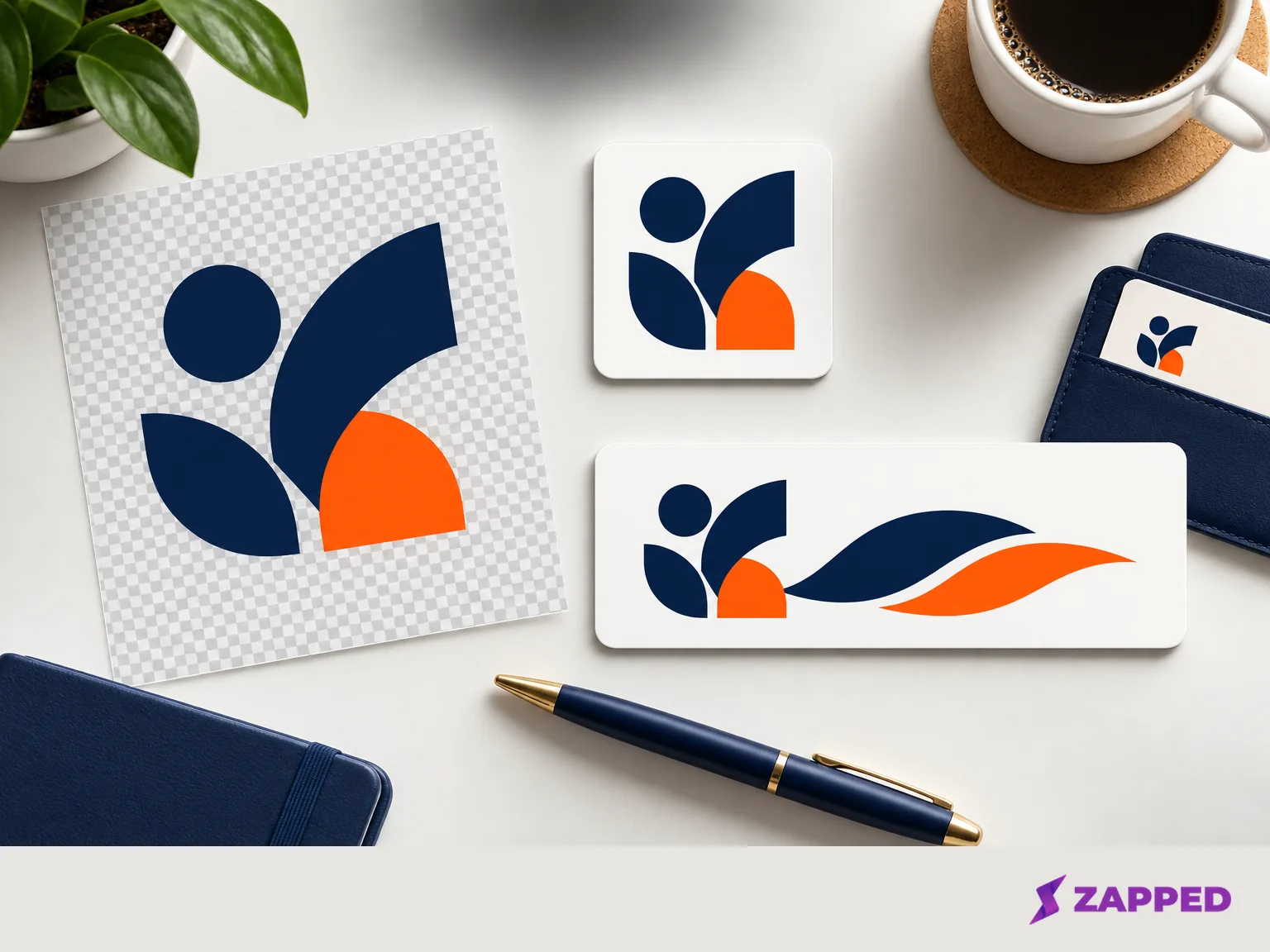
Before uploading, open the file at a small size. If it becomes a faint dot because the source canvas contains generous transparent margins, crop the source. If the company name is part of the mark, keep a version where that text remains legible. Don't assume the platform will give it room.
Match the logo to the field
A square field wants a square file. A horizontal field can justify a wider lockup, but only when the selected card design actually gives it that space. HiHello recommends a square 1:1 logo for its Classic card design. Its wider designs can use a much wider logo, with approximately 8:1 able to fill the card from left to right. The same guidance recommends a 1:1 logo with a minimum size of 332 by 332 pixels when customizing its QR code.
One perfect export is usually the wrong goal. Keep a square file for the profile image or QR field, and a wider file for a card design with a genuine horizontal slot. Don't squeeze a wide wordmark into a square just because the upload button accepts it. The result may be technically on brand and visually timid.
Blinq takes a more adjustable route. It accepts JPG, JPEG, and PNG uploads, and its image controls let you crop, zoom, replace, or remove the company logo. The background color also controls the background of a Blinq card added to a device wallet. Its checked help page doesn't state a universal company-logo pixel size or file-size limit, so use the controls and the actual preview rather than inventing a dimension that the platform never promised.
Make the surrounding treatment do its job
Logo consistency is partly an asset decision and partly a surrounding color decision. Choose a background that keeps the mark distinct, then use the platform's approved accent color rather than sampling a near match by eye. Check the crop and zoom at the size a recipient will see, not only while the editor is open at full width.
Accessibility belongs in this pass. Section 508 guidance says logos are not decorative and need alternative text, including the significant symbols or graphics and any text in the logo word for word. Where the publishing surface exposes an alternative text field, describe the actual logo. Keep the company name as live text too when the interface allows it, so important information is not trapped inside a tiny image.
The W3C notes that text in a logo or logotype is exempt from the usual contrast minimums, but recommends a sufficient contrast logo variant, or an equivalent compliant control, when the logo acts as an interactive control. Keep a version that holds up against the card background. A technically exempt logo can still be hard for a person to find.
If the platform doesn't document a logo size or doesn't expose a logo field, use its documented crop, zoom, background, color, or display controls where available. Don't invent a standard dimension or hide important company text inside a small image. If the logo is central to the job, choose a platform that explains the branding surface clearly and confirm the result before sharing it.
Compare the branded surface, not just the price
The cheapest card can still be the expensive choice if the feature you need is hidden behind a plan or if every recipient sees a cramped mark. Compare the logo controls, the surfaces where the brand appears, and what happens when several people need approved cards.
| Platform | Logo controls and documented dimensions | Relevant sharing or brand surfaces | Plan details checked August 2026 |
|---|---|---|---|
| HiHello | PNG, JPG, or JPEG. Tight crop, transparent PNG preferred, 512 by 512 minimum. Square Classic field, wider layouts, and a square QR field. | Virtual backgrounds, email signatures, card designs, branded QR codes, custom colors, analytics, templates, and automated team card creation vary by plan. | Personal is free forever. Professional is $6 per month, Business is $5 per user per month, and Enterprise is custom. |
| Blinq | PNG, JPG, or JPEG. Crop, zoom, replace, remove, and background color controls. No universal pixel or file limit stated in the checked help page. | The logo background also carries into a device wallet card. Paid and team features add custom colors and design, templates, brand control, automated provisioning, lead capture, CRM integrations, and analytics. | Free is $0. Premium is $9.99 per month, and Business is $6.99 per card per month. |
| Popl | 440 by 440 pixels, 1:1. PNG with a transparent or white background preferred. Placement changes with the card layout. | Follow up email is available on free and paid plans. Customizing the message is limited to Pro, Pro+, and Teams. | The vendor's public pages do not show a current USD plan table. |
| NodCards | Transparent PNG, with a logo display size for email signatures and a HEX primary brand color. | Email signature branding and the digital card color system are documented. | The vendor's public pages do not show a current USD plan table. |
| Zapped | Confirm how the Zapped editor handles your logo file before paying. | QR, link, and NFC sharing are on Free. Professional provides your branding only, with no Zapped badge. Team workspaces and member seats expand on paid plans. | Free is $0, Starter is $14 per month, Professional is $49 per month, and Large rollout is a custom quote. |
HiHello and Blinq show why the plan matters. A logo may be only one field, but branded QR codes, card designs, custom colors, analytics, templates, lead capture, and team provisioning determine whether the brand survives after the first card is made. Check the free tier before you build a workflow around a paid feature.
Zapped is ours, so of course it's in the table. We still made it earn its row. Zapped is a practical fit when the recipient path matters: a card uses normal browser sharing through a QR code, NFC tap, or link, and Professional is the plan that presents your branding without a Zapped badge. The Free plan gives you one card and five content blocks with QR, link, and NFC sharing, while paid plans add room for teams and larger rollouts. For the underlying card setup, start with digital business card setup, then return to the logo as a system of variants.
Test what the recipient sees
Open the shared card on a phone at the size a recipient will use. Scan the QR code from a realistic distance, tap the link, and check that the logo is recognizable without pushing the name, buttons, or contact details below the useful part of the screen. If NFC is part of the handoff, make sure the fallback link or QR code is still easy to find.
Then check the secondary surfaces. Does the same logo still have enough contrast in the QR tile? Does the wallet card reuse a background color that weakens it? Does the email signature keep the mark at a useful size? If the platform offers crop or zoom controls, make the change in the editor and repeat the phone check. The preview is the evidence.
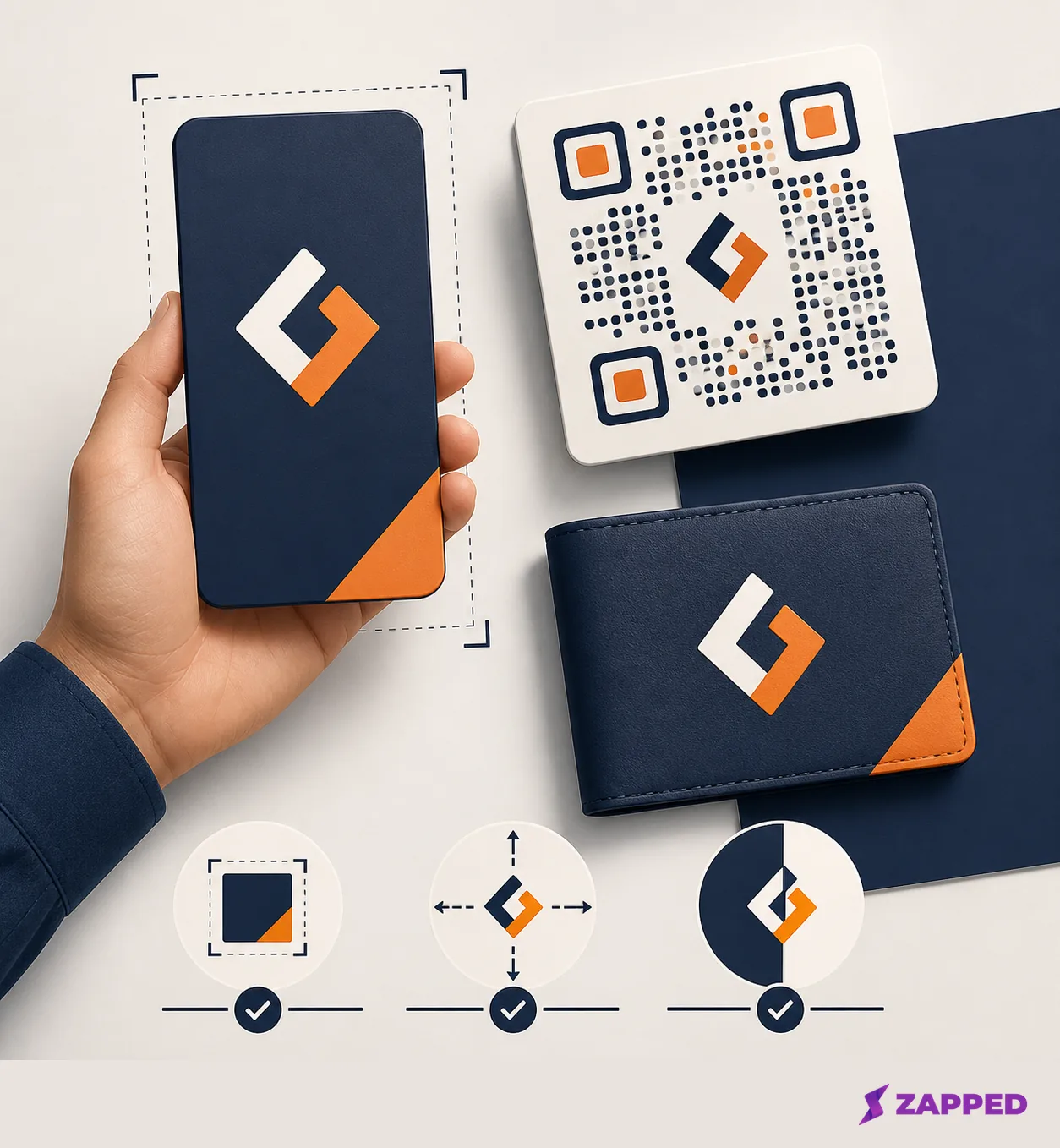
Finally, check the plan gate from the recipient's point of view. If the free version adds a platform badge, limits the number of cards, or leaves branded QR codes and analytics for a paid tier, decide whether that's acceptable before the card reaches a real customer or event attendee. A plan is part of the rendered brand, not just an account setting.
Let the handoff make the decision
The practical sequence is short. Start with the tightly cropped, high resolution PNG, then make a square version and a wider version only for fields that support them. Add a background safe treatment, a readable accent color, meaningful alternative text, and a real phone preview. This catches the common failure early: a logo that's technically correct but looks lost once the card becomes a QR tile, wallet card, or email signature.
HiHello or Blinq make sense when their documented image controls and branded surfaces match the workflow you need. Popl or NodCards may fit when their specific logo and email controls solve the problem cleanly. Zapped makes sense when browser based sharing through QR, NFC, or a link is the deciding recipient benefit. In each case, confirm the logo controls in the editor before committing to a logo heavy workflow.
There's no useful universal logo dimension. The right file is the version that stays clear across the surfaces your recipients actually see.