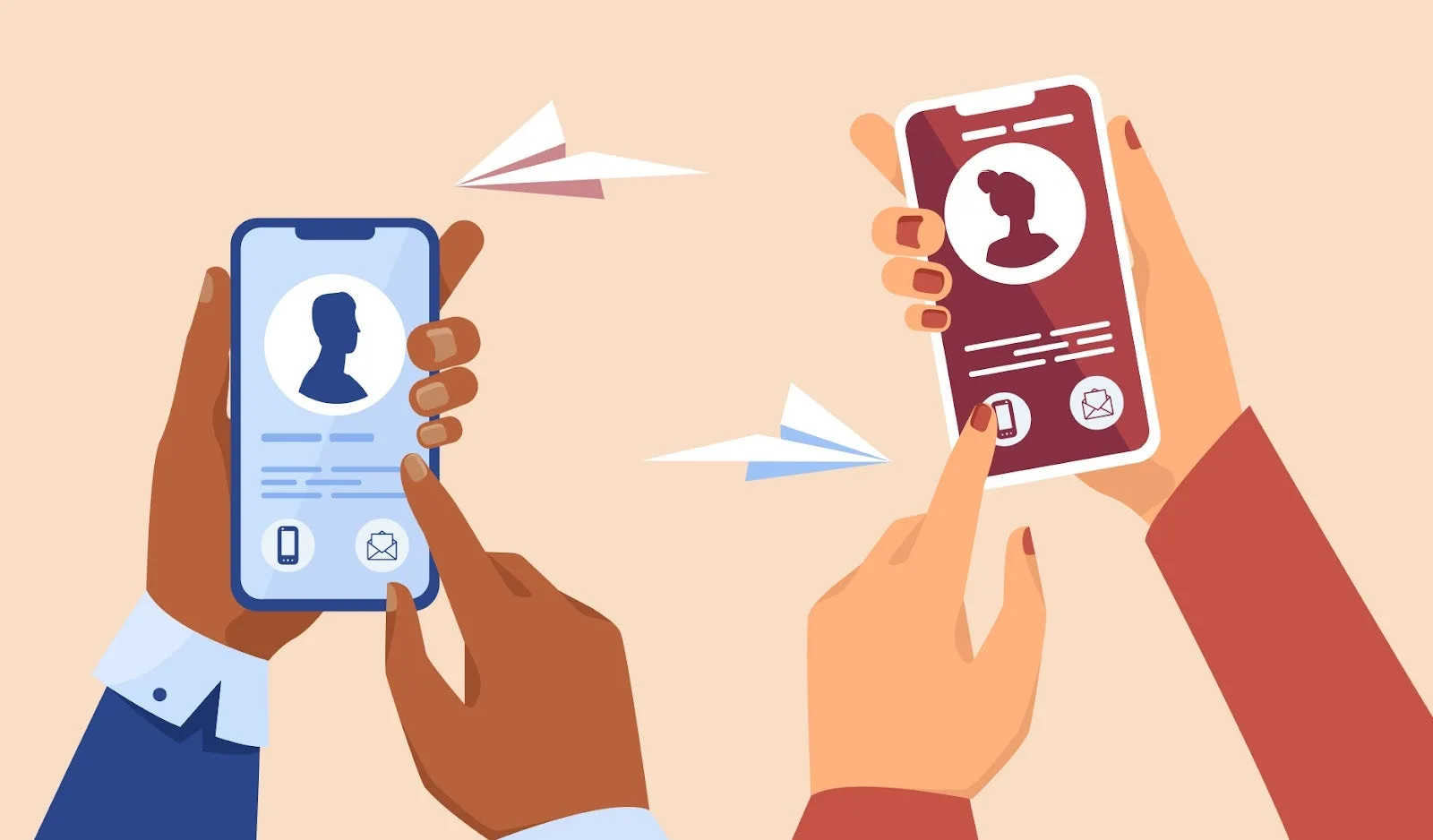
Understand why electronic and touchless business cards matter for events, teams, sales, and modern contact sharing.
Quick answer
Electronic and touchless business cards matter because they reduce friction at the moment of exchange. A person can scan, tap, or open a link, then save contact details or follow the next step without typing anything by hand.
Key takeaways
- Make the recipient journey clear before choosing the card format.
- Use QR or NFC as entry points, not as the whole strategy.
- Point scans and taps to an editable destination whenever details may change.
- Test the complete flow before printing or rolling it out.
What this means in practice
Touchless sharing is useful because the recipient does less work. The profile still needs to make the next action clear.
A refreshed business card should answer three questions quickly: who is this person, why should I care, and what should I do next? When the card points to a live profile, those answers can change as the business changes.
Practical checklist
| Check | Why it matters |
|---|---|
| Clear primary action | The recipient knows whether to save, book, call, review, or buy |
| QR code backup | Works even when NFC is unfamiliar or disabled |
| Editable profile | Keeps old cards and links useful |
| Mobile speed | Most scans and taps happen on phones |
| Useful links | Supports the next step instead of creating clutter |
| Team ownership | Prevents stale employee profiles and off-brand cards |
How to use this well
Start with the outcome. If the goal is a saved contact, make the save action obvious. If the goal is booking, put the booking link near the top. If the goal is local trust, include reviews, service area, and a clear way to call or request a quote.
Do not send every person to a generic homepage. A business card scan or tap should open a page made for that handoff. The page can still link to the full website, but it should not make the recipient hunt for the basic next step.
Why touchless sharing stuck around
Touchless cards became popular because they remove friction from the first exchange. A scan, tap, or direct link can open the same profile across events, offices, stores, social messages, and email signatures. Recipients do not need to type details or keep track of a physical card.
The lasting value is convenience plus control. The business can update the profile, and the recipient can choose whether to save, call, book, follow, or browse.
Where touchless cards are most useful
They work especially well in busy environments: trade shows, hospitality, real estate, healthcare intake, recruiting, local services, and field sales. In those moments, the recipient may not have time for a long conversation. The card should capture the next step quickly and make follow-up easy later.
Use Zapped as the live team profile
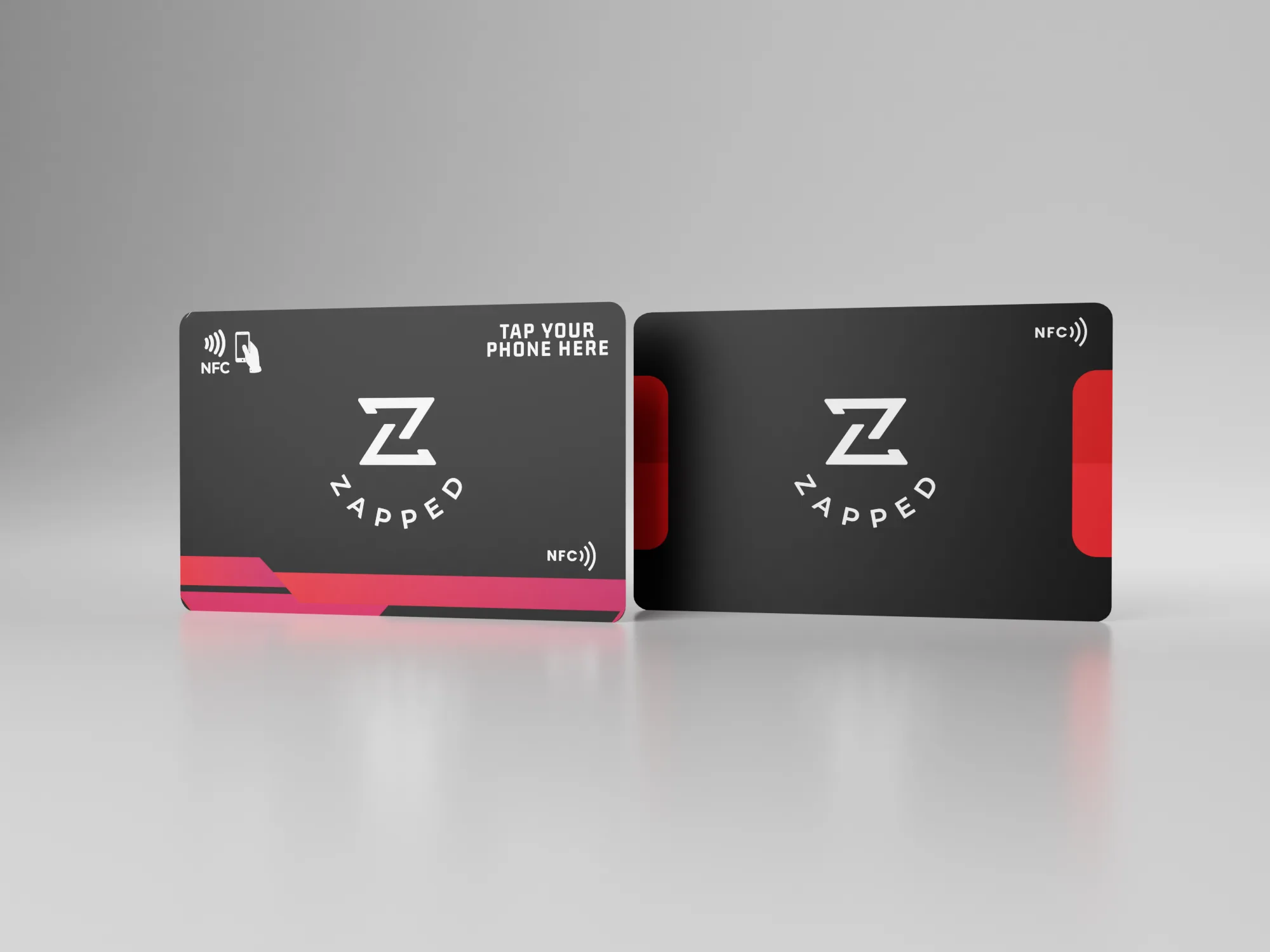
Zapped is strongest when a person or team needs one profile behind every sharing method. A card can be printed once, shared as a QR code, tapped with NFC, sent in a message, or added to an email signature while the profile stays editable.
That matters for teams because titles, links, territories, phone numbers, and booking pages change. The physical card starts the handoff, and the Zapped profile keeps the follow up accurate.
Examples by use case
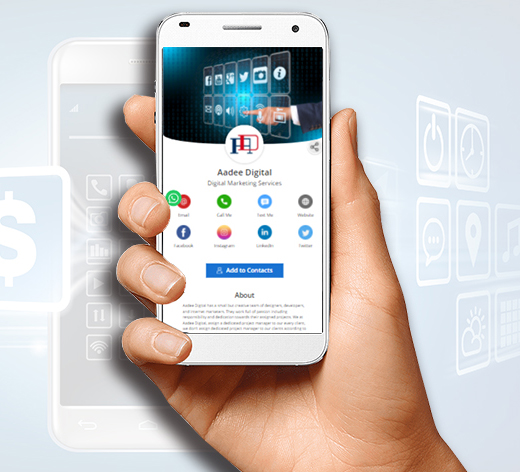
For a conference card, the profile might show a headshot, role, company, calendar link, LinkedIn, and one event-specific offer. For a local service card, it might show phone, service area, quote request, reviews, and a photo gallery. For a sales team, it might show product links, meeting booking, company page, and a save-contact button.
The format changes, but the principle stays the same: the card should continue the conversation that started in person. If the recipient only needs your phone number, keep it simple. If they need context before they act, give them the proof and next step in the profile instead of trying to squeeze everything onto the printed card.
Before you publish or print
Use this final pass before the card goes live:
- Open the profile from the exact QR code or NFC chip that will be used.
- Confirm the profile headline, photo, company name, and primary action match the real handoff.
- Test the save-contact action and every high-priority link on iPhone and Android.
- Check that the printed card still works if the recipient ignores NFC and scans the QR code instead.
- Ask one person outside the project to scan it and explain what they think the next step is.
That last test is valuable because most card problems are clarity problems. If the person hesitates, the profile or printed card needs simplifying before it reaches customers.
FAQs
Do people need an app to open the card?
No. A strong recipient experience opens in a normal browser from a QR code, NFC tap, direct link, or message.
Should I use QR or NFC?
Use QR when visibility matters and NFC when fast close-range sharing matters. Many business cards should use both.
What should the profile include?
Include contact details, a save contact action, website or company link, and the most important next step for that audience.
How should I test the card?
Test the QR code, NFC tap, page speed, save contact action, and important links on both iPhone and Android before printing or sharing widely.
Sources
- NFC Forum technical overview for NFC tap behavior and common NFC use cases.
- IETF RFC 6350 for the vCard contact data format.
- Google Business Profile review guidance for review link and QR code workflows.