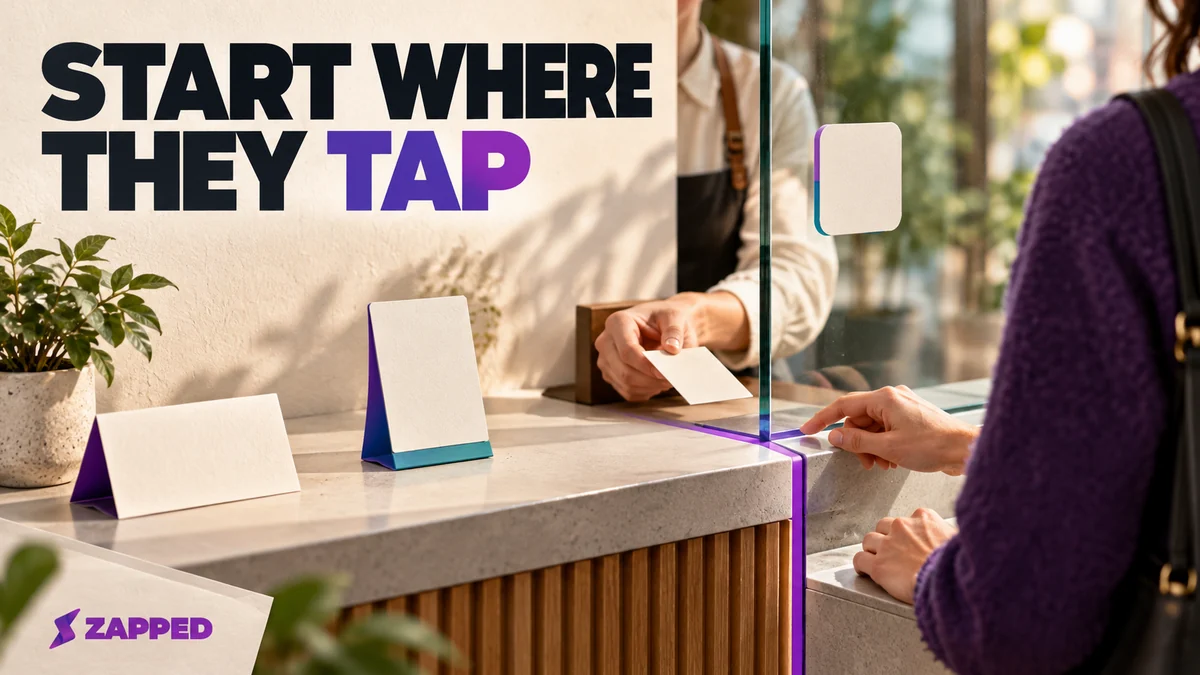
You're standing at the counter with a product page open, and it lists cards, stickers, table tents and acrylic displays that all promise the same tap. They aren't interchangeable. Pick the format by where it will live and who will replace it, then price the whole thing, because the cheap plastic object can come with a monthly bill attached.
Start with the spot where people pause
One buyer guide puts it plainly: start from the object and the surface, not the chip. That's the right order. A person standing at a front desk needs something different from a salesperson walking a trade floor, and TAProcard's own example makes the split: a front desk may want a stand while salespeople carry cards and field technicians carry keychains.
| Where the tap happens | Format that fits | What to settle first |
|---|---|---|
| Hand to hand, one person to another | Card or keychain | Who reprints it when the details change |
| A surface you already have | Sticker or label | Whether the surface and adhesive suit it |
| A counter, reception desk or table | Stand or table tent | Where it sits so people see it |
| A poster, flyer or package | Tag added under the printed action point | Where to print the tap marker |
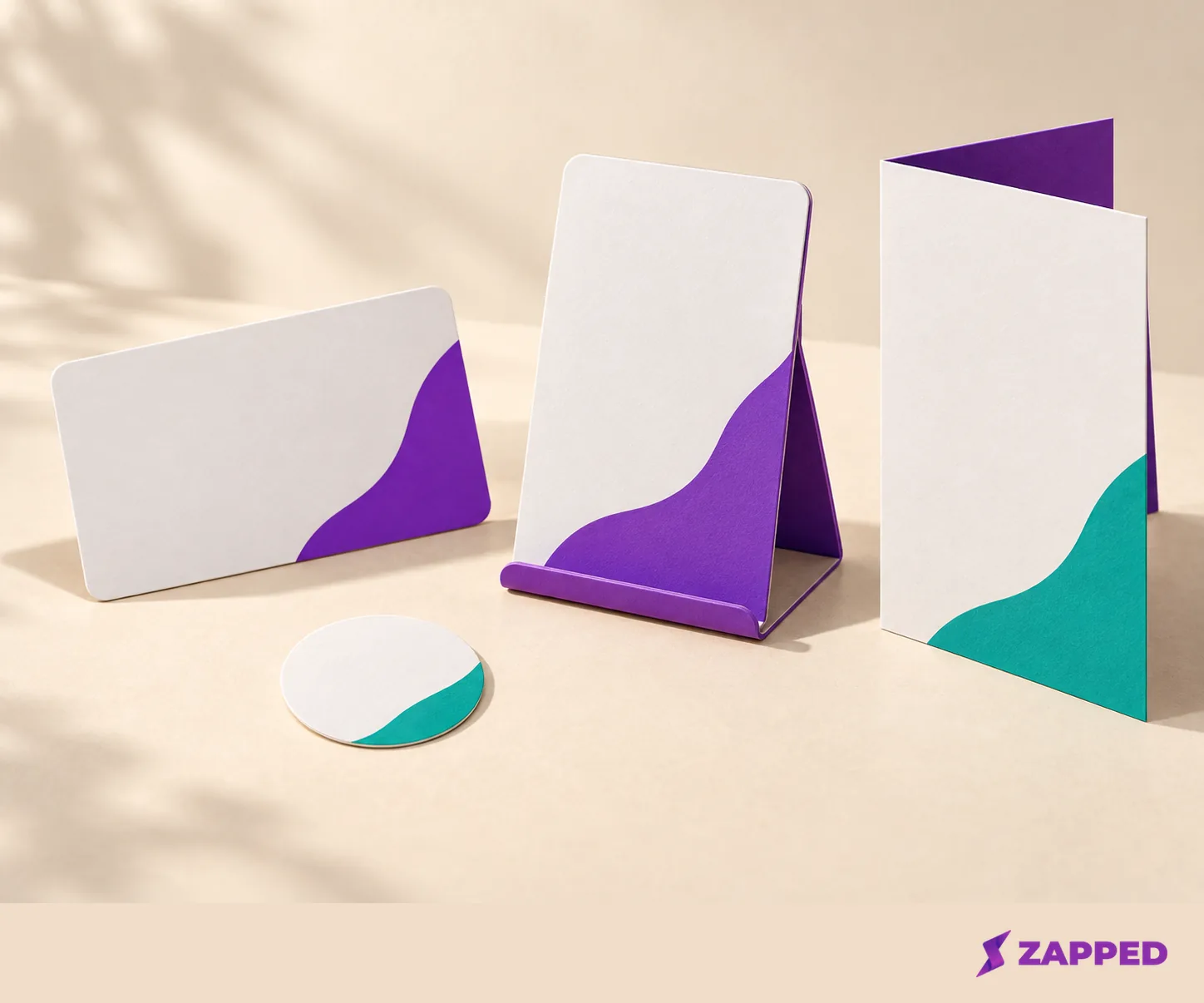
Sellers draw the same lines. Lets Connect maps a stand to a counter or table and a sticker to a till point or packaging, and its comparison runs across material, size and where each one goes. Print works too: NFC Forum's Smart Poster record can put a URL, an SMS or a phone number on a tag.
If the card is the right answer, our roundup of the best NFC business cards is the next stop. If you'd rather buy a blank writable card or tag and run the destination yourself, Zapped can be that destination: with our NFC setup guide you store your public card URL on a writable card or tag, and edits at that same URL show up without rewriting the tag. For a table sign meant to share a network, the NFC WiFi tag guide covers choosing and using one.
A tag's chip is the smallest part of the decision
NFC is built for a close tap, up to about 2 cm, so the antenna and what's behind it decide whether the tap works. The chip names you'll see, NTAG213, NTAG215 and NTAG216, are all Type 2 tags with different amounts of memory. For a single URL, a bigger memory number buys you very little. NXP's antenna guidance says a larger antenna can increase reading distance and that the tag and reader geometries should match, which is a better thing to ask about.
So ask the seller three things: the chip reference, the NFC Forum tag type, and the antenna size. The same buyer guide suggests asking for the chip reference and the tag type, and it's an easy test of whether the seller knows the product.
Metal and weather need written answers
A generic adhesive label is not automatically fine on a metal shelf or a patio table. Nearby metal can detune the antenna, and a ferrite layer may help but the finished configuration still needs tuning. Seritag separates generic labels from named on-metal and outdoor products for that reason. Even its on-metal disc says scan distances slightly less than standard tags, and its outdoor table ordering tag is listed as waterproof but not suitable for metal. Waterproof and metal friendly are different promises.

Compare that with a listing that says nothing. TapCardPro's 25 mm sticker pack names an NTAG213, but the listing gives no weather rating, no on-metal backing and no adhesive life. If your surface is metal, glass that gets cleaned daily or anything outdoors, ask the seller to put those claims in writing for the exact item. Our sticker versus business card comparison goes deeper on antennas, adhesive and metal.
Read the pack count before you do the math
Dated vendor prices are useful for scale, not for ranking. TapMe's table tents list at $14.99 for a small acrylic stand, $19.99 for a large acrylic one and $29.99 for wood. TapCardPro lists its NFC table stand at $32. Tap4Business shows starting prices of $29 for a review card, $79 for a premium review stand and $129 for a premium acrylic display, with quantity discounts.
Now the catch. The TapCardPro sticker pack is $13.00 USD, and the page title calls it a 10-pack while the description says five per pack. Divide $13 by ten and you get one answer, by five another, and neither is safe until the seller confirms what ships. Check the title, the description and the invoice against each other before you compute a unit cost.
The monthly plan is the real price
A physical item and the software behind it are two purchases. A 2026 roundup of NFC business cards separated the object's cost from the cost of the software for exactly this reason, and the stand and display sellers deserve the same treatment.
TapCardPro's business page tells you to buy the stand once and choose a plan. Its plans run from $15 to $40 a month, lead capture and full analytics arrive on Pro, and a waitlist and SMS arrive on Ultimate. Tap4Business lists a free tier for up to three devices and one destination, then $9.99 a month for Analytics, $19.99 for Professional with up to ten devices, and $49.99 for Business with up to fifty devices, locations and team access.
That ladder tells you which features to decide on up front. One destination and a handful of devices may sit happily in a free tier. Contact capture, editable destinations, several locations or team access are what push you up a tier. Treat analytics as something you're buying or not buying, and don't count on it to prove the stand is working.
One question matters before you buy: when a plan ends, what does the installed stand open? Tap4Business's pricing page doesn't say, so ask any seller in writing.
Plan for the day one breaks
For a rollout, ask who replaces a damaged or removed item, whether tags arrive programmed and unlocked, and what the destination does when service lapses. Keep the tag rewritable until you've checked it, and our guide to programming an NFC tag walks through writing one once you've chosen. The evidence reviewed here does not establish failure rates for these products. One commenter in an r/NFC thread says a WAVE card stopped working after a few weeks and that support didn't respond. That's one person's report, not a failure rate, but it's a fair reason to order a sample and ask about replacements before the bulk run.
Test the tap where it will live, and keep a QR beside it
Phones differ. Apple's background tag reading works on iPhone XS and later, with device-state conditions that can interrupt or defer it, and Android routes recognized URI records through system tag dispatch. The same r/NFC commenter says a card can fail when NFC is off or a case blocks the tap, and recommends a QR fallback.
So put the sample where it will really sit and test it there. ST advises evaluating a touchpoint in its final installed condition and with various phone makes and models, and the Zapped setup guide says the same about audience phones: test with an iPhone and an Android phone if your audience uses both. Print a visible tap marker at the tag itself, since ST suggests locating it over the tag, and the NFC Forum wayfinding mark exists to guide people to where they should tap.
Then put a QR code next to it and scan both. NFCPlate's setup guide says to test both paths before you install it and confirm they reach the same destination, and it's right. If the seller can't confirm the exact chip, antenna, surface rating, pack count or what happens when the plan ends, hold the bulk order and start with a sample.