The best NFC business card for a creator sends a stranger to one useful next step. It isn't the card with the most impressive material. Pick the handoff first, then buy the cheapest physical card that fits the moment, with a live destination you can edit and a QR route for the tap that decides to be difficult.
That matters at a shoot, a meetup, or the five minutes after a talk. Someone asks what you do, you hand over a card, and the next move needs to be obvious. Should they save your contact, see the work, book you, pay you, or talk about a collaboration? A page full of equally important links makes the visitor do the sorting. Most people won't.
Think of the setup in three layers:
- The physical card, which creates the moment.
- The live destination, which gives the moment direction.
- The fallback, which keeps the handoff alive when the tap or the phone does not cooperate.
Start with the next move
Pick one primary action for the person holding the card. A freelance photographer meeting a brand should probably lead with a portfolio or booking link. A musician looking for collaborators may want a reel, social proof, or a collaboration link. A creator selling a service may put payment or a booking calendar first. Saved contact is the cleanest choice when the relationship matters more than the immediate pitch.
Supporting links are fine. Six supposed priorities aren't. At Zapped, your live card in a normal browser can share by QR code, NFC tap, or link without an app, then point people toward a calendar, offer, lead path, website, or saved contact action. Zapped also currently positions a Creator theme around media and links. That makes it a sensible destination when the card needs to change after it leaves the studio. The first screen still needs one clear direction.
The destination is the part worth editing later. Your portfolio changes. Your booking calendar fills up. A campaign ends. The physical tag can keep pointing to the same public URL while the page behind it changes. That's more useful than printing every possible destination into the card and hoping none go stale.
If you want the wider market sorted by form and feature, see our guide to the broader NFC business card market. Then come back to the handoff.
The card on the desk is only half the price
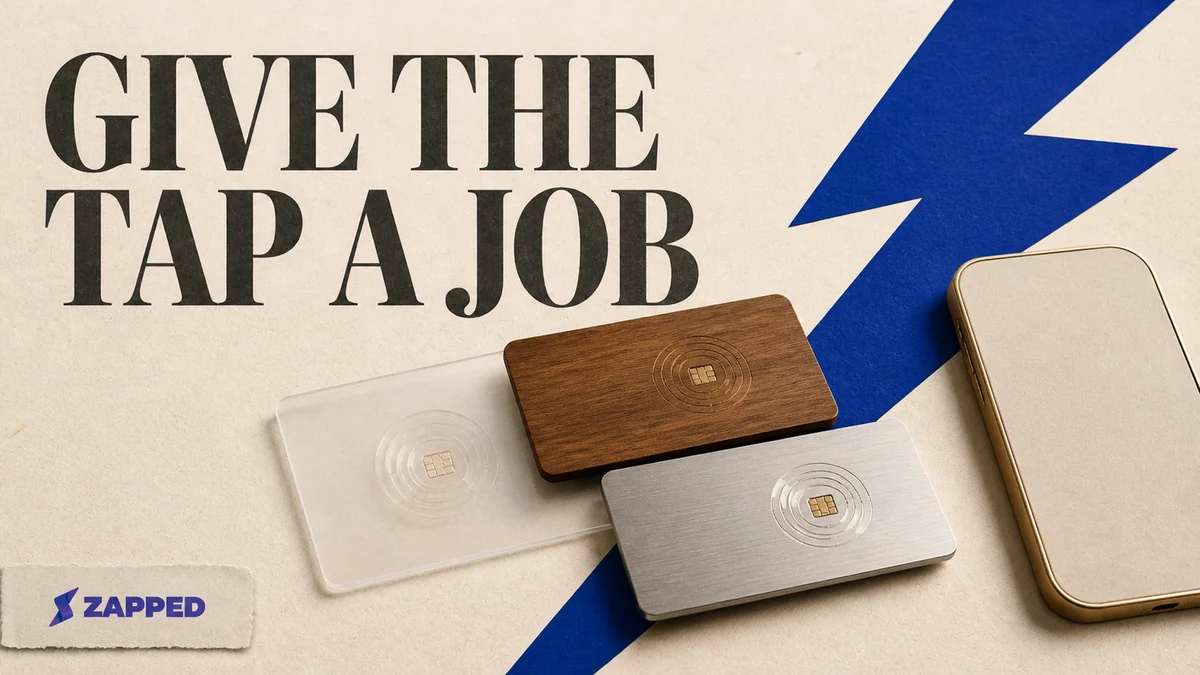
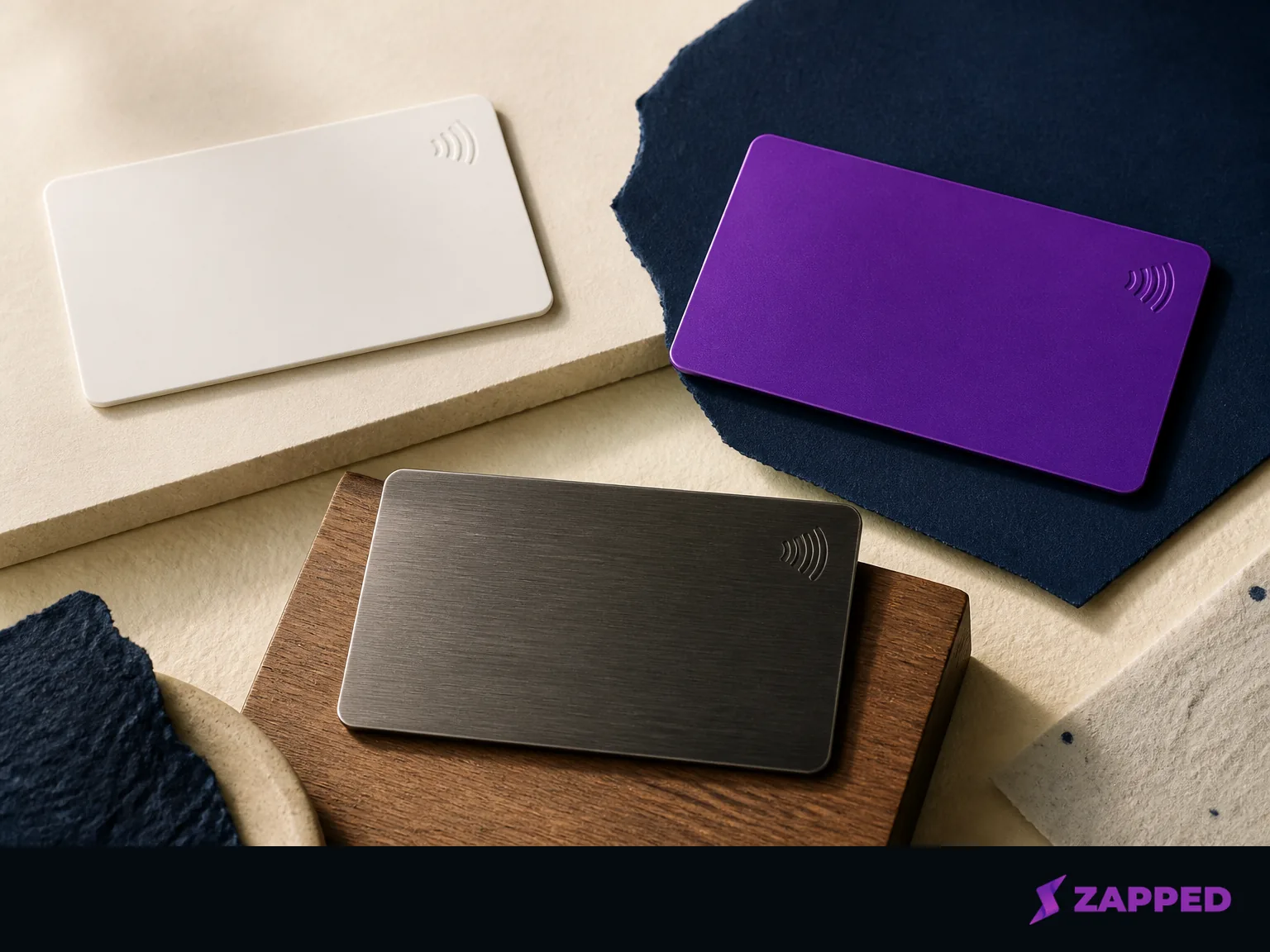
Physical NFC cards range from an inexpensive experiment to a small print run that wants a purchase order. TapTag lists a Tap Classic Card from $3.95, custom cherry wood at $26.95, custom plastic from $29.95, anodized steel from $49.95, premium brass at $59.95, and gold plated stainless steel at $79.95 in its current catalog. Blinq's named card prices run from $19.99 for standard to $24.99 for wood, $33.99 for metal, and $60 for a fully custom card.
Those are individual card prices. A creator ordering a branded batch is making a different call. Print Peppermint lists NFC plastic at $349 for 50 cards, metal at $445 for 50, and wood at $499 for 50. That can make sense for a studio, agency, or recurring event series. For a first card, while you're still learning its job, it's a lot of commitment.
| Route | Listed physical price | Best fit |
|---|---|---|
| TapTag Tap Classic | From $3.95 | Try the handoff before investing |
| Blinq standard card | $19.99 | A polished individual card |
| Blinq fully custom card | $60 | Brand treatment on one card |
| Print Peppermint plastic | $349 for 50 | A custom batch with a lower material premium |
| Print Peppermint metal | $445 for 50 | A batch where the object is part of the impression |
| Print Peppermint wood | $499 for 50 | A batch with a tactile material story |
Prices checked in August 2026. The vendors set the terms, so treat them as dated listings, not a permanent menu.
There is also a custom PVC route. UPrinting says its card can point to a website, portfolio, social page, or any URL up to 200 characters, and that NFC Tools can rewrite the destination. It's attractive when you want front and back printing with a destination you can change, but more of the setup lands in your hands.
Start with a cheap physical card while you're learning what people actually need from you. Pay for custom material when the material carries your brand, you need a coordinated run, or the card belongs to a larger client experience. A premium object can't rescue a vague landing page.
Hardware cost and profile cost are separate
The card is a tag with a surface. The profile is the service that may keep the destination useful. Keep those bills separate before a low hardware price talks you into an expensive habit.
TapTag's free software supports a digital profile, dynamic tap and QR changes, unlimited taps and QR scans, redirects to any URL, and no app requirement for scanning. Its pricing page lists Free at $0, Pro at $8 per month or $60 per year, and Teams at $3 per month or $30 per year per user. The free tier supports up to two profiles and seven days of analytics. Paid capabilities include lead capture, contact exchange, lead management, and custom date analytics.
Blinq's guide says every account includes two free digital cards, and that a physical card can be paired with a Blinq card without Premium or Business. That's a useful free path if your first job is to share a profile and see whether the habit sticks.
At Zapped, our captured monthly pricing lists Free at $0, Starter at $14 per month, and Professional at $49 per month. All three include QR, link, and NFC sharing, with 60, 185, and 365 days of analytics history respectively. The Free plan is one card with five content blocks and includes a Zapped badge. Starter expands the room for multiple cards and light teamwork, while Professional adds more control, including your branding only and no Zapped badge.
The right free plan depends on what you need to learn. If the question is “will people tap this?” free sharing and a QR fallback may be enough. If the question is “which event, link, or introduction turns into work?” analytics and contact capture may justify paying. Vendor authored roundups from Wave Connect's hands on comparison and V1CE's review criteria both treat follow up, analytics, contact saving, and QR behavior as real parts of the decision, not decorative extras.
One detail deserves a direct question before you build your whole identity on a hosted profile. TapTag's checked pricing and catalog pages don't state what happens to a hosted profile when a paid subscription ends. Ask about the lapse policy. A recurring plan is fine when it buys a capability you use, but the destination shouldn't become a surprise hostage to the renewal date.
Choose convenience or ownership
A hosted profile is convenient because you can update one public destination without rewriting the tag. It keeps the visitor in a normal browser, too. That's the practical route when your work, booking availability, and offer change often.
The ownership route is more hands on. In a current r/NFC discussion, one commenter describes using NFC Tools, placing a VCF file on Google Drive, and printing a QR code as the backup. Another says they host vCards on a personal domain so they control the URL and can change the VCF later. That pattern fits if you don't want a subscription or you want the destination to remain yours. Community setups are examples, though, and phones, file hosts, and contact apps may behave differently.
An NFC tag also has very little room for a grand creator manifesto. An NFC maker tutorial uses a tag, an NFC capable phone, a writing app, and a link or contact destination, and warns that tags have very small storage capacity. Put the short route on the tag. Let the page carry the context.
Start digital. Order custom hardware once real events show you need it. Ownership is worth the setup when the public URL is part of your business infrastructure. Convenience wins when you need to edit quickly, share a browser first destination, and spend your time making the work rather than maintaining the plumbing.
Material changes how the tap works
Material isn't only a style decision. It changes the direction from which the card should be tapped.
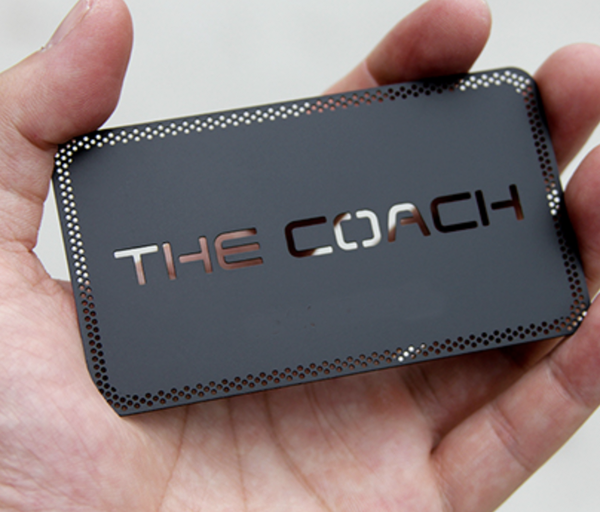
Print Peppermint's material comparison says its NFC metal card scans from the plastic back because the metal front blocks the signal. Its plastic and wood cards scan from both sides. Put a small instruction on the card or in the handoff if the recipient will not know which side to use. A premium metal card that requires a precise flip can create more friction than a plain card that works immediately.
Custom plastic sits in the middle. UPrinting's route supports front and back printing, a matte laminate, and a programmable URL. Blinq's custom editor supports a logo, brand colors, fonts, and an on screen preview, while its guide says the physical card includes a QR fallback. The better question isn't “which material looks expensive?” It's “what will this person do in one unplanned second?”
If your card is a prop in a carefully designed client meeting, material can carry the moment. If it is being passed around at a noisy meetup, easy orientation and a visible fallback are stronger arguments than weight.
Test the awkward moment before the real one
Don't test only the tap from your own phone while the card is still beside your laptop. Test the handoff as another person will receive it.
Create the public URL first. Write that URL to the tag with an NFC writing app. Tap it with another compatible phone, confirm that the intended page opens, and check the save contact flow. Then scan the QR code. At Zapped, our NFC programming guide recommends this sequence and says to rewrite the tag if the wrong profile opens.
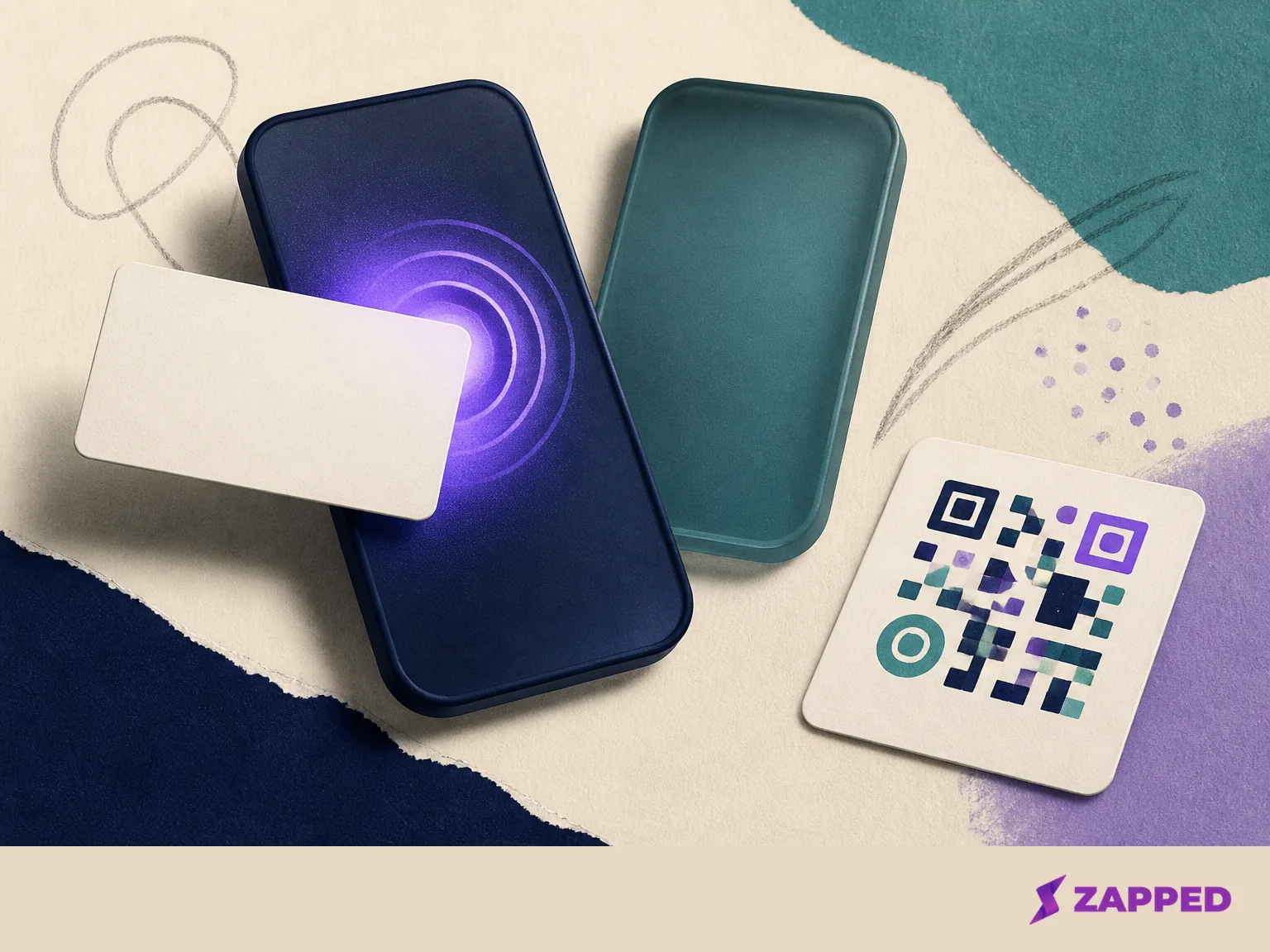
Keep the QR route visible beside the NFC mark. It isn't an admission that the tap failed. It's what lets the conversation continue when the other phone has NFC turned off, a case gets in the way, or the recipient simply prefers a camera scan. Blinq includes a QR fallback on its physical card, and TapTag says its setup supports both dynamic taps and QR changes.
The final test is the next action itself. Can the other person tell whether to save you, see the portfolio, book, pay, or start a collaboration? Can they do it without an app? If the answer is no, rewrite the destination before you rewrite the card.
The verdict for creators
Still learning which handoff earns a response? Start with the low cost card. If the visual treatment matters and you want a polished individual object, custom plastic or a Blinq card makes more sense. For a batch, choose metal or wood when the material belongs to the brand experience, and remember that metal may need a tap from the plastic back.
When updates and browser first sharing matter more than infrastructure, use a hosted profile. When avoiding a subscription and owning the destination matter more, use a URL or VCF route you control and print the QR fallback beside the NFC mark. If the real problem is too many choices, an expensive card won't solve it. And if a broken renewal could strand an important public URL, ask about the lapse policy first.
The card is only the handoff. The part worth protecting is the next move: one clear destination that can change as your work changes and still works when the first tap doesn't.