An NFC bracelet business card is worth buying when it solves an availability problem: the bracelet makes you more likely to have your sharing trigger ready, and the tap opens a profile you can keep current. It isn't automatically better than a card or QR code. The useful product is the complete path from wrist to saved contact. The bracelet is the shortest link in that chain, and the least important one to get right.
Before you order, confirm four things: you'll actually wear the band, the tag uses a format your audience can read, the profile or URL remains useful after the purchase, and people can still reach it by scanning or opening a link. If any of those answers is uncertain, an NFC card, phone tag, direct profile link, or QR first route may be the better fit.
What an NFC bracelet business card actually does
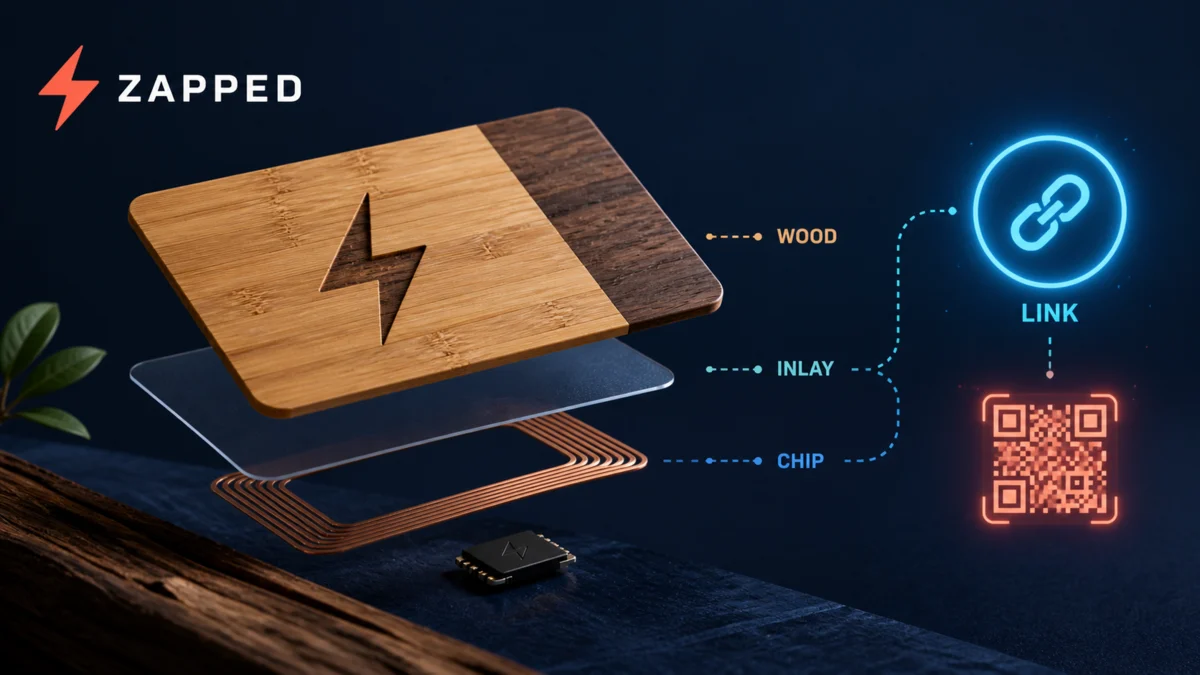
Picture the moment after a good introduction. Someone asks how to stay in touch, and instead of searching for a paper card or unlocking the right app, you hold your wrist near their phone. That short movement starts a handoff. NFC is short range contactless communication at 13.56 MHz, typically working within about 2 cm. An NFC Forum tag can carry a formatted NDEF payload such as an internet link or contact data, which prompts an action on the reading device, as the NFC Forum describes.
The bracelet is just the holder. What it opens is what matters. It might lead to a hosted digital profile, a vendor app, a programmable URL, or a QR code that lets someone continue without tapping. Two bands can look similar while giving you very different control over updates, profile ownership, and what the recipient sees.
If the underlying handoff is new to you, learn how NFC business cards connect a tag to a digital destination before comparing bracelet designs. Once the tap makes sense, the band becomes a format decision rather than a technology purchase.
The bracelet earns its place through habit
The best reason to choose a wristband is availability. A bracelet stays with you when your business cards are in a bag, your phone is on low battery, or a conversation starts unexpectedly. That advantage disappears if the band is uncomfortable, visually wrong for your work, or something you'll remove before the events where you need it.
Check the fit as part of the networking workflow, not as an afterthought. Look for sizing information, material, clasp or adjustment details, and whether the band works with the clothing and setting where you expect to share it. A one size silicone band may be simple for casual use, while adjustable sizing may matter for a team or event giveaway. The physical choice works only when the trigger is there at the moment of introduction.
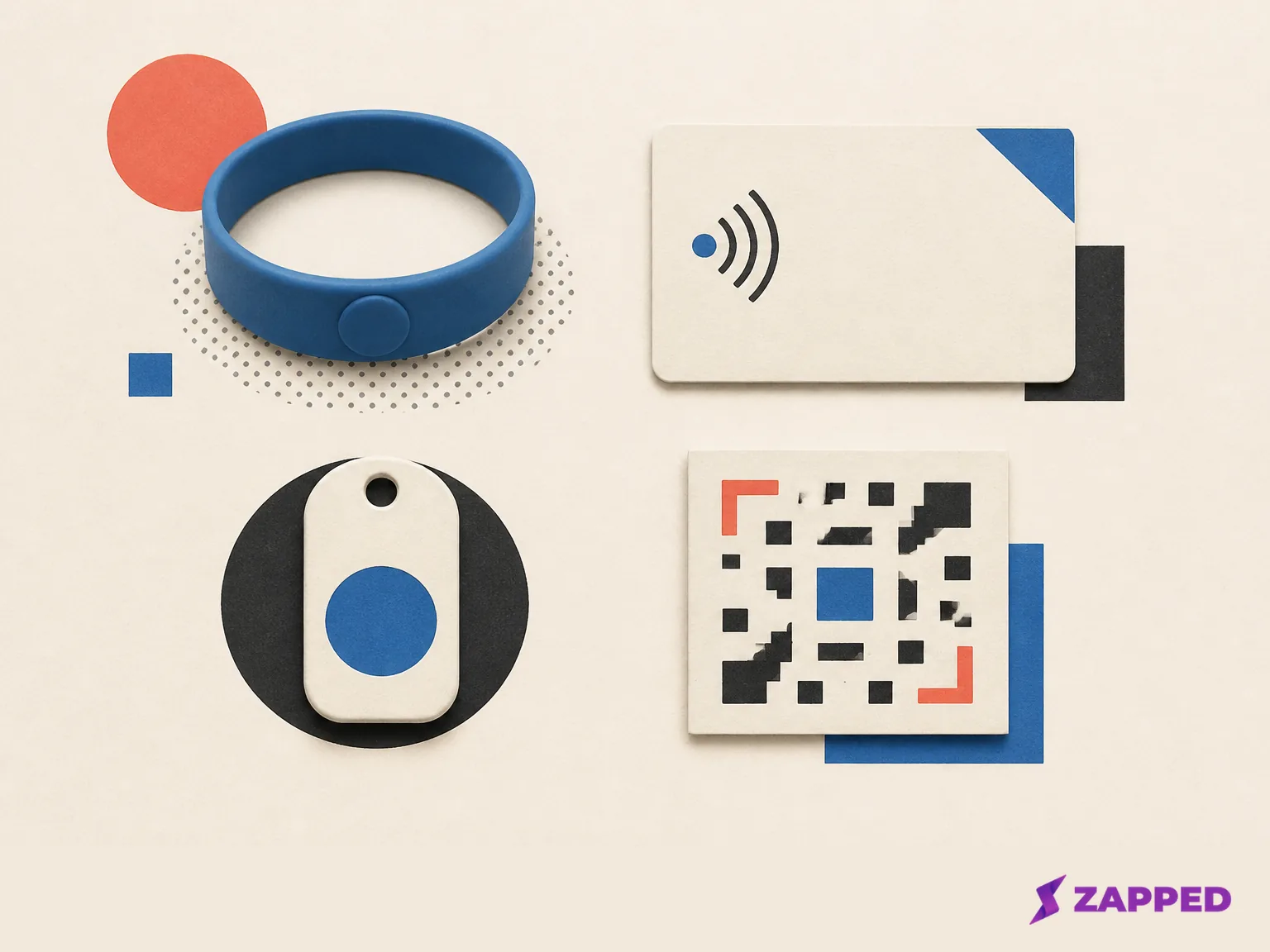
That's also why a bracelet shouldn't be judged by the word “NFC” on its packaging. NFC tag types differ in implementation, size, capacity, cost, and functionality. Android recommends NFC Forum tag Types 1 through 4 for guaranteed compatibility across Android devices with NFC, and warns that vendor specific NDEF formats may not work on every Android device. Android's tag guidance covers this in detail. Ask the seller what tag type is used, what the tag stores, and whether the tap opens a normal web link or requires a particular app.
Compare the destination before the band
There are four practical versions of the product, and they don't give you the same future.
A hosted profile
A hosted profile is convenient when you want one page for your name, contact details, social links, booking link, or other ways to continue the conversation. The bracelet can keep pointing to that page while you edit the information behind it. This is often the smoothest route for a solo professional who wants updates without rewriting the tag.
The tradeoff is ownership and terms. Before buying, find out who owns the profile, whether you can export or redirect the destination, which features require a subscription, and what happens if you stop paying. “Editable” is useful only if the editing access and future cost are clear.
One concrete option: a Zapped profile can serve as the editable destination behind a bracelet, with a visible QR code and direct link as fallback. The free tier carries one card and five content blocks; paid plans expand both and add analytics.
An app linked device
Some products pair the physical band with a vendor app or dashboard. Wave's bracelet is the clearest example: you create a profile in its app or dashboard, the band works with iOS and Android, and there's a QR code on the back for setup.
This route can be a good fit if you already like the service and want its editing tools. It's a weaker fit if you want a simple, portable link or don't want another account to maintain. Check whether the recipient needs an app, even if the seller says it works with both platforms.
A programmable URL
A programmable tag can point to a URL you choose, such as your own website or an editable profile you control elsewhere. That can reduce dependence on a bracelet vendor and make the physical item easier to repurpose. A bulk event product, for example, may let an organizer program a custom URL or digital business card and reprogram it after an event, as Gifts for Good’s bulk listing describes.
The URL route asks more of you at setup. You need a destination that works on a phone, a plan for keeping it current, and a test that confirms the tag was written correctly. For a team, also ask how many units are supported, whether each band can have a distinct destination, and how reprogramming is handled after the handout.
A QR fallback
A visible QR code makes the same destination available to someone who cannot or does not want to tap. Product listings show this pattern in different ways: Contact Co describes a passive Type 2 NFC tag in its Link Bracelet with a browser based recipient flow and an optional QR profile fallback, while Dot describes a silicone dot.band with a QR code on the strap.
Treat the fallback as part of the product, not decorative backup. NFC is a close range tap, so a bracelet can't replace a visible scan route or direct link when a phone cannot tap, the recipient prefers scanning, or the conversation happens at a distance.
What to ask before you buy
Start with the product page itself. Does it name the tag type, or just say "NFC"? Does the tap open a normal web link, or does the recipient need an app? Can you edit the profile after purchase, and who owns the account if you stop paying? Is there a QR code printed on the band, and does it open the same destination as the tap?
Then try it. Tap with the phones your audience actually carries, open the profile in a browser, save the contact, scan the QR code. A seller’s compatibility label is a starting point. Your hand on the band is the real test.
When a different format is the better choice
The bracelet earns its slot when the wrist is where you'll reliably have the trigger. An NFC card is the better pick when you want a familiar object to hand over, or room for a printed name and role. If you're already carrying your phone everywhere, a phone tag gives you the same tap without another thing to wear.
A direct profile link fits when the conversation already happens through text, email, or a booking flow. QR first makes sense when your audience scans more naturally than they tap, or when you need a visible route at a booth or printed sign. For a broader comparison of card providers, profile ownership, and fees, the best NFC business card options before committing to the bracelet format.
The fallback is simple: use an editable digital profile with a visible QR code and a direct link, then place that destination on an NFC card or phone tag if a physical tap still helps. You keep the useful destination even when the bracelet is not worn, the phone cannot tap, or the recipient would rather scan.
Make the purchase decision
Use that check as your stopping point. If the band fits, the tag opens a workable route for your audience, and the profile terms are clear, the bracelet is a reasonable format to test. If one of those checks fails, keep the editable profile and move the destination elsewhere. We'd start with the profile and buy hardware only once the events justify it. A Zapped profile is one way to do that: the free tier carries one card with QR, link, and NFC sharing, and paid plans expand the limits.
If you choose Popl after this comparison, follow the Popl wristband setup guide for the product specific steps.
Further reading
- Wave's bracelet listing, for the hosted profile + app route
- Gifts for Good's bulk bracelet listing, for the programmable event route