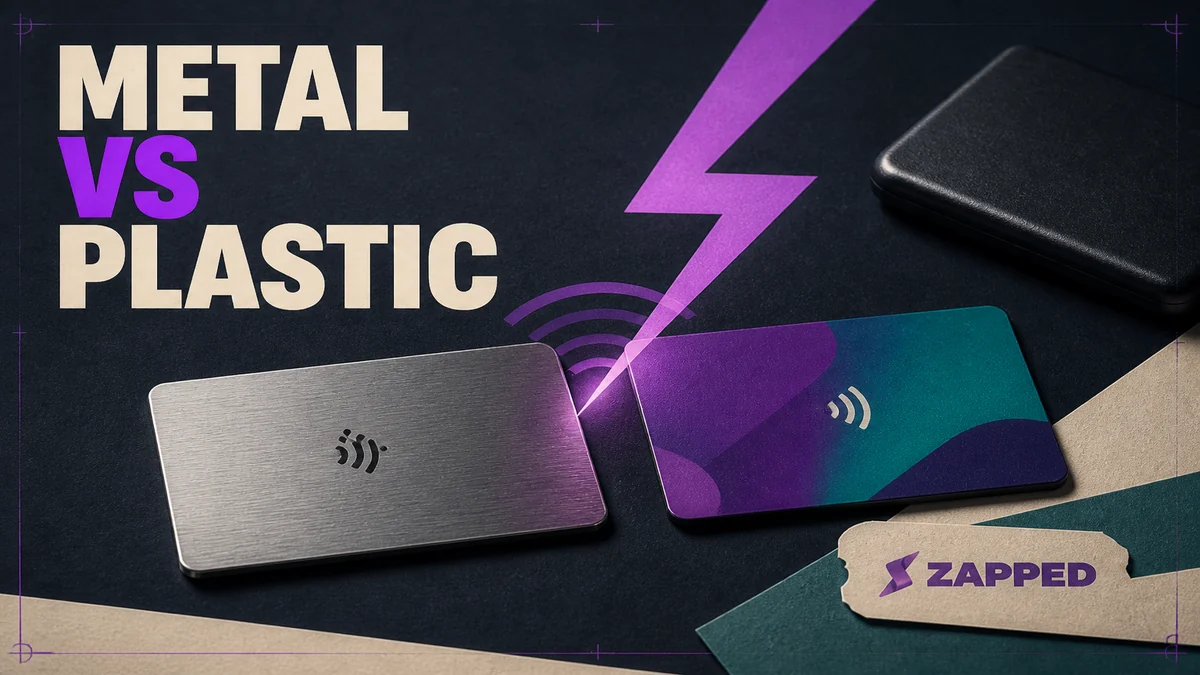
Choose plastic if you want the safer default for full color branding, lower upfront cost, lighter carry, and fewer material related NFC questions. Choose metal when the physical handoff is part of your brand, but only after the seller explains how the tag is isolated or tuned and gives you a QR fallback. Metal is a premium feel choice, not proof of a better tap.
The card stock is only half the purchase. The profile behind it decides whether a tap becomes a saved contact, a lead you can follow up with, or a recurring bill you forgot was attached to the hardware.
Start with the tag, not the finish
NFC works with plastic and metal under the right conditions. The catch is that nearby metal can distort the magnetic field used for communication, so a metal card needs more than a tag placed inside it and a promise that it works. STMicroelectronics explains ferrite protection and recommends evaluating the finished product with its actual material, geometry, and phone models in place.
That makes the important question surprisingly concrete: how was this finished card evaluated? A seller should be able to tell you where the tag sits, what separates it from the metal, and whether the final construction was checked with the phones your customers carry. Free air behavior isn’t the same thing as a tap across a networking table.
Plastic removes one material question. It doesn’t make every product identical, but it gives a manufacturer a simpler surface for printing and a more forgiving default for a buyer who needs the card to work across many handoffs. A metal card can be excellent when the construction is deliberate. It can also be an expensive object that makes the first interaction more awkward.
If the seller can’t answer those construction questions, buy plastic. If you want the deeper look at where the tag goes and how a metal card is set up, see our guide to metal NFC cards.
Plastic is practical. Metal is deliberate.
The physical tradeoff isn’t subtle. Linq lists card weights of approximately 0.18 to 0.25 ounces for plastic and 0.99 to 1.06 ounces for metal. Its cards include NFC and QR sharing, and Linq describes both as scratch and water resistant. The metal version feels more substantial in the hand. The plastic version is easier to carry when you’re handing out several cards or keeping one in a wallet.
The broader material pattern is familiar: PVC and metal compared describes plastic as light, familiar, suited to full color printing, and lower cost, while metal leans toward a heavier, engraving oriented finish. That’s a useful description of the buying choice, as long as nobody mistakes the finish for an NFC specification.
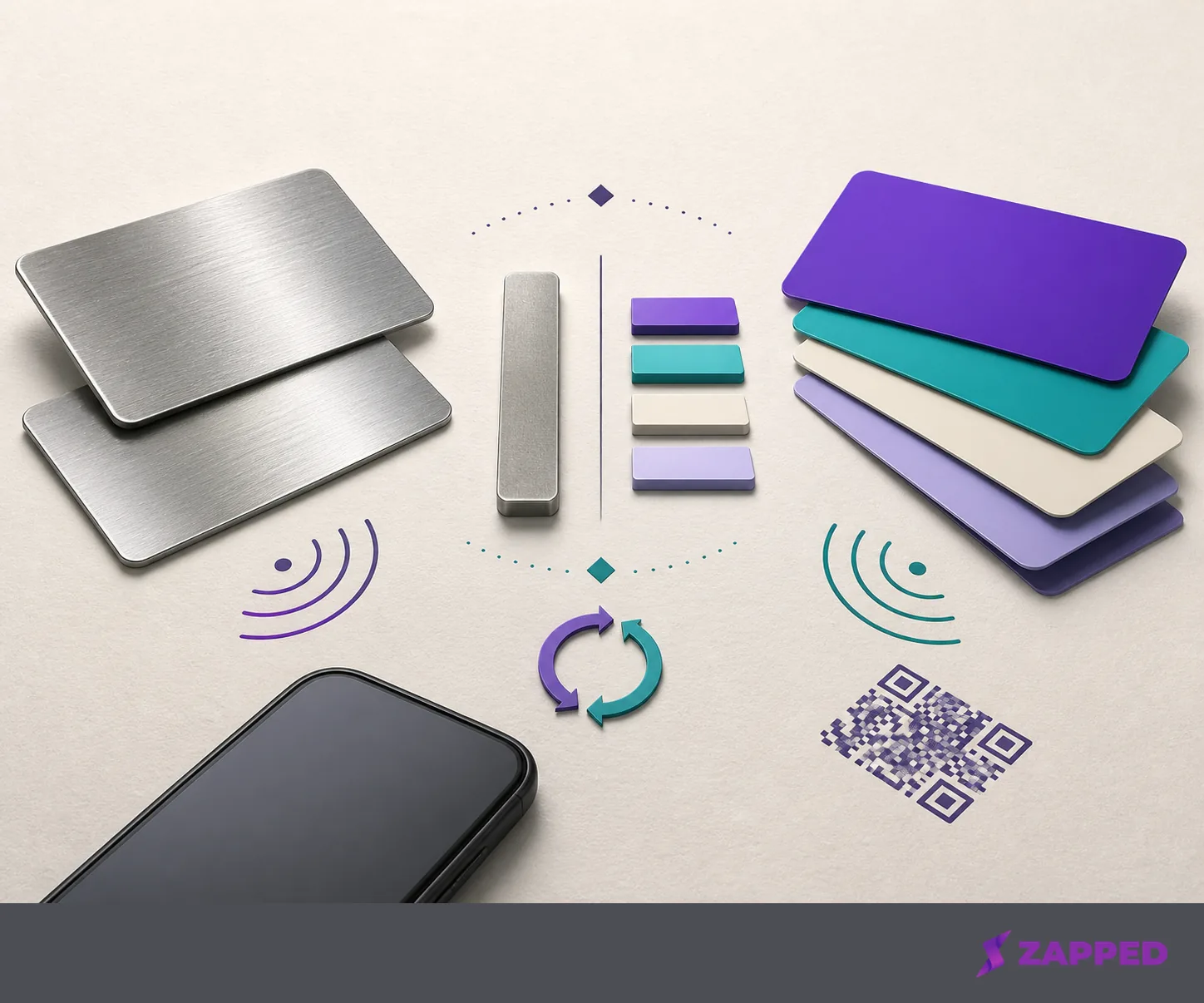
For a solo professional, ask what the card has to do in the first five seconds. Plastic is the better pick when your logo, colors, and readable details need to survive a quick handoff. Our guide to plastic NFC cards goes deeper on choosing and using that practical route. Metal makes sense when the object itself is part of the introduction and a heavier tactile impression earns its keep.
For a team, plastic usually gets more attractive. Full color consistency, quantity, and weight matter across dozens of handoffs. A metal card can still be right for a small group of senior people or a brand where the physical object is part of the experience. It’s a presentation decision, not a shortcut to better lead capture.
The card price is only the opening number
Current seller listings show how wide the hardware range can be. These are USD examples checked in August 2026, and sale displays are shown separately from regular prices where the storefront provided both.
| Product | Plastic listing | Metal listing | What the price tells you |
|---|---|---|---|
| Linq cards | $14.99 | $39.99 | A relatively small material premium, with a required paid subscription behind the card |
| Mobilo cards | $39 regular, $29.50 sale display | $139 regular, $69.50 sale display | A much wider regular price gap, with NFC, QR, and unlimited taps listed for the plastic card; the metal listing identifies stainless steel with laser etching |
| Tap Tag metal card | Not listed | $79.95 | The listing includes a free profile and says no subscription is required |
| Popl card examples | $4.99 basic | $44.99 metal | A vendor article example, not a complete current storefront comparison |
The table shows two decisions hiding under “metal versus plastic.” In the Linq example, metal adds $25 to the listed card price. In the regular Mobilo example, the gap is $100. Tap Tag sits between those examples for a metal card, while Popl’s vendor article shows how low a basic card example can start. The premium isn’t a fixed property of metal. It’s a product and seller decision.
Compare that premium with what happens after the card arrives. A $25 difference is easy to justify if the object is doing real brand work. It’s harder to justify if the tag is poorly explained, the QR fallback is missing, or the profile service becomes the larger cost within a few months.
Pick the profile before the platform bill
Tap Tag’s metal card terms include a free digital profile, a QR code, unlimited NFC taps, no app requirement, and no subscription. Its free dashboard includes seven days of page view analytics and dynamic redirect controls, with Pro available as an optional upgrade. That’s a clean fit if you want hardware plus a usable profile without committing to a recurring plan.
Linq takes the opposite position on the checked help page: an active subscription is required to activate and use its digital business cards. The same page doesn’t publish the subscription price or explain what happens to the profile after a lapse. That silence isn’t a verdict against the card. It’s a question to ask before paying the hardware premium.
Popl says individuals can start free, while paid individual and team plans add lead capture, analytics, follow up, CRM integrations, and team management. Its current team pricing page uses custom team pricing and asks buyers to book a demo rather than publishing a team USD price. If you need a team budget before a sales call, that missing number is part of the decision.
We sit in a different part of this comparison: Zapped is a digital card platform, not a metal card manufacturer. Our monthly pricing, checked in August 2026, is Free at $0, Starter at $14 per month, Professional at $49 per month, and Large rollout by custom quote, as shown in our monthly pricing. Free includes one digital card, five content blocks, QR, link, and NFC sharing, plus 60 days of analytics history and a Zapped badge. Professional includes 100 cards, 365 days of analytics history, five team workspaces with ten members each, branded domains, and no Zapped badge.
The useful comparison isn’t “which material has the best price?” It’s “what will I still pay when the card is already in circulation?” If you want to avoid recurring platform fees altogether, start with NFC cards without a subscription and treat the profile terms as part of the hardware purchase.
A tap is a handoff, not the whole conversation
The recipient shouldn’t have to understand your platform before they can save your details. Linq says no recipient app is needed. Tap Tag says there’s no app requirement. Those details matter more than a polished product photo because the person across the table is often using a phone you’ve never seen.
Zapped takes the same low friction path for a different reason. A card can be shared by QR code, NFC tap, or link, and the recipient opens it in a browser and saves the contact without installing an app. That makes Zapped useful when the physical card is only one of several ways to reach the same profile. The free tier keeps that route available: one card, five content blocks, and 60 days of analytics history, which Starter and Professional expand along with removing the badge.
The next question is what happens after the contact is saved. Popl’s paid plan features include lead capture, analytics, follow up, CRM integrations, and team management. Those features make sense when the card is part of a measured sales process rather than a simple exchange of contact details.
At Zapped, we're stronger around card creation, sharing, contact saving, and analytics than around deep CRM style follow up automation. That isn’t a problem for a solo professional who wants to see whether networking moments work. It’s a reason for a team with a formal sales workflow to compare platform features before ordering a premium batch of cards.
Teams change the math
An individual can decide whether a metal finish feels worth the money. A team has to repeat that decision across quantity, branding, administration, and reporting.
As checked in August 2026, Mobilo lists a Metal Custom Design option at $69.50, plus $4 per month, with team management, unlimited team members, analytics, and CRM integrations. Its pricing is a reminder that the recurring term can attach to the rollout rather than the card itself. A team that needs those controls should price the workspace, not just the stainless steel.
Tap Tag says multiple order discounts are available. That’s a useful starting point, but it doesn’t replace a written quote for your quantity. Ask for the per card price, the profile term, what remains active if the account changes, and whether each person gets the same branding and sharing options.
Zapped’s team path is also platform led. Professional includes five workspaces with up to ten members each, along with longer analytics history and full branding control. For a team choosing plastic cards, that can be enough structure when the core job is consistent profiles, QR and NFC sharing, and visibility into card activity. For a team that needs deep CRM follow up, compare that requirement directly with the platform that will own the leads.
Three questions before you order metal
First, where is the tag placed, and what layer separates it from the metal body? Nearby metal can change the RF environment, so “NFC included” doesn’t answer the construction question.
Second, what’s the QR fallback? A QR code gives the recipient another route when the tap is awkward, the phone pairing is unfamiliar, or the card is being passed across a table at the wrong angle. If a seller offers no trustworthy fallback, plastic is the sensible answer.
Third, was the finished card evaluated with real phone models? A hands on metal card comparison considered print quality and NFC strength and warned that metal cards can be harder to tap and vary in quality. That’s the kind of caveat worth taking seriously. The final object, not the material name, is what your customer will use.
If the seller answers all three clearly, metal can earn its place as a memorable brand object. If the seller answers with a universal tap promise and no construction detail, don’t turn the missing evidence into confidence. Choose plastic, or choose a platform that lets the same profile work through NFC, QR, and a link.
The verdict
Start with plastic if you need a broadly practical card for full color branding, lighter carry, lower upfront cost, or a team rollout. It’s the material we’d choose first for most buyers, because the default should be easy to print, easy to carry, and easy to explain.
Choose metal if the physical handoff is part of the brand, the weight and finish are intentional, and the seller can explain tag placement, isolation, QR fallback, and testing with the finished card. Don’t choose it because metal sounds like a performance upgrade. The tap still depends on the tag construction and the phone pairing.
Then choose the platform on its own terms. A free profile may be enough for simple sharing. Analytics, lead capture, follow up, CRM connections, and team controls can matter more than the card body once the first meeting is over. The right NFC business card is the one that keeps working as a tag, a profile, and a next step.