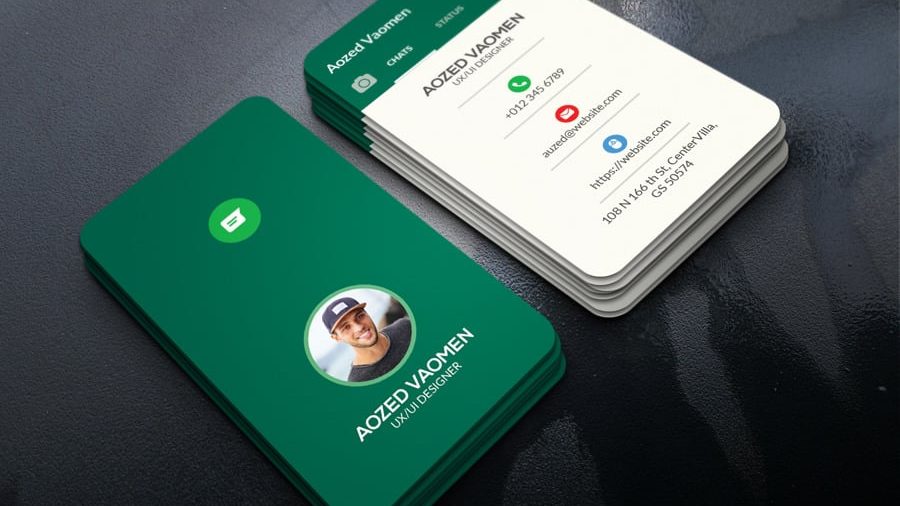
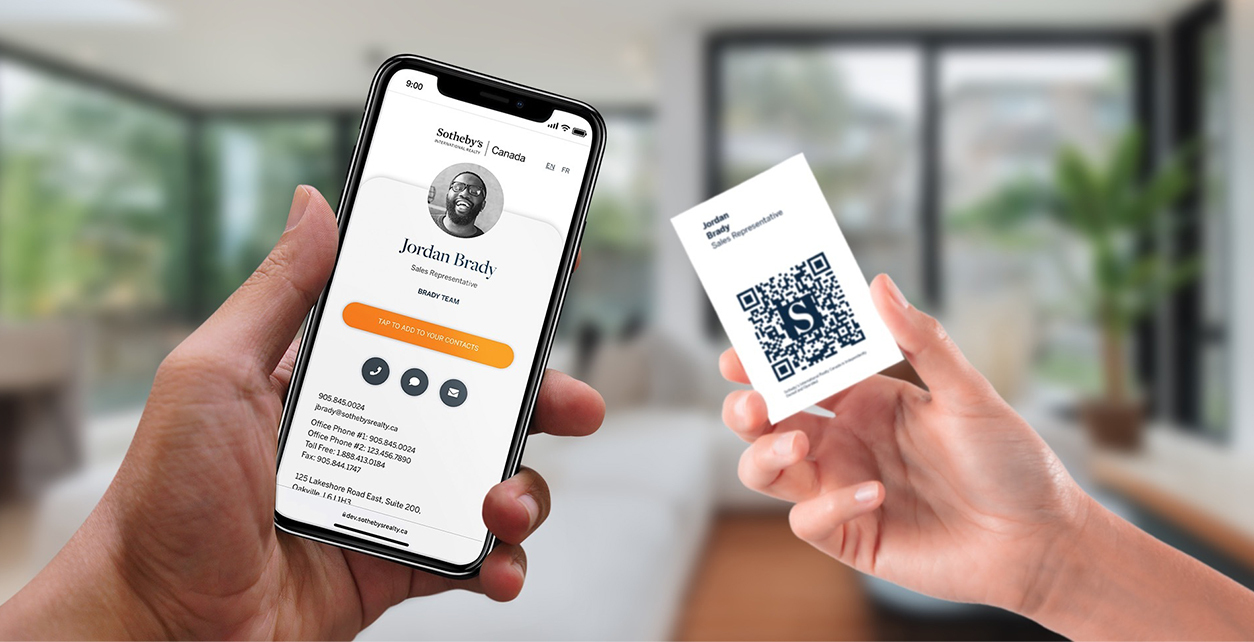
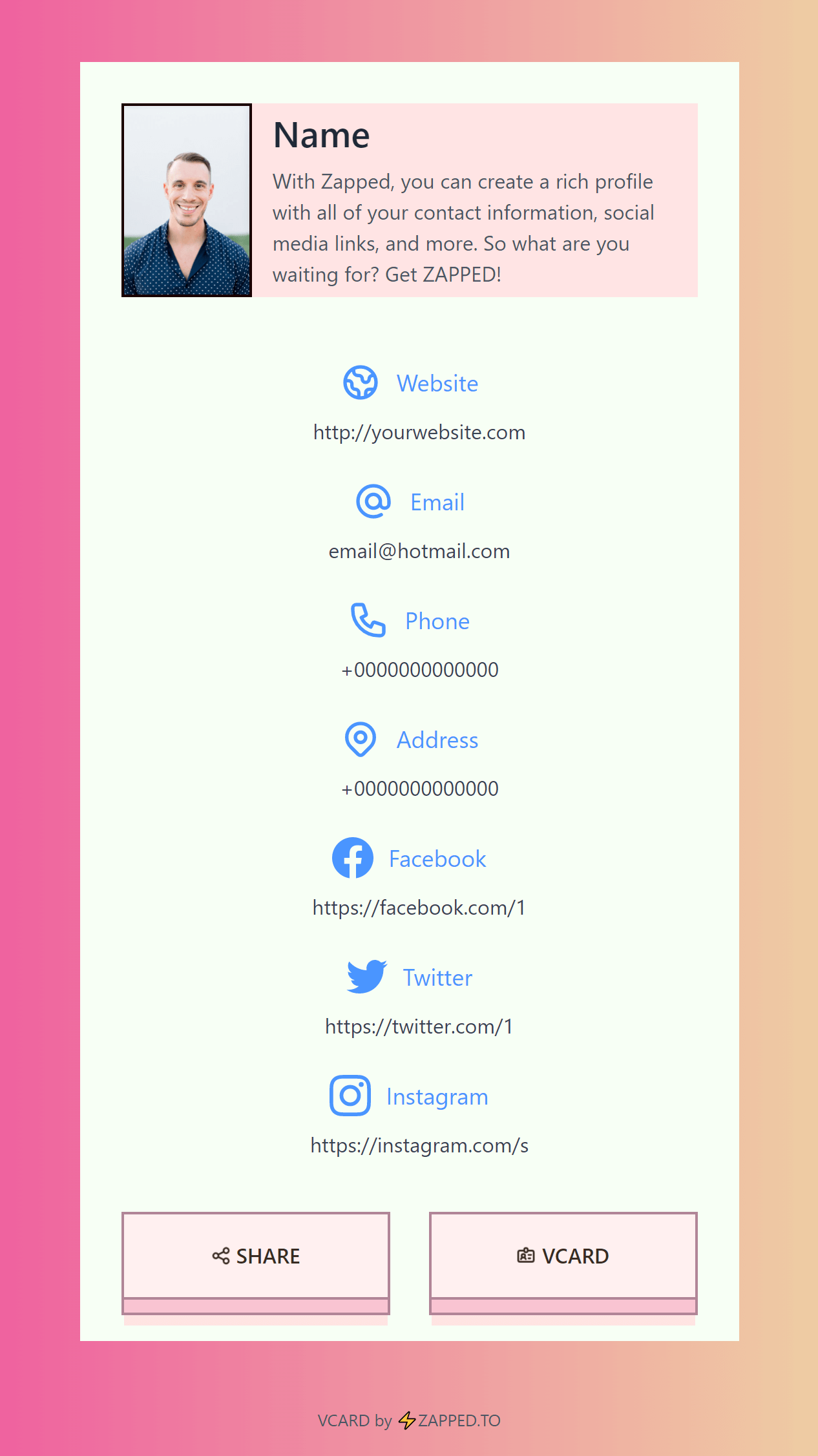
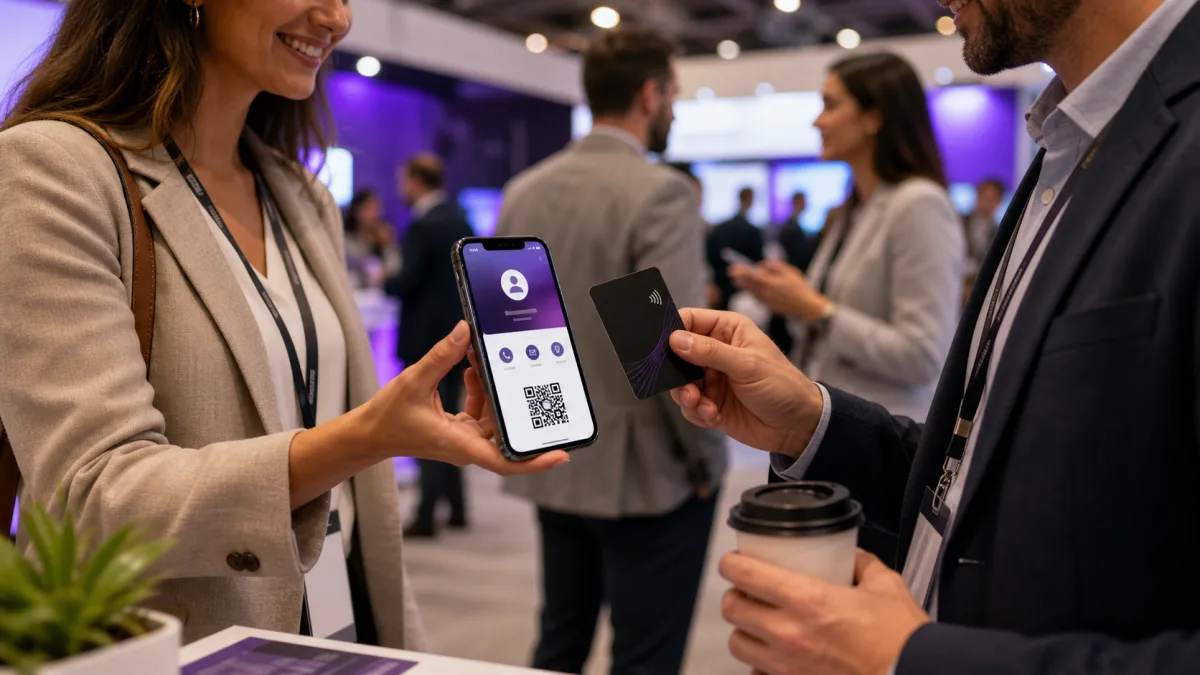
You can send a digital card on WhatsApp by sharing the card link in a chat, sending a QR code image, using WhatsApp Business short links, or sharing a contact card. The easiest method is usually a live digital business card link.
Quick answer
To send a digital card on WhatsApp, copy your digital business card link, open the WhatsApp chat, paste the link with a short message, and send it. If you use WhatsApp Business, you can also share your business QR code or short link so customers can start a chat quickly.
Key takeaways
- A digital card link is the simplest WhatsApp sharing method.
- A QR code image works well for groups, flyers, and status posts.
- WhatsApp Business has built in QR code and short link tools.
- The message around the link matters. Tell people what to do next.
- Zapped profiles work well because one link can carry contact details, QR, NFC, booking, and save contact options.
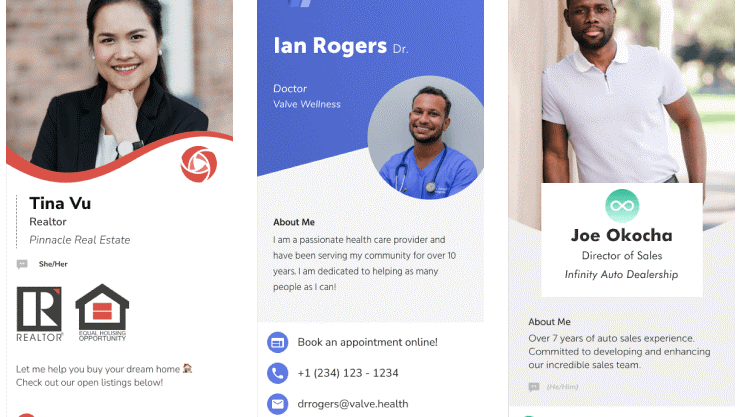
Best ways to send a digital card on WhatsApp
There are four practical methods.
| Method | Best for | How it works |
|---|---|---|
| Digital card link | One to one chats and follow ups | Paste your profile URL into the chat |
| QR code image | Groups, status posts, printed materials | Share the QR image so people can scan or save it |
| WhatsApp Business short link | Customer conversations | Sends people directly into a WhatsApp chat |
| Contact card attachment | Simple phone contact exchange | Shares a contact record inside WhatsApp |
For most networking and sales follow up, the digital card link is the cleanest. It gives the recipient a profile they can open, save, and revisit.
How to send your digital business card link
Use this workflow:
- Open your digital business card profile.
- Copy the public share link.
- Open WhatsApp.
- Choose the chat or group.
- Paste the link with a short note.
- Send the message.
- Follow up if the person asks for a specific link, calendar, or document.
A good message can be simple:
Great meeting you today. Here is my digital card with my contact details and booking link: [your link]If you are sending it after an event, add context so the message does not feel random.
How to use WhatsApp Business QR codes and short links
WhatsApp Business includes QR code and short link features that help customers start a chat with your business. WhatsApp's help center explains that business users can view their QR code from the business tools and short link area, then share the code or link.
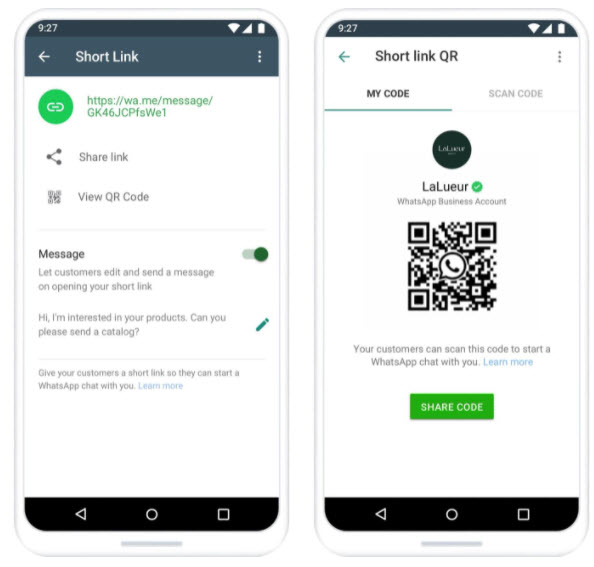 Visual reference: WhatsApp Business short link and QR code screens from The Three Marketers' WhatsApp Business guide.
That is useful when the main action is message us on WhatsApp. A digital card is better when the recipient also needs your website, email, LinkedIn, booking link, location, payment link, or full contact profile.
Many businesses should use both:
- WhatsApp short link for quick chat.
- Zapped digital card for complete contact exchange.
- QR code for printed cards, signs, and event materials.
Exact WhatsApp Business path
Use the WhatsApp Business app when you want a customer to start a chat with you.
- Open the WhatsApp Business app.
- Tap Tools.
- Open Short link.
- Copy the short link if you want to paste it into your digital card.
- Tap View QR Code if you want a scannable WhatsApp code.
- Tap Share code or Share link.
- Send the link or image to yourself first and test it from another phone.
Use your Zapped digital card when you want to share the full professional profile. Use the WhatsApp Business QR code when the only goal is starting a WhatsApp conversation.
What should the WhatsApp message say?
The message should match the context.
| Situation | Message angle |
|---|---|
| After meeting someone | Mention where you met and share your card |
| Sales follow up | Include the booking or product link inside the card |
| Customer support | Share the right team card or help contact |
| Event networking | Send the card and invite them to connect |
| Local service inquiry | Include service area, phone, and booking link |
Avoid sending only a bare link if the person does not know why you are sending it. A sentence of context improves trust and response rate.
When WhatsApp is the right channel
WhatsApp is strongest when the conversation is already active or the recipient expects a fast reply. It is usually better than email for quick local service questions, event follow ups, account introductions, and informal sales conversations.
| Use case | What the digital card should emphasize |
|---|---|
| Sales follow up | Booking link, product page, phone, and email |
| Local service inquiry | Service area, quote form, location, and reviews |
| Real estate or recruiting | Calendar booking, listings or role links, and direct contact |
| Event networking | Save contact button, LinkedIn, and a short intro |
| Support handoff | The right team member, department, and support channel |
The important part is matching the card to the conversation. If someone asked for a meeting, put the booking action high on the card. If they asked for a phone number, make the save contact action easy to find.
WhatsApp card checklist
Before sharing your card widely, make sure it has:
- Your current name, role, and company.
- A clear profile photo or logo.
- Phone and email if you want direct contact.
- Website, booking, or service link.
- WhatsApp link if WhatsApp is your preferred channel.
- Save contact option.
- A QR code or NFC option for in person sharing.
This is where a Zapped card helps. You can send one link in WhatsApp, but the recipient still gets a full profile instead of a plain phone number.
Send a Zapped card when WhatsApp needs more than a link
WhatsApp is great for the first message, but a plain text signature or profile link can get buried quickly. A Zapped card gives the recipient a mobile profile they can save, reopen, and share after the chat moves on.
That works well for sales follow up, local services, events, recruiting, and customer support. Send the Zapped link with a short personal message, then let the profile carry your phone, email, booking link, social proof, QR code, NFC option, and team details in one place.
FAQs
Can I send a digital business card as a WhatsApp link?
Yes. Copy your digital business card URL and paste it into a WhatsApp chat. This is usually the easiest way to share a card.
Can I send a QR code on WhatsApp?
Yes. You can send a QR code image in a chat or post it in your WhatsApp Status. Make sure the QR code opens a useful mobile page.
Does WhatsApp Business have a QR code?
Yes. WhatsApp Business has QR code and short link tools that can help customers start a conversation with your business.
Is a WhatsApp contact card the same as a digital business card?
No. A WhatsApp contact card usually shares basic phone contact details. A digital business card can include richer links, branding, booking, social profiles, and save contact options.
Should my digital card include a WhatsApp button?
If WhatsApp is a channel you actively use for business, yes. Add it as one of the main actions so people can message you from the card.
Sources
- WhatsApp Help Center, about QR code for WhatsApp Business
- WhatsApp Help Center, share your WhatsApp Business QR code
- WhatsApp Help Center, create short links
- The Three Marketers, WhatsApp Business guide for the short link and QR code visual reference.
- Apple Support, scan QR codes with iPhone Camera
- Android, how to scan QR codes