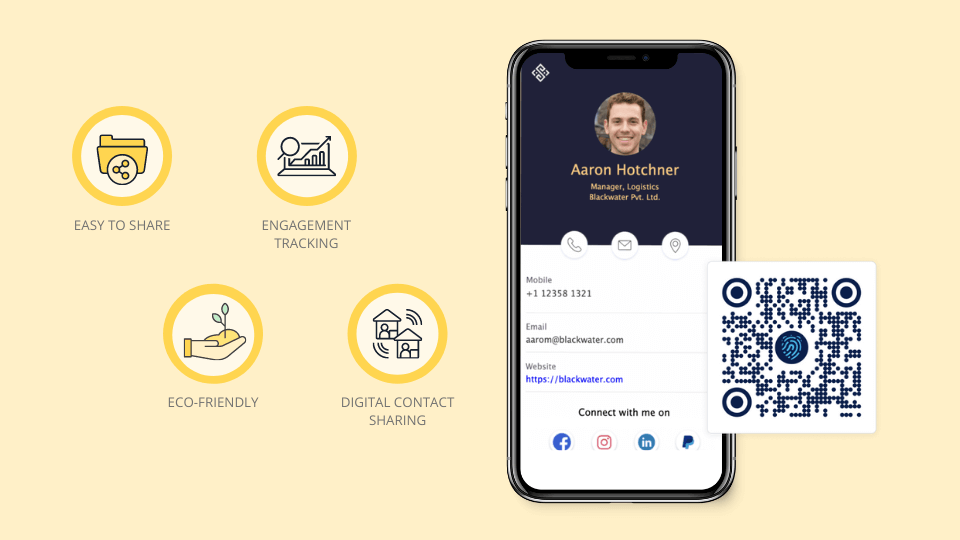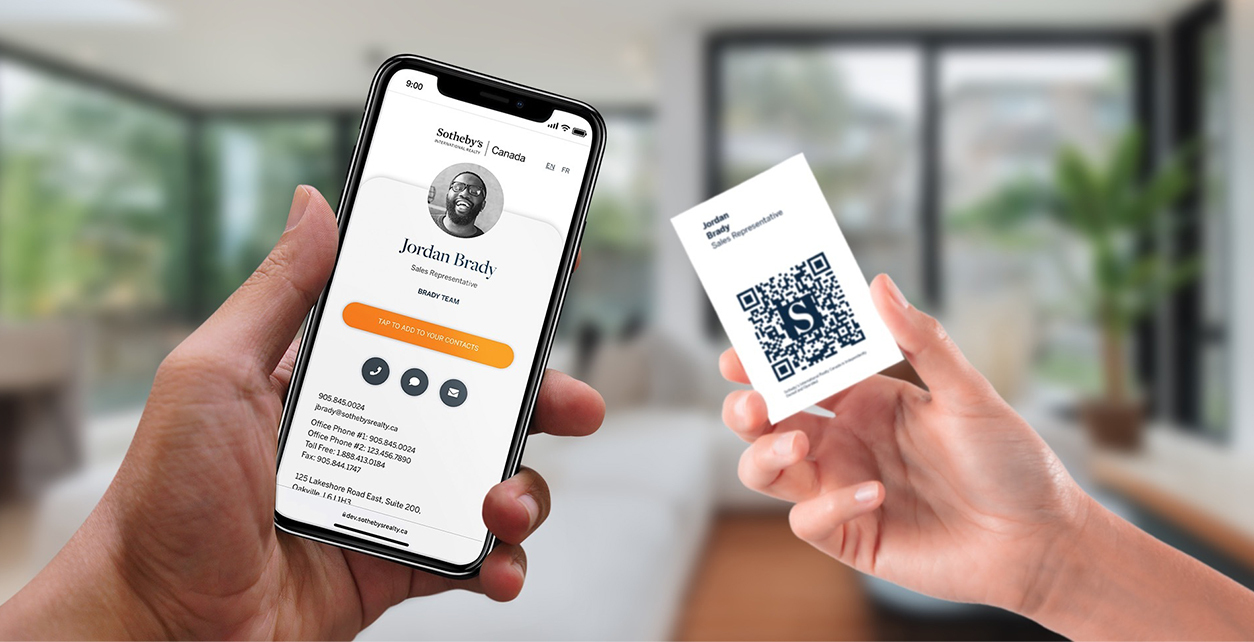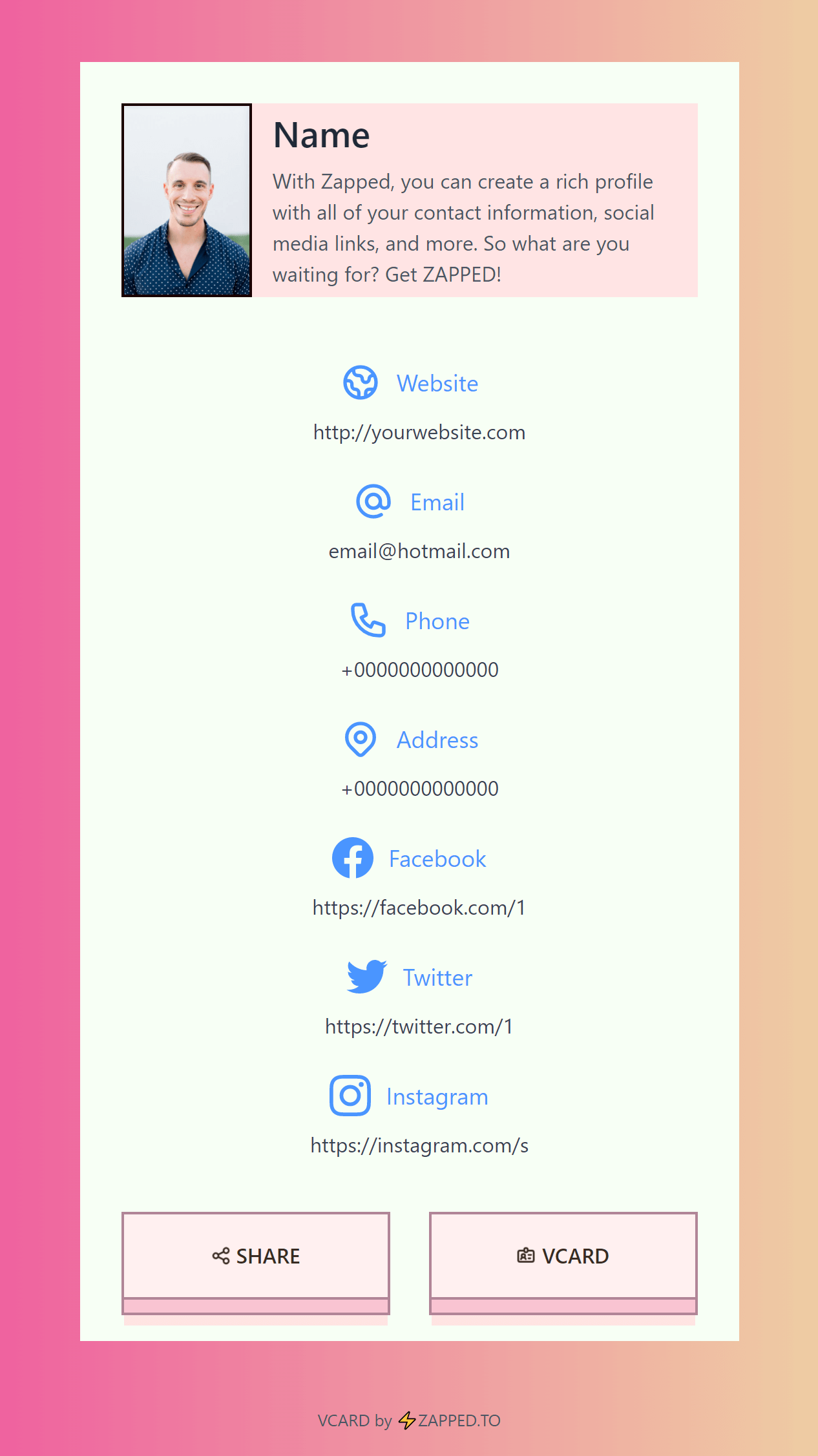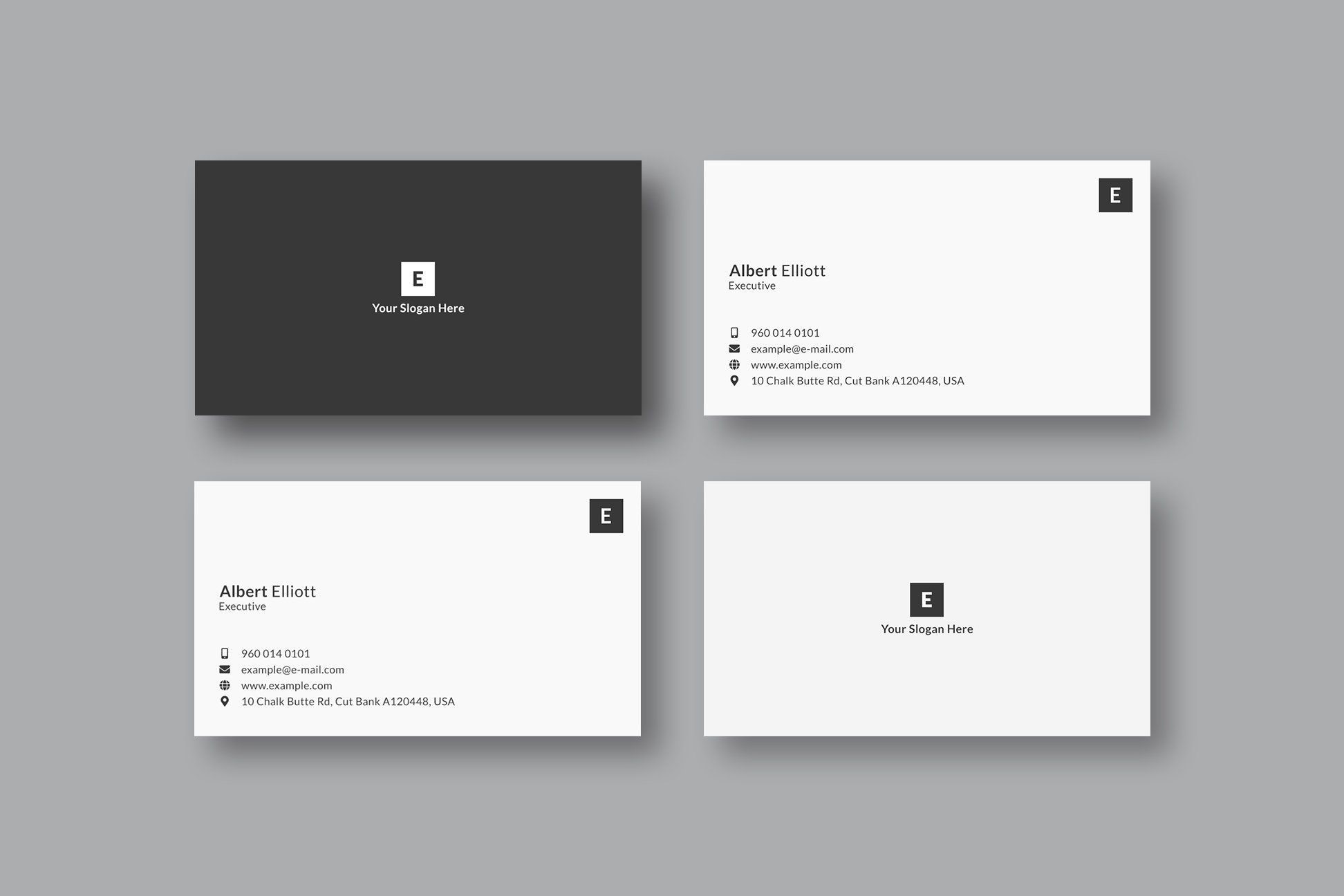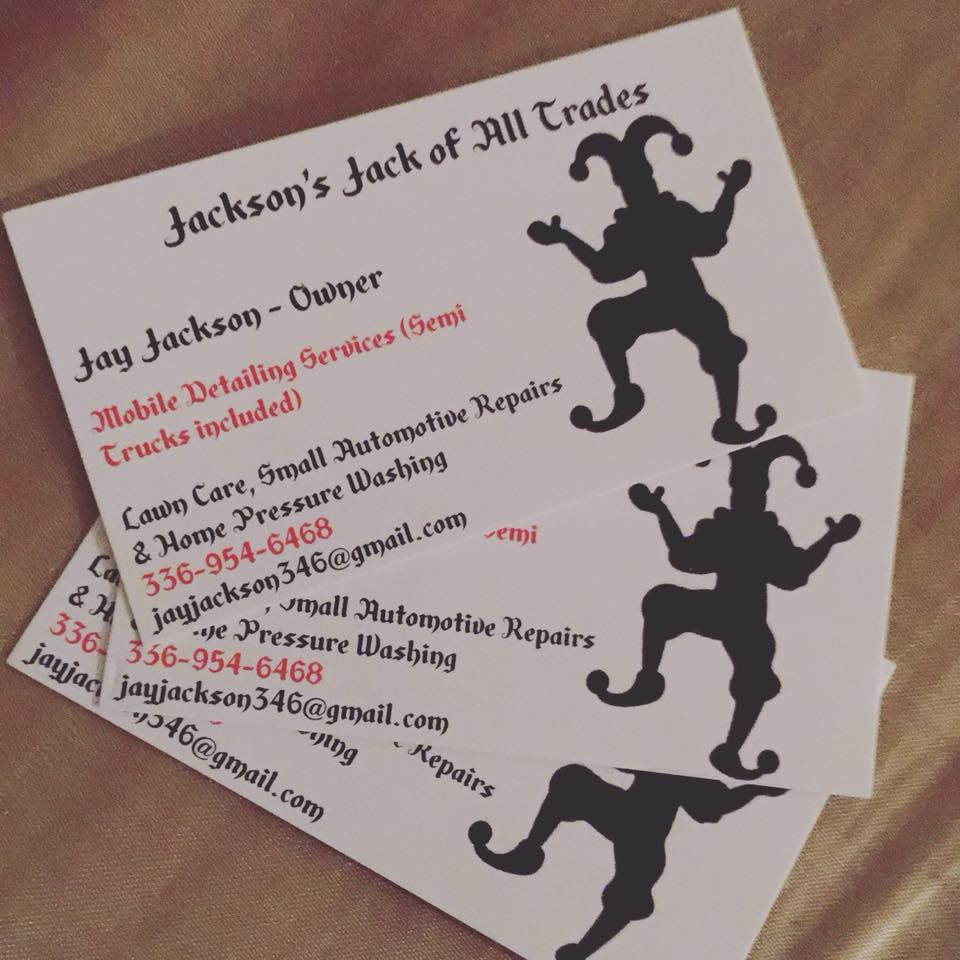
These multi service professional business card ideas are for homeowners, landlords, property managers, neighbors, and small business owners. The best card should look right for your brand, but it should also make the next step simple enough that someone can act later without searching for you again.
Quick answer
The best multi service professional business card ideas combine a memorable visual style with a clear action, readable contact details, and one trust signal. For handymen, fixers, mobile service providers, and generalists, the strongest card usually points to a QR profile where people can request help or a quote, see proof, save your contact details, and follow up when they are ready.
Key takeaways
- Keep the primary query near the front of the card: who you are, what you do, and how to act.
- Use the printed card for identity, trust, and the first action.
- Move changing details like photos, menus, services, offers, and availability to a digital profile.
- Add proof that matches the buying decision, such as service categories, coverage area, reviews, photos, and response time.
- Make the QR code useful by labeling what it opens.
What most idea lists miss
Most inspiration lists for this topic are visual galleries or template pages. They are useful for style inspiration, but they often stop before the important question: what should happen after someone receives the card?
That is the gap this guide fills. Use the ideas below to make the card attractive, then connect it to a practical follow up path.
The card job table
| Card job | What to include | Why it matters |
|---|---|---|
| Be remembered | Brand name, visual cue, and short positioning line | People may see many cards in one day |
| Build trust | Service categories, coverage area, reviews, photos, and response time | The recipient needs a reason to keep the card |
| Start action | QR code or short link for request help or a quote | The card should lead to a measurable next step |
| Support follow up | Save contact, booking, shop, menu, or quote page | The profile can change without reprinting |
Design direction
Aim for a card that feels clear, practical, and versatile. Choose one strong visual idea, then protect readability. If the card is hard to scan, the design is working against the business.
Good design directions include:
- A bold logo or wordmark with quiet contact details.
- A QR code on the back with a short label.
- One proof point, such as a review, specialty, or service area.
- A color palette that fits the work instead of copying a generic template.
- A short call to action, such as "Request Help Or A Quote".
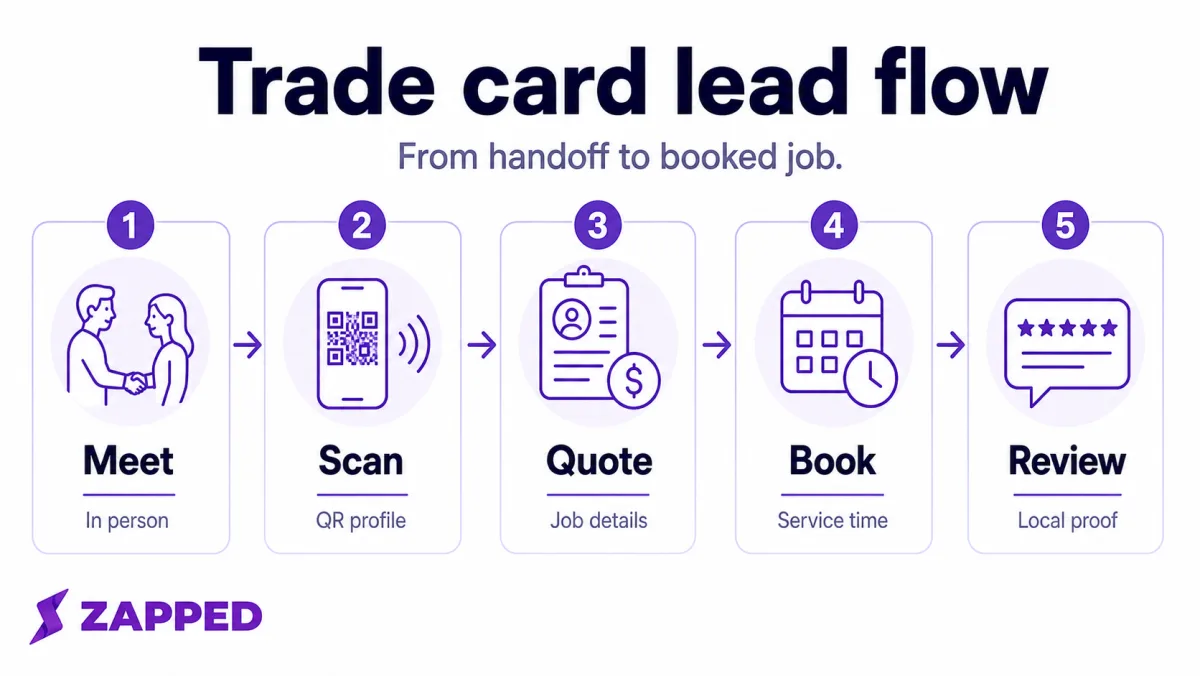
The trade lead flow below shows the piece that many visual idea lists skip: a card should move someone from meeting you to requesting a real job.
Ideas for handymen, fixers, mobile service providers, and generalists
- Action card: Put the next step behind a QR code and label it clearly.
- Proof card: Use one review line, credential, portfolio cue, or service area note.
- Portfolio card: Send people to photos, videos, menu items, examples, or case studies.
- Referral card: Explain who should be referred and what problem you solve.
- Offer card: Use the back side for a sample offer, reorder path, event package, or quote prompt.
- Save contact card: Make the QR destination a profile with a save contact button.
- Follow up card: Use the card after an event, sale, appointment, or job so people know how to return.
What to include
Include only what someone needs to choose the next step:
- Name and business name.
- A clear role, specialty, or service category.
- Phone, email, website, or short link.
- QR code to one useful profile.
- Location, service area, or online shop when relevant.
- Primary call to action for request help or a quote.
- Proof point, such as service categories, coverage area, reviews, photos, and response time.
The card should not carry every package, image, product, policy, or paragraph. Put those on the QR destination.
Content ideas by offer
- Repairs: give this offer a clear destination, such as a gallery, quote request, menu, shop page, booking form, or phone call.
- Assembly: give this offer a clear destination, such as a gallery, quote request, menu, shop page, booking form, or phone call.
- Maintenance: give this offer a clear destination, such as a gallery, quote request, menu, shop page, booking form, or phone call.
- Odd Jobs: give this offer a clear destination, such as a gallery, quote request, menu, shop page, booking form, or phone call.
- Emergency Help: give this offer a clear destination, such as a gallery, quote request, menu, shop page, booking form, or phone call.
These offer cues help the card feel specific without turning it into a crowded flyer.
QR code and profile ideas
A QR code should open something useful, not a dead homepage. For handymen, fixers, mobile service providers, and generalists, the destination can include:
- Save contact button.
- Booking, quote, shop, menu, gallery, or inquiry link.
- Reviews or testimonials.
- Photos, videos, examples, or product collections.
- Location, hours, service area, or event dates.
- WhatsApp, text, or email when quick messaging fits the workflow.
A profile can organize many services without crowding the printed card, then route people to quote requests and reviews. That gives the printed card one clear job while the profile carries the details that change.
Mistakes to avoid
| Mistake | Better choice |
|---|---|
| Choosing style with no next step | Pick the action first, then design around it |
| Tiny contact details | Use fewer fields and larger type |
| QR code with no explanation | Label what the scan opens |
| Too many offers on the card | Put the full list on the profile |
| Generic template copy | Use a specialty, service area, or result |
| Outdated details | Use an editable digital profile |
Print and handoff checklist
- Print a test card and read it at arm's length.
- Scan the QR code on iPhone and Android.
- Confirm the destination loads quickly on mobile data.
- Check that the offer, phone, email, and booking links work.
- Ask a real person what they would do after receiving the card.
- Remove anything that does not support that action.
Turn the card into a live Zapped profile
For jack of all trades, the printed card should start the follow up instead of carrying every detail in tiny text. A Zapped profile lets the card point to service categories, service areas, proof photos, reviews, and quote requests, while the physical card stays simple enough to read and remember.
This works especially well when the same card is shared in person, through a QR code, inside an email signature, or from a phone. You can update the online profile as offers, hours, photos, services, or booking links change, without reprinting every card.
FAQs
What should a multi service professional business card include?
It should include your name, business name, specialty, phone or email, one primary action, and a QR code to a useful profile with more details.
Should I use a QR code on this kind of card?
Yes, if people need more than a phone number. A QR code is useful for booking, quotes, portfolios, reviews, reorder links, social links, or saving your contact details.
What should I put on the back of the card?
Use the back for a QR code, short call to action, review line, offer, or simple service list. Keep enough white space around the QR code so it scans easily.
Are creative cards better than simple cards?
Creative cards work when they are still readable and action focused. If the design makes the phone number, QR code, or offer hard to understand, simplify it.
How often should I update the card?
Update the digital profile whenever offers, photos, hours, services, or links change. Reprint the physical card when the brand, phone number, name, or core offer changes.
Sources
- MOO business cards: Reviewed for current card format, finish, and design option context.
- VistaPrint business card dimensions: Used for standard card sizing, safe area, and print setup context.
- Google Business Profile review guidance: Used for review request and local trust context.
- WhatsApp Business QR code help: Used for QR code and messaging workflow context.