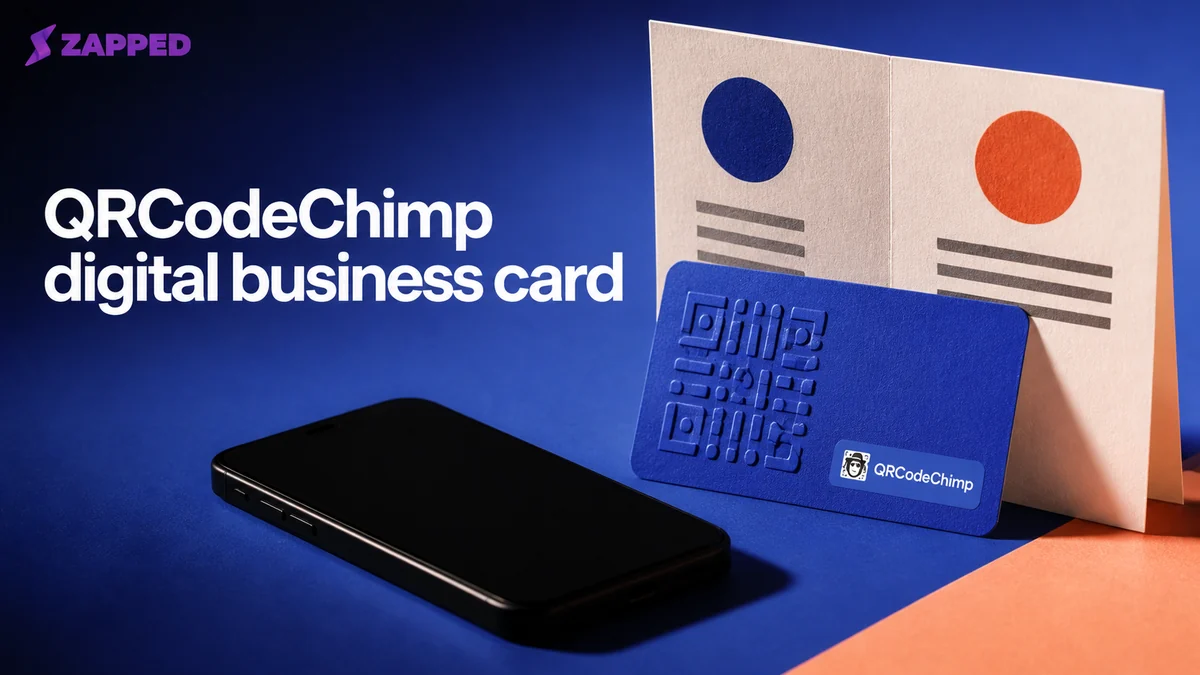
QRCodeChimp can replace a paper business card, but the free card is only the beginning of the decision. The real questions arrive when you need more cards, better reporting, team controls, or a safe plan for the leads and printed codes already in circulation.
The card is free. The dependency is not
QRCodeChimp lets you share a card by QR code, direct link, or NFC. The recipient opens it in a phone browser without installing an app, according to its digital business card guide. That is a credible paper card replacement for a solo professional or a small team that wants one editable destination. Change the contact details or links later and the QR code and shared link stay the same. The first card is free forever, which makes it a useful trial, not a promise that every useful capability stays free.
A printed code feels permanent because the paper is permanent. The destination behind it is a service. Its plan limits and account status still decide what people see.
For recipients, QRCodeChimp has the low friction you want. They do not need the QRCodeChimp app, and you can use a QR code, link, or NFC tap depending on the moment. For a browser first alternative, Zapped opens in a browser from those same sharing routes, so the other person can save your details without installing an app. Zapped's Free plan gives you one card and five content blocks with QR, link, and NFC sharing, though Free cards carry Zapped branding. Its first vCard guide is the relevant starting point if you need a simple browser opened card without QRCodeChimp's form, analytics, or broader QR code tooling.
Pick the plan by scale, not by the word “free”
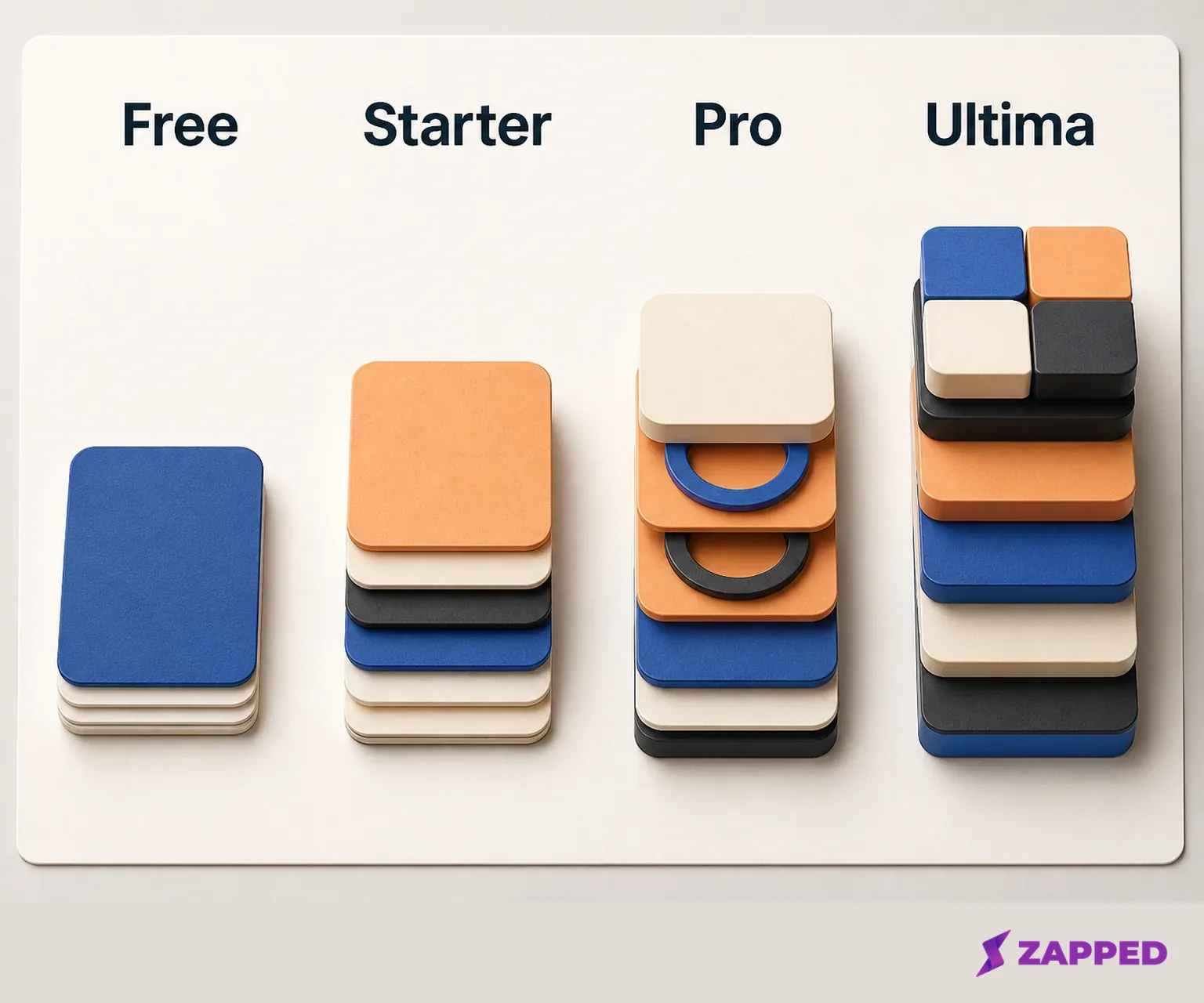
QRCodeChimp's Free plan costs $0 per month and covers one digital business card. The matrix becomes more consequential as soon as you have several people or printed destinations. These are the standard USD listings checked in August 2026.
| Plan | Monthly price | Annual monthly equivalent | Digital business cards | Dynamic QR codes | Monthly scans | Analytics |
|---|---|---|---|---|---|---|
| Free | $0 | $0 | 1 | 10 | 1,000 | Basic |
| Starter | $9.99 | $6.99 | 5 | 50 | 10,000 | Intermediate |
| Pro | $19.99 | $13.99 | 30 | 300 | 150,000 | Advanced |
| Ultima | $49.99 | $34.99 | 90 | 900 | Unlimited | Advanced |
Free is sensible for one card, modest traffic, and basic analytics. It is not a useful team plan. Starter is the first step up for five cards and 10,000 monthly scans. Pro gives a rollout room for 30 cards, 300 dynamic QR codes, 150,000 monthly scans, and advanced analytics. Ultima is for 90 cards and unlimited monthly scans, not for someone who merely wants a nicer personal profile.
QRCodeChimp also lists contact exchange, lead collection, and wallet options across its standard tiers. Share Access, Entra ID, single sign on, bulk upload, and bulk NFC link export are tier limited. The first purchase is eligible for a full refund within 15 days. For renewal, the pricing page says to contact support at least one day before the renewal date. Put that deadline on a calendar. A late click may not stop the charge.
If you only need a browser opened card, the free first card can do the job. If the decision depends on analytics, a custom form, or more than one live card, start with the capability you need and work backward to the tier. Templates are not the expensive part. Scale is.
Decide what should happen after the tap
The card itself is not the whole product. What happens after someone opens it is the useful distinction.
QRCodeChimp's Contact Exchange Form handles fixed field two way sharing: name, email, phone, and the details both people expect to trade. The Lead Collection Form answers a different need. It supports custom qualification fields such as business needs, timelines, and preferences, so a scan can produce a lead with context instead of another contact record you have to decode later. The two form types serve different follow up jobs.
That extra context creates an obligation. QRCodeChimp's form support guidance says to update the form terms and privacy policy and provide a support email for end users. A lead form does not absolve you of explaining what you collect. If you ask for a timeline or business need, say why and give the person a way to reach you.
The export action is concrete. Collected responses can be downloaded through Export Form Data for local use, a CRM, or a spreadsheet. That is useful lead portability, but it is not a complete account export. The documented evidence supports exporting form responses. It does not promise a universal export of the profile, QR codes, analytics history, or account settings.
Do this before a plan change, not after a stressful one. Keep the profile details, destination links, and lead responses you need outside the service, then decide whether the subscription is still earning its place.
Analytics are worth paying for only if you will act on them
The pricing matrix labels analytics Basic on Free, Intermediate on Starter, and Advanced on Pro and Ultima. It also describes scan, location, device, and related analytics by tier. That is a clear upgrade ladder, but analytics only matter if someone will change a follow up habit because of what the numbers show.
A G2 reviewer praised QRCodeChimp's dynamic links and customization while reporting that free users could not access analytics. G2 also showed a 4.9 out of 5 rating from 116 reviews when checked, with recurring praise for ease of use and customization alongside complaints about free plan analytics and pricing. Treat that as a user signal, not a substitute for your own decision. If you need to know which event, location, or device pattern is producing attention, the free tier may be too thin even when one card is enough.
The outside criticism is useful because it points to the same pressure points. MobiQode's March 2026 review rated QR Code Chimp 3.0 out of 5, calling it user friendly with solid customization while criticizing paid gating, basic lower tier analytics, restricted batch generation, and limited digital business card customization. That does not make the product unusable. It tells you where Free or a lower tier is most likely to feel small.
An independent G2 reviewer also wanted SVG export, saying the available alternative was time consuming and inconvenient. That is a narrow complaint, but it matters if your printed material depends on a particular vector workflow. Check the production handoff before ordering a large run. A QR code can work perfectly in a browser and still be awkward to prepare for a printer.
Teams need control, not just more cards
QRCodeChimp's enterprise material documents bulk card creation, Share Access, analytics, branding controls, single sign on, Entra ID, and CRM connections through tools such as Zapier or Make. Those capabilities are presented as plan or enterprise dependent. Do not read the feature list as a promise that every small team gets every control on Starter.
The practical team question is ownership. Who can create a card? Who can edit it? Who can see the leads? Who owns the destination when an employee leaves? A solo user can answer those questions by habit. A team needs access controls and a repeatable process. Bulk creation is valuable when manual setup becomes a tax. Identity integrations and CRM connections matter when the card is part of an existing sales system.
This is where the free first card stops being a useful comparison. One card does not tell you whether a shared rollout will stay orderly. Count the live cards, the people who need access, and the handoff from scan to follow up. Then verify the exact tier or enterprise arrangement before printing staff cards.
Downgrade is different from deletion
QRCodeChimp's downgrade behavior matters before a code is embedded in a sign, brochure, or email footer. When a paid account moves to Free, the pricing page says dynamic QR codes beyond the last 10 are paused. That is not the same as deleting the account, but it can still turn a live destination into a broken experience if you do not decide which codes remain active.
The pricing page does not say whether all collected lead records remain accessible after a paid plan lapses. That silence is a buying consideration, not an invitation to guess. Export the form responses you need while you can access them, and ask support about lead retention before downgrading a campaign that has collected real prospects.
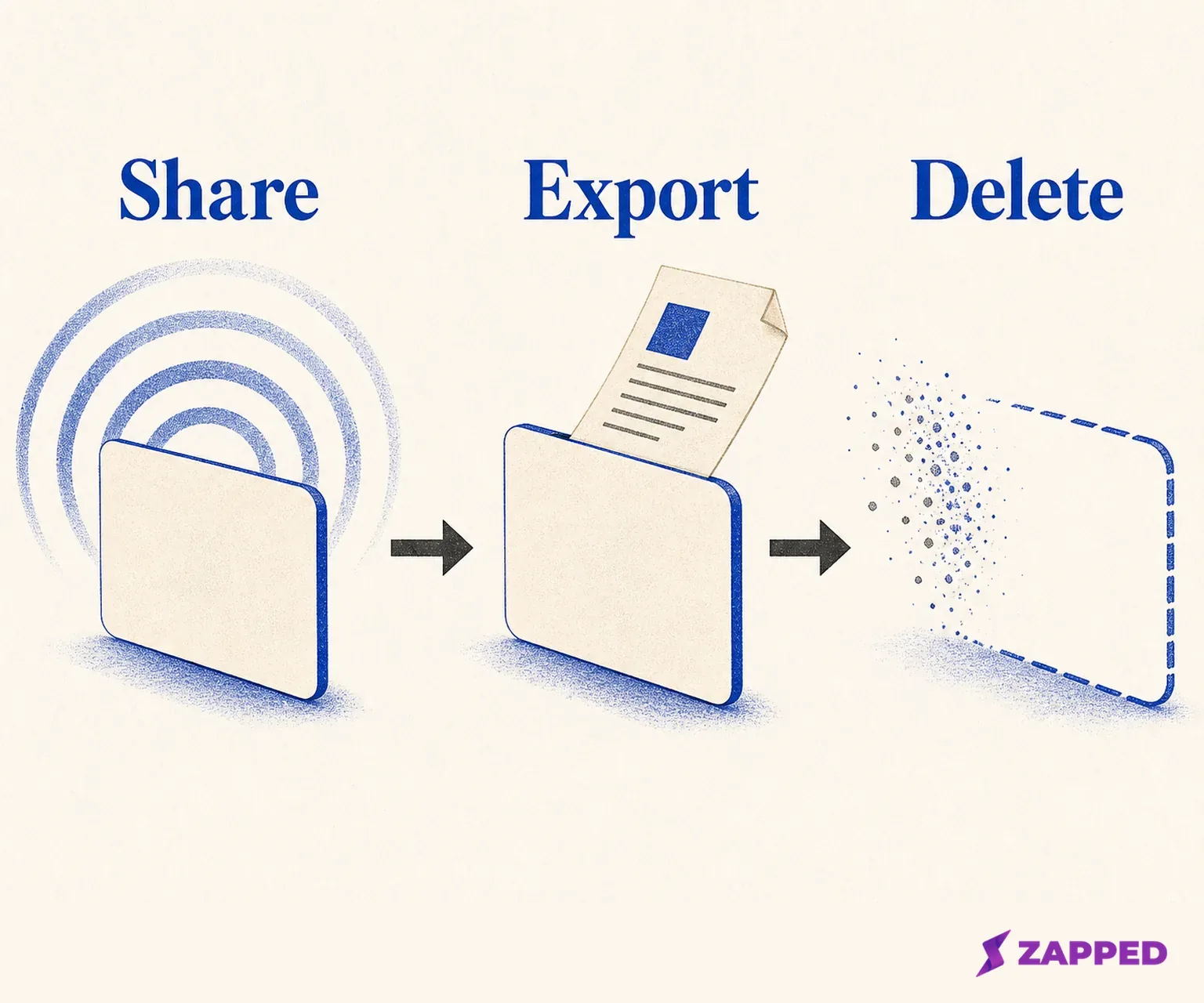
Deletion is more final. QRCodeChimp's account deletion guide documents a flow through Dashboard, Settings, Security, Email, Password, Delete Account, then typing DELETE and confirming. Account deletion is permanent, and dynamic QR codes stop working immediately. Do not use deletion as casual cleanup while printed codes are still in circulation.
If you are retiring the service, cancel renewal before the stated deadline, identify the dynamic codes that must be replaced, export the form data, and move the profile details you still need. Only then decide whether deletion is worth the permanent stop. We would start digital and add hardware when events justify it, but we would not let a live printed code depend on an account no one is watching.
QRCodeChimp compared with the real alternative
QRCodeChimp is strongest when a QR first card is also a lead capture and measurement tool. Free handles a basic solo card. Paid plans become easier to justify when card count, scan volume, analytics, forms, or team operations change the job.
| Decision | QRCodeChimp | Zapped | Evidence to keep in mind |
|---|---|---|---|
| Browser access | Guide: QR code, link, or NFC, no app | Browser access: QR code, link, or NFC, no app | Both are browser first options |
| Free starting point | Free plan: 1 card, 10 dynamic QR codes, 1,000 monthly scans, Basic analytics | Free plan: 1 card, 5 blocks, QR, link, and NFC sharing | Zapped Free cards show Zapped branding |
| Lead capture | Form features: Contact Exchange Form and custom Lead Collection Form | No Zapped form workflow is assessed here | Do not assume equal form workflows |
| Scale | Pricing matrix: 1, 5, 30, or 90 cards across Free, Starter, Pro, and Ultima | Paid plans add progressively larger card limits and team workspaces | Confirm the plan for a real rollout |
| Export and retirement | Export action for form responses; downgrade behavior pauses codes beyond the last 10; deletion guide says deletion stops dynamic codes immediately | Confirm Zapped's export and deletion behavior before retiring a live destination | Keep an external copy before retiring any live destination |
Zapped belongs here because it answers the narrow browser first question cleanly, not because it wins the broader evaluation. If the job is one editable card that opens without an app, it is a named option. If the job is custom qualification, deep QR analytics, or the lifecycle controls described above, QRCodeChimp is the option documented for those decisions.
Verdict: buy the workflow you will actually run
Choose QRCodeChimp if you want an editable QR business card and will use its forms, analytics, bulk tools, or team controls. Start with Free for one basic card and modest scan volume. Move to Starter for five cards and 10,000 monthly scans, Pro for 30 cards and deeper reporting, and Ultima for 90 cards with unlimited monthly scans. Upgrade for a named capability, not because the pricing table has more boxes.
Skip it if you only need a static looking profile and do not want to maintain a subscription, export routine, or account owner. In that case, try the free card while keeping the profile details and collected leads somewhere you control. A browser first option such as Zapped may also fit the simple sharing job, with one card and five blocks on Free, if its branding limit is acceptable.
The call changes if you cannot get a clear answer about lead retention after a paid plan lapses, your print workflow requires SVG export, or your rollout's access model does not fit the tier you can afford. Before you print or embed anything, decide what destination you are willing to keep live.
A QR code is easy to print. Keeping the useful thing behind it available is the purchase.