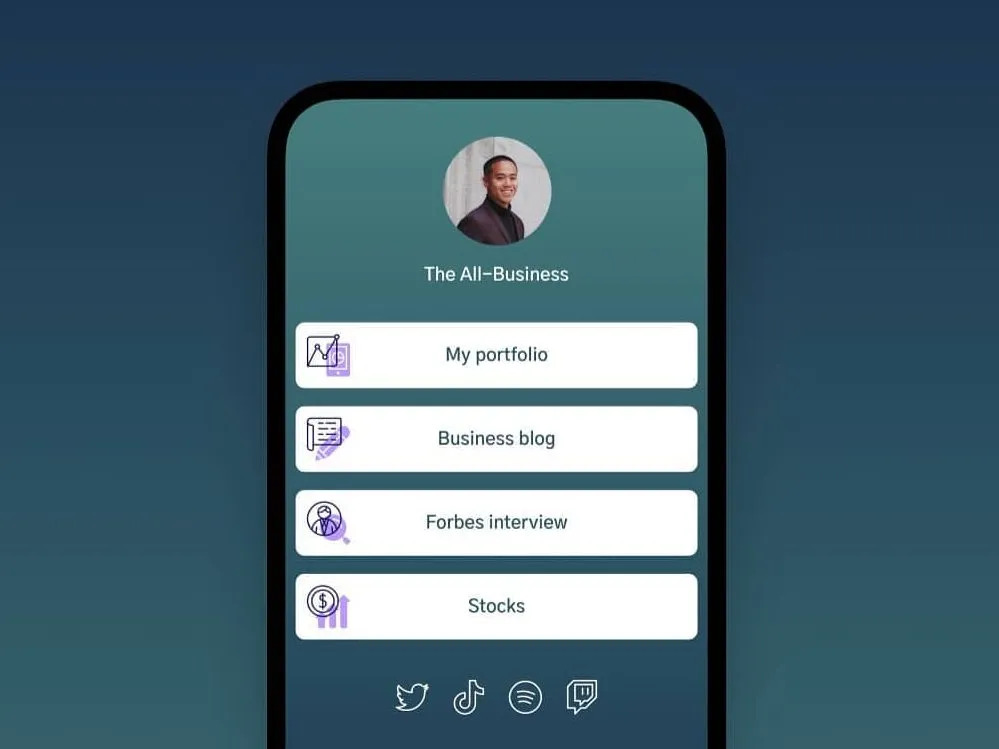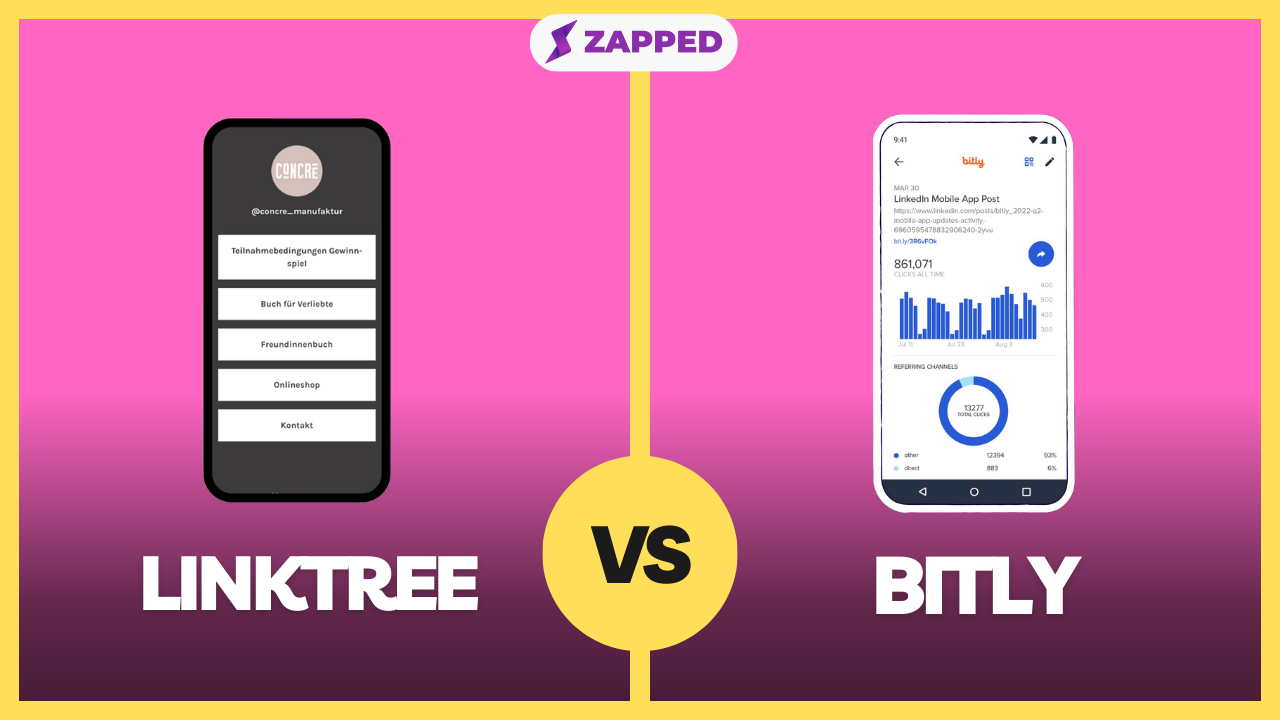
Linktree and Bitly can both send social visitors to more than one destination, but they solve different versions of the problem. The right choice depends on whether you are building a creator storefront, a simple campaign hub, a social commerce path, or a professional contact profile.
Quick answer
Choose Linktree when the visitor needs a page with multiple choices. Choose Bitly when you need short links, redirects, QR codes, and measurement for specific destinations. Many campaigns can use both: Bitly for tracked links and Linktree for the bio landing page.
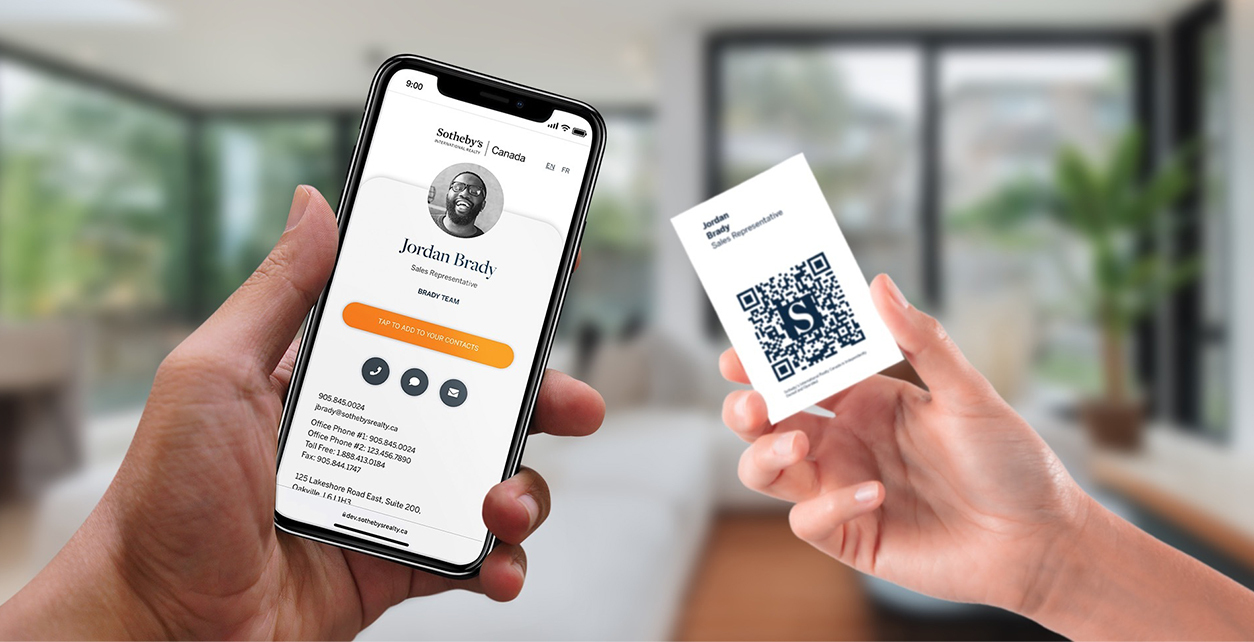
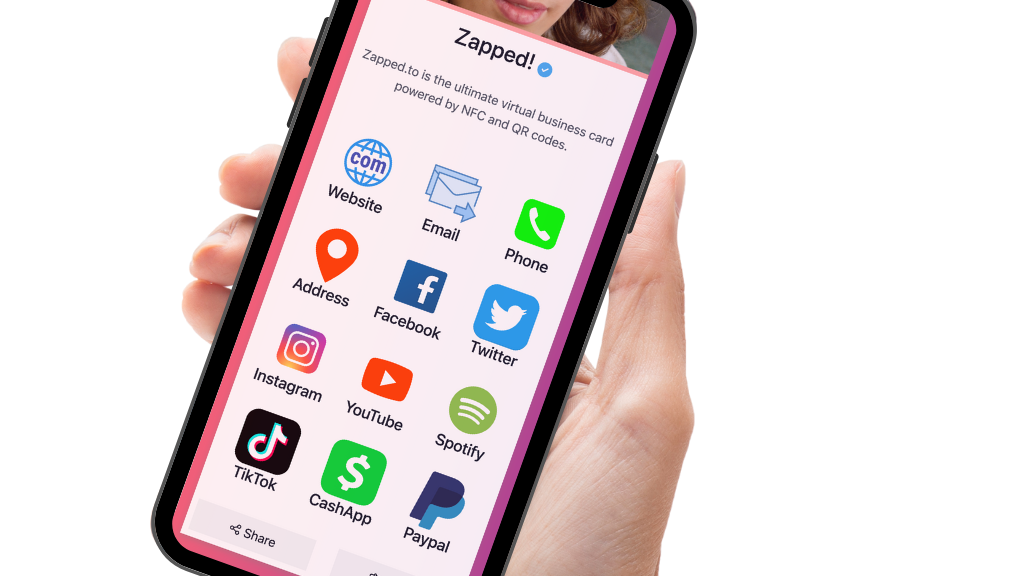
For professional networking, QR codes, NFC taps, and save-contact workflows, a digital business card like Zapped can be a better fit than either tool because the profile is built around contact exchange instead of only link routing.
Key takeaways
- Start with the job of the page, not the brand name of the tool.
- Check current pricing and plan limits before moving an important bio link.
- A link-in-bio page is strongest when visitors need choices.
- A digital business card is stronger when visitors need to save contact details or follow up.
- Keep the final page simple enough that a mobile visitor knows what to tap first.
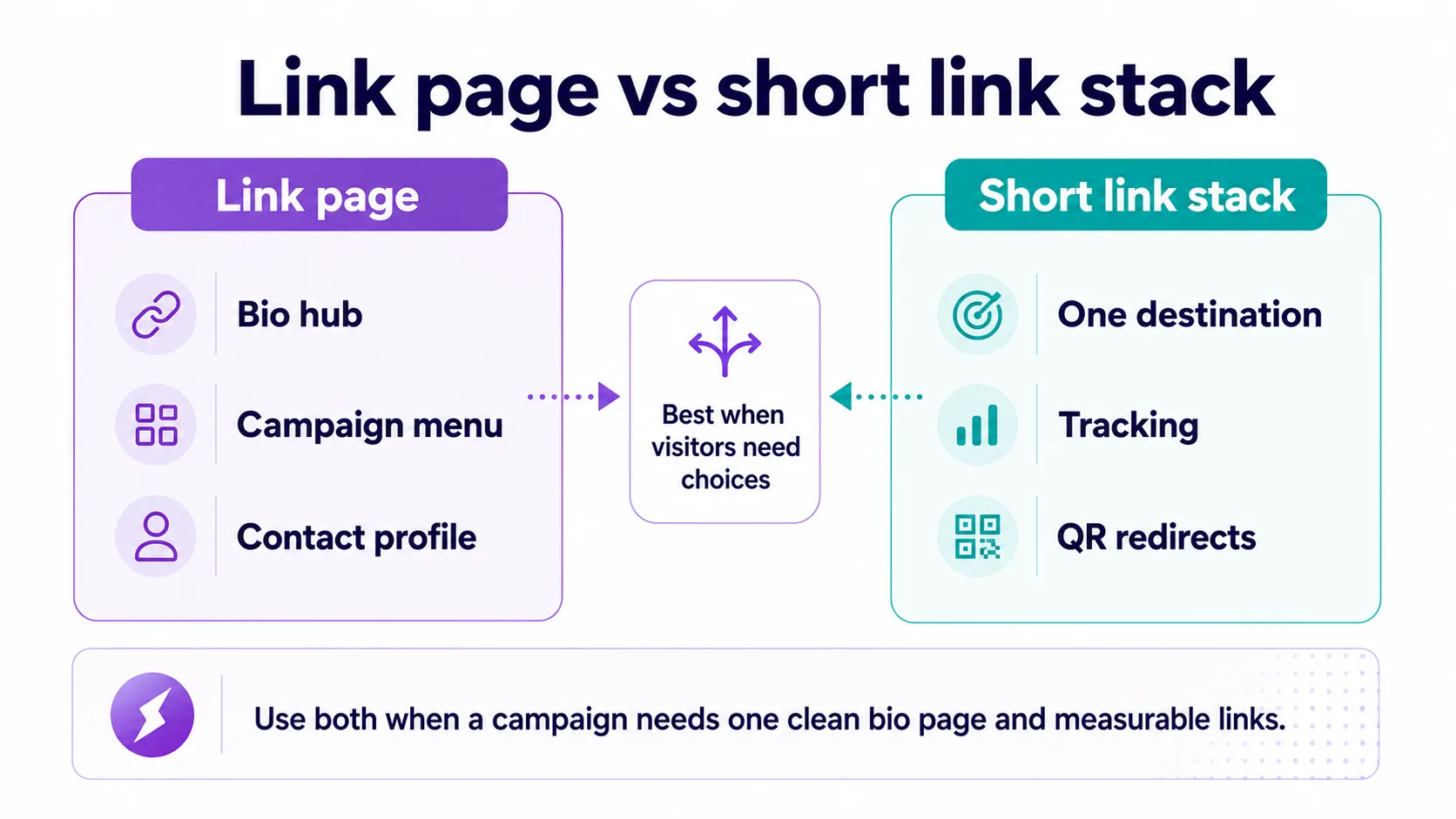
This decision map is the simplest way to frame the choice before comparing feature lists.
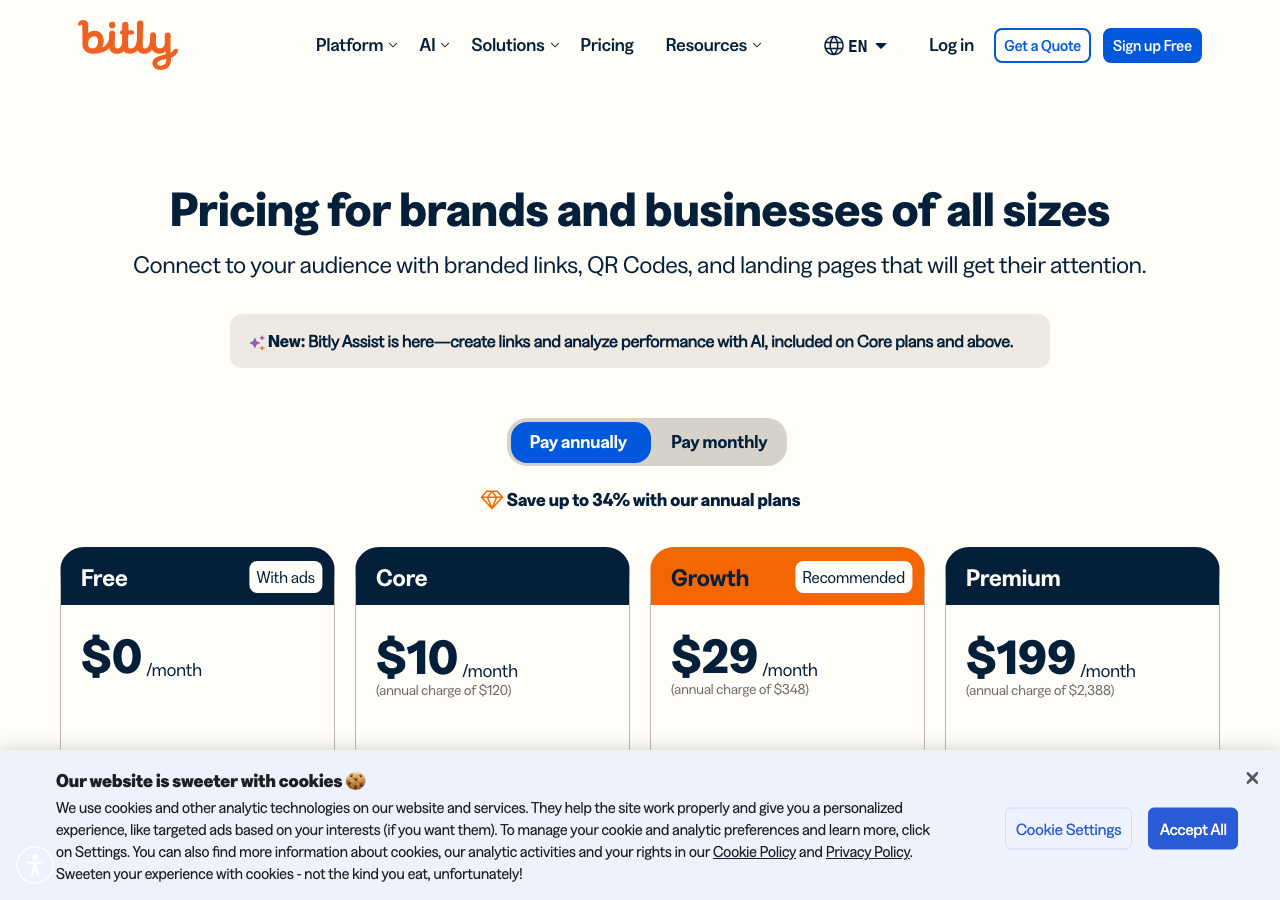
Visual reference: Bitly pricing screenshot captured from Bitly's pricing page.
Linktree vs Bitly at a glance
As of this July 2026 refresh, the public pages for these tools show different strengths. Use this table as a buyer guide, then verify the exact plan limit before you migrate an active profile.
| Category | Linktree | Bitly |
|---|---|---|
| Main job | Bio page where visitors choose among links | Short link, QR, redirect, and measurement platform |
| Best fit | Best for bio page where visitors choose among links use case | Best for short link, qr, redirect, and measurement platform use case |
| Setup effort | Usually quick, deeper customization takes more review | Usually quick, deeper customization takes more review |
| Analytics | Confirm current plan limits before switching | Confirm current plan limits before switching |
| Weak fit | Contact saving, employee cards, or team vCard management | Contact saving, employee cards, or team vCard management |
When Linktree is better
Linktree is the better choice when its core workflow matches the traffic you already have.
- You need a public bio page with multiple links.
- You want a creator or brand hub for social profiles.
- You want profile blocks, commerce options, and visual customization.
- You want visitors to choose among several destinations.
A good sign is that the first tap after your social profile feels obvious. If visitors have to interpret a crowded page, the tool may be doing too many jobs at once.
When Bitly is better
Bitly is the better choice when its page structure, ecosystem, and visitor familiarity line up with your goal.
- You need short URLs for campaigns, print, or QR redirects.
- You want link-level tracking and branded back-halves.
- You send each audience to one specific destination.
- You need link management more than a profile page.
This is especially important for paid traffic, creator campaigns, and social bios where people decide in seconds whether the next tap is worth it.
Use both without confusing visitors
The clean setup is to give each URL one job. Use Linktree for the social bio page where visitors choose from several destinations. Use Bitly when a flyer, QR code, SMS, podcast mention, or event sign should send people to one exact page and you need campaign tracking.
Do not point a Bitly short link to a Linktree page unless the visitor truly needs another menu. If the ad says "book a demo," send the short link to the booking page. If the card says "save my contact," send it to a digital card profile. The fewer extra choices you add, the easier it is to read the results.
What to check before switching
Before replacing an existing bio link, review the live page and write down what currently matters:
| Check | Why it matters |
|---|---|
| Top destination | The first button should match the visitor's intent |
| Analytics | You need enough data to know what people actually tap |
| Custom branding | The page should feel connected to your brand or profile |
| Mobile layout | Most bio traffic arrives from a phone |
| Contact capture | Link clicks are not the same as saved contacts or leads |
| Redirect plan | Old profile links, QR codes, and posts may still send traffic |
If you are switching from an older tool, keep the old page live until the new page, profile links, QR codes, and campaign links have all been checked.
When Zapped belongs in the comparison
Use Zapped when the page needs to help someone save and use your business contact details, not just browse a list of links. Link in bio and smart card tools can be useful in their own lanes, but Zapped is built around the contact handoff from QR, NFC, email, direct links, and team profiles.
That makes it worth comparing when booking, saved contacts, follow up links, and brand consistency matter more than maintaining another social landing page.
Decision checklist
Choose the tool that gives the visitor the cleanest next action:
- Use a creator storefront when the visitor is ready to buy or subscribe.
- Use a simple bio page when the visitor needs to choose among content, social, and campaign links.
- Use a short link or QR redirect when the visitor should go to one destination.
- Use a digital business card when the visitor should save contact details or become a lead.
- Use a full website or ecommerce store when products, checkout, SEO, and operations matter.
FAQs
Is Linktree better than Bitly?
It depends on the workflow. Linktree is better when its specific page style and feature set match your traffic. Bitly is better when you need its ecosystem, visitor familiarity, or current platform depth.
Can I use both tools at the same time?
Yes. Many teams use one profile hub for social traffic and separate pages for campaigns, contact exchange, or ecommerce. The risk is confusing visitors, so each URL should have a clear job.
Is a link-in-bio tool the same as a digital business card?
No. A link-in-bio tool organizes destinations from a social profile. A digital business card focuses on sharing and saving contact details through QR codes, NFC taps, links, and vCard style profiles.
Should I move my old bio link right away?
Not without checking traffic sources, old QR codes, social profiles, and campaign links. Build the new page, test it on mobile, then update the most important placements first.