Linktree Free and Pro both help you put multiple links behind one bio URL. The right choice depends on whether you need stronger branding, deeper analytics, integrations, automation, or lower commerce fees.
Quick answer
Linktree Free is enough if you only need a simple link-in-bio page with basic customization. Linktree Pro is worth considering if you need deeper analytics, stronger branding controls, integrations, automation, and lower seller fees. If your main goal is contact exchange, a digital business card may fit better than either plan.
Key takeaways
- Linktree Free is best for simple link sharing.
- Linktree Pro adds more serious creator and business features.
- Current Linktree pricing lists Free, Starter, Pro, and Premium tiers.
- Pro is not automatically necessary if your links are simple.
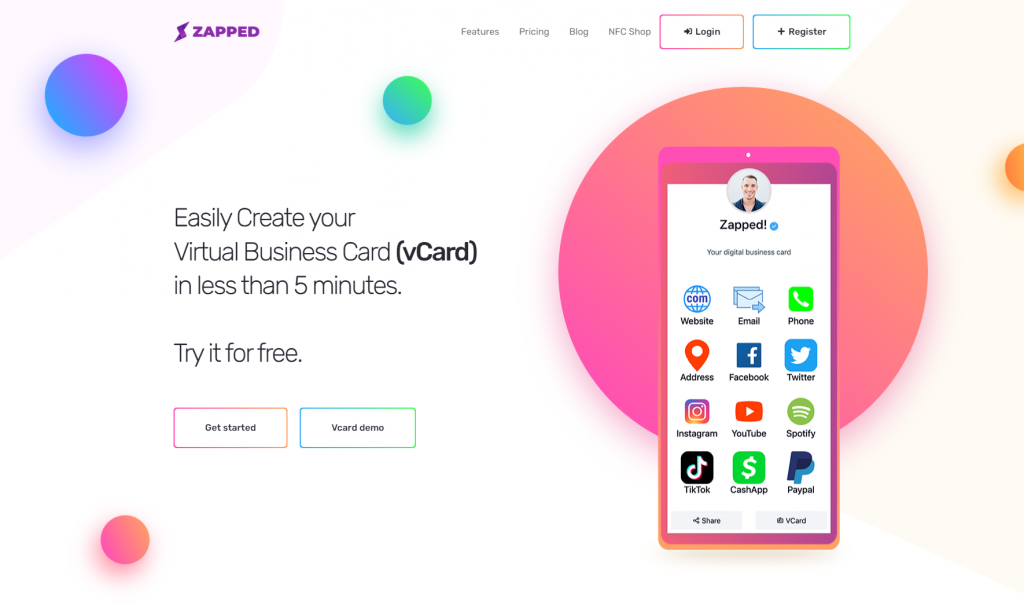
- Zapped is a better fit when the primary use case is sharing a professional contact profile, QR code, NFC card, or team card.
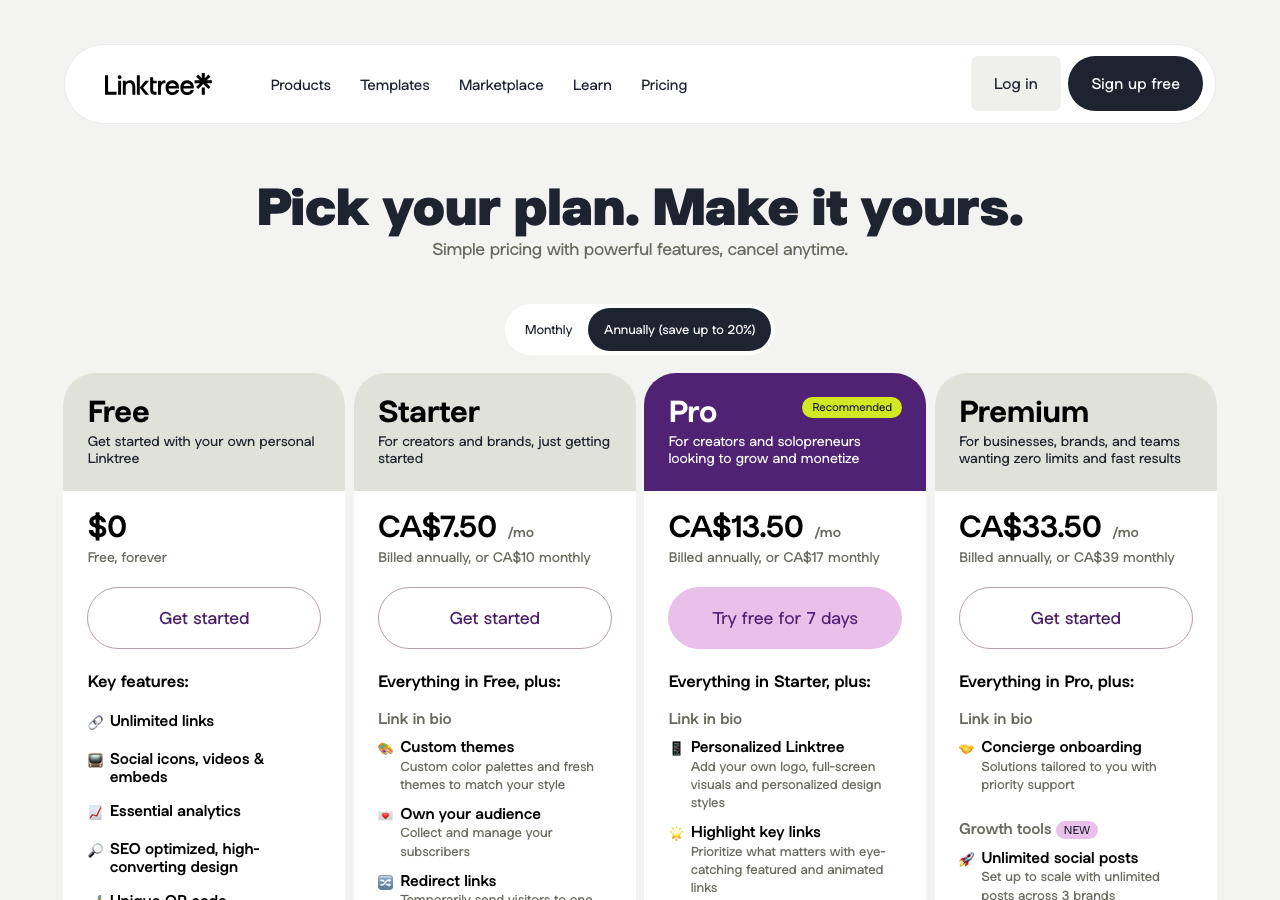
Visual reference: Linktree pricing screenshot captured from Linktree's pricing page.
Linktree Free vs Pro at a glance
As of this July 2026 refresh, Linktree's official pricing page lists four public plans: Free, Starter, Pro, and Premium. The annual pricing view shows Free at $0, Starter at US$6 per month, Pro at US$12 per month, and Premium at US$30 per month. Linktree also lists monthly billing at US$8 for Starter and US$15 for Pro. Pricing and features can change, so check the official page before buying.
| Plan | Annual pricing view | Monthly billing shown by Linktree | Best fit |
|---|---|---|---|
| Free | $0 | $0 | Simple bio link page |
| Starter | US$6/mo | US$8/mo | More customization and growth tools |
| Pro | US$12/mo | US$15/mo | Serious creators and businesses that need analytics, branding, integrations, and automation |
| Premium | US$30/mo | US$35/mo | Larger operations that need the highest public tier |
| Feature area | Linktree Free | Linktree Pro |
|---|---|---|
| Basic links | Unlimited links | Unlimited links |
| Basic customization | Yes | More control |
| Analytics | Basic | More advanced |
| Branding controls | Limited | Stronger controls |
| Integrations | Limited | More available |
| Commerce fees | Higher than paid tiers | Lower than Free, based on Linktree terms |
| Best for | Simple link sharing | Creators and businesses that need more control |
The scorecard below keeps the buying decision tied to intent. Linktree Free, Linktree Pro, and a digital business card can all be the right answer, but they solve different jobs after the click.
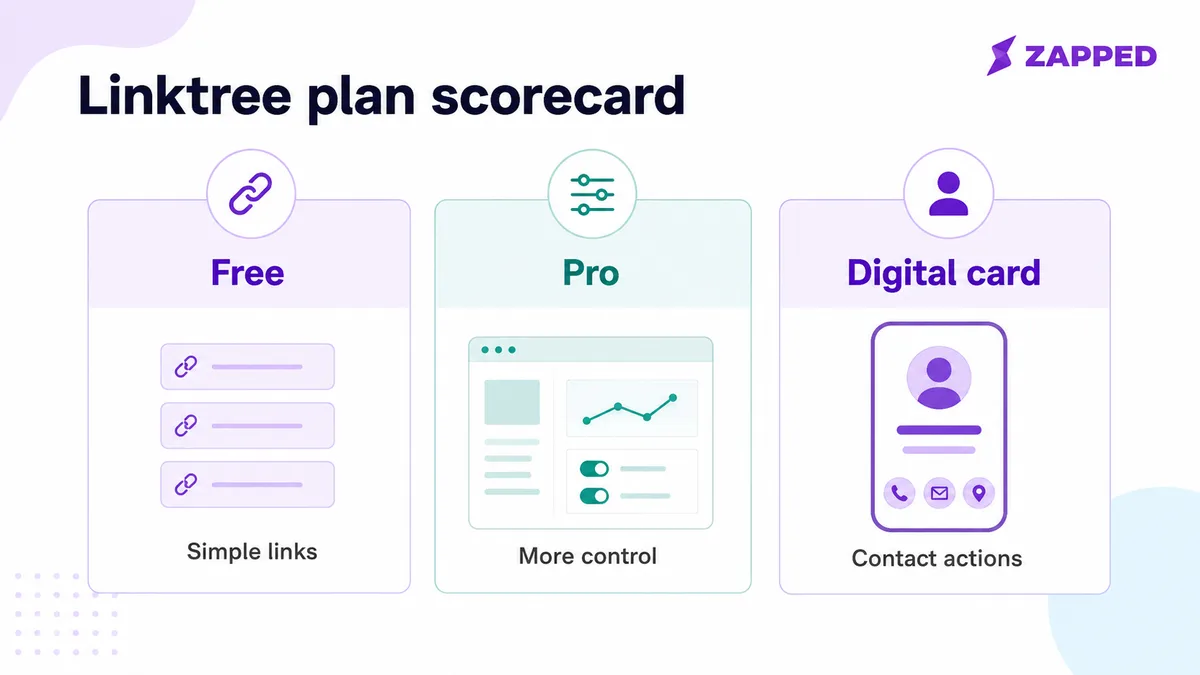
The real question is not whether Pro has more features. It does. The question is whether those features help you make more money, save time, or understand your audience better.
When Linktree Free is enough
Free is usually enough when:
- You only need a few links.
- You do not mind Linktree branding.
- You do not need detailed analytics.
- You are not selling much through the page.
- You want a simple bio link for social profiles.
For many creators, a free link page is a good starting point. It gets the job done without adding another subscription.
When Linktree Pro makes sense
Pro is more compelling when the page supports an active business.
Consider Pro if you need:
- Better analytics by link and audience behavior.
- More control over the look and feel.
- Integrations with email, pixels, or marketing tools.
- Lower seller fees on digital products compared with Free.
- More serious bio link management for campaigns.
- A cleaner page without basic free plan limitations.
If those features help with revenue or lead generation, the subscription may be easy to justify.
Upgrade only after this audit
Before paying, write down the top three links, the traffic source for each, and what you would change with Pro. If the answer is only "make it look nicer," improve link order, labels, thumbnails, and landing pages first.
Upgrade when you specifically need deeper analytics, lower commerce fees, branding controls, integrations, or other paid blocks that affect a real business outcome. If the main goal is saved contacts, QR sharing, NFC cards, or team identity, compare a digital business card before upgrading Linktree.
Linktree vs a digital business card
Linktree is mainly a link-in-bio tool. A digital business card is mainly a contact exchange tool. They overlap, but they are not the same.
| Need | Better fit |
|---|---|
| Share many content links from social bio | Linktree |
| Help someone save your professional contact details | Digital business card |
| Use QR code and NFC in person | Digital business card |
| Sell creator products from a bio page | Linktree paid tiers may fit |
| Manage employee cards for a team | Digital business card platform |
| Share booking, contact, website, and social links from one profile | Either, depending on priority |
Zapped is useful when the page is about professional identity and follow up. You can share a Zapped card by link, QR code, NFC tap, WhatsApp, or email signature, and the recipient can save your contact details.
Buyer checklist
Before upgrading to Pro, ask:
- Do I need more analytics than total clicks and views?
- Am I losing trust because of branding limits?
- Do integrations save real time?
- Am I selling enough through Linktree for fee differences to matter?
- Would a digital business card solve the actual job better?
If the goal is social bio monetization, compare Linktree plans. If the goal is networking, sales follow up, recruiting, or team contact sharing, compare digital business card platforms too.
When Pro can pay for itself
The upgrade makes the most sense when you can connect the paid features to a business outcome.
| Paid feature area | Worth paying for when |
|---|---|
| Better analytics | You run campaigns and need to know which links drive action |
| Branding controls | The page represents a serious business, creator brand, or client offer |
| Integrations | Email, pixel, or automation connections save time or improve attribution |
| Commerce features | You sell enough through the page for fee differences and tools to matter |
| Priority or advanced features | The link page is part of a revenue workflow, not just a profile |
If none of those apply, Free or a lower paid tier may be enough.
When Linktree is not the best tool
Linktree is strong for social bio navigation. It is less focused on in person contact exchange.
Consider a digital business card instead if you care more about:
- A save contact button.
- QR codes on printed cards, badges, or signage.
- NFC tap sharing.
- Team card management.
- Sales or recruiting follow up.
- A professional profile that acts like a card, not only a list of links.
This is where Zapped can sit beside or replace a bio link page. A creator may still want Linktree for content links, while a consultant, sales rep, or team may get more value from a card focused profile.
When Zapped is better than upgrading Linktree
If your Linktree page is mainly a list of creator links, upgrading can make sense when you need deeper styling, analytics, or commerce features. If the real goal is professional contact exchange, Zapped is usually the cleaner fit because the profile is built around identity, save contact actions, QR codes, NFC cards, and team use.
That distinction matters for consultants, sales reps, realtors, recruiters, founders, and local service teams. They may still link to content, but the main conversion is a saved contact, booked meeting, quote request, or follow up. Zapped makes that action central instead of treating it like one more link in a bio page.
FAQs
Is Linktree Free enough?
Yes, if you only need a simple bio link page and do not need advanced analytics, branding, integrations, or lower commerce fees.
Is Linktree Pro worth it?
It can be worth it for creators and businesses that actively use analytics, integrations, branding controls, automation, or commerce features. It is less necessary for a simple list of links.
How much does Linktree Pro cost?
As of this July 2026 refresh, Linktree's official pricing page lists Pro at US$12 per month in the annual pricing view, or US$15 with monthly billing. Pricing can change, so confirm on Linktree's official pricing page before subscribing.
Is Linktree a digital business card?
Not exactly. Linktree is a link-in-bio page. It can share contact links, but a digital business card is built around professional contact exchange, save contact actions, QR codes, NFC cards, and team identity.
When should I use Zapped instead of Linktree?
Use Zapped when the main job is helping people save your contact details, scan a QR code, tap an NFC card, book a meeting, or manage employee cards. Use Linktree when the main job is a creator style bio link page.