Views vs Clicks on Linktree, What They Mean is useful when it helps someone understand the next step faster. The goal is not to collect more tools or contacts, but to make follow-up easier and more measurable.
Quick answer
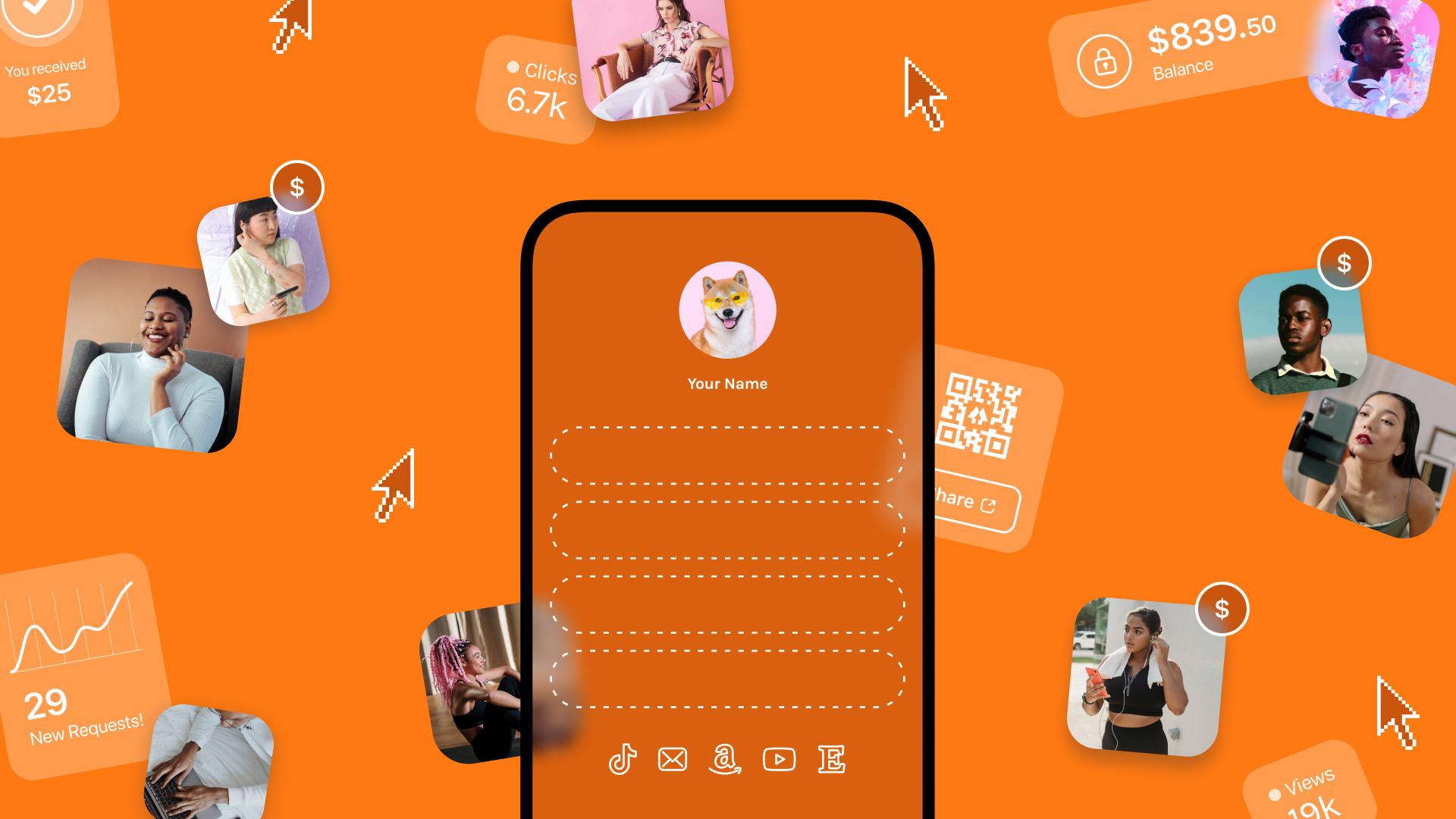
Views show how many times people opened the Linktree page. Clicks show how many times they tapped a link. The useful number is the gap between the two, because it tells you whether the page is turning attention into action.
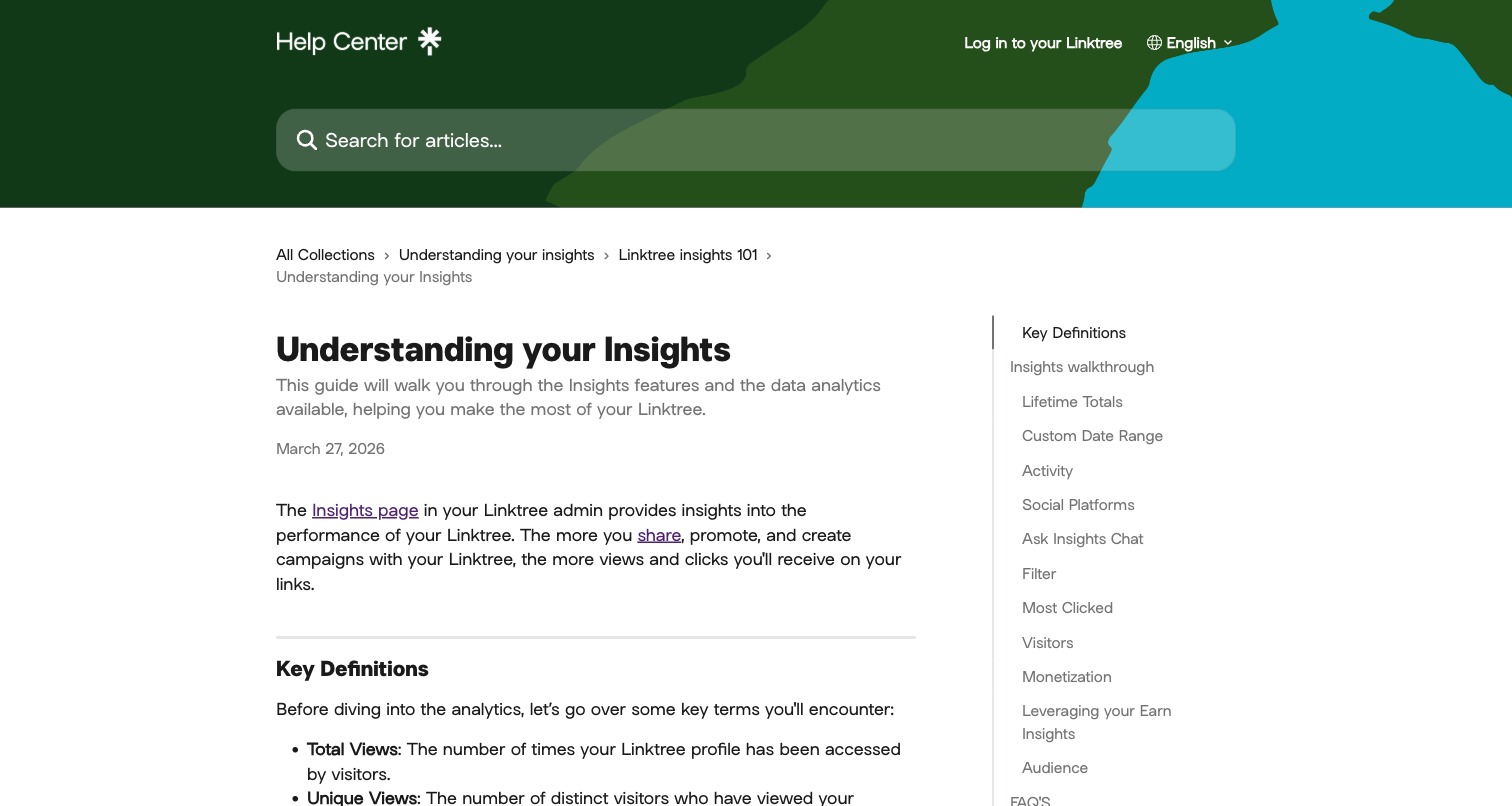
Visual reference: Linktree Insights screenshot captured from Linktree's official Insights help article.
Key takeaways
- Start with the reader or contact action you want.
- Use QR codes, NFC, links, or profiles only when they reduce friction.
- Keep the destination current and mobile-friendly.
- Track the action that matters, not vanity activity alone.
What to decide first
Start with the sharing moment. Online discovery, event networking, executive introductions, sustainability goals, and team card rollouts all need different profile layouts and follow-up paths.
| Option | Best for | Watch out for |
|---|---|---|
| Direct link | Online sharing | Can be buried among other links |
| QR code | Offline to online handoff | Needs testing |
| NFC card | Fast in-person sharing | Needs device compatibility |
| Live profile | Several changing destinations | Needs regular maintenance |
What to include
Include the main action, the most useful supporting links, and enough context to make the next step clear. For teams or executives, add brand consistency and admin ownership. For analytics topics, connect the metric to a real decision.
How to use it well
Use one live destination as the source of truth. Printed cards, email signatures, QR signs, NFC cards, social bios, and event materials can all point to it, which makes future updates easier.
Decision examples
Use a simple print card when the handoff is quick and details rarely change. Use a QR profile when the customer needs to see proof, book, order, compare options, or save details. Use NFC for premium networking or repeat use. Use both print and digital when the first impression happens offline but the useful details live online.
Practical examples
- A printed card links to a gallery of recent work.
- A QR code opens booking, schedule, reorder, or quote request options.
- A profile keeps reviews, services, files, and social links together.
- A team keeps branding consistent while each person has a live profile.
Common mistakes to avoid
Avoid tiny type, low contrast, too many icons, untested QR codes, vague labels, stale links, and destinations that do not match the promise on the card or profile.
How to diagnose the gap
If views are high and clicks are low, start by checking whether the top link matches why people opened the page. A viewer from Instagram may want a product, booking link, discount, video, or contact option right away. If that action is buried below several low priority links, the visit can disappear even when the page technically performed well.
Look at the order, labels, thumbnail choices, and landing pages. Replace vague labels like "more" or "my site" with action labels that explain the benefit. Remove stale campaigns, duplicate links, and anything that slows down the choice. For business networking, a dedicated profile can outperform a general link page because the first screen can focus on contact, booking, save contact, and follow-up instead of a long menu.
Simple benchmark math
Use click rate as the first diagnostic: clicks divided by views. If 1,000 views create 40 clicks, the click rate is 4 percent. If you move the best link to the top and get 80 clicks from the next 1,000 views, the page improved even if total views stayed flat.
Do not judge every link equally. A booking click, product click, saved-contact action, or quote request is usually worth more than a low-intent social click. Track the action that maps to revenue or follow-up, not only the largest button count.
Quick improvement checklist
If the page gets views but not clicks, move the highest intent link to the top, rewrite the button label around the action, remove old links, and compare mobile load speed. Check whether the traffic source matches the offer. A TikTok viewer, Instagram viewer, and email reader may all need different first links. If the page is for business contact, make saving contact or booking the main action instead of treating every link equally.
Where Zapped fits
Zapped gives this workflow one editable profile behind QR codes, NFC taps, direct links, email signatures, and social bios. That makes it easier to keep details current, route people to the right action, and see which sharing moments get engagement.
Before you publish or share
- Test the main action on a phone.
- Check the first screen for one clear action.
- Review links after campaigns, events, staff changes, or seasonal updates.
- Make the profile match the promise on the card or link.
FAQs
What should linktree analytics include?
Include a clear name or brand, a specific specialty, a direct contact path, and one next action. A QR code or profile link is useful when people need examples, booking, reviews, schedules, or a quote path.
Should I use a QR code?
Use a QR code when the next step is easier on a phone. Test it before printing and send people to a mobile-friendly page.
Is a digital card better than a printed card?
A digital card is better for information that changes. A printed card is still useful for in-person handoffs, especially when it points to a live profile.
How often should I update the linked profile?
Update it whenever contact details, offers, schedules, staff, pricing context, or priority links change.
Sources
- Linktree Help Center for current Linktree account and analytics context.
- See our Zapped digital business card features for QR, NFC, profile, contact, and analytics workflows.
- See our Zapped pricing for current Zapped plan context.