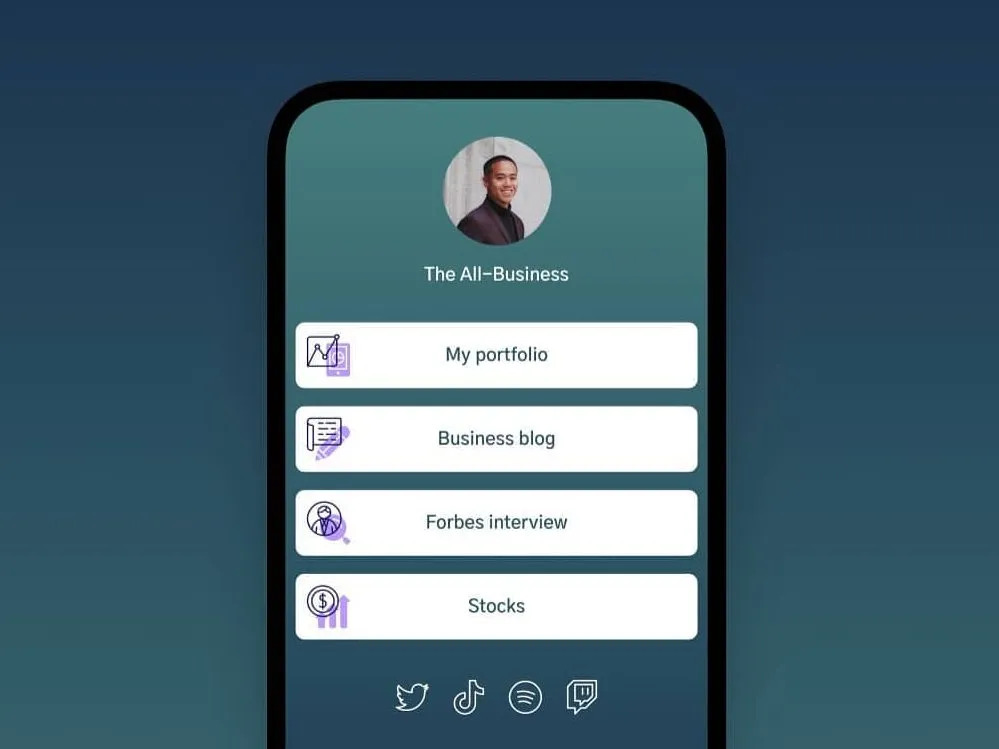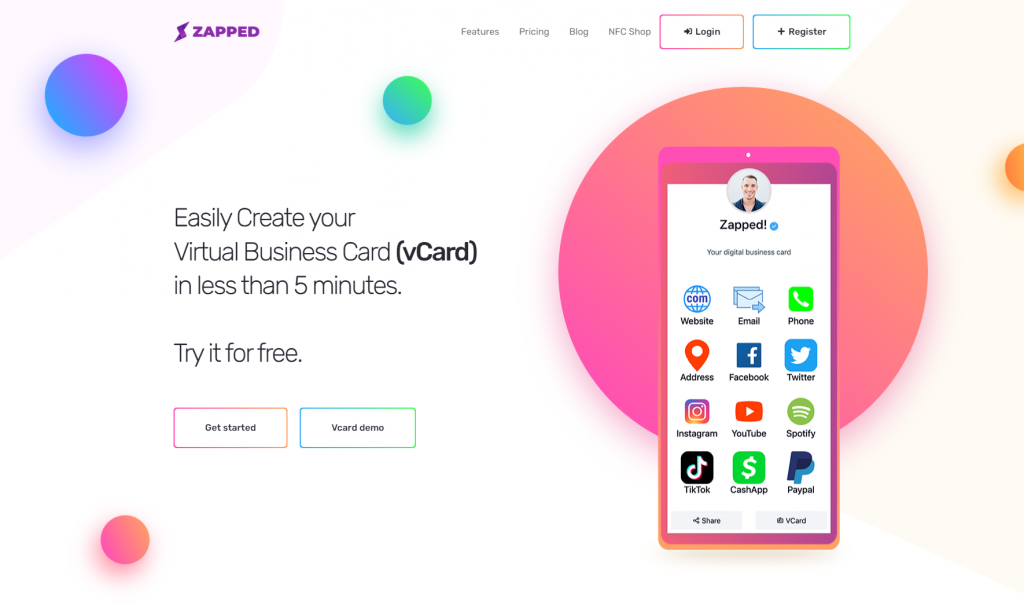
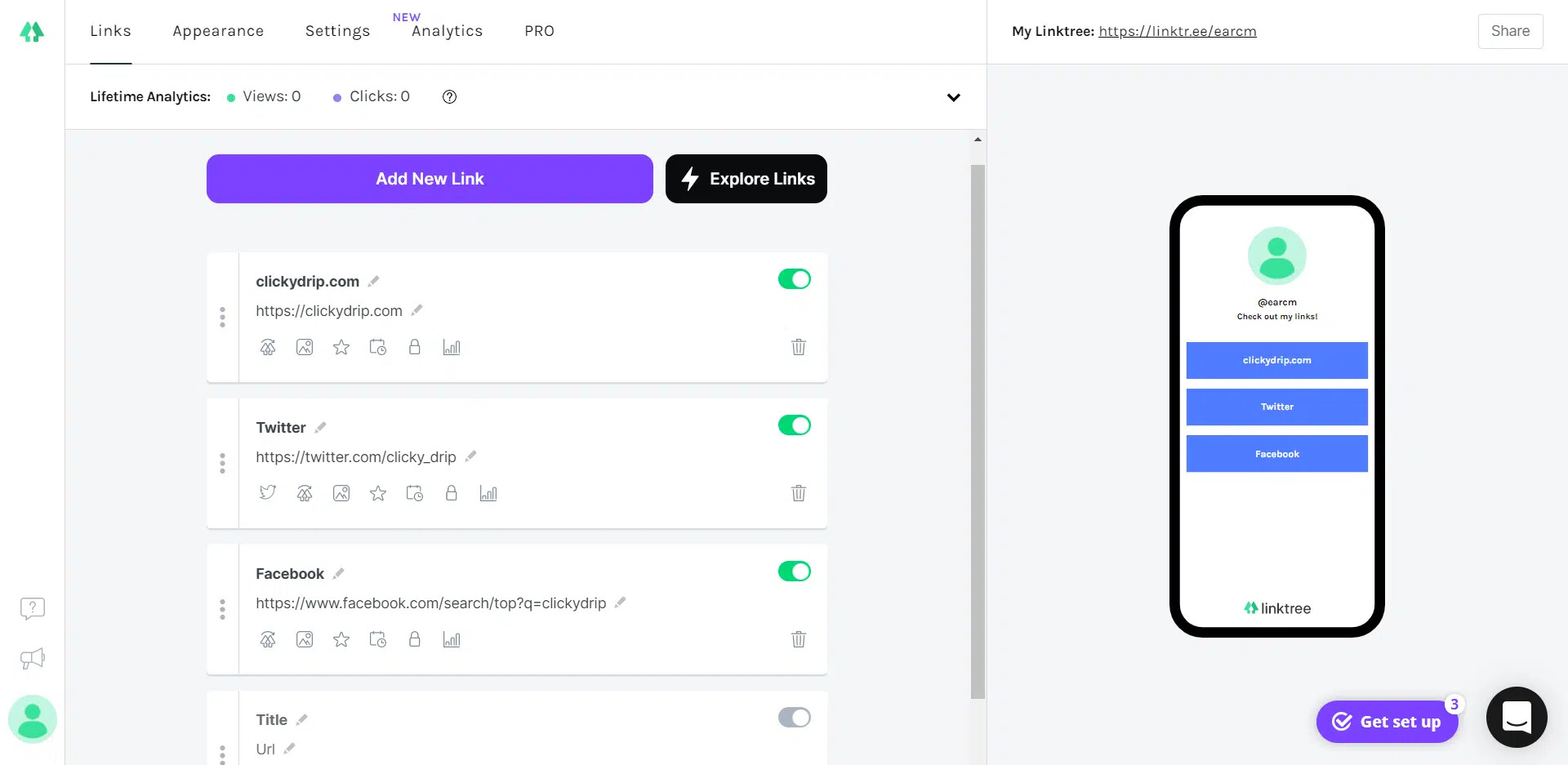
Linktree and AllMyLinks both help you put multiple links behind one profile URL. They overlap for creator bios, but they are not built around exactly the same buyer.
Quick answer
Choose Linktree if you want a more mature link-in-bio platform with paid plan options, analytics, QR codes, integrations, monetization tools, and a large ecosystem. Choose AllMyLinks if you want a simple free profile for social links and creator links. Choose Zapped if the main job is professional contact exchange, QR sharing, NFC cards, and save contact workflows.
Key takeaways
- Linktree has a broader paid feature set and clearer public pricing tiers.
- AllMyLinks positions itself around a free link profile for socials and websites.
- Linktree is better for structured marketing and analytics.
- AllMyLinks is simpler for creators who mostly need a free hub.
- Neither is a full digital business card platform.
Linktree vs AllMyLinks at a glance
As of this July 2026 refresh, Linktree's official pricing page lists Free, Starter, Pro, and Premium public plans. AllMyLinks' public homepage and app listings emphasize creating an AllMyLinks profile for free.
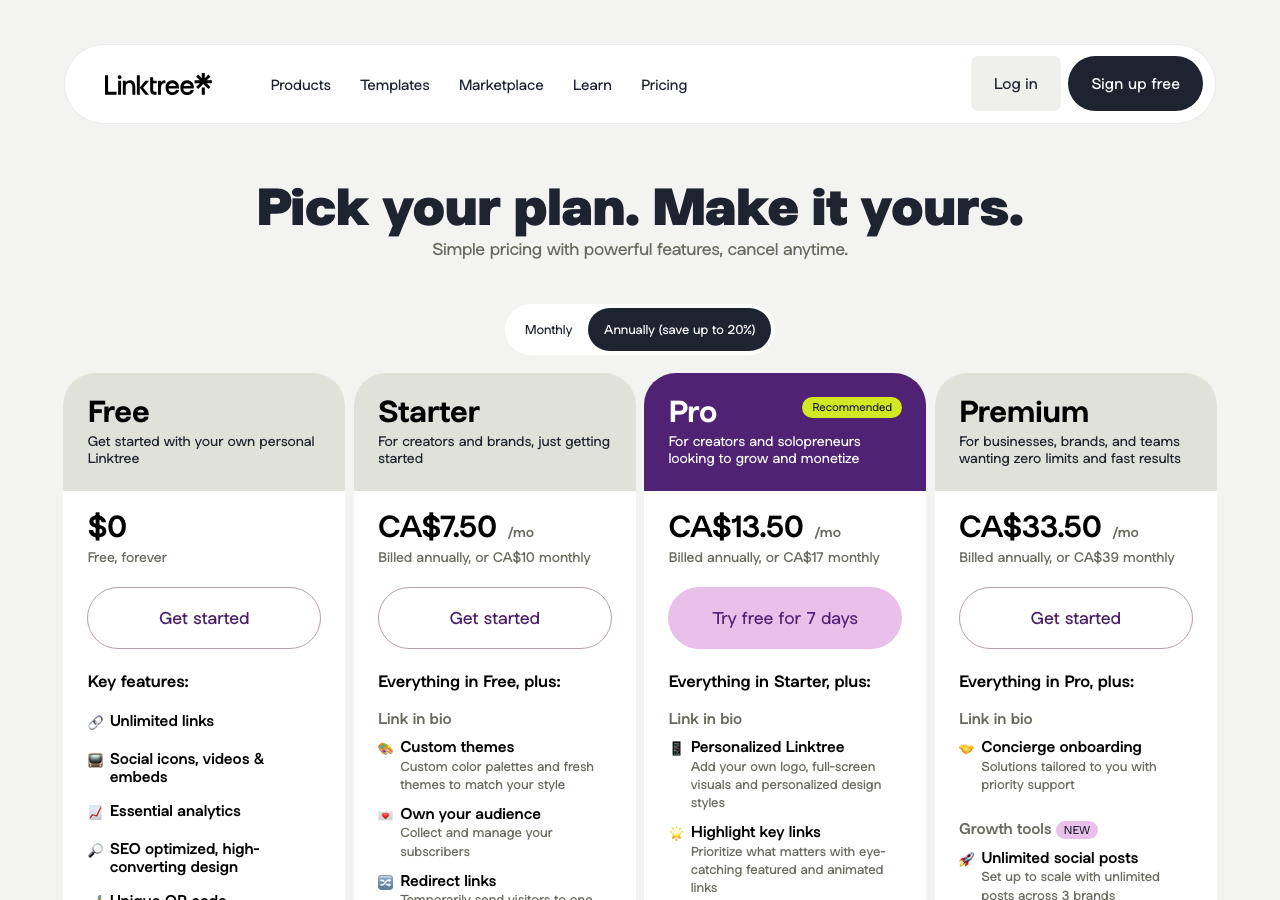 Visual reference: Linktree pricing page captured from Linktree's public pricing page.
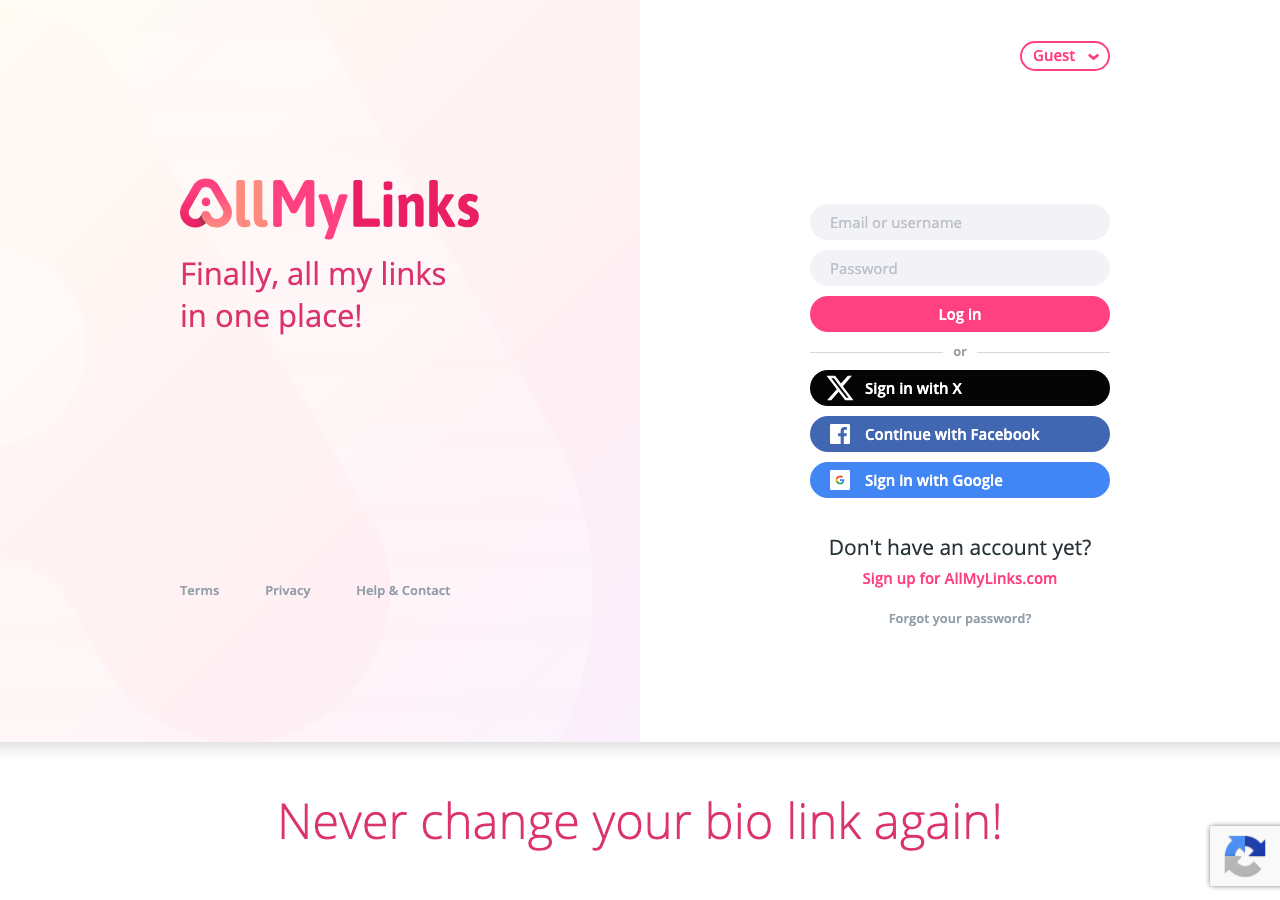 Visual reference: AllMyLinks public landing page captured from AllMyLinks.com.
| Category | Linktree | AllMyLinks |
|---|---|---|
| Main use | Link-in-bio page with growth tools | Free profile for socials and websites |
| Pricing style | Free plus paid tiers | Public messaging emphasizes free profile creation |
| Analytics | Basic to advanced by plan | Check current account tools |
| QR code | Included on Linktree plans | App listing mentions QR scan tools |
| Monetization | Linktree Shops, sponsored links, digital products, fees may apply | Creator profile and payment support, check current help docs |
| Best for | Creators, campaigns, social bio links | Simple creator hub and social link profile |
| Weak fit | Professional contact saving and team cards | Professional contact saving and team cards |
If your goal is to help a prospect save your business contact details, both tools may feel too link page oriented.
When Linktree is better
Linktree is better when you want more structure around social bio traffic.
Choose Linktree when you need:
- A polished link-in-bio page.
- Paid plan options with more customization.
- Analytics and marketing tools.
- QR code sharing for your Linktree.
- Monetization tools or sponsored links.
- A recognizable platform many visitors already know.
Linktree also has clearer current pricing documentation than many smaller link-in-bio tools, which makes budgeting easier.
When AllMyLinks is better
AllMyLinks is better when simplicity and free profile creation are the priority.
Choose AllMyLinks when you need:
- A basic hub for social profiles and websites.
- A creator focused profile that is quick to set up.
- A free profile without needing to compare several plan tiers.
- A simple link destination for fans or followers.
It can be a practical option for creators who do not need advanced analytics, team features, custom brand systems, or professional contact card workflows.
Where both tools fall short
Linktree and AllMyLinks are link-in-bio tools. That is different from a digital business card.
A digital business card should make it easy to:
- Save someone as a contact.
- Share a professional profile by QR code.
- Use NFC tap sharing in person.
- Keep employee cards consistent.
- Add booking, phone, email, social, website, and company links.
- Manage profiles over time.
A link page can hold contact links, but it usually does not feel like a contact exchange product.
When Zapped belongs in the comparison
Use Zapped when the page needs to help someone save and use your business contact details, not just browse a list of links. Link in bio and smart card tools can be useful in their own lanes, but Zapped is built around the contact handoff from QR, NFC, email, direct links, and team profiles.
That makes it worth comparing when booking, saved contacts, follow up links, and brand consistency matter more than maintaining another social landing page.
Buyer checklist
Before choosing, ask:
- Is the visitor trying to browse links or save my contact details?
- Do I need analytics for campaigns?
- Do I need a profile that works well in person?
- Do I need a QR code on a printed card?
- Do I need NFC sharing?
- Do I need employee card management?
- Will I outgrow a free profile page?
If the answer is mostly social bio, Linktree or AllMyLinks can work. If the answer is professional networking, look at digital business card platforms.
Fast practical recommendation
Use Linktree if you care about plan tiers, analytics, integrations, and a more mature marketing feature set. Use AllMyLinks if your priority is a simple free social hub and you do not need much structure. Use Zapped if the link will sit on business cards, email signatures, NFC cards, QR codes, or team profiles where the visitor needs to save contact details.
For a high-value profile, test the page with this sequence:
- Open it from a mobile social app, not only desktop.
- Tap the first three links.
- Check whether the profile shows your name, offer, and best action without scrolling.
- Share it in a message and confirm the preview looks trustworthy.
- Scan the QR code if you plan to print it.
Search intent note for this comparison
People comparing Linktree and AllMyLinks usually want a free or simple profile page, not a full website migration plan. That makes the first question simple: do you need a familiar link in bio page, or do you need a more flexible contact and follow up profile?
If the page is mainly for social links, either tool can be enough. If the page is for professional networking, save contact actions, QR codes, NFC cards, and team consistency matter more than the number of social buttons.
FAQs
Is AllMyLinks free?
AllMyLinks' public homepage and app listings currently emphasize creating a profile for free. Check the official site and help center before relying on any paid feature assumptions.
Is Linktree better than AllMyLinks?
Linktree is better for structured marketing, paid plan features, and analytics. AllMyLinks is better for a simple free creator profile.
Can I use AllMyLinks as a digital business card?
You can put contact links on an AllMyLinks profile, but it is not primarily built as a professional save contact, QR, NFC, and team card system.
Can I use Linktree as a digital business card?
You can add contact links to Linktree, but a digital business card platform is usually better for contact saving, QR cards, NFC cards, and employee profiles.
When should I use Zapped instead?
Use Zapped when the main job is sharing professional contact details, managing cards for a team, or connecting QR and NFC cards to an editable profile.
Sources
- Linktree official pricing: Used for current Linktree plan structure and feature context.
- AllMyLinks homepage: Used for current AllMyLinks positioning and free profile language.
- AllMyLinks Google Play listing: Used for current app description and QR scan context.
- AllMyLinks App Store listing: Used for current app positioning and free profile claim.