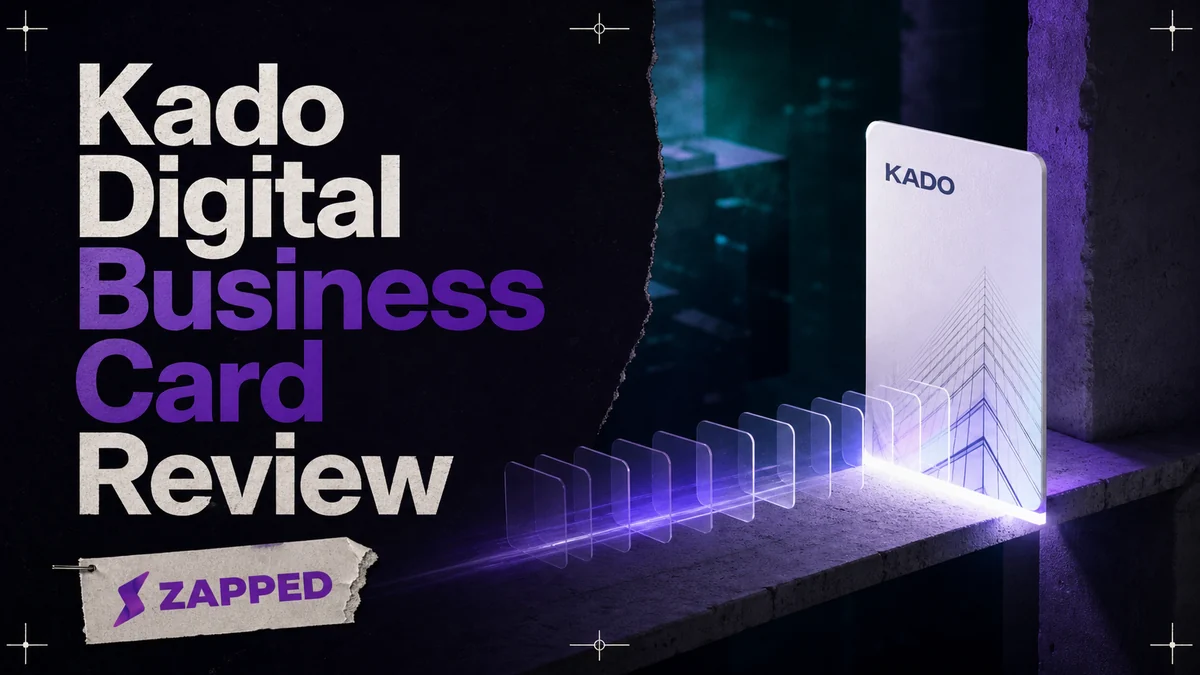
Kado is most useful when a digital card is the first step in a contact workflow. Networker Lite gives one user a free branded card and contact capture. Networker costs $2.50 per user per month for team controls and analytics. Business Developer costs $4.00 when notes, tasks, scanning, CRM sync, and contact organization are the reason you are buying.
The card is the easy part. The real decision is what happens after somebody receives it.
The free card is useful until the job gets bigger
Kado's Networker Lite plan is free for one user. It includes an interactive card, full branding with animated backgrounds, and contact capture. For a freelancer who needs one identity and a way to collect details, that is a credible starting point, not a trial dressed up as a product.
The choice changes as soon as the card has more than one job. Kado lists contact capture on every plan, but individual and company analytics, user access controls, and permission controls begin with Networker. Multiple cards per user and team management begin there too. At $2.50 per user per month, Networker makes sense for a small team, or for one person who needs separate identities and wants to see whether networking activity is producing anything.
Business Developer is $4.00 per user per month. It adds the features that turn Kado into a working sales tool: an intelligent scanner for QR codes and paper cards, notes, tasks, team contact management, admin filtering, contact grouping, tags, event rules, and campaign tagging. It also adds Outlook Contacts, Google Contacts, Salesforce, HubSpot, Microsoft Dynamics, and Zapier webhooks. That modest price increase buys a different habit, not merely a busier card.
Enterprise is custom quote. It adds a dedicated account manager, premium onboarding, priority support, NFC cards through partners, plus HRM and subdomain options. Treat it as a rollout decision, not the next button for a solo user who has outgrown a free card.
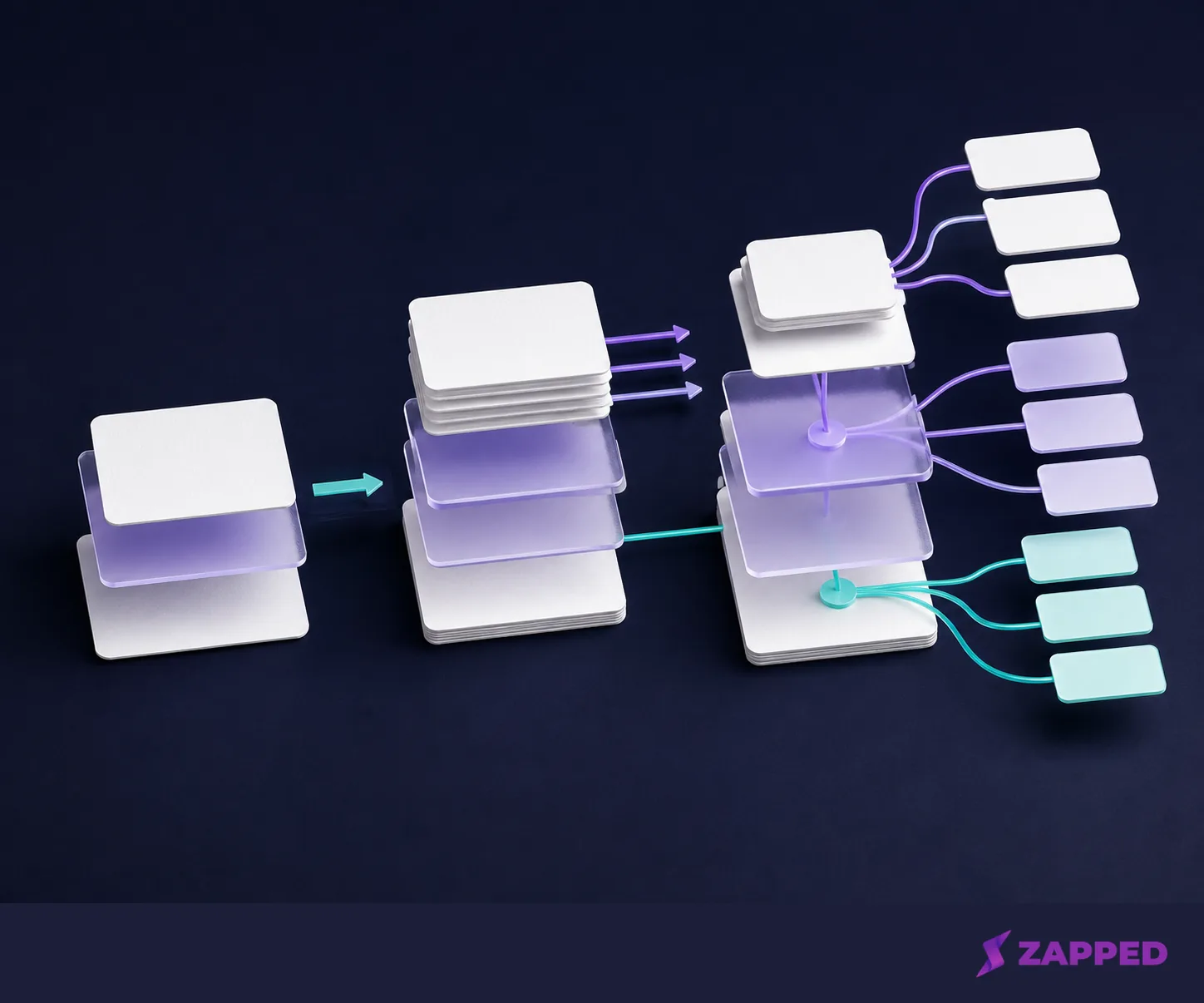
Remember the tiers this way: Lite covers one branded card and capture. Networker adds team control and measurement. Business Developer is for follow up work. Enterprise is for a coordinated deployment with a custom conversation attached.
The recipient gets a browser. Your team gets a next step.
Kado says recipients do not need an app. A QR code, NFC tap, or shared link opens the card in a browser, where the recipient can save the details. That removes the most common failure in digital card sharing: sending someone a link that works only after they install the sender's preferred app.
The sharing path is broad enough for real events. Use a QR code, NFC, or a link, then use Kado's contact capture to collect the person on the other side. Kado lists the contact capture download on every plan, so a free card does not trap the resulting contacts inside a paid tier. The intelligent scanner is the paid boundary, starting with Business Developer, for people who need to turn QR codes and paper cards into a more organized workflow.
Kado's public event page also says contacts can be exported as CSV or vCard. That gives you a spreadsheet friendly handoff or a contact format closer to the address book you already use. Do not confuse an export option with a verified migration, though. Before adopting Kado as a contact system, open an actual export and confirm that it contains the fields your team needs.
If all you want is a browser first card, Zapped cards open normally from a QR code, NFC tap, or link, and the recipient does not need an app or an account. Its Free plan is $0 with no credit card, with one card, five content blocks, QR, link, and NFC sharing, and 60 days of analytics history. Free cards retain the Zapped badge. That is a clean fit for sharing and basic measurement. Kado earns its place when contact capture needs notes, tasks, CRM sync, or team organization around it.
Pay for the handoff, not the badge
The feature list is long, but the buying question is short: what does your team do in the ten minutes after a new contact appears?
If the answer is “save the details and move on,” Lite is enough. You get the card, branding, and capture without paying for a workflow you will not use. A second identity, a team that needs permissions, or a need to measure activity makes Networker the better fit. The $2.50 price buys control and visibility, not a prettier landing page.
If the answer is “record the context, assign the next action, and keep the contact connected to our sales system,” Business Developer is the relevant upgrade. Notes and tasks change the card from a destination into a starting point. CRM sync matters when a contact should not die in a spreadsheet after the event. Tags and grouping matter when the list grows beyond the people you remember by face.
Kado's integration documentation describes bidirectional CRM syncing for contacts and notes, with team level Salesforce, HubSpot, Dynamics, and Zapier webhook integrations. That is the dividing line worth paying attention to. Analytics can tell you that people arrived. Notes, tasks, and synchronization decide whether anyone follows up.
There is no prize for buying the highest plan. Business Developer is wasted if your process ends at “nice to meet you.” Networker is wasted if you never look at analytics or manage more than one person. Pay for the next action your team already intends to take.
Test the exit before you enter
Kado's customer terms say the customer owns Customer Data and may export it at any time through the service's available features. That is the right starting point, but an owner still needs to check what the export contains. Confirm names, email addresses, phone numbers, notes, tags, and every other field your team expects before moving a live contact process into the service.
The deletion route is documented separately. Kado's DPA says an administrator can start cancellation from the billing panel, and account deletion can be requested by email after a subscription terminates or expires. It also allows exceptions for legal retention and isolated backups. Cancellation, account deletion, and the disappearance of every retained copy are related steps, not one instant event.
The public documentation is clearer about exporting contacts than about the fate of a live card URL after cancellation. It does not give a guaranteed post cancellation URL rule in the material available here. Export first, confirm the URL behavior in writing, and only then change the plan or close the account. If support cannot confirm the fields or the link behavior, keep the existing card or link active while you resolve it.
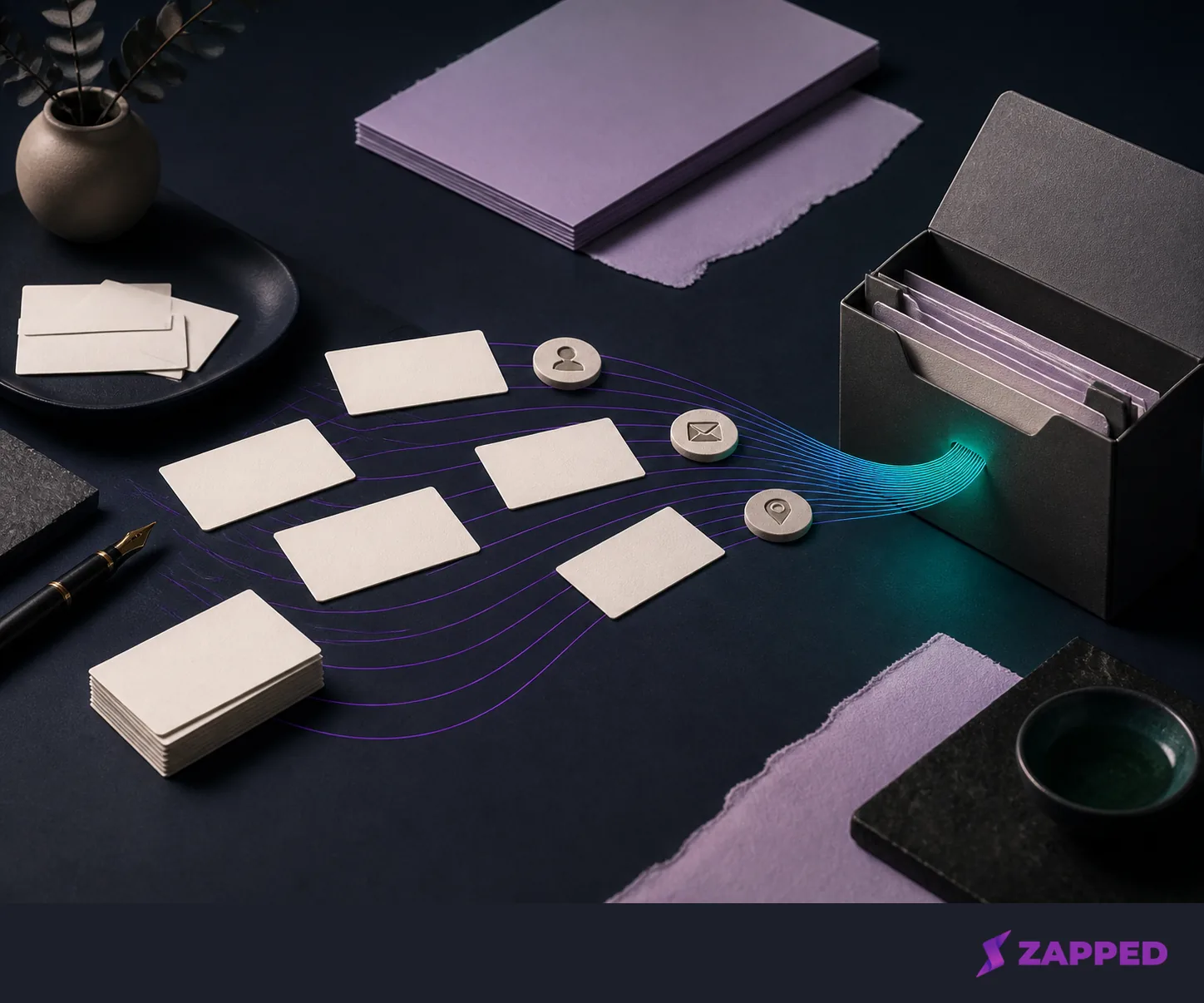
That sequence protects both sides of the decision. You preserve the data your team owns, and you avoid discovering after cancellation that a public handoff needs a replacement link sooner than expected. It is a small piece of discipline before a change that touches every card you have already shared.
Outside confidence, with the right amount of weight
Google Play lists Kado at 50K+ downloads and shows an update dated July 17, 2026. Its data safety panel says the app may share financial information and web browsing data, may collect personal information, calendar data, and contacts, encrypts data in transit, and allows a deletion request. That is useful context for a team deciding whether the app belongs in a contact workflow. It is not proof that the workflow fits.
G2 currently shows zero Kado reviews and says there are not enough reviews to provide buying insight. Treat that as a missing signal, not a verdict. The public plan table and legal documents tell you more about this decision than an empty review page does.
Verdict: pay for the workflow you will actually use
Networker Lite is the right starting point when you need one branded digital card and contact capture for free. Networker becomes sensible when separate cards, team management, analytics, or permissions matter. Business Developer earns its $4.00 price when the value is in scanning, notes, tasks, contact organization, or CRM sync rather than in the card itself. Enterprise belongs to a planned rollout with onboarding, account support, and custom requirements.
Kado is the wrong fit if you only need a simple profile link and will never capture or follow up with contacts. At Zapped, a browser first option can cover that lighter job, with a free plan that includes one card and five blocks, as long as its badge and 60 day analytics limit suit you. We build Zapped, so weigh that alternative accordingly.
Before you commit, run the export test and get the public URL behavior confirmed in writing. Those are the two unanswered details that can change the decision. The card earns the introduction; the handoff earns the subscription.