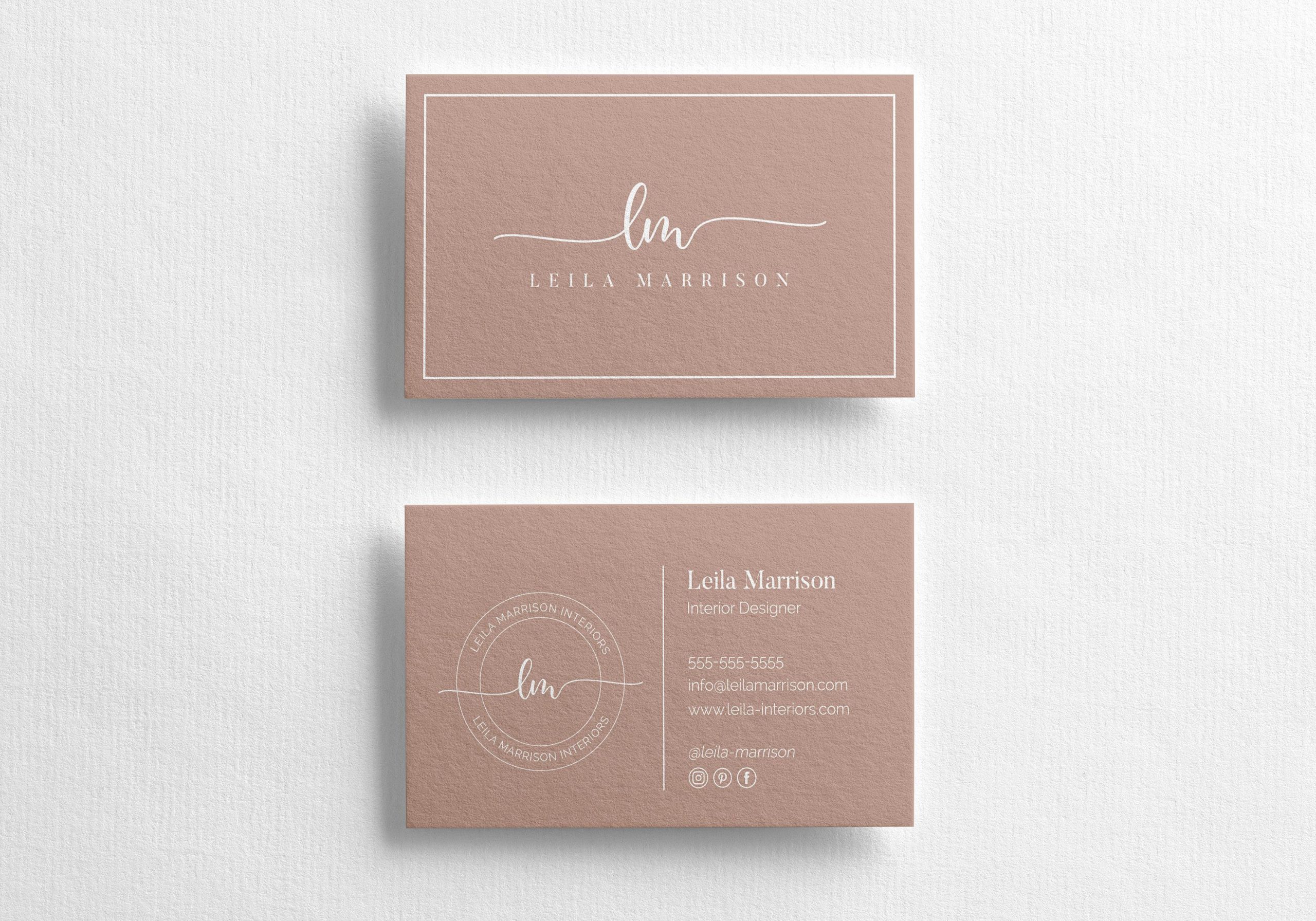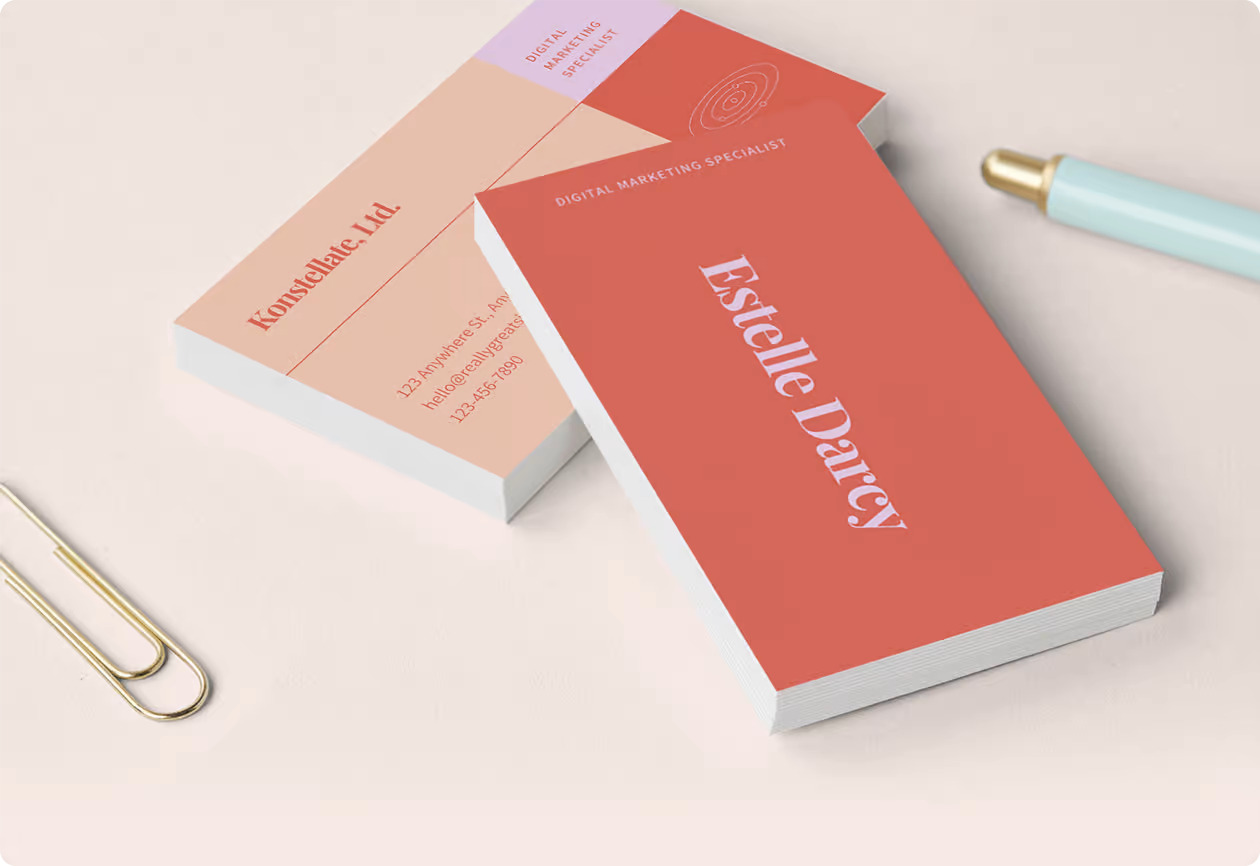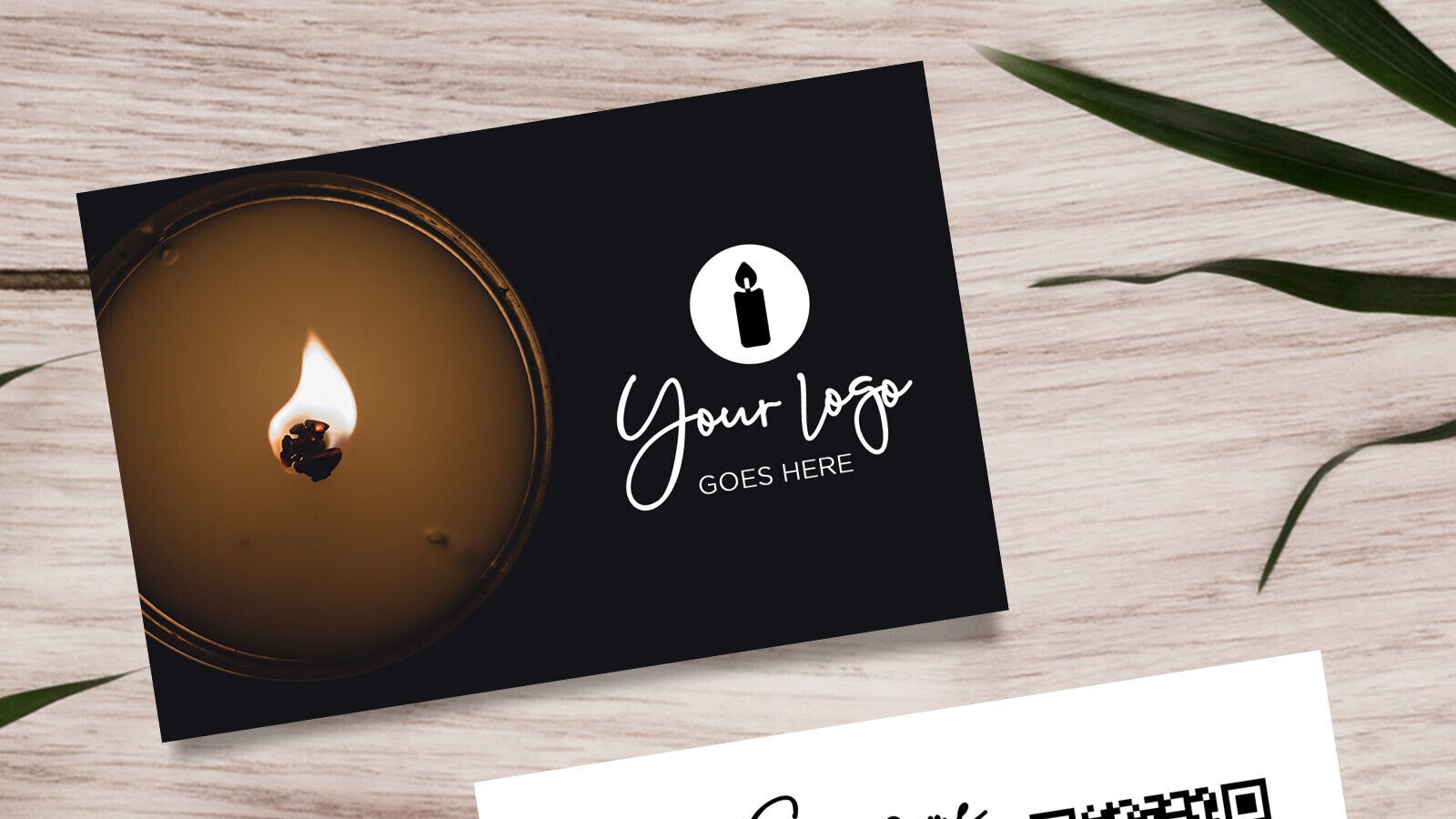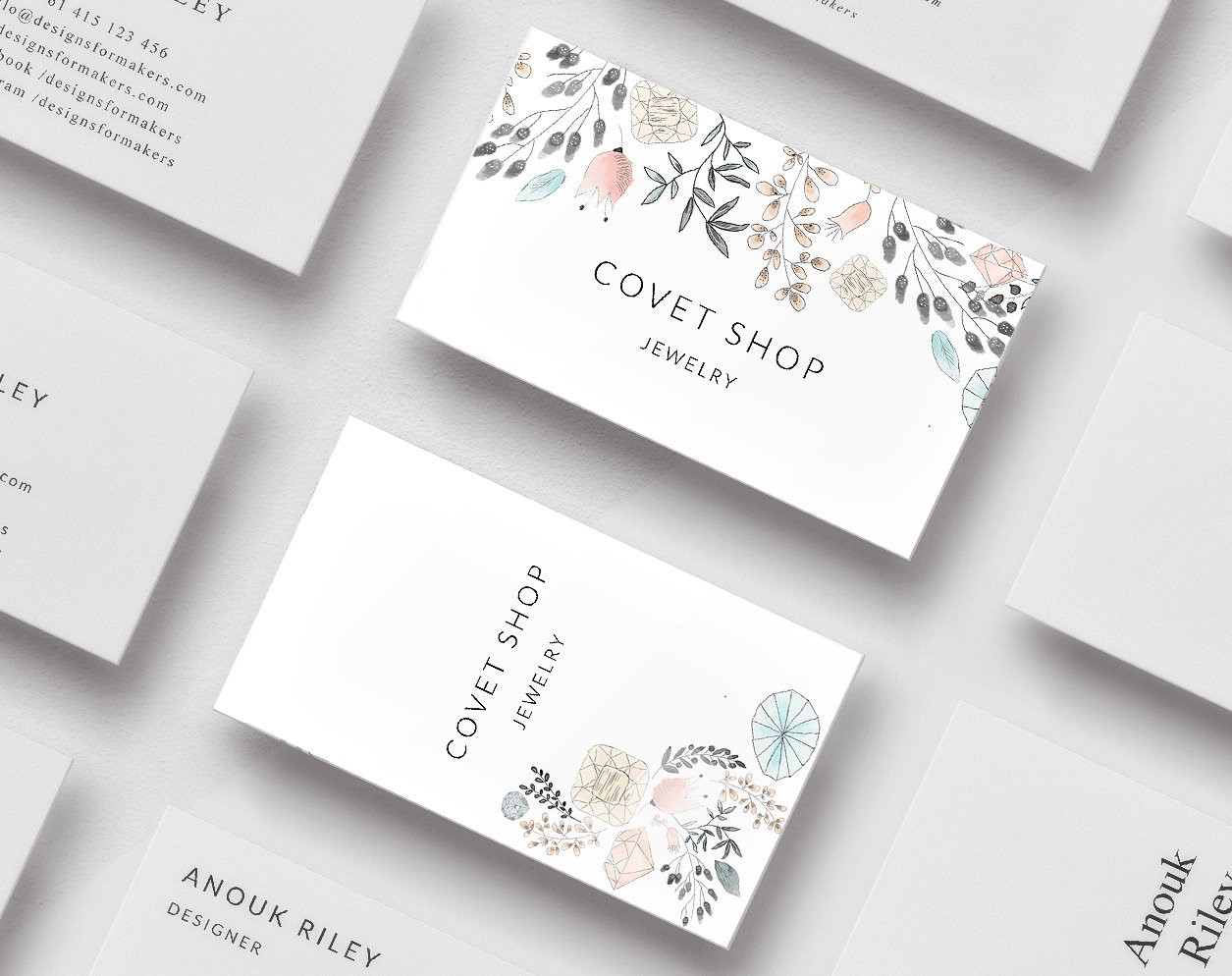
An Etsy shop business card is usually a packaging insert, repeat-order reminder, and brand touchpoint in one small piece.
Quick answer
The best Etsy shop business card thanks the buyer, reminds them what you sell, points to a review or reorder path, and gives a social or profile link for future launches. Keep it simple enough to read while unboxing.
Key takeaways
- Keep the card readable before adding decorative details.
- Use one primary action, such as call, book, scan, save contact, or request a quote.
- Add a QR code or profile link when the card needs to support changing information.
- Check print size, margins, and scan quality before ordering.
What to decide first
Start with where the card will be used. A counter card, event card, packaging insert, and premium meeting card all need different layouts. Decide the main action first, then choose the format, finish, QR placement, and amount of detail.
| Choice | Best for | Watch out for |
|---|---|---|
| Simple print card | Fast handoffs and low budget | Limited room for changing details |
| QR business card | Portfolios, booking, reviews, and service details | The scan destination must stay current |
| Premium finish | High-touch meetings and luxury services | Finish should not reduce readability |
| Hybrid card | Print presence plus digital follow-up | Requires testing before ordering |
What to include
A business card should give people enough context to remember you and enough direction to act. It does not need to carry every detail. The linked profile, QR destination, or follow-up page can hold the longer information.
Useful elements include:
- Name, business name, role, phone, email, and website or profile link.
- One short line that explains what you do or who you help.
- A QR code when the next action is easier on a phone.
- Strong spacing, readable contrast, and a safe margin around important details.
- A finish or material choice that matches the brand without hurting readability.
How to make the card more useful after the handoff
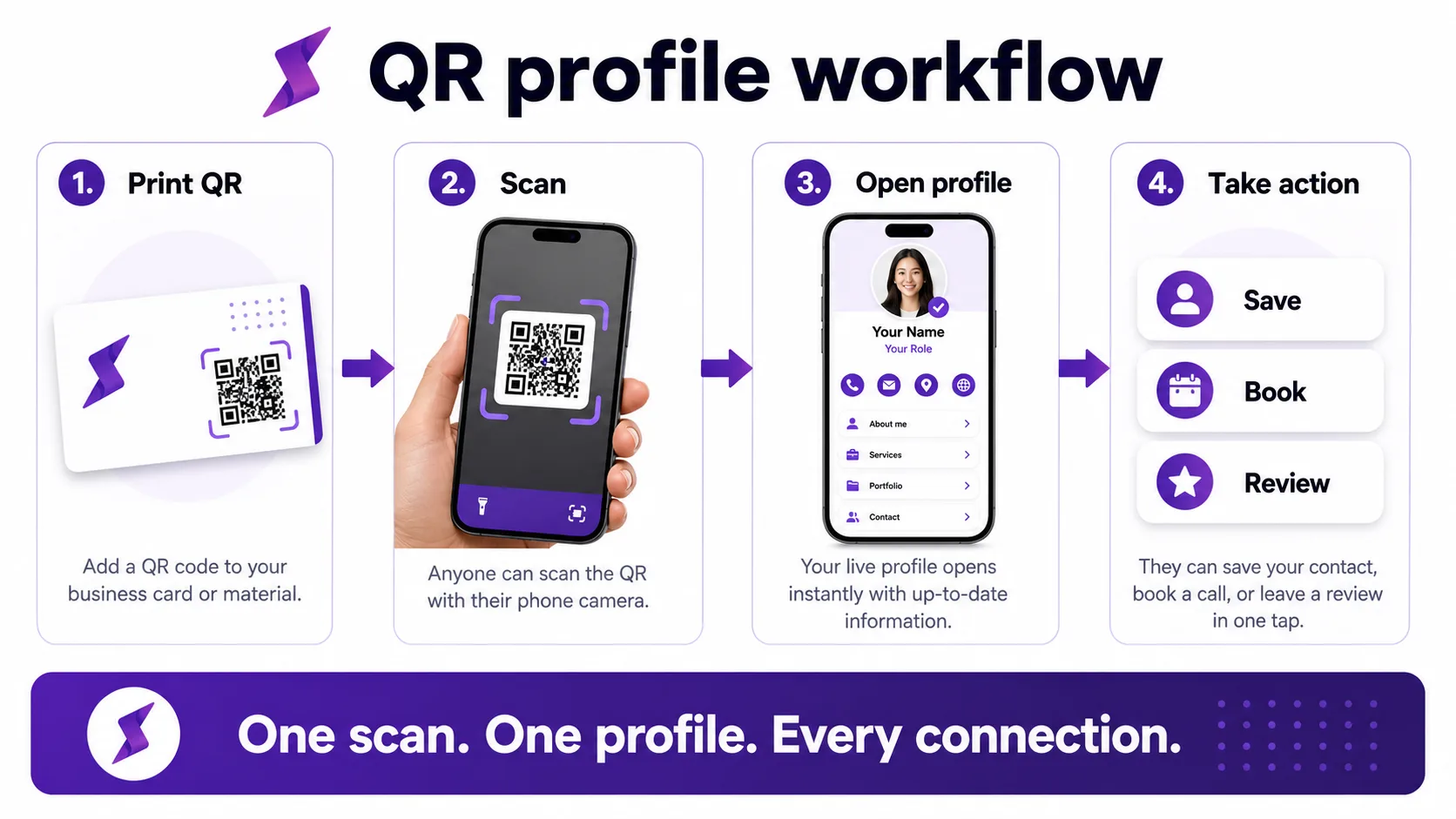
The card should create a memory and a next step. Add a profile link when you need a portfolio, booking page, gallery, menu, review request, quote form, or seasonal offer. That lets the printed card stay clean while the digital destination does the heavier work.
How to make it work in the real world
Start with the smallest version that solves the reader's problem. Then add the pieces that make follow-up easier: a clear headline, one main call to action, a tested QR or link, and a destination that is easy to update. If the topic depends on a third-party platform, check the current official help page before publishing instructions.
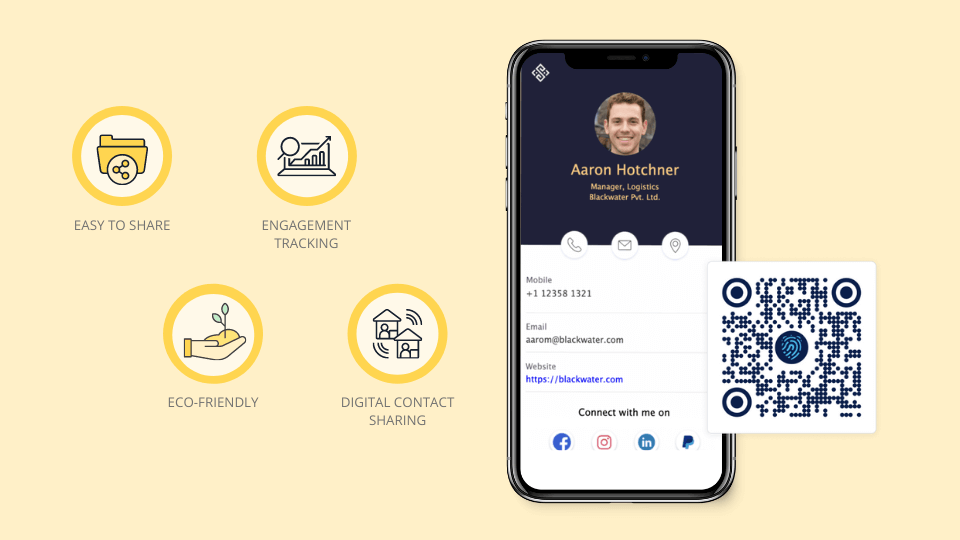
A QR profile is useful for Etsy sellers because product links, seasonal offers, and social channels change over time.
Practical examples
- Use a QR code when the person will see the card or ad offline.
- Use a direct link when the person is already in email, social, or chat.
- Use a digital profile when several links need to live behind one destination.
- Use tracking when you need to know which campaign or event worked.
Layout examples that work
For etsy shop business card ideas for more repeat buyers, choose a layout based on the handoff moment. A desk or counter card can be bolder because people have time to look at it. An event card should be faster to read because the exchange is brief. A packaging insert can include a thank-you message and review prompt. A premium meeting card can use more white space and a single high-value next step.
Strong layouts usually share a few habits:
- The name or business name is readable at a glance.
- The specialty or offer is specific enough to remember.
- The QR code has enough space around it to scan reliably.
- The back of the card is used for a useful prompt, not filler.
- The linked page continues the same promise as the printed card.
Troubleshooting weak card performance
If people keep taking cards but not contacting you, the problem may be the next step. Test a stronger call to action, add a QR profile, simplify the copy, or move the most useful contact path higher. If people scan but do not act, improve the mobile profile before redesigning the printed card.
Common mistakes to avoid
Do not overload the reader with too many choices. Avoid untested links, low-contrast designs, outdated screenshots, broad claims, and static pages that cannot be corrected after the card, ad, or profile is shared.
Where Zapped fits
Use Zapped when a card, link, QR code, NFC tap, email signature, or campaign needs one live destination. You can update the profile after sharing it, add contact and booking actions, and see which sharing moments produce clicks.
Before you publish or print
- Test every link, QR code, and phone action from a mobile device.
- Use one primary call to action.
- Keep screenshots, pricing, platform steps, and offers current.
- Review the profile or landing page after each campaign or print run.
FAQs
What makes etsy shop business card ideas for more repeat buyers effective?
It is effective when the design makes the next action obvious, keeps the contact details readable, and gives people one live destination for updates.
Should I add a QR code?
Yes, if the QR code sends people to a useful page. Test the code before printing and keep enough white space around it.
Do I still need a printed card?
Printed cards still help in face-to-face moments. They work best when paired with a digital profile that can change after the card is printed.
How often should I update the linked profile?
Update it whenever your offer, booking link, phone number, portfolio, menu, or lead form changes.
Sources
- MOO business card design guidance for print format and finish considerations.
- VistaPrint business cards for current online print-ordering context.
- Our Zapped digital business card features for QR, NFC, and editable profile workflows that extend a printed card.