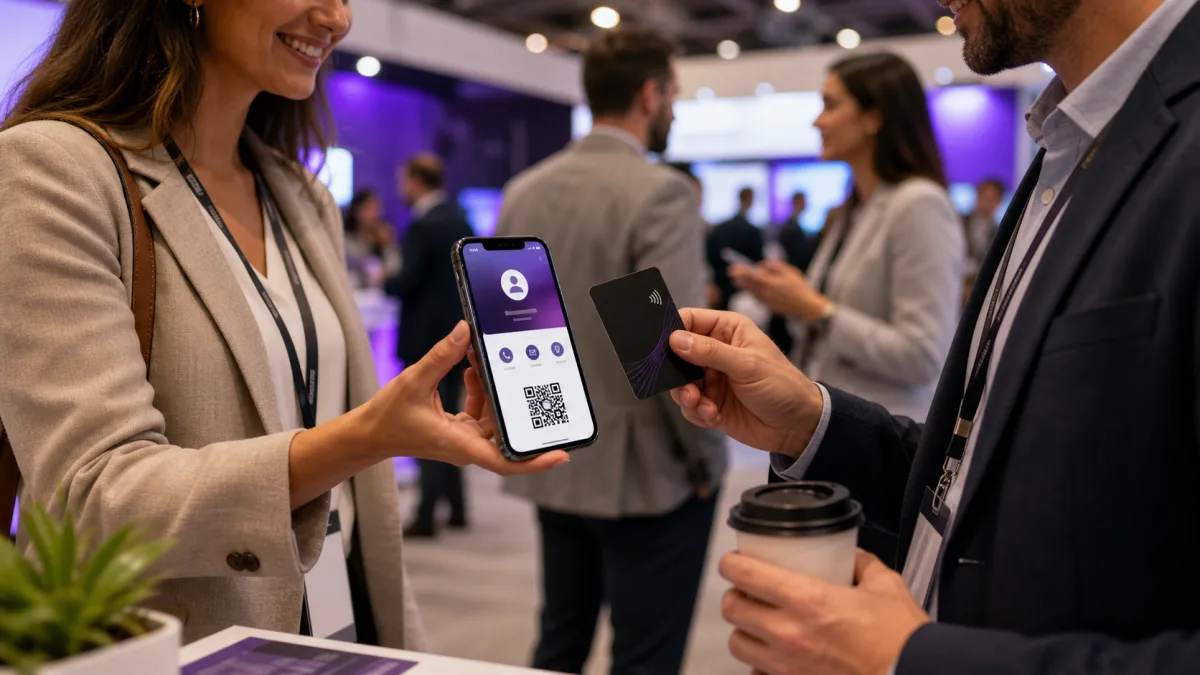
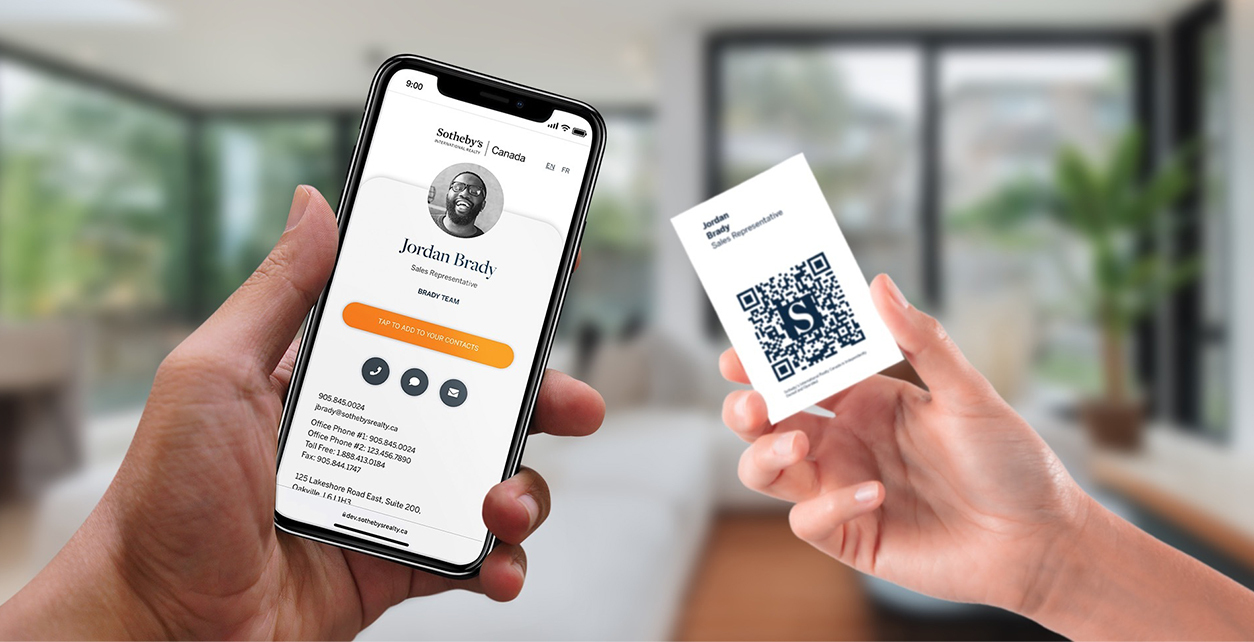
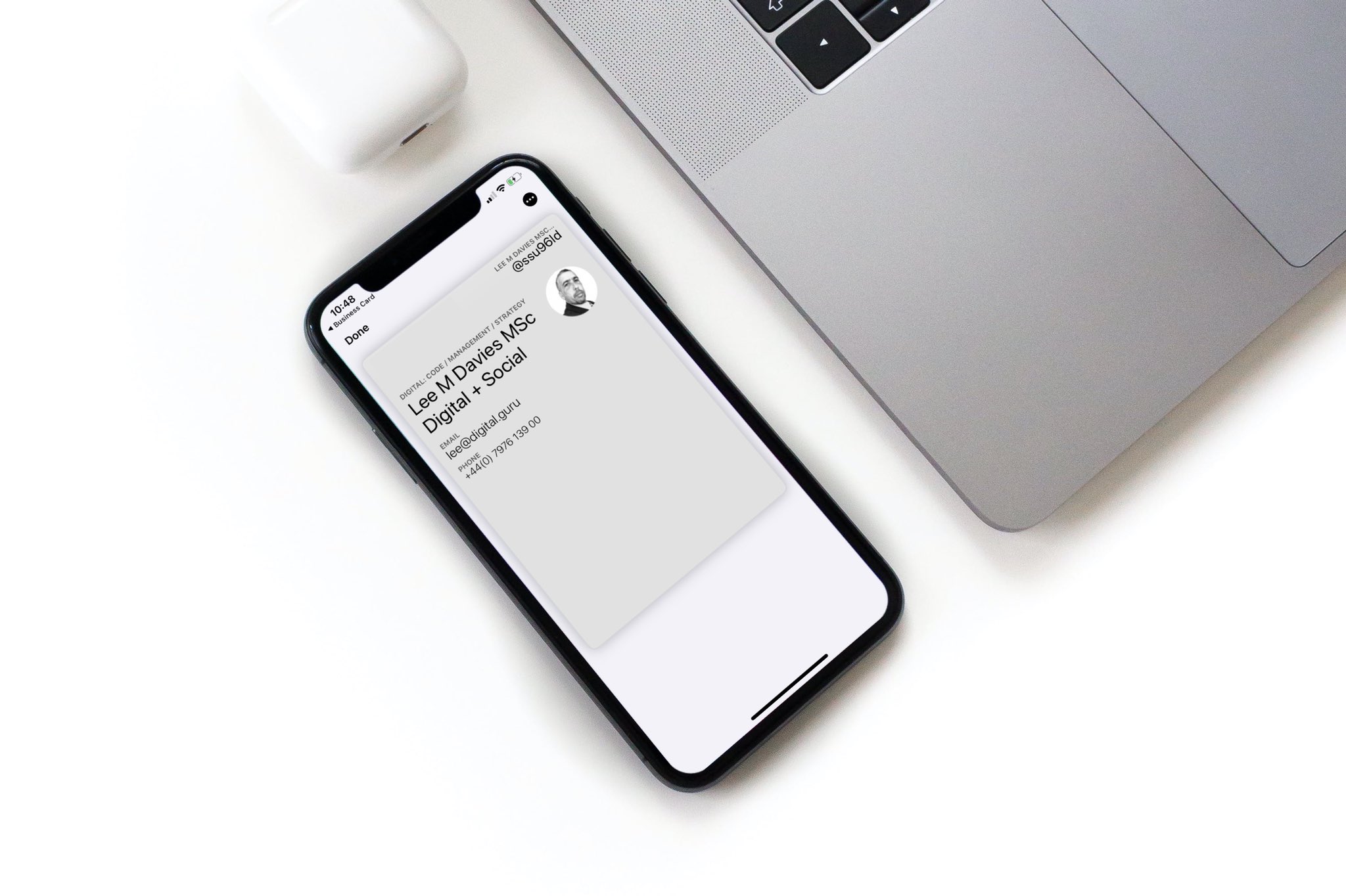
The best virtual business card app should make sharing easy on both iPhone and Android. It should also let people save your details quickly after they scan, tap, or open your link.
Quick answer
The best virtual business card app for iPhone and Android is the one that gives you a mobile friendly profile, QR code, direct link, save contact option, and easy editing. For teams, also look for centralized management, consistent branding, analytics, and NFC card support.
Key takeaways
- A good virtual card should work without forcing recipients to install an app.
- QR code, direct link, and NFC sharing matter more than app-store novelty.
- Teams need admin controls and brand consistency, not just pretty profiles.
- Analytics are useful when they help with follow up.
- Zapped is a strong fit when you want one editable card that works across iPhone, Android, QR, NFC, and teams.
What makes a virtual business card app good?
A virtual card app should make the contact exchange easier for both people. The card owner needs easy editing and sharing. The recipient needs a fast mobile page and a clear save contact action.
Look for:
| Feature | Why it matters |
|---|---|
| Mobile friendly profile | Most recipients open the card on a phone |
| QR code sharing | Works across iPhone and Android |
| Direct link | Easy to send by text, email, WhatsApp, or LinkedIn |
| NFC support | Useful for in person networking |
| Save contact option | Turns the view into an actual contact |
| Analytics | Helps with follow up and team reporting |
| Team controls | Keeps employee cards consistent |
The recipient experience is the real test. If they need to download an app before seeing your details, the card adds friction.
Best use cases by user type
| User type | What to prioritize |
|---|---|
| Solo professional | Fast setup, QR code, direct link, save contact button |
| Sales rep | NFC card, booking link, analytics, CRM friendly workflow |
| Recruiter | Team branding, calendar link, LinkedIn, candidate follow up |
| Real estate agent | Photo, phone, listings, WhatsApp, QR on signs and print |
| Event team | QR badges, NFC cards, team management, lead capture |
| Company admin | Permissions, templates, employee consistency, reporting |
Zapped fits especially well when the same profile needs to work from a QR code, NFC card, direct link, email signature, and team dashboard.
iPhone and Android sharing checklist
Before choosing an app, test these flows:
- Open the card link on iPhone.
- Open the card link on Android.
- Scan the QR code with each platform.
- Save the contact from each platform.
- Share the card through WhatsApp or text.
- Update the profile and confirm the old link still works.
- If using NFC, test the tap on both platforms.
Apple supports QR scanning through the iPhone Camera app, and Android devices commonly support QR scanning through camera or quick settings flows. That makes QR code support table stakes for a virtual card app.
Make the Zapped card useful after the first scan
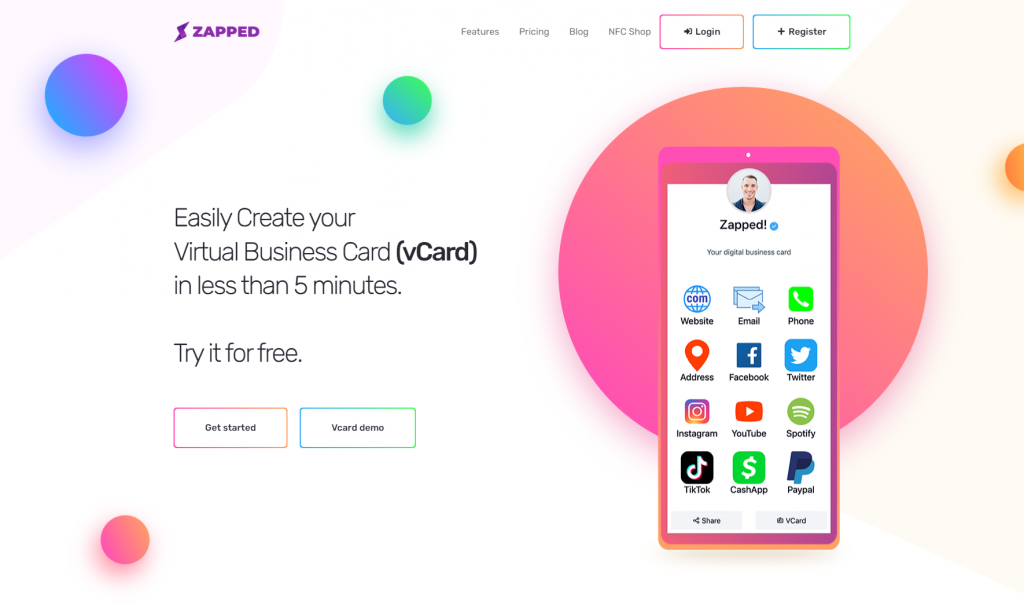
A digital business card should do more than show a name and phone number. Zapped gives the card a live profile where the recipient can save contact details, open the right link, book time, visit a website, or follow a social profile from one mobile page.
That is the practical difference between a digital card that looks modern and one that helps follow up happen. The profile can keep changing while the QR code, NFC card, and shared link keep pointing to the same place.
What about other virtual card apps?
There are many digital card products, including app first and profile first tools. When comparing them, avoid choosing only by template design.
Ask:
- Can recipients view the card without installing an app?
- Can I update the card after sharing it?
- Can I use QR and NFC together?
- Can a team admin manage employee cards?
- Can I keep the card on brand?
- Can I measure scans or views?
- Does the free tier fit actual usage, or only a test profile?
The best app is the one that matches how you actually meet people.
Comparison questions before choosing
Before picking a virtual card app, run through a real sharing scenario. Imagine you meet someone at an event, send your card by text, then update your role a month later.
| Question | Why it matters |
|---|---|
| Does the card open quickly on mobile? | Slow pages reduce saves and follow up |
| Can the recipient save contact details easily? | A view is not as valuable as a saved contact |
| Does one link work across QR, NFC, and messaging? | Consistency makes sharing easier |
| Can you edit the profile after printing cards? | Printed cards should not become stale |
| Are analytics useful and understandable? | Scan and view data should help with follow up |
| Can teams control branding and access? | Company cards need consistency and ownership |
| Is the free plan realistic? | Some free plans are only useful for testing |
This comparison is more useful than looking for a universal winner. A freelancer, sales team, and conference staff may all need different priorities.
What a good free plan should let you test
A free virtual card plan should let you prove the core workflow before upgrading. At minimum, you should be able to create a public card, share a working link, test the QR code, and confirm that a recipient can save your details.
For paid plans, look for features that create operational value: team management, custom branding, better analytics, extra cards, or NFC support. Paying only for a prettier template is less compelling than paying for a card that saves time and improves follow up.
FAQs
Do recipients need an app to view a virtual business card?
They should not. The strongest virtual cards open in a mobile browser so anyone can view them from iPhone, Android, desktop, QR code, NFC tap, or direct link.
What is the best free virtual business card app?
The best free option is one that lets you create a real shareable card, not just a limited preview. Check QR code, editing, and save contact behavior before committing.
Is a QR code enough for a virtual business card?
A QR code is a great sharing method, but it is not the whole card. The profile behind the QR code needs useful contact details and a clear next action.
Should a team use individual apps or managed cards?
Teams should usually use managed cards. Admin controls, consistent branding, and editable employee profiles are more important than each person choosing a separate app.
Can Zapped work on iPhone and Android?
Yes. Zapped cards are web profiles, so recipients can open them from iPhone, Android, QR codes, NFC taps, and direct links without needing a special viewer app.