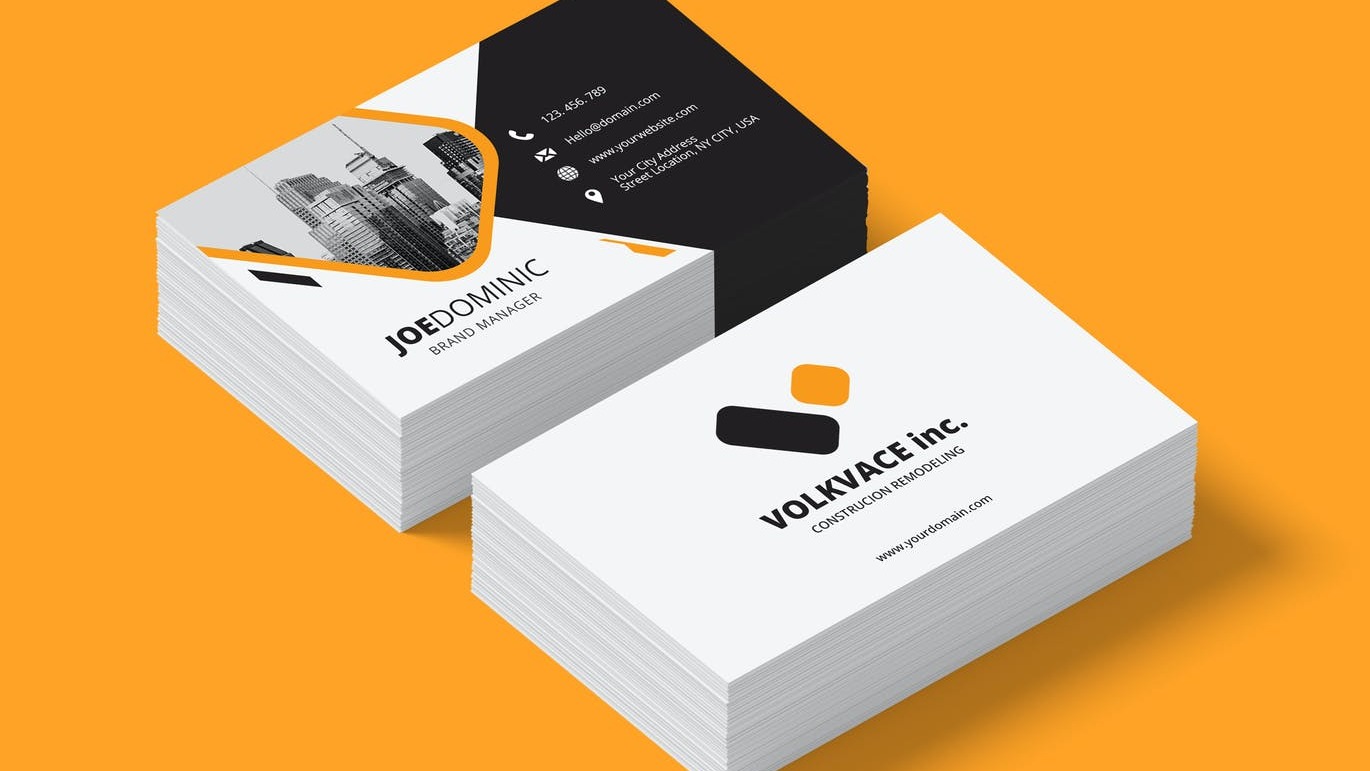
Remodeling business card ideas should do more than look good. The card needs to explain what you offer, make you easy to contact, and give someone a next step they can take after the conversation ends. This guide keeps the design inspiration, but adds the follow up path that turns a card into a useful business tool.
Quick answer
The best remodeling business card ideas use a clear specialty, readable contact details, one trust signal, and a QR code or short link that opens a useful mobile profile. For remodelers, renovation contractors, and home improvement teams, the goal is to make request a quote or view project photos easy while showing project type, service area, reviews, license context, and portfolio. The card should also make it easy for the recipient to save your details or come back later.
Key takeaways
- Put the main service or specialty near the front so the card is understood in seconds.
- Use one primary action, such as request a quote or view project photos, instead of crowding the card with every possible link.
- Add proof that fits the decision, such as project type, service area, reviews, license context, and portfolio.
- Keep the print design simple and let a digital profile carry changing details.
- Label the QR code so people know exactly what they will get after scanning.
What most idea lists miss
Most remodeling business card ideas lists focus on colors, fonts, and template inspiration. That matters, but it is only half the job. The stronger question is what happens after someone receives the card.
A good card gives people a reason to trust you and a path to act. That path might be request a quote or view project photos, viewing examples, asking a question, saving a contact, reading reviews, or returning to a shop or booking page.
The card job table
| Card job | What to include | Why it matters |
|---|---|---|
| Be remembered | Name, brand cue, and a practical, polished, and proof led visual style | People often keep only cards they understand quickly |
| Build trust | Project type, service area, reviews, license context, and portfolio | The recipient needs a reason to choose you later |
| Start action | QR code, short link, phone, or booking prompt | The card should lead to the next step |
| Support follow up | Save contact, gallery, reviews, menu, offer, or profile link | The digital destination can change without reprinting |
Design direction
Choose one visual direction that matches remodelers, renovation contractors, and home improvement teams. A practical, polished, and proof led card can still feel creative, but it should never make the name, phone number, QR code, or offer hard to read.
Good design directions include:
- A strong logo or name treatment with calm supporting details.
- A QR code on the back with a short label.
- One proof point, such as project type, service area, reviews, license context, and portfolio.
- A simple color palette that matches the service instead of copying a generic template.
- A short call to action, such as "Request A Remodel Quote".
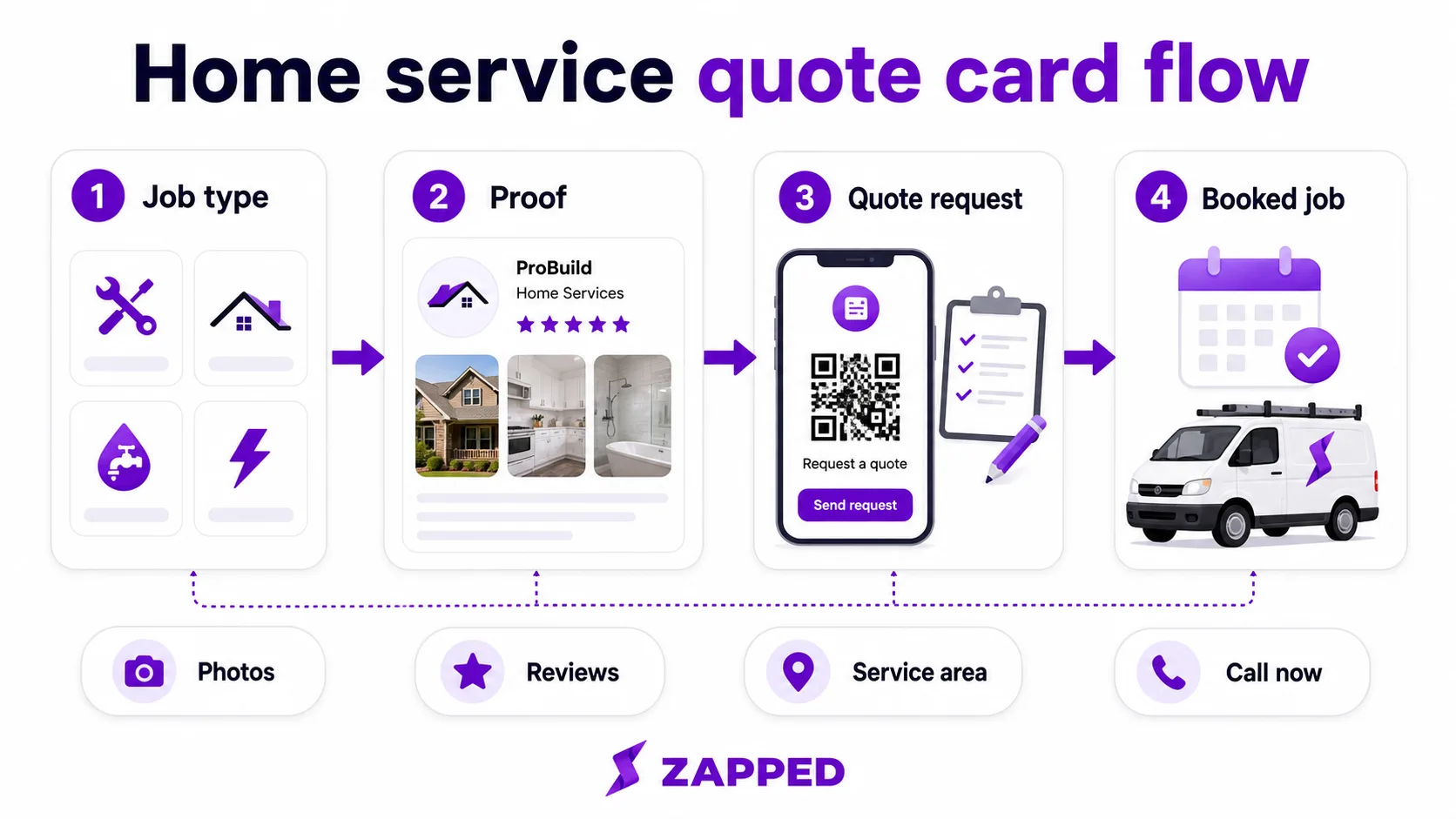
The quote flow below is useful for field service cards because it separates the printed trust signal from the details that change by job type, service area, and schedule.
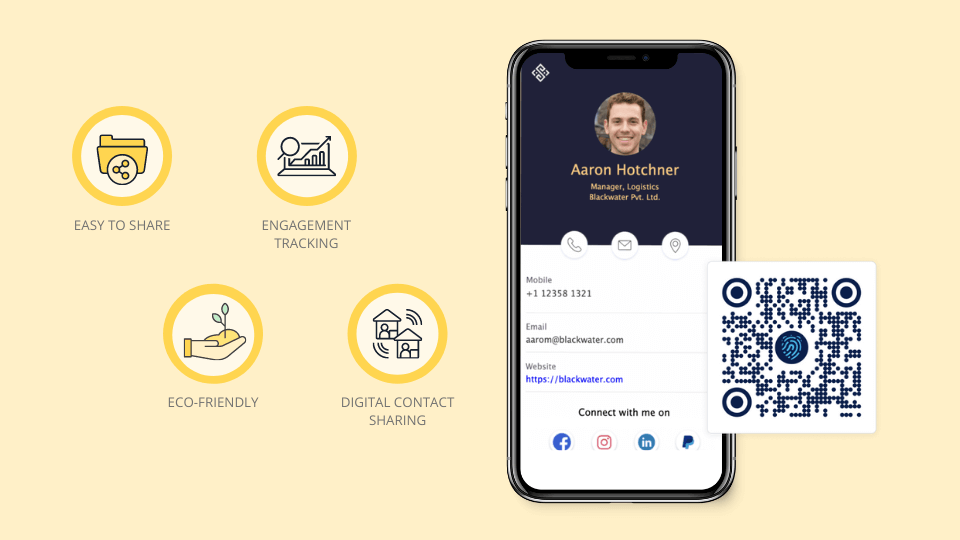
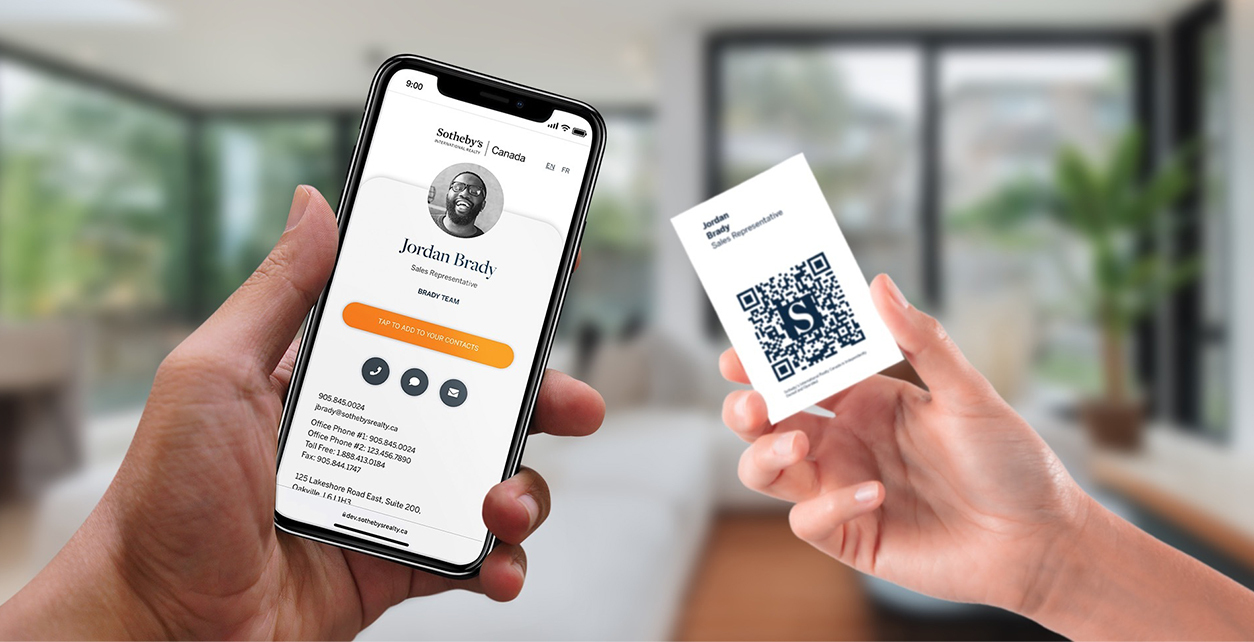
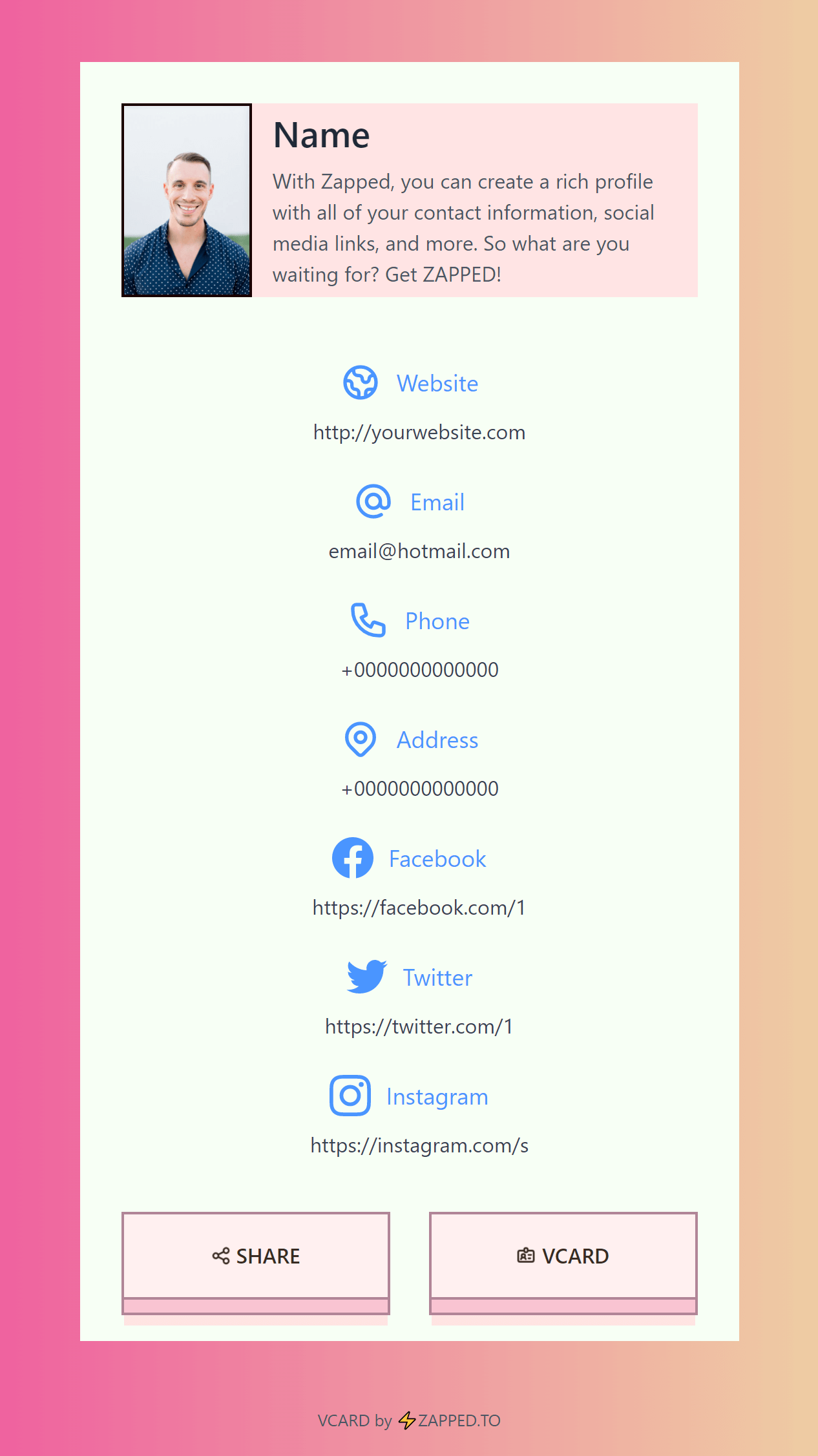
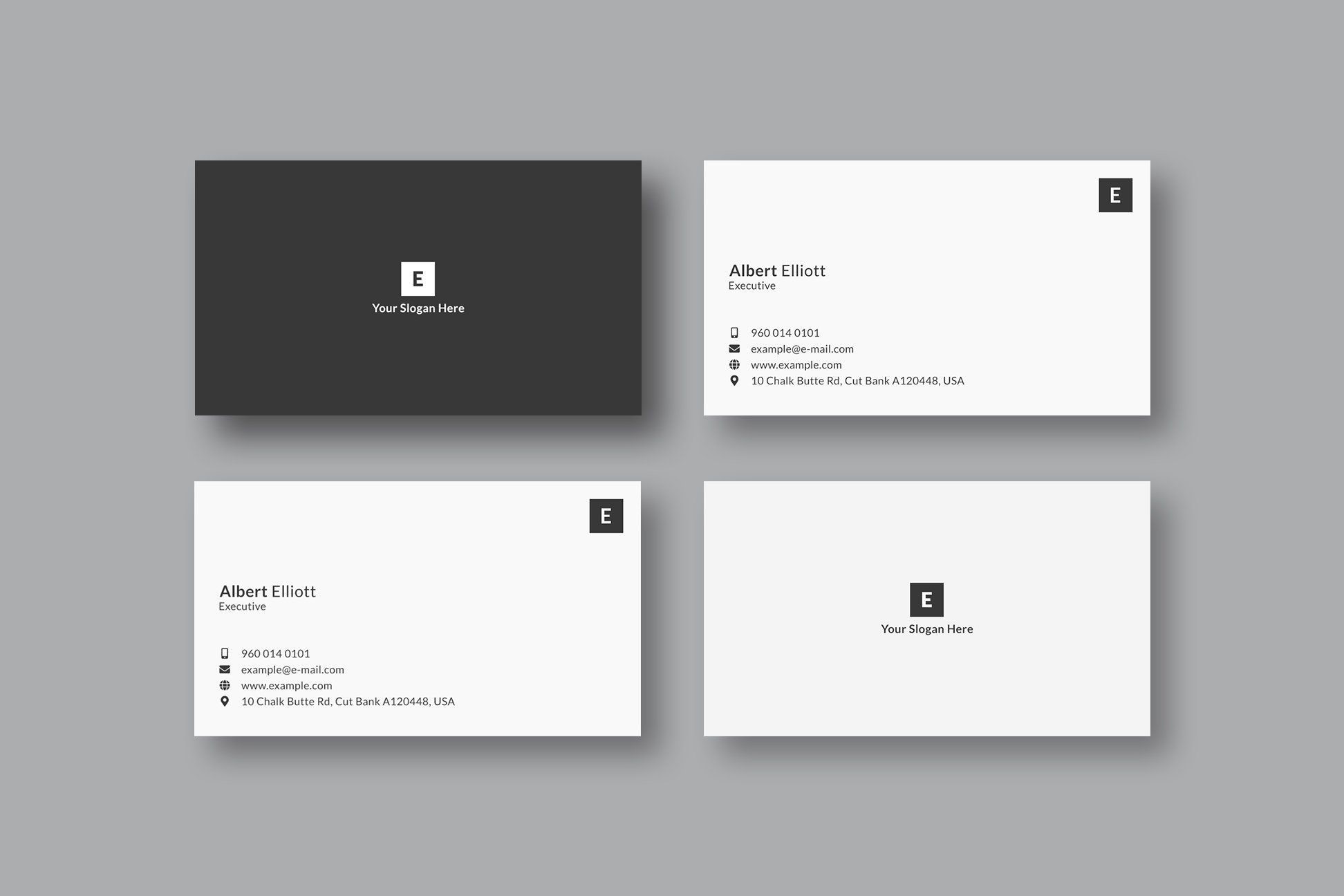
The examples below are useful as visual prompts. Use them to think about hierarchy and layout, then adapt the idea to your own offer and follow up path.
This example is worth reviewing for layout balance. Notice whether the important details would still be readable on a real printed card.
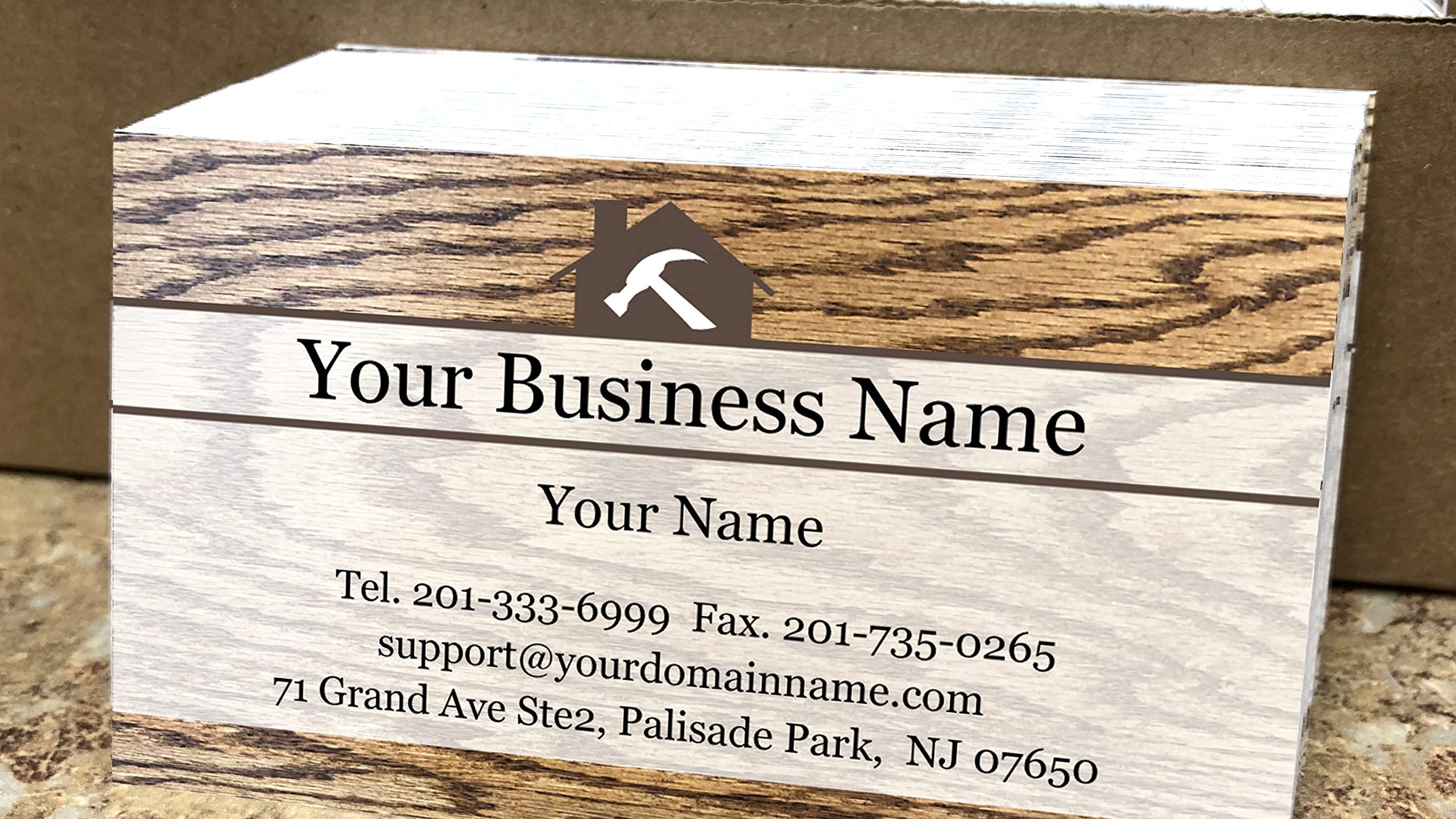
This example is worth reviewing for visual style. Notice whether the important details would still be readable on a real printed card.
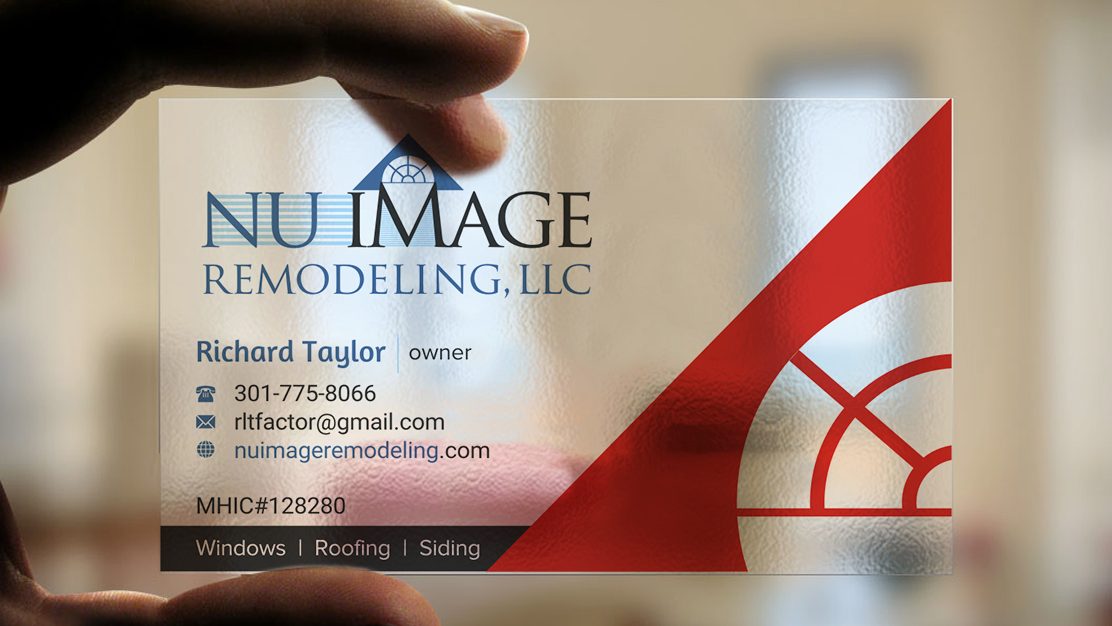
This example is worth reviewing for proof placement. Notice whether the important details would still be readable on a real printed card.
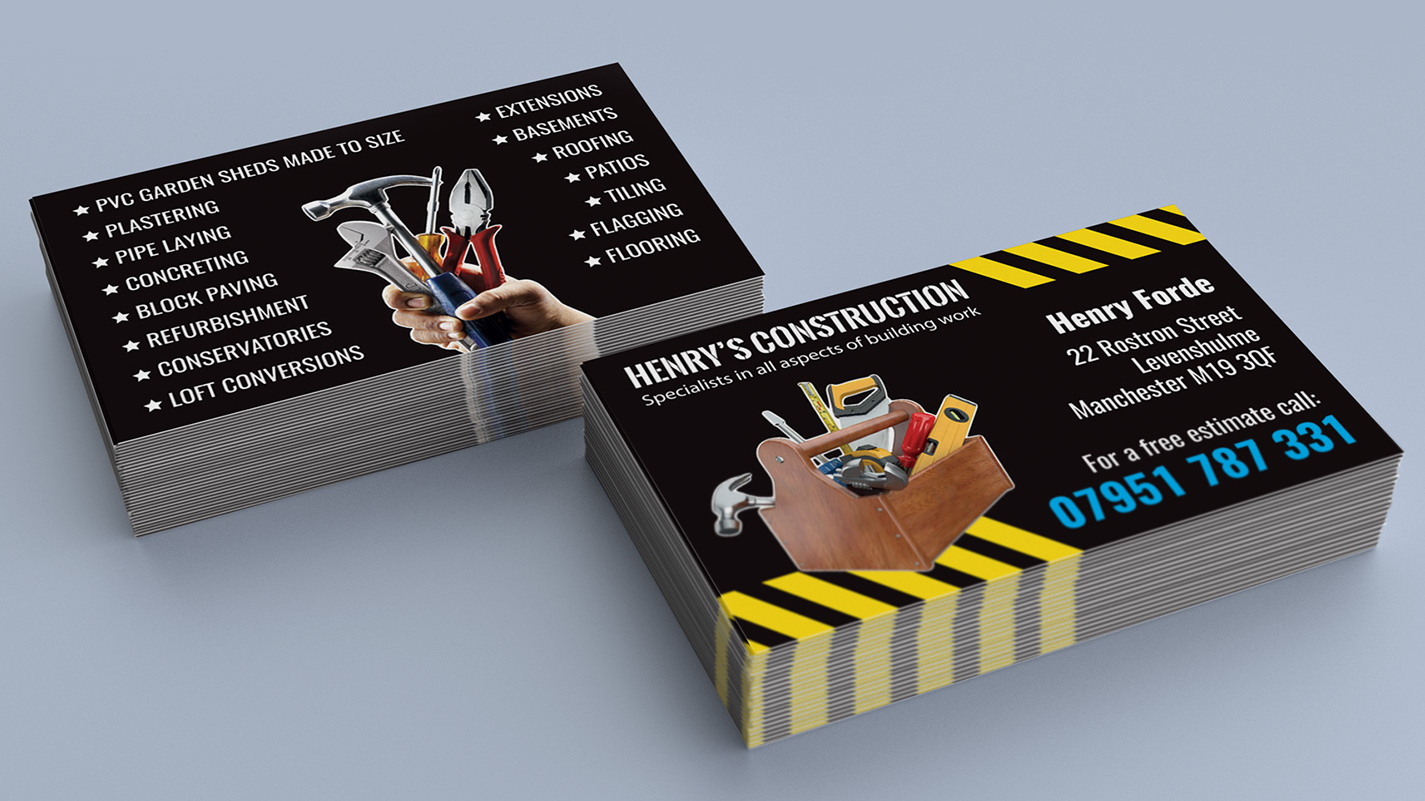
This example is worth reviewing for back side or QR area. Notice whether the important details would still be readable on a real printed card.
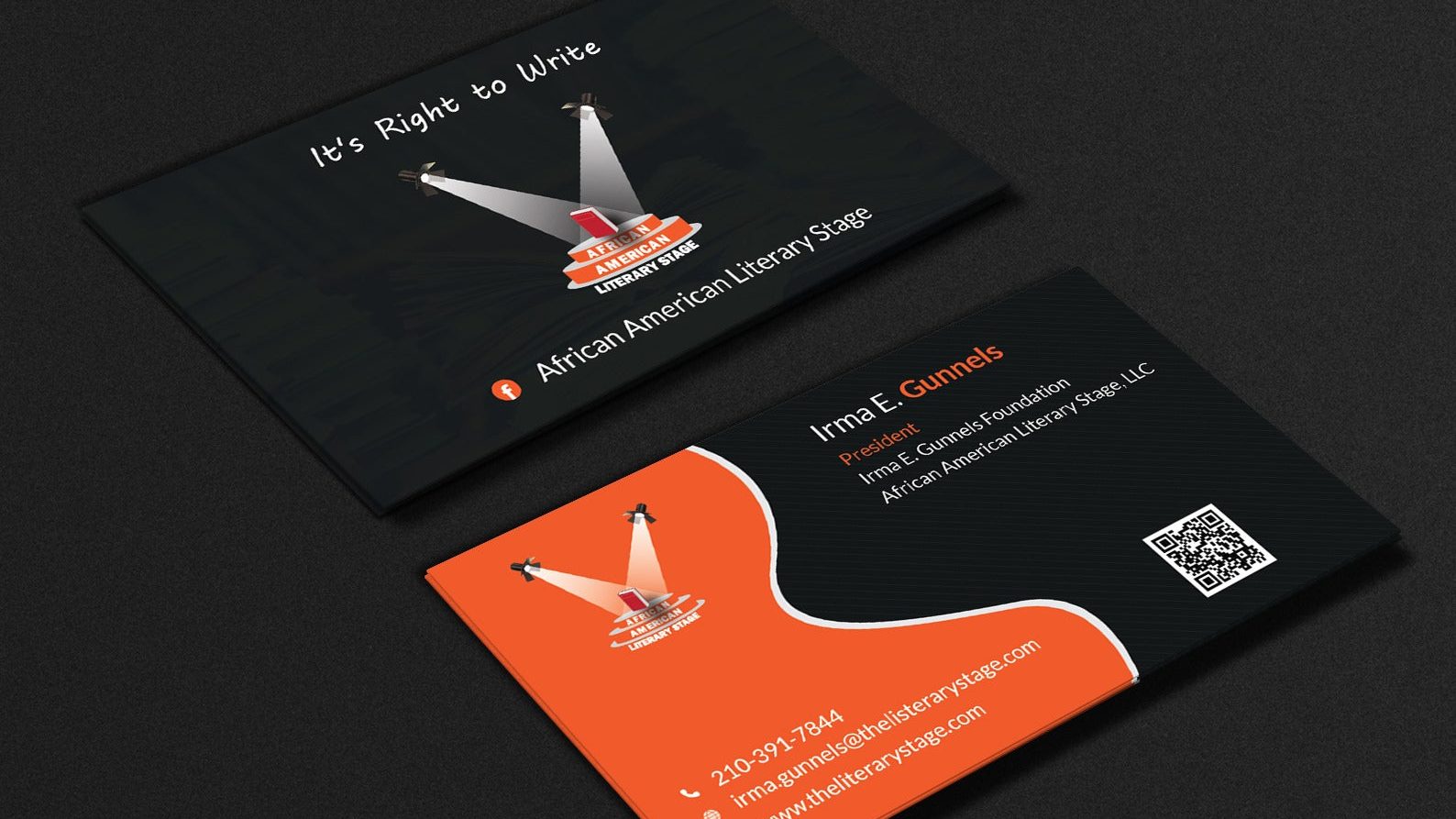
Flooring installers on the same job often need a separate leave-behind, so keep flooring business card ideas handy when the finish selection meeting is where the handoff happens.
Ideas for remodeling contractors
- Action card: Put the next step behind a QR code and label it clearly.
- Proof card: Use one review line, credential, portfolio cue, or service area note.
- Portfolio card: Send people to photos, videos, examples, products, or case studies.
- Referral card: Explain who should be referred and what problem you solve.
- Offer card: Use the back side for a sample offer, reorder path, event package, or quote prompt.
- Save contact card: Make the QR destination a profile with a save contact button.
- Follow up card: Use the card after an event, sale, appointment, or job so people know how to return.
What to include
Keep the printed card focused on the fields someone needs to act:
- Name and business name.
- A clear role, specialty, or service category.
- Phone, email, website, or short link.
- QR code to one useful destination.
- Location, service area, or online service area when relevant.
- Primary call to action.
- Proof point, such as project type, service area, reviews, license context, and portfolio.
The card should not carry every package, policy, photo, product, or paragraph. Put those on the QR destination.
Content ideas by offer
- Kitchen remodels: point the QR destination to the page, gallery, booking flow, menu, quote form, or message thread that best supports this offer.
- Bathroom remodels: point the QR destination to the page, gallery, booking flow, menu, quote form, or message thread that best supports this offer.
- Basement projects: point the QR destination to the page, gallery, booking flow, menu, quote form, or message thread that best supports this offer.
- Additions: point the QR destination to the page, gallery, booking flow, menu, quote form, or message thread that best supports this offer.
- Repair work: point the QR destination to the page, gallery, booking flow, menu, quote form, or message thread that best supports this offer.
These offer cues make the card specific without turning it into a crowded flyer.
QR code and profile ideas
A QR code should open something useful, not a dead homepage. For remodelers, renovation contractors, and home improvement teams, the destination can include:
- Save contact button.
- Booking, quote, shop, menu, gallery, or inquiry link.
- Reviews or testimonials.
- Photos, videos, examples, or product collections.
- Location, hours, service area, or event dates.
- WhatsApp, text, or email when quick messaging fits the workflow.
A profile gives the printed card one clear job while the online destination carries details that change over time.
Mistakes to avoid
| Mistake | Better choice |
|---|---|
| Choosing a style before the action | Pick the action first, then design around it |
| Tiny contact details | Use fewer fields and larger type |
| QR code with no explanation | Label what the scan opens |
| Too many offers on the card | Put the full list on the profile |
| Generic template copy | Use a specialty, service area, or result |
| Outdated details | Use an editable digital profile |
Print and handoff checklist
- Print a test card and read it at arm's length.
- Scan the QR code on iPhone and Android.
- Confirm the destination loads quickly on mobile data.
- Check that the offer, phone, email, and booking links work.
- Ask a real person what they would do after receiving the card.
- Remove anything that does not support that action.
Turn the card into a live Zapped profile
For a remodeling business, the printed card can stay focused while the Zapped profile carries project galleries, service areas, estimate forms, reviews, and contractor references. That gives the recipient a clear next step without crowding the design.
It also lets you update the online profile as services, offers, availability, photos, booking links, or social profiles change. The printed card stays useful without a reprint for every update.
FAQs
What should I include on a remodeling business card?
They should include your name, business name, specialty, phone or email, one primary action, and a QR code to a useful profile with more details.
Should I use a QR code on this kind of card?
Yes, if people need more than a phone number. A QR code is useful to request a quote or view project photos. It can also carry reviews, proof, messaging, reorder links, or save-contact details.
What should I put on the back of the card?
Use the back for a QR code, short call to action, review line, offer, or simple service list. Keep enough white space around the QR code so it scans easily.
Are creative cards better than simple cards?
Creative cards work when they are still readable and action focused. If the design makes the phone number, QR code, or offer hard to understand, simplify it.
How often should I update the card?
Update the digital profile whenever offers, photos, hours, services, or links change. Reprint the physical card when the brand, phone number, name, or core offer changes.
Sources
- MOO standard size business cards: Reviewed for current card sizes, paper stock, finish, and premium card option context.
- VistaPrint business card dimensions: Used for standard business card size, bleed, and safe area guidance.
- Google Business Profile review guidance: Used for review link and QR code workflow context.
- WhatsApp Business QR code help: Used for business QR and messaging workflow context.