Do you own or manage a business? If so, you know how critical online reviews are. Google is the most popular search engine, so it's no surprise that many customers leave reviews on Google.
But what if you don't have a website? Or what if you want to make it easier for customers to review your business? That's where QR codes come in.
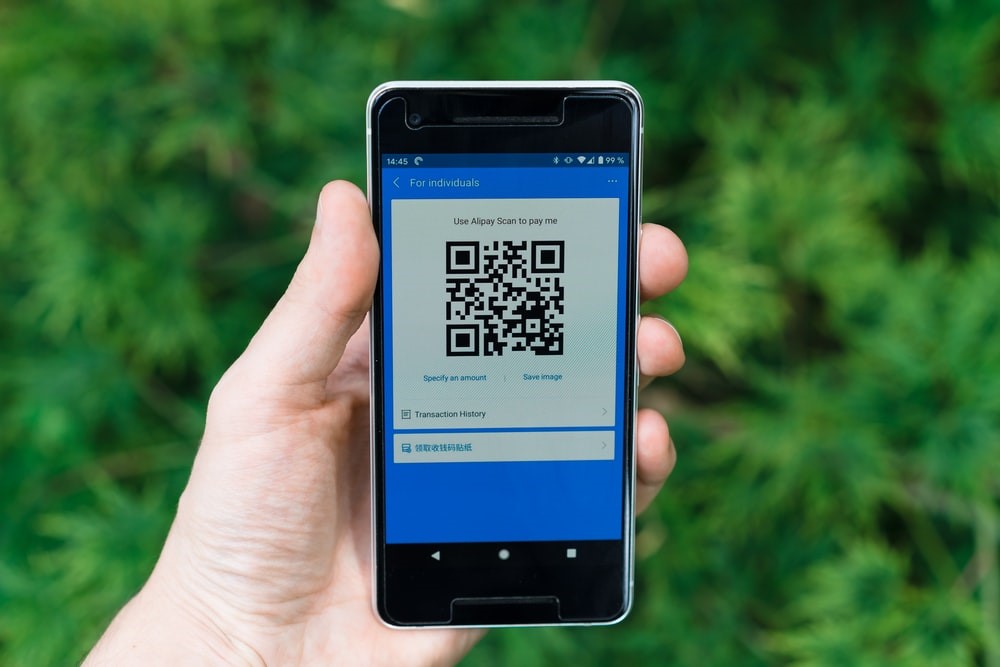
A QR code is a two-dimensional barcode that a smartphone or other device can scan. The QR code will take the user to a specific website or web page when scanned.
You can use QR codes to encourage customers to leave reviews on Google. Create a QR code that takes users to your Google listing, and then place the QR code where customers will see it.
This article will show you how to create a QR code for your Google listing. We'll also provide some tips on where to place the QR code for maximum impact.
Let's get started!
Steps For Getting Google Business Reviews QR Code
The steps are really easy, and it won’t take much time for you to get your QR code. They include:
1. Look For Your Business In Google Place Finder Tool
The first step is to go to the Google Place Finder Tool and find your business in the search box. You can access the tool here. Once you're on the page, simply enter your business name into the search box and hit enter.
2. Copy Your "Place ID."
Once you've found your business on the map, you'll see a tooltip appear with some information about your business. It is the information that will be included in your business "Place ID." This is a unique identifier for your business on Google Maps and is what you'll need in order to generate your QR code. Simply click on the tooltip and copy the information to get your Place ID.
3. Modify The Reviews URL
Once you have your Place ID copied, the next step is to modify a Review URL to include your unique identifier. You can do this by going to the following URL and replacing "PUT ID HERE" with your actual Place ID: https://search.google.com/local/writereview?placeid=PLACEIDHERE
4. Open A QR Code Generator
Several different QR code generators are available online, but you can try Zapped. This website is free to use and easy to navigate.
5. Generate Your Code
Once you're on the Zapped website and logged in, simply copy and paste your Reviews URL into the field provided and click "Generate QR Code." This will generate a unique QR code that you can download for free.
6. Use Your Code
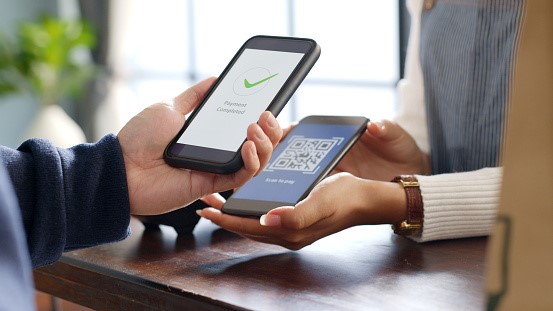
The final step is to use your QR code. You can do this by placing the QR code in a visible location in your business (e.g., on your counter or near the entrance) and telling customers that they can scan the code to leave a review. Alternatively, you could include the QR code on marketing materials such as flyers or posters. If you have a website, you could also add the Google Reviews QR code to your website so that visitors can scan it and leave a review.
Ideas To Use Your QR Code For Google Review
There are many ways that you can use your QR Code for Google reviews. You can put it on your business card, website, or promotional materials. Here are some ideas to help you get started:
1. Promotional Materials
Use your QR code on promotional materials. You can include it on flyers, posters, and other marketing materials. This will help promote your business and get more people to leave reviews.
2. Email Signature
Include your QR code in your email signature. It will help build trust with new contacts and give your email that little extra something. Also, it is a quick and easy way for people to leave reviews, and it allows you to promote your business with every email you send.
3. Flyers and Posters
Include your QR code on any flyers or posters you create for your business. This is a great way to promote your business and get more reviews simultaneously.
4. Window Decals
Window decals are a great way to get exposure for your QR code. Place them in strategic locations where potential customers are sure to see them.
5. Website Widget
If you want to display your Google reviews on your website, you can use a Google Reviews widget. There are a few different ways to do this, but one easy way is to use the Google Places API. This will allow you to embed a Google Map on your site and show your current rating and number of reviews. You can also link the widget to your GMB page so that people can leave reviews directly from your website.
6. Business Cards
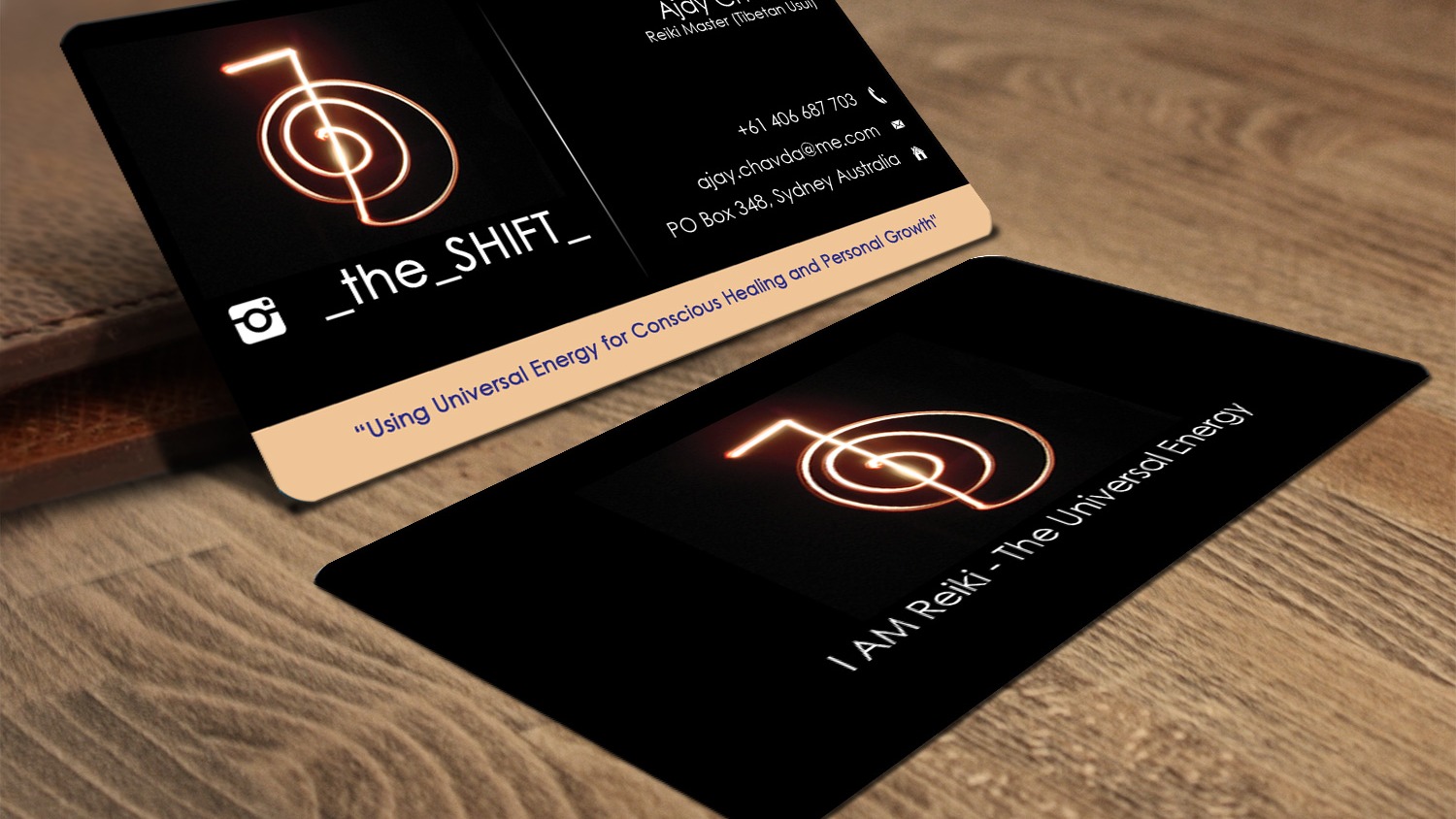
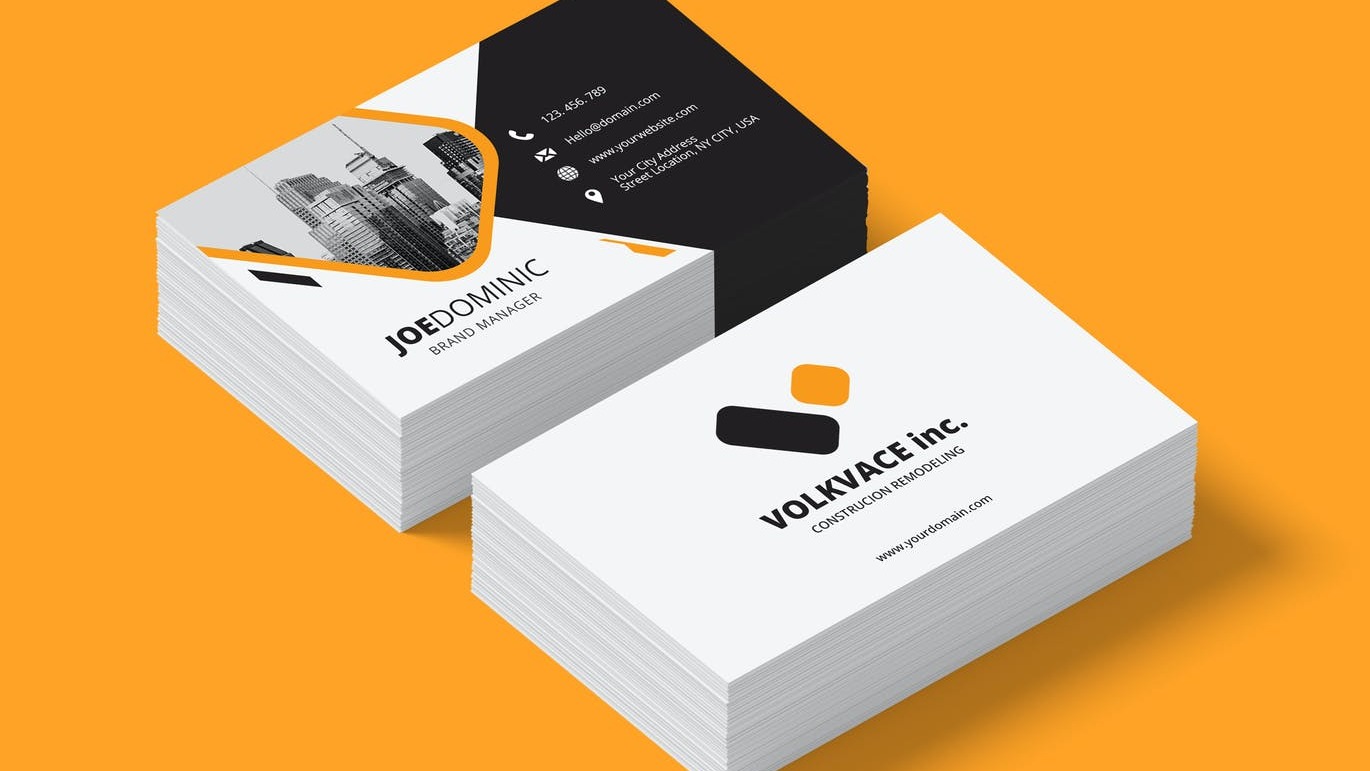
Add your QR code to your business cards. Depending on your design, you can put it on the back or the front. This is a great way to ensure potential customers can easily find your Google reviews.
Use Zapped To Create Your Virtual Business Card And QR Code
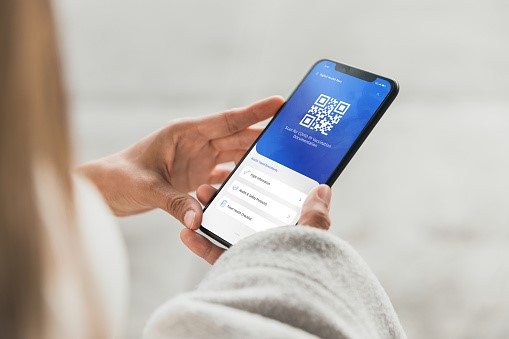
Zapped is an online tool that allows you to create a virtual business card. You can add your name, contact information, and links to your social media profiles. You can also add a QR code that links to your Google reviews page.
This is a great way to promote your business and make it easy for potential customers to find and read your reviews.
Some features of Zapped include:
- Customize your card with your logo, colors, and fonts
- Choose from a variety of templates
- Add your photos and videos
- Share your card via email, social media, or embed it on your website
- Get detailed analytics on who views your card and how they found it
Creating a virtual business card with Zapped is easy and only takes a few minutes. Sign up for a free account today and start promoting your business!
Final Thoughts
If you're looking to get more Google reviews, a QR code is a great way to make the process easier for your customers. By providing a QR code that links directly to your Google review page, you can make it easier for customers to leave a review. Also, it increases the chances that they'll take the time to do so.
If you're looking for an easy way to boost your online presence, consider using a QR code to collect Google reviews. Create it with Zapped and use it anywhere you want.
We hope this guide has helped you understand how to get a QR code for your Google review page. If you have any further questions, feel free to reach out to us, and we'll be happy to help.