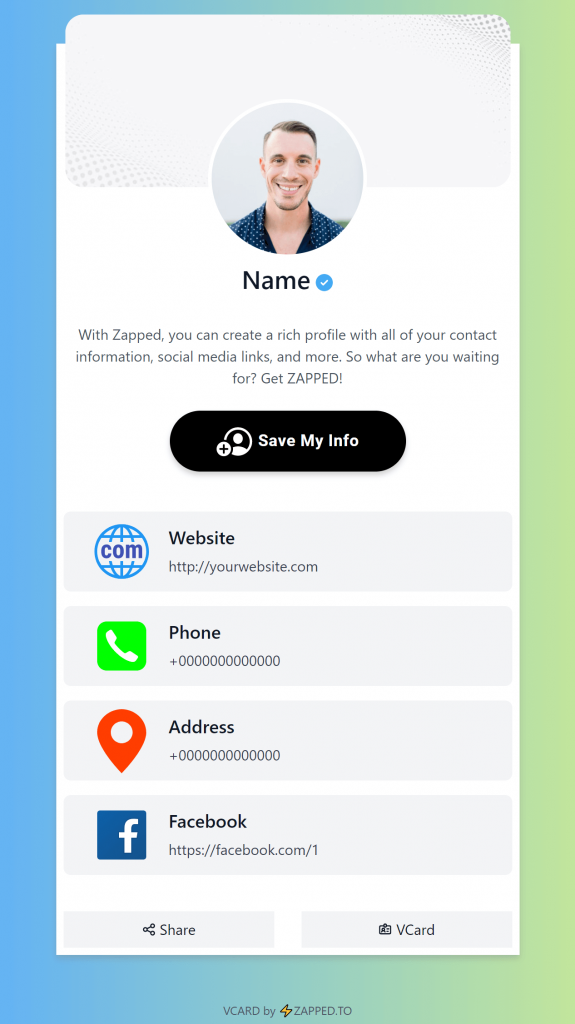
Digital contact cards are changing paper business cards, but the best answer is often a paper handoff plus a live profile.
Quick answer
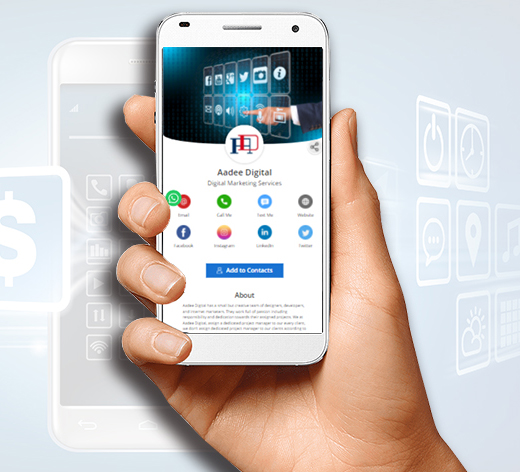
Digital contact cards are replacing some paper-only business card use, but they are not eliminating paper completely. The practical shift is that paper now works best as a doorway to a live profile, while the digital card handles saving contact details, links, booking, and future updates.
Key takeaways
- Make the recipient journey clear before choosing the card format.
- Use QR or NFC as entry points, not as the whole strategy.
- Point scans and taps to an editable destination whenever details may change.
- Test the complete flow before printing or rolling it out.
What this means in practice
The old paper card had to carry every detail. The modern paper card only needs to start the journey because the digital profile can carry the changing details.
A refreshed business card should answer three questions quickly: who is this person, why should I care, and what should I do next? When the card points to a live profile, those answers can change as the business changes.
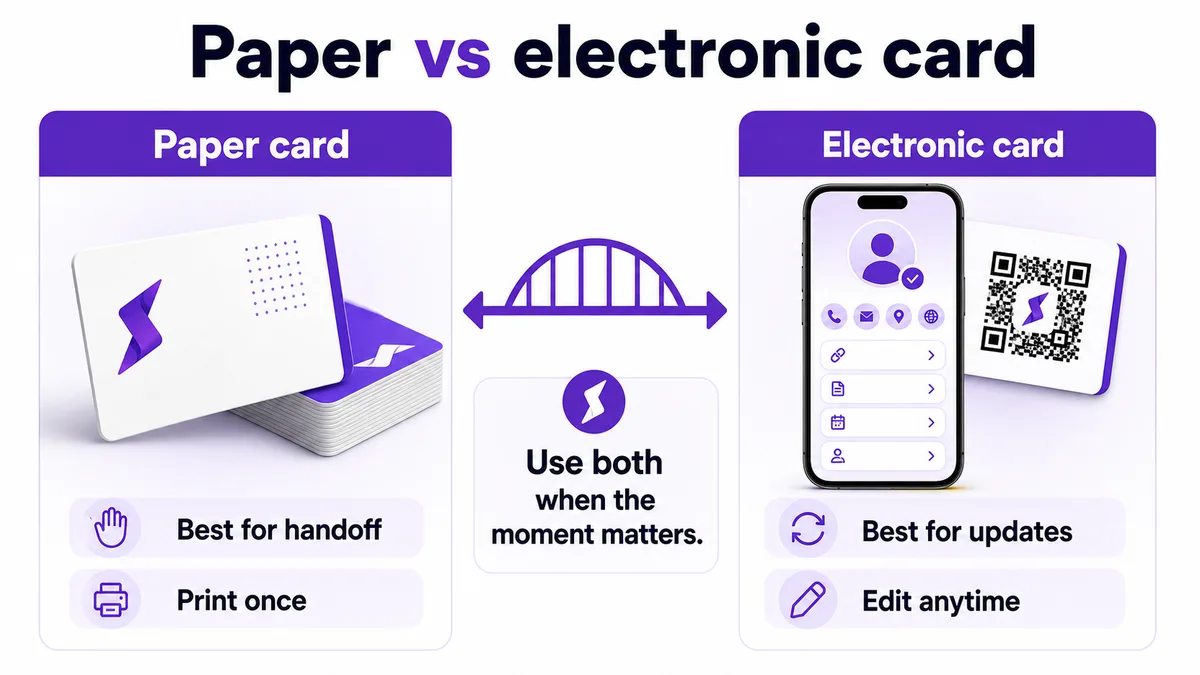
Paper vs electronic cards at a glance
| Format | Best for | Watch out for |
|---|---|---|
| Paper card | Familiar physical handoff | Details can go stale |
| Electronic card | Updates, links, and saving contacts | Needs a clean mobile profile |
| Paper plus digital profile | Best overall workflow | Requires a maintained QR or NFC destination |
This visual shows how the card design, scan path, and profile destination work together.
How to use this well
Start with the outcome. If the goal is a saved contact, make the save action obvious. If the goal is booking, put the booking link near the top. If the goal is local trust, include reviews, service area, and a clear way to call or request a quote.
Do not send every person to a generic homepage. A business card scan or tap should open a page made for that handoff. The page can still link to the full website, but it should not make the recipient hunt for the basic next step.
Why paper is not disappearing completely
Digital contact cards are replacing many weak paper handoffs, but paper still has a role when the physical object supports the brand. A card can be a reminder, a credential, a leave-behind, or a premium touchpoint. What is changing is the expectation that the paper card should connect to something editable and useful online.
That means the question is less about deleting paper and more about upgrading what the paper card does after someone receives it.
What digital contact cards improve
Digital contact cards make updates easier, reduce duplicate printing, and give recipients a cleaner path to save details. They can also include context that would never fit on a small card: reviews, booking, galleries, menus, case studies, and team pages. For businesses with changing offers or multiple staff, the live profile becomes the reliable source of truth.
Where Zapped fits
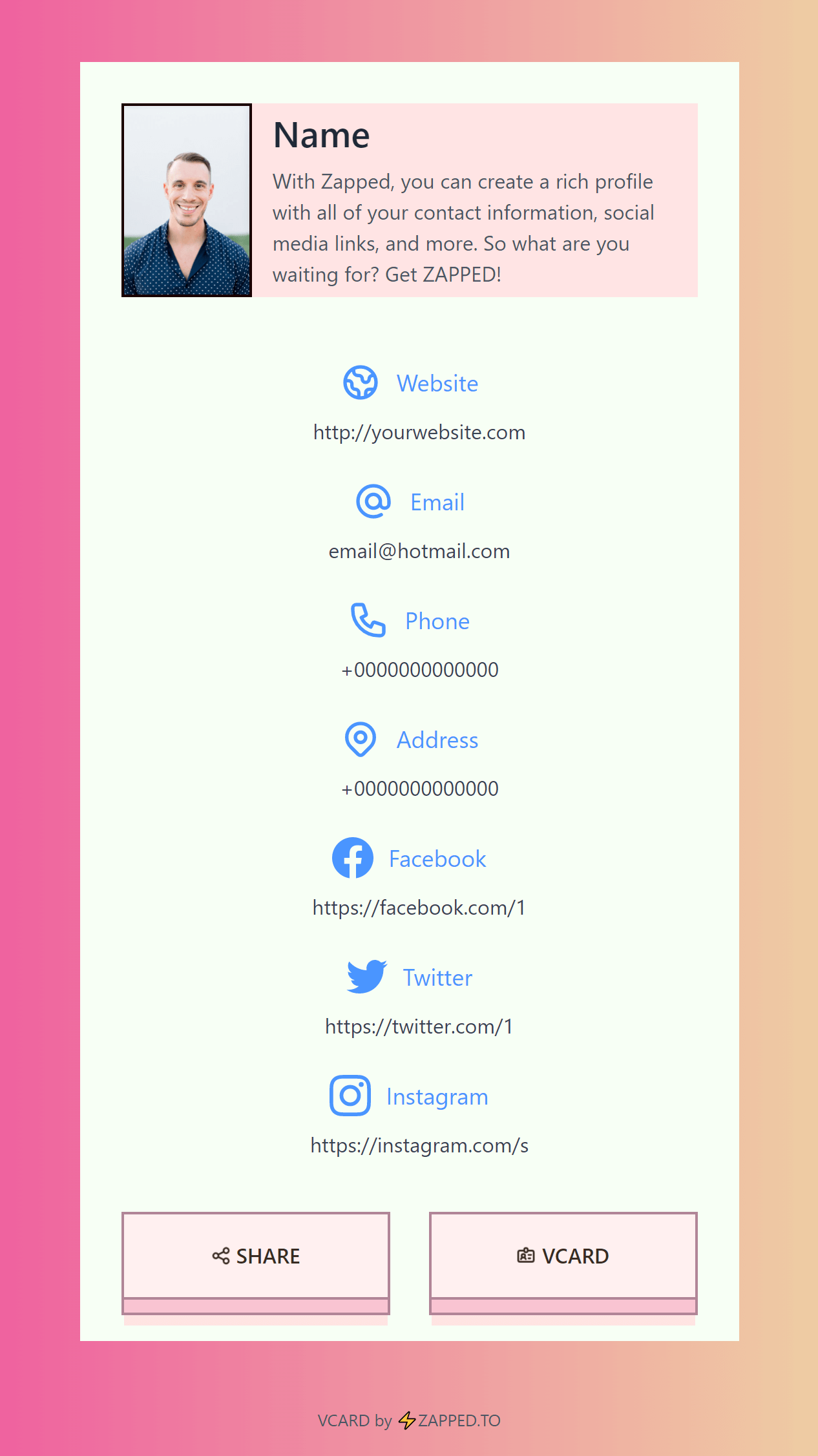
Zapped is useful when the card, QR code, NFC tap, and direct link should all point to one live business profile. That profile can hold contact details, booking links, social links, review links, company pages, and save contact actions without forcing the recipient to install an app.
The practical advantage is maintenance. Instead of reprinting or rewriting every card when details change, you update the Zapped profile and keep the sharing path intact.
Examples by use case
For a conference card, the profile might show a headshot, role, company, calendar link, LinkedIn, and one event-specific offer. For a local service card, it might show phone, service area, quote request, reviews, and a photo gallery. For a sales team, it might show product links, meeting booking, company page, and a save-contact button.
The format changes, but the principle stays the same: the card should continue the conversation that started in person. If the recipient only needs your phone number, keep it simple. If they need context before they act, give them the proof and next step in the profile instead of trying to squeeze everything onto the printed card.
Before you publish or print
Use this final pass before the card goes live:
- Open the profile from the exact QR code or NFC chip that will be used.
- Confirm the profile headline, photo, company name, and primary action match the real handoff.
- Test the save-contact action and every high-priority link on iPhone and Android.
- Check that the printed card still works if the recipient ignores NFC and scans the QR code instead.
- Ask one person outside the project to scan it and explain what they think the next step is.
That last test is valuable because most card problems are clarity problems. If the person hesitates, the profile or printed card needs simplifying before it reaches customers.
FAQs
Do people need an app to open the card?
No. A strong recipient experience opens in a normal browser from a QR code, NFC tap, direct link, or message.
Should I use QR or NFC?
Use QR when visibility matters and NFC when fast close-range sharing matters. Many business cards should use both.
What should the profile include?
Include contact details, a save contact action, website or company link, and the most important next step for that audience.
How should I test the card?
Test the QR code, NFC tap, page speed, save contact action, and important links on both iPhone and Android before printing or sharing widely.
Sources
- NFC Forum technical overview for NFC tap behavior and common NFC use cases.
- IETF RFC 6350 for the vCard contact data format.
- Google Business Profile review guidance for review link and QR code workflows.