Deleting a Google Business Profile is permanent for the owner managed content, but it does not always make the business disappear from Google Search and Maps immediately. Before you remove anything, decide whether you want to stop managing the profile, mark the business closed, or remove the profile content and managers.
Quick answer
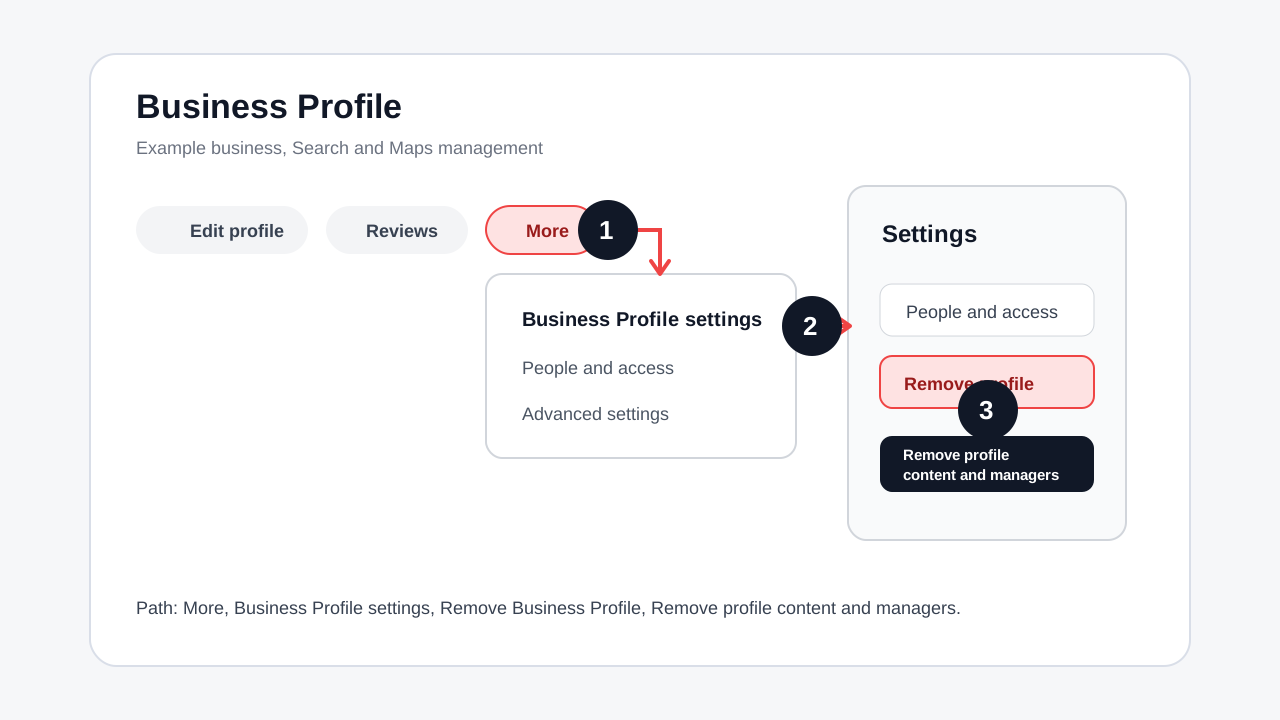
To remove a Google Business Profile you own, go to your Business Profile, open More, choose Business Profile settings, select Remove Business Profile, choose Remove profile content and managers, then confirm with Continue, Remove, and Done. Only primary owners can remove profile content and managers.
Choose the right action first
Do not jump straight to removal. The right option depends on what you actually need.
| Your situation | Best action | Why |
|---|---|---|
| The business permanently closed | Mark the business permanently closed | Customers see the status instead of thinking you are open |
| You sold the business | Transfer primary ownership | The new owner keeps the profile history and can manage updates |
| You are an agency or former employee | Remove yourself from access | You stop managing the profile without deleting business content |
| The profile is fake, duplicate, or ineligible | Request removal from Google Search and Maps | Owner removal alone may not remove public listings |
| You own the profile and want owner content removed | Remove profile content and managers | This removes owner managed content and access |
What Google removes
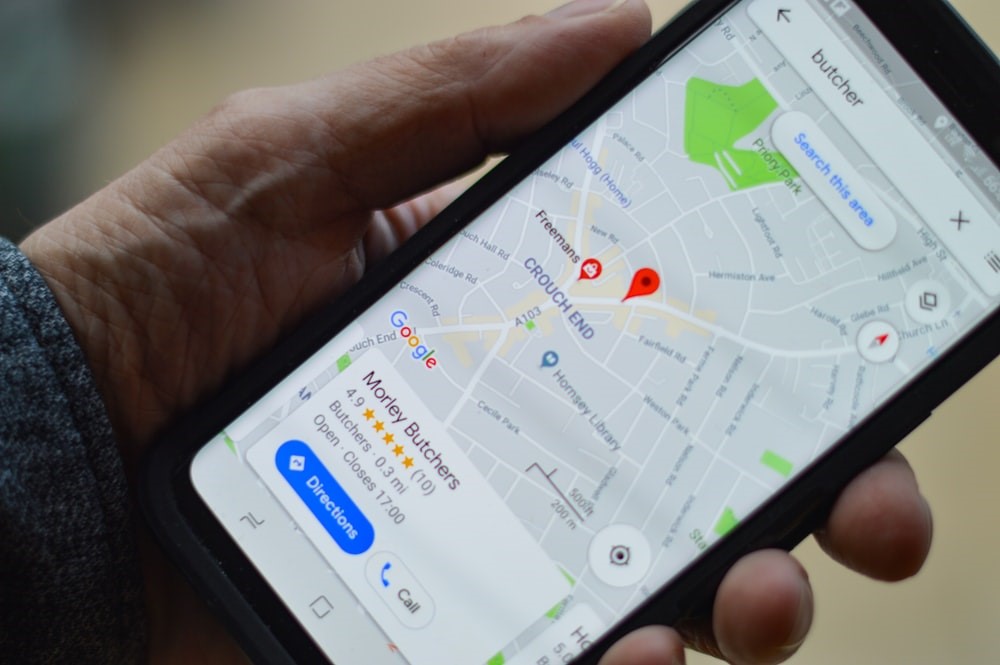
When a primary owner removes profile content and managers, Google says owner managed posts, photos, videos, and review replies are permanently removed. User generated content and reviews may remain. The business can still appear on Search and Maps unless Google considers it ineligible or it gradually disappears after being marked closed.
That distinction matters. If your real goal is "customers should know we are closed," mark it closed. If your goal is "I should not manage this profile anymore," remove your own access. If your goal is "this profile should not exist on Google," use Google's request removal process.
How to delete or remove one Google Business Profile
- Sign in to the Google account connected to the profile.
- Go to your Business Profile from Google Search, Google Maps, or Business Profile Manager.
- Select More.
- Select Business Profile settings.
- Select Remove Business Profile.
- Select Remove profile content and managers.
- If the business is closed, choose the option to mark it permanently closed before removal.
- Select Continue.
- Select Remove.
- Select Done.
After this, check Google Search and Maps from a signed out browser. Do not expect every public trace to disappear instantly.
How to remove multiple Business Profiles
Use this only when you manage several locations and you are sure each one should be removed.
- Open Business Profile Manager.
- Sign in with the Google account that manages all profiles.
- Select the profiles you want to remove.
- In the top right, select Actions.
- Select Remove businesses.
- Confirm with Remove.
If Google shows an error, remove the profiles one at a time. Some profiles have owner, verification, or age limitations that block bulk removal.
How to remove yourself without deleting the profile
If you are a manager, agency user, contractor, or former employee, this is usually the safer choice.
- Go to the Business Profile.
- Select More.
- Select Business Profile settings.
- Select People and access.
- Select your own user entry.
- Select Stop managing.
- Confirm.
If you are the primary owner, transfer primary ownership first. Google does not let a primary owner remove themselves until another user becomes the primary owner.
What to check before deleting
- Are you signed into the correct Google account?
- Are you the primary owner?
- Has your owner or manager access existed for at least 7 days?
- Have you downloaded photos, posts, and profile details you may need later?
- Have you saved review reply records if your team needs them?
- Do customers need a permanently closed notice before the profile disappears?
- Is there another owner who should receive primary ownership instead?
- Do your website, QR codes, business cards, and social profiles still point to this Google listing?
Replace the profile link before removal
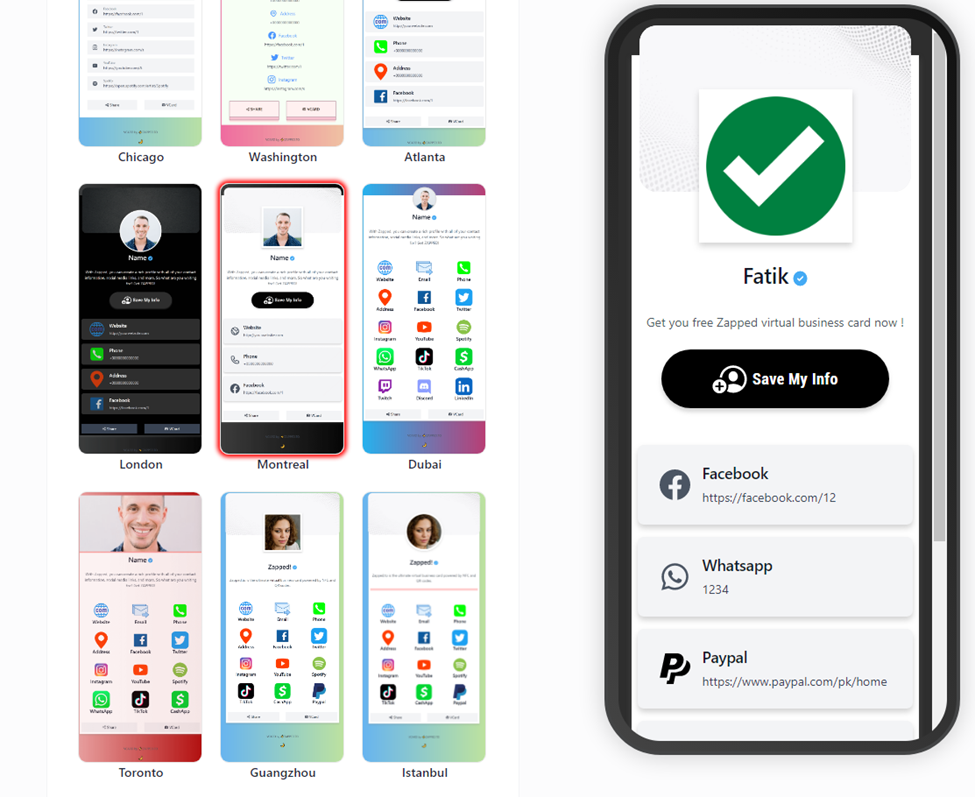
If the Google Business Profile was printed on business cards, menus, signs, packaging, or appointment cards, update the destination before you remove it. A digital profile can help because one QR code or link can point customers to the current phone number, booking page, reviews, location, and social links.
Useful follow-up guides:
- QR code for Google reviews
- Find new customers with e-business cards
- Digital cards for business marketing
Troubleshooting
I cannot see Remove Business Profile
You may not be signed into the correct account, you may only have manager access, or your owner access may be too new. Google limits some owner and manager actions during the first 7 days.
I am the primary owner and cannot remove myself
Transfer primary ownership to another owner first. After the transfer, you can remove your own access from People and access.
The business still appears on Google
Owner removal does not guarantee instant removal from Search or Maps. If the business is closed, mark it permanently closed. If the listing is fake, duplicated, or should not be on Google, use Google's profile removal request flow.
Reviews are still visible
Google says user generated content and reviews may remain. Removing profile content mainly affects owner managed content, managers, posts, photos, videos, and review replies.
I deleted the profile by mistake
Removed content cannot be recovered through normal profile management. To manage the business again, you may need to re-verify the Business Profile.
FAQs
Is deleting a Google Business Profile the same as deleting a Google account?
No. You are removing the Business Profile content and management access. Your Google account remains separate.
Can a manager delete a Google Business Profile?
No. Google says only primary owners can remove profile content and managers. Managers can remove themselves from a profile.
Should I delete the profile or mark it permanently closed?
Mark it permanently closed if customers need to know the business is closed. Remove profile content and managers only when you are sure the owner managed content and access should be permanently removed.
Can I remove a profile from Search and Maps completely?
Not always through owner removal alone. If the listing is ineligible, fake, or duplicated, use Google's request removal path for Search and Maps.
Sources
- Google Business Profile Help, remove a Business Profile for current removal steps and ownership limits.
- Google Business Profile Help, manage owners and managers for removing users, removing yourself, and owner permission rules.
- Google Business Profile Manager for managing multiple profiles.
- Zapped digital business card features for shareable profile, QR, and team contact workflows.